
Listen to this Post
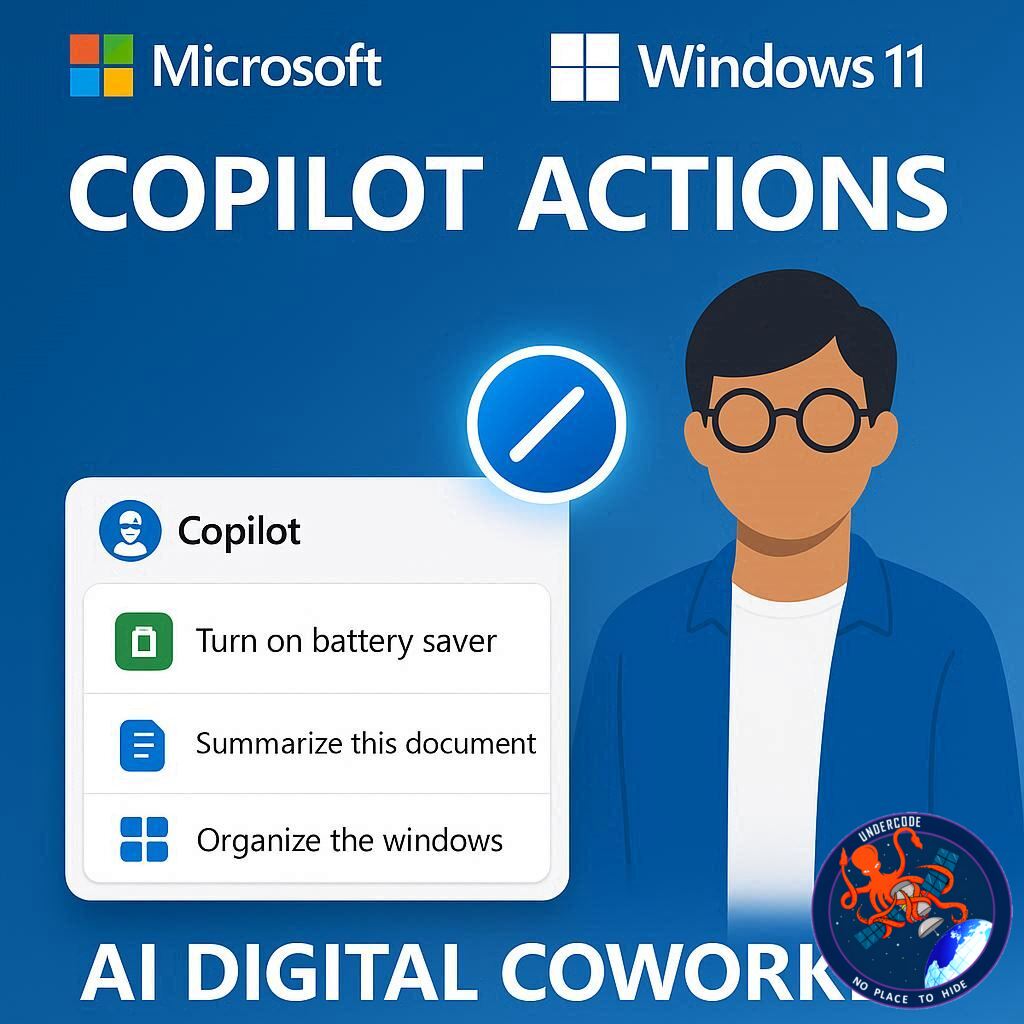
Microsoft is pushing the boundaries of AI integration in Windows 11 with its latest announcement: Copilot Actions. This new feature aims to transform the way users interact with their PCs by enabling AI to perform real tasks on their behalf. From managing files and updating documents to booking tickets or sending emails, Copilot Actions is designed to act not just as a digital assistant but as a fully functional digital coworker embedded directly within the Windows environment. Building on the earlier Copilot Actions for the web introduced in May, Microsoft is now expanding these capabilities to local files and apps, bringing AI closer to users’ everyday workflows.
Copilot Actions
Copilot Actions operates as an intelligent AI agent capable of “clicking, typing, and scrolling” in a human-like manner to complete tasks across applications and data stored on a PC. Users maintain control over the process, providing permission before the AI begins a task, monitoring progress, and having the option to approve, pause, or override actions. This agentic approach means the AI is more than just a passive tool—it becomes an active participant in workflow, handling repetitive or complex operations seamlessly.
The feature is currently available for Windows Insiders through Copilot Labs, allowing early adopters to experiment with the technology and offer feedback on its performance. Microsoft emphasizes security and transparency, introducing several measures to ensure safe usage. Each AI agent operates under a separate account with limited permissions, all of which are adjustable or revocable by the user. Only agents signed by trusted sources are allowed, preventing malicious software from masquerading as legitimate AI tools. Additionally, agents work within isolated workspaces, keeping user data private while allowing oversight of all actions taken.
Copilot Actions is expected to streamline routine digital tasks, reduce friction in multitasking, and help users maintain focus on higher-priority work. Its integration across local files and apps signals a step toward a more proactive AI experience, where machines actively assist rather than passively respond.
What Undercode Say:
Microsoft’s Copilot Actions represents a major evolution in AI productivity tools, bridging the gap between passive virtual assistants and proactive digital coworkers. The key innovation lies in the agentic behavior—the AI doesn’t just respond to commands but takes initiative within clearly defined boundaries. By integrating directly into local files and apps, Microsoft addresses a longstanding limitation of cloud-only AI solutions, which often required users to transfer data online or rely on web-based interfaces.
The design also reflects a sophisticated understanding of user trust and security. Separate AI accounts with limited permissions, isolated workspaces, and the ability to revoke agent access provide layers of protection that are crucial as AI becomes more autonomous. This approach mitigates concerns about data privacy, malware, and accidental misuse, which are often cited as barriers to broader adoption of AI in enterprise and personal computing environments.
From a usability standpoint, Copilot Actions may redefine productivity. Automating mundane tasks like document edits, scheduling, and email management frees cognitive bandwidth for more creative or analytical work. Furthermore, the AI’s ability to “see and reason” about tasks introduces a level of contextual intelligence rarely seen in desktop AI tools, enabling more nuanced task execution.
Microsoft’s strategy also signals a shift toward ecosystem lock-in. Users invested in Windows 11 will benefit from a more tightly integrated AI experience, which could influence future adoption trends across professional and consumer markets. Early access through Copilot Labs allows Microsoft to refine the tool with real-world feedback, potentially positioning Windows as the premier OS for AI-enhanced productivity.
However, challenges remain. The balance between automation and user control is delicate; too much autonomy risks errors or frustration, while too little diminishes the tool’s value. The reliance on trusted sources for agent signing is a strong security measure, but it also limits flexibility for third-party developers who wish to extend functionality. Ultimately, the success of Copilot Actions will hinge on its ability to deliver meaningful productivity gains while maintaining transparency and trust.
The move is also indicative of the broader trend of AI moving closer to the user, not just in cloud services but embedded directly in devices. By integrating vision, reasoning, and task execution, Microsoft is effectively creating a digital coworker that can adapt to individual workflows and personal productivity styles. This could redefine expectations for desktop computing, where AI transitions from a passive helper to an active collaborator.
Fact Checker Results:
✅ Microsoft announced Copilot Actions for Windows 11, expanding AI capabilities to local files and apps.
✅ Copilot Actions functions as an agent capable of performing tasks like editing documents and sending emails with user approval.
❌ There are no reports yet of full public release; currently, it is limited to Windows Insiders via Copilot Labs.
Prediction:
📊 Copilot Actions is likely to redefine personal and professional productivity, positioning AI as a standard feature of desktop computing. Over the next 12–18 months, early adoption by Windows Insiders could influence mainstream adoption, leading to a wave of AI-driven workflows. Expect Microsoft to gradually integrate these features across Microsoft 365 apps, making Copilot an essential tool for task automation and digital collaboration. As users grow more comfortable with autonomous AI agents, similar technologies may expand into enterprise software, transforming traditional office environments into hybrid human-AI workplaces.
🕵️📝✔️Let’s dive deep and fact‑check.
References:
Reported By: timesofindia.indiatimes.com
Extra Source Hub (Possible Sources for article):
https://www.pinterest.com
Wikipedia
OpenAi & Undercode AI
Image Source:
Unsplash
Undercode AI DI v2
Bing
🔐JOIN OUR CYBER WORLD [ CVE News • HackMonitor • UndercodeNews ]
📢 Follow UndercodeNews & Stay Tuned:
𝕏 formerly Twitter 🐦 | @ Threads | 🔗 Linkedin | 🦋BlueSky | 🐘Mastodon


