
Listen to this Post
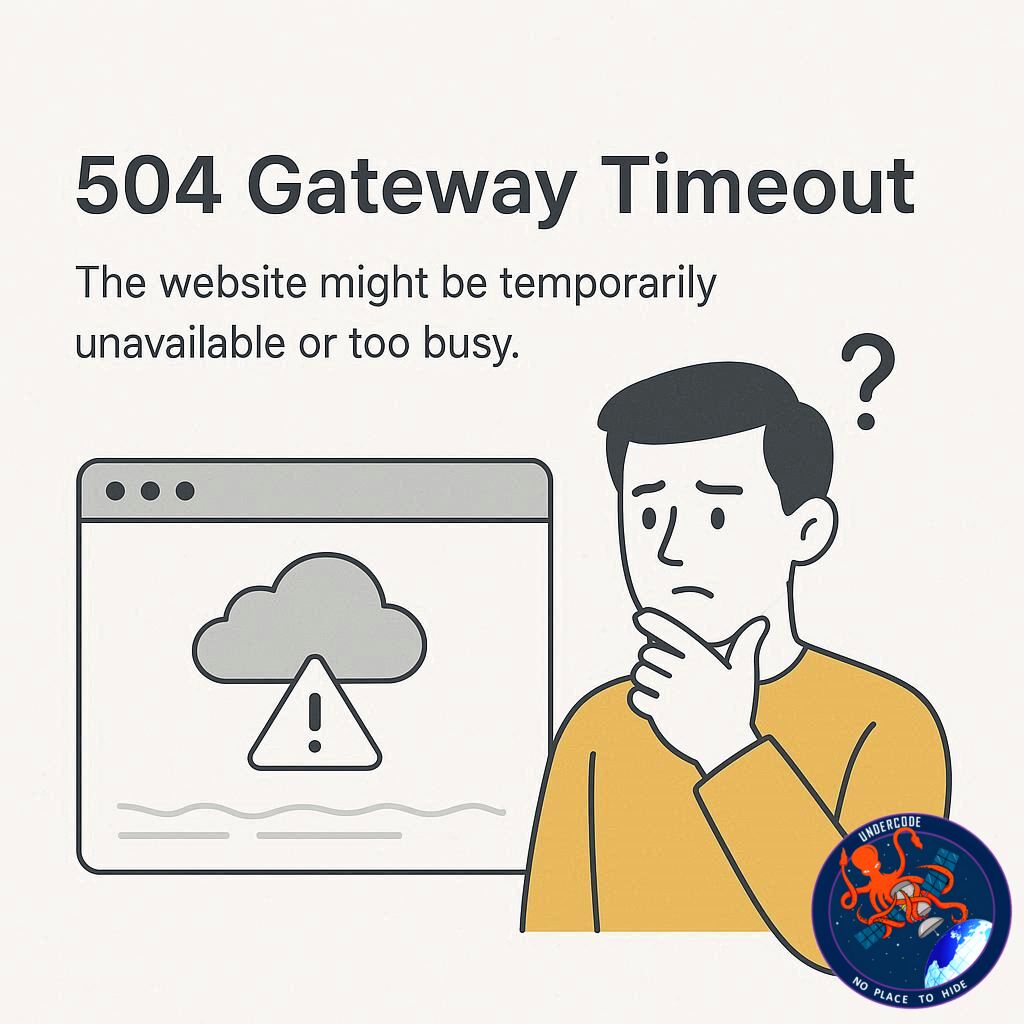
A sudden interruption while browsing can be frustrating, especially when all you see is a stark error message on your screen. One of the most common yet confusing errors is the 504 Gateway Timeout. This error often leaves users questioning whether the issue is on their end, the server’s end, or somewhere in between. Understanding what triggers this problem and how it affects web traffic can save both users and website administrators valuable time.
The 504 Gateway Timeout error occurs when a server acting as a gateway or proxy fails to receive a timely response from an upstream server. In simpler terms, when your browser requests a web page, the server communicates with another server to fetch the content. If the upstream server takes too long to respond, the gateway server gives up and returns a 504 error. Common causes include network congestion, server overload, misconfigured firewalls, or even temporary server outages.
This error can appear on any website using intermediary services like Cloudflare, which act as a protective layer between users and the actual web server. For instance, Cloudflare’s network often reports whether the issue lies with the host server or within the network itself, helping administrators diagnose the problem more efficiently. Users typically encounter a message suggesting they try again later, as many 504 errors are temporary and resolve once server traffic stabilizes.
The 504 error is more than an inconvenience; it reflects underlying issues in the website’s infrastructure. It can signal that the server cannot handle the volume of requests, that database queries are timing out, or that there are connectivity problems between servers. Repeated occurrences can affect search engine rankings, user trust, and overall site reliability. This error is often accompanied by other diagnostic hints such as the specific time of failure, user location, browser status, and server host, which help IT teams pinpoint the root cause.
What Undercode Say:
Analyzing the 504 Gateway Timeout error reveals deeper insights about modern web infrastructure. Firstly, it emphasizes the dependency of websites on multi-layered networks, where each component—from origin servers to CDN proxies—must communicate seamlessly. When one link in this chain fails, even temporarily, it results in a visible disruption for users. For businesses, this can translate to lost revenue, diminished credibility, and increased support requests.
From a technical perspective, the 504 error often indicates either a performance bottleneck or misconfiguration. Servers might be underpowered for high traffic, or upstream systems may be failing to respond due to overloaded databases or excessive API calls. Network-level issues, including firewalls, DDoS mitigation systems, or routing problems, can also trigger this error. Administrators need to monitor server health continuously, optimize response times, and use caching strategies to minimize upstream dependency risks.
Cloudflare and similar services have reduced the frequency and impact of these errors by providing intelligent routing and load balancing. However, reliance on such services introduces additional complexity: if the intermediary network fails, it can mask the actual source of the problem. Therefore, comprehensive monitoring, logging, and redundancy are essential. Website owners should implement failover servers, optimize backend processes, and configure timeouts sensibly to reduce the likelihood of a 504.
User experience is equally important. When a visitor encounters a 504 error, clear messaging, estimated wait times, and retry options improve user perception. Over time, businesses that actively manage downtime and communicate transparently with users can mitigate the negative impact of intermittent outages. This also ties into SEO considerations, as repeated downtime may lower a site’s ranking in search results.
The broader takeaway is that a 504 Gateway Timeout is not just a transient inconvenience; it is a symptom of deeper structural and operational issues. Addressing these requires both technical expertise and strategic planning, from load balancing and database optimization to network infrastructure resilience. Businesses that treat these errors proactively can ensure higher reliability, faster performance, and better user satisfaction.
Fact Checker Results:
✅ 504 Gateway Timeout occurs when a server fails to receive a timely response from an upstream server.
✅ Cloudflare often helps identify whether the problem lies with the host or network.
❌ The error is rarely caused solely by a user’s browser or device.
Prediction:
📊 With increasing internet traffic and reliance on cloud-based services, 504 errors may become more visible during peak usage unless servers and CDNs optimize performance. Companies investing in automated monitoring, load balancing, and resilient network architecture are likely to see fewer outages, improved user trust, and stronger SEO performance over the next few years.
🕵️📝✔️Let’s dive deep and fact‑check.
References:
Reported By: www.darkreading.com
Extra Source Hub (Possible Sources for article):
https://www.stackexchange.com
Wikipedia
OpenAi & Undercode AI
Image Source:
Unsplash
Undercode AI DI v2
Bing
🔐JOIN OUR CYBER WORLD [ CVE News • HackMonitor • UndercodeNews ]
📢 Follow UndercodeNews & Stay Tuned:
𝕏 formerly Twitter 🐦 | @ Threads | 🔗 Linkedin | 🦋BlueSky | 🐘Mastodon


