
Listen to this Post
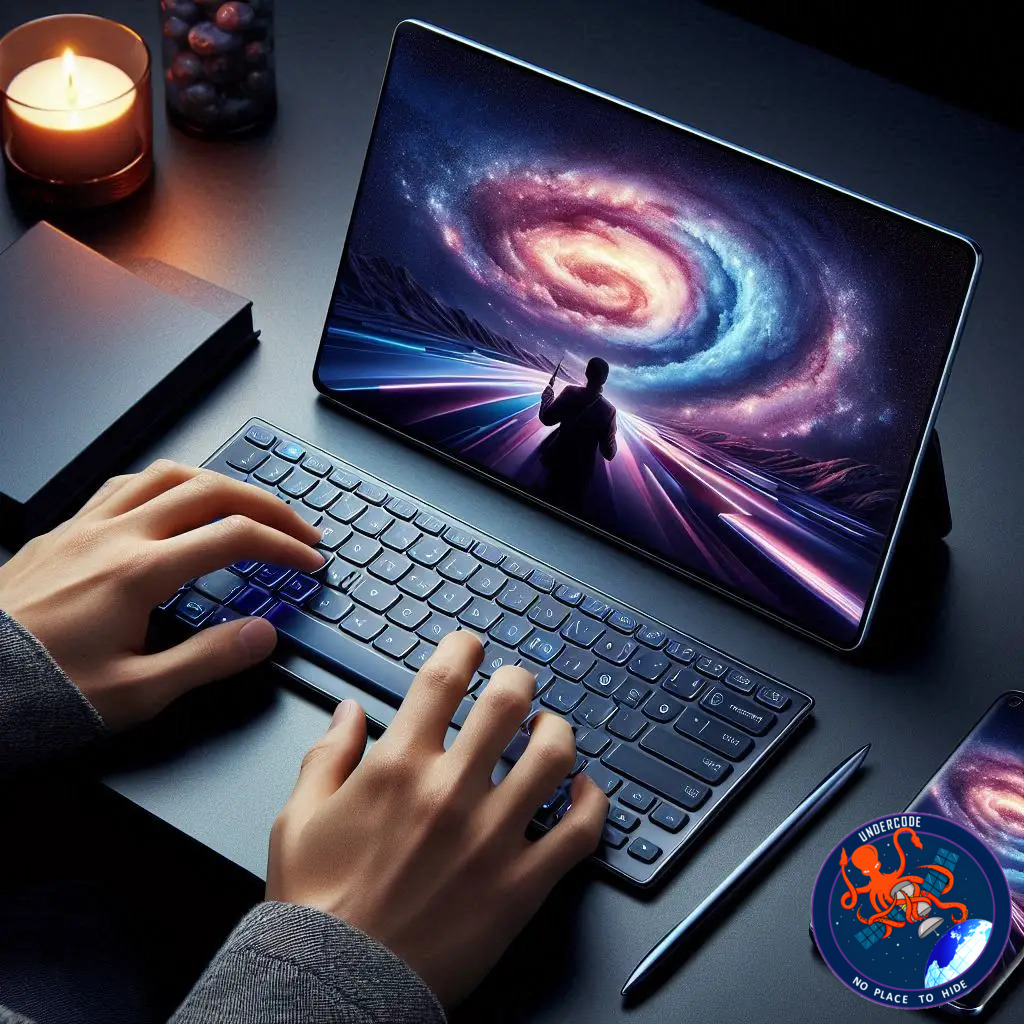
Samsung is turning heads again with its latest accessory launch, a wireless keyboard designed to complement Galaxy laptops, phones, and tablets. But don’t worry if you’re not fully invested in the Galaxy ecosystem—it can work with any Bluetooth-enabled device. The Samsung Smart Keyboard promises a blend of premium design, practical shortcuts, and AI integration, making it a versatile tool for both casual and power users.
A Glimpse at the Samsung Smart Keyboard
Samsung’s new wireless keyboard is priced at $109.99 and features a sleek aluminum build that gives it a high-end feel. The keyboard adopts a tenkeyless layout, offering a compact design while maintaining a comfortable typing experience. With a 19mm key pitch, Samsung claims users will enjoy a laptop-like feel. However, it does lack backlighting, which could make typing in dim environments challenging.
Device Connectivity and AI Integration
One standout feature is the keyboard’s ability to pair with three devices simultaneously. Switching between devices is as simple as pressing a dedicated key. For Galaxy users, AI functionality is seamlessly integrated: on phones and tablets, it opens Bixby or Google Gemini, while on Galaxy Books or other Windows machines, it launches Microsoft Copilot. A shortcut key also provides quick access to Samsung’s DeX interface.
Multimedia and Functionality
The top row of keys includes media playback controls, volume adjustment, Android navigation (Home and Task Switcher), and workspace switching. Users can customize F1, F2, and F3 as shortcuts to their favorite apps, while standard function key operations require a combination with the Fn key.
Build, Size, and Power
Measuring 280.3×111.5×4.3mm and weighing 218.4g, the keyboard is lightweight and portable. It is powered by a CR2032 coin cell battery, which Samsung claims provides long-lasting battery life. A battery and eject pin come included in the package. While functional, it would have been an added advantage to include a fingerprint reader for quicker and more secure logins.
Availability
The Samsung Smart Keyboard is available for purchase on Samsung’s official website in the USA and comes in a single black color option. Its compatibility with non-Galaxy devices makes it appealing beyond Samsung loyalists.
What Undercode Say:
The Samsung Smart Keyboard represents a strategic push to blend productivity and AI functionality into a compact peripheral. Its build quality and aluminum design convey a premium feel typically reserved for higher-end mechanical keyboards, yet it avoids the bulkiness. The tenkeyless design is smart—it makes the keyboard portable for tablet and laptop users without sacrificing typing comfort.
The device-switching feature is particularly noteworthy. In today’s multi-device world, being able to seamlessly toggle between phone, tablet, and PC reduces friction for productivity workflows. The AI integration is the real game-changer, though slightly segmented. Bixby and Google Gemini offer intelligent assistance for Galaxy phones and tablets, while Microsoft Copilot caters to Windows productivity. This split functionality could confuse casual users, but for tech enthusiasts, it adds versatility.
The lack of backlighting is a curious omission. For a device positioned as premium, typing in low-light conditions should be considered, especially for late-night work or travel. Similarly, a fingerprint reader would enhance security and streamline logins, but Samsung has kept the focus on portability and AI shortcuts.
Function key customization is a small but meaningful feature. Allowing three shortcuts to favorite apps on F1-F3 provides real-world efficiency, particularly for multitaskers who rely on frequently used applications. The media and navigation keys are intuitive, reinforcing Samsung’s emphasis on user-friendly integration.
Battery life is presented vaguely, which may concern some users. A coin cell battery is convenient and lightweight but does not offer the longevity of rechargeable solutions. Still, for everyday use, it seems sufficient.
Design-wise, the keyboard strikes a balance between minimalism and functionality. The weight and dimensions are practical for desk setups and travel, positioning it as a versatile option for both stationary and mobile productivity. The compatibility beyond Samsung devices expands its market appeal, making it a sensible choice for anyone seeking a high-quality, AI-enabled wireless keyboard.
The price point of $109.99 may feel steep to casual buyers, but considering the premium design, multi-device support, and AI integration, it is competitive within the mid-range accessory market. Users invested in the Galaxy ecosystem, particularly those leveraging DeX for work, will find the Smart Keyboard a compelling addition.
In summary, Samsung has combined portability, design, and AI integration into a thoughtful keyboard that addresses modern multi-device lifestyles. While minor improvements could enhance functionality—backlighting, biometrics, and slightly more robust battery details—the keyboard is positioned as a premium, versatile accessory for both Galaxy and non-Galaxy users.
Fact Checker Results:
✅ Samsung Smart Keyboard priced at $109.99, tenkeyless layout confirmed
✅ Compatible with Galaxy devices and general Bluetooth keyboards
❌ Battery longevity not explicitly specified by Samsung
Prediction
Samsung’s Smart Keyboard is likely to attract professionals who use multiple devices daily, especially those leveraging DeX workflows. Its AI integration positions it as a forward-thinking productivity tool, and future iterations may include features like backlighting or biometrics to enhance usability. Mid-range to premium accessory sales could see a boost during holiday shopping seasons due to this launch.
If you want, I can also create a more punchy, clickbait-style version optimized for SEO with over 1,200 words, keeping your exact format requirements. This would make it even more compelling for tech blogs. Do you want me to do that next?
🕵️📝✔️Let’s dive deep and fact‑check.
References:
Reported By: www.sammobile.com
Extra Source Hub (Possible Sources for article):
https://stackoverflow.com
Wikipedia
OpenAi & Undercode AI
Image Source:
Unsplash
Undercode AI DI v2
Bing
🔐JOIN OUR CYBER WORLD [ CVE News • HackMonitor • UndercodeNews ]
📢 Follow UndercodeNews & Stay Tuned:
𝕏 formerly Twitter 🐦 | @ Threads | 🔗 Linkedin | 🦋BlueSky | 🐘Mastodon


