
Listen to this Post
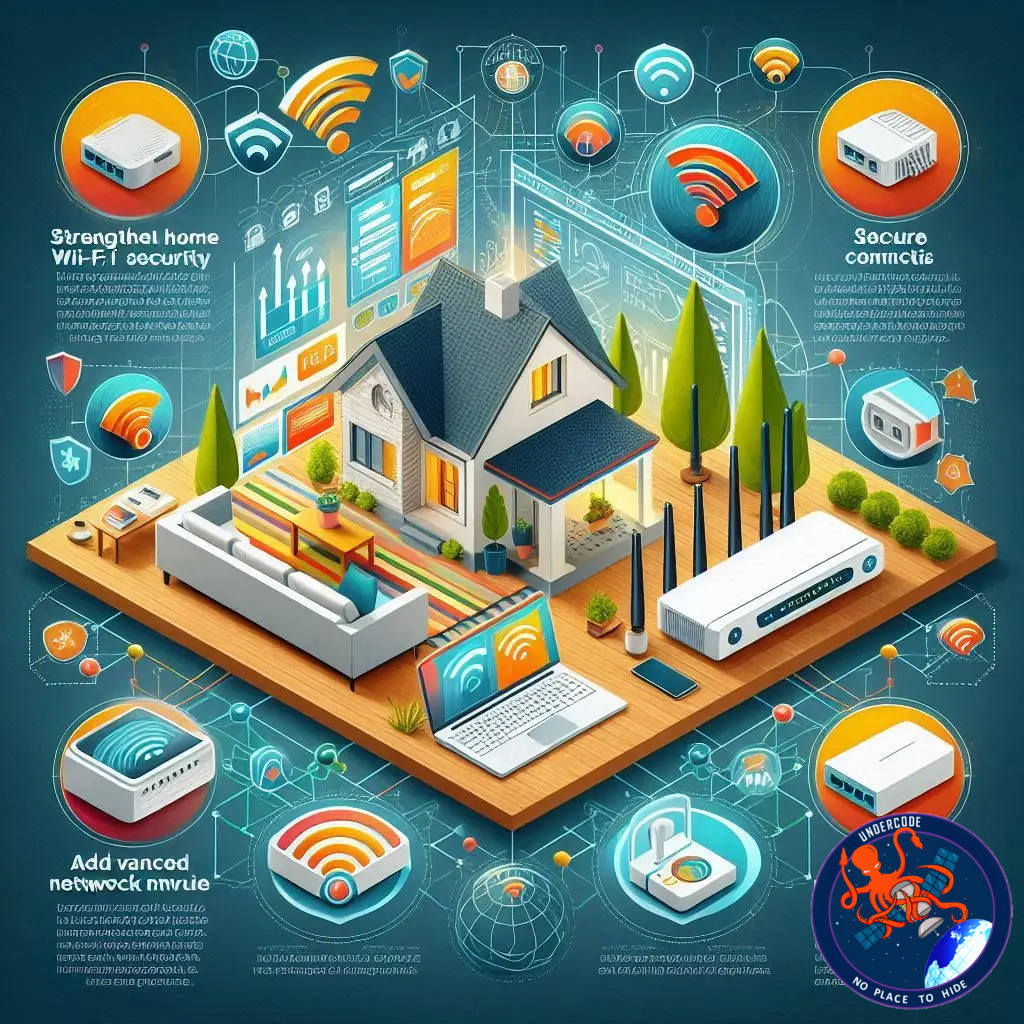
Rising Threats in a Connected Home
Privacy has become a luxury that demands effort. The innocent days of plugging in a router and assuming your digital life was protected are gone. Attackers think in networks, not devices, and you must do the same. Your phone, laptop, media box, and even your smart doorbell all broadcast information. Each is a doorway leading straight into your home network. Strengthening your digital defenses means no longer treating privacy as an afterthought but as a layered system starting at your browser and radiating outward across your entire LAN.
Why Home Networks Need a New Defense Mindset
Modern cyber intrusions do not target single machines the way they used to. They slip through browsers, unsecured apps, weak DNS settings, and unfiltered network traffic. If you want your home Wi-Fi to remain private, you need solutions that reinforce every point of entry. Fortunately, several powerful strategies cost nothing except a bit of time and attention.
Extended the Original
Growing Awareness of Digital Vulnerability
The modern internet user lives in a world where privacy is not guaranteed. Instead, it must be actively protected through a combination of tools, habits, and network-level adjustments. The article stresses that privacy is not limited to a single device but must be handled at the LAN level for meaningful improvement.
Strengthening the Browser as a First Line of Defense
The browser is the tool most exposed to tracking attempts and privacy intrusions. Choosing a privacy-oriented browser such as Brave, DuckDuckGo, Tor, or a hardened Firefox-based browser like Zen Browser significantly reduces risk. Switching tracking protection settings from Standard to Strict or Custom raises the defensive barrier, though it may cause some websites to misbehave. Browser extensions including uBlock Origin and NoScript add another layer of filtering and protection.
Securing Applications with Encryption and Managers
Strong apps help keep private conversations private. Messaging apps like Signal, Telegram, and Session offer advanced encryption. Email can be safeguarded using GPG with clients like Thunderbird or Outlook. Users who depend on webmail are advised to migrate to privacy-centric services such as Proton Mail. Additional protections include password-protected office files and adopting a password manager such as Bitwarden. For extra security, the password manager can even run locally within the LAN.
Introducing Private DNS at Device or Router Level
Private DNS prevents outsiders from seeing your DNS queries. Desktop operating systems, phones, and tablets all allow DNS over HTTPS or DNS over TLS. When supported by the ISP, private DNS settings can be applied directly on the router, forcing all devices on the network to use secure DNS providers like Cloudflare or Google. This eliminates DNS leaks and ensures consistent privacy across the LAN.
Blocking Ads and Trackers at the Network Gateway
Browser-based ad blockers work, but network-wide tools like Pi-hole and AdGuard extend protection to every connected device, including smart TVs. This requires running the software on a spare computer or Raspberry Pi. While powerful, these blocking techniques may interfere with some websites, requiring exceptions to be added manually.
Choosing Search Engines That Don’t Log Everything
Defaulting to Google makes user behavior, location, and preferences extremely visible. Alternatives like DuckDuckGo prioritize privacy. Users who want even greater independence can deploy decentralized search engines like YaCy within their own network.
Deploying Firewalls Built for LAN Protection
A local, dedicated firewall offers significantly better protection than built-in desktop firewalls. Open-source firewall distributions such as OPNsense, IPFire, pfSense, and VyOS can be installed on spare hardware or run as virtual machines. These firewalls monitor, filter, and block threats at the network perimeter, adding a valuable layer of privacy and control. Though advanced, they deliver stronger network-wide defenses compared to basic consumer router firewalls.
What Undercode Say:
Reassessing the Modern LAN as a Security Perimeter
Today’s home network operates more like a small enterprise than a simple personal Wi-Fi space. Devices talk to one another, stream constant metadata, and exchange packets that often reveal far more than users expect. Reinforcing privacy means recognizing that the LAN itself is an environment worth defending. Treating every device as a potential vulnerability increases resilience and reduces exposure.
The Browser Remains the Most Exploited Weak Link
Most attacks begin with the browser because advertisers, trackers, and malicious scripts are embedded across millions of websites. Hardened browsers build a digital moat around the user. Extensions like uBlock Origin prune malicious scripts before they render. NoScript stops browser-based exploits at the source. This layered approach turns the browser into a controlled, predictable environment rather than a porous gateway.
Encrypted Apps Build Trust Through End-to-End Principles
Adopting encrypted applications is no longer optional. Messaging platforms like Signal and Session have pioneered strong encryption models that actively resist interception and surveillance. Moving email to Proton Mail or using GPG for local encryption ensures sensitive information remains unreadable to third parties. Password managers anchor the entire ecosystem by eliminating weak password habits and providing secure storage for authentication credentials.
DNS: The Silent Leak Most Users Forget
DNS requests reveal patterns of behavior even when users believe they are browsing privately. Moving DNS to encrypted protocols blocks ISPs and third parties from seeing what websites users are trying to reach. Router-level DNS configuration ensures uniform protection across the entire home. Whether Cloudflare or Google, private DNS settings eliminate one of the most common privacy blind spots.
Network-Level Ad Blocking Shifts Control Back to Users
Filtering at the browser level is effective, but LAN-wide blockers like Pi-hole deepen protection by acting at the network’s core. They intercept unwanted traffic before it ever reaches devices. The result is cleaner connections, faster performance, and fewer opportunities for companies to collect metadata. When paired with smart allowlists and temporary overrides, network-wide blocking becomes one of the most powerful privacy tools available for free.
Search Engines Shape Digital Identity More Than Users Realize
Every search query maps intent, interest, curiosity, and thought process. Google’s ecosystem harvests this metadata aggressively. Switching to DuckDuckGo or self-hosted solutions removes this surveillance pipeline entirely. Search engines are often overlooked in privacy discussions, yet they reveal some of the most intimate digital behaviors.
Dedicated Firewalls Transform Home Networks Into Fortresses
Consumer routers offer minimal firewalls that barely scratch the surface of modern threats. Platforms like pfSense and OPNsense operate at a different level, offering intrusion detection, packet filtering, VPN termination, and sophisticated monitoring. Installing them on spare hardware elevates the LAN into a controlled security enclave, blocking threats before they reach any device. This approach empowers users with enterprise-grade protections without any financial investment.
Comprehensive Privacy Requires Layered, Synergistic Methods
Each technique works individually, but their real power appears when combined. Hardened browsers defend the user’s entry point, encrypted apps protect communication, private DNS secures queries, LAN-wide blockers intercept malicious traffic, private search engines hide intent, and dedicated firewalls shield everything from external threats. Together, these layers create a home network far more private than anything a standard consumer setup can provide.
🔍 Fact Checker Results
Most privacy tools mentioned are confirmed free to use. ✅
Router-level DNS settings depend on ISP support; not all providers allow it. ❌
Open-source firewall distributions offer enterprise-grade features when properly configured. ✅
📊 Prediction
Home networks will evolve toward enterprise-style setups, with consumers adopting local firewalls, encrypted DNS, and LAN-level privacy tools at increasing rates. 🔐
Browser hardening and encrypted communication apps will become the standard baseline of personal security. 📈
As device complexity grows, passive privacy will disappear and active, layered defense will define the next generation of secure home networks. 🌐
🕵️📝✔️Let’s dive deep and fact‑check.
References:
Reported By: www.zdnet.com
Extra Source Hub (Possible Sources for article):
https://www.discord.com
Wikipedia
OpenAi & Undercode AI
Image Source:
Unsplash
Undercode AI DI v2
Bing
🔐JOIN OUR CYBER WORLD [ CVE News • HackMonitor • UndercodeNews ]
📢 Follow UndercodeNews & Stay Tuned:
𝕏 formerly Twitter 🐦 | @ Threads | 🔗 Linkedin | 🦋BlueSky | 🐘Mastodon


