
Listen to this Post
Introduction
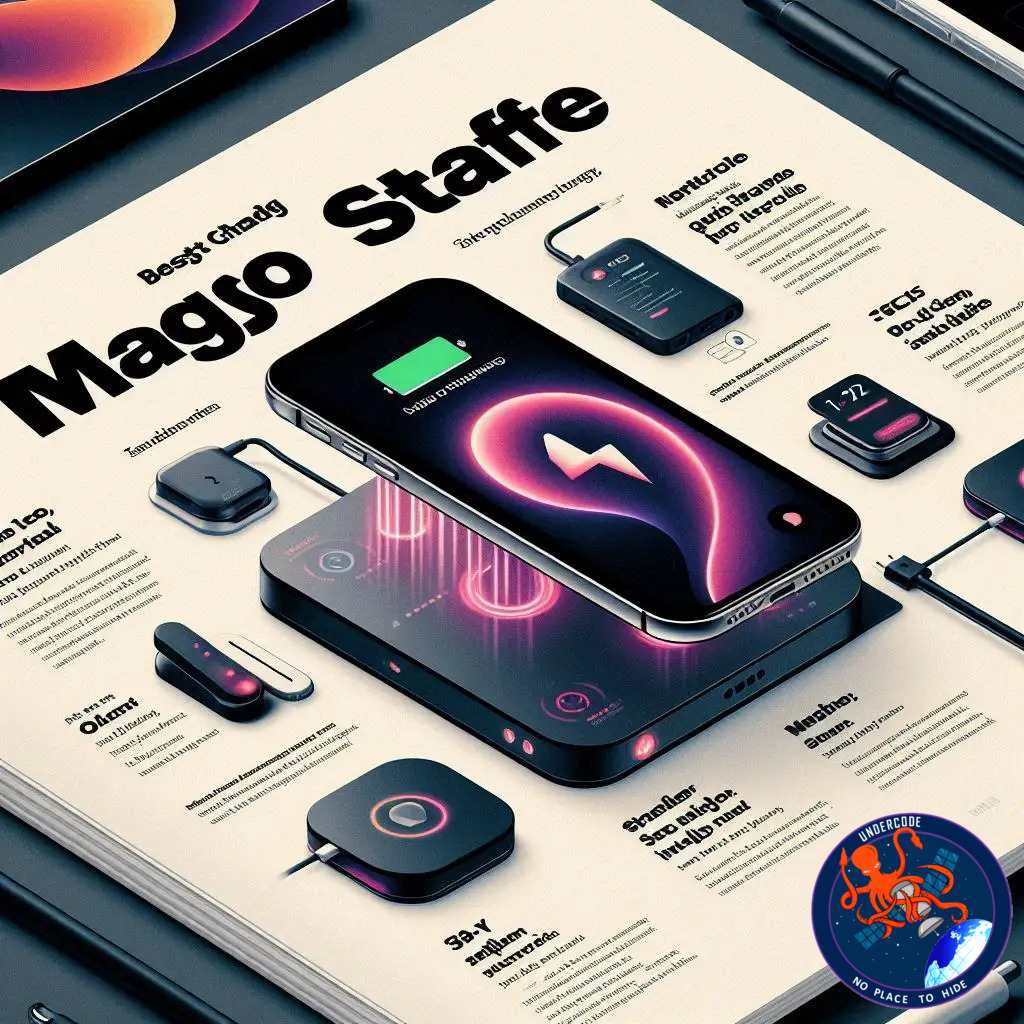
StandBy transformed the iPhone from a simple device into a bedside dashboard, a desk companion, and a living-room display that quietly blends beauty with utility. With iOS 17, Apple turned the act of charging into a feature. Slide the iPhone sideways, set it on a stand, and suddenly you have a smart display showing clocks, photos, widgets, and notifications in bold, glanceable detail. But the real magic appears only when paired with the right MagSafe stand — one that holds the iPhone upright, keeps it cool, and remembers your preferred layout through MagSafe’s location awareness. Below is a complete, refreshed, human-written look at the best MagSafe stands that elevate StandBy mode into a daily essential.
StandBy Mode Explained
StandBy arrived in iOS 17 as a smart lock-screen interface that activates only when the iPhone is on its side and charging. The screen becomes a helpful display showing photos, widgets, clock faces, Live Activities, and Siri responses in a full-screen format designed for readability at a distance.
Customizable Visual Display
Apple built StandBy with personalization at its core. Users can choose curated photo themes such as Nature, Pets, Cities, and People, or pull from specific photo albums. The interface can flip between frames like a digital gallery.
Clock Faces With Functionality
Alongside photos, StandBy offers clock themes including Digital, Analogue, Float, Solar, and World. Some faces display extra information like alarms and temperature, making an idle iPhone more functional.
Smart Notifications and Live Activities
Messages, alerts, timers, and live scores appear in a clean, full-screen style. Everything is visible from across the room without picking up the phone.
Location-Aware via MagSafe
One of the smartest details: MagSafe stands trigger different presets. Your nightstand can show a calm clock, while your office stand loads widgets and calendar events instantly.
Easy Control in Settings
Users can customize StandBy through the Settings app, enabling or disabling features as needed.
Top MagSafe Stands Perfect for StandBy Mode
Belkin UltraCharge Pro 3-in-1 MagSafe Charger (Qi2.2)
Belkin’s latest flagship charger supports the Qi2.2 standard with up to 25W wireless charging for iPhone. It also fast-charges Apple Watch and includes a platform for AirPods. With its premium construction, cooling fan, and included 45W adapter, it’s built for longevity. Black Friday discounts make it even more appealing.
Belkin Foldable 3-in-1 Charger (Qi2)
A more compact and travel-friendly version, this foldable charger supports MagSafe-level performance and remains one of the best portable StandBy accessories.
Twelve South HiRise 3 Deluxe
A favorite among multi-device chargers, this vertical stand charges iPhone, Apple Watch, and AirPods from one outlet. The adjustable iPhone angle is perfect for StandBy, while the official 15W MagSafe module ensures proper speeds. Space-saving and elegant, it’s one of the best-priced Black Friday deals available.
Belkin MagSafe 2-in-1 Wireless Charger
Stylish, compact, and MagSafe-certified, Belkin’s 2-in-1 stand combines a modern aesthetic with reliable charging. The small circular footprint works on cramped desks, and Apple certification guarantees StandBy memory presets.
Satechi 3-in-1 Wireless Charging Station (MagSafe + Qi2)
Satechi’s newest 3-in-1 charger supports 15W MagSafe, fast Apple Watch charging, and a foldable design ideal for travel. It transitions from desk stand to portable cube effortlessly, making it a top pick for hotel-friendly setups.
Anker 3-in-1 Cube With MagSafe
Praised for its engineering, this cube-shaped charger folds into itself yet expands into a complete 15W MagSafe stand with Apple Watch fast charging. Compact, clever, and ideal for minimalists.
Nomad Stand One
For users seeking premium build quality, the Nomad Stand One delivers a polished metal-and-glass design with a fixed 21-degree viewing angle tailored for StandBy. It supports 15W MagSafe charging and pairs beautifully with modern interiors.
Nomad also offers the Stand One Max, a 25W version, though the standard model is more than enough for nightstands — especially when discounted.
Satechi Aluminum 2-in-1 Magnetic Wireless Charging Stand
This aluminum stand mimics Belkin’s design but at a more accessible price. The compromise: it’s not MagSafe-certified, meaning the iPhone charges at 7.5W. Still a stylish option if speed isn’t essential.
Other Recommended Stands
Elago MS1 Charging Stand
Spigen OneTap Pro MagFit
Anker 3-in-1 Wireless Charging Station
UGREEN 2-in-1 Magnetic Wireless Charging Station
Anker PowerWave 2-in-1 Magnetic Stand
What Undercode Say:
StandBy mode represents a subtle shift in how Apple envisions passive device interaction. What once was a locked phone on a table becomes a mini-hub of contextual information driven by MagSafe awareness. The ecosystem-ready nature of this feature reveals Apple’s long-term focus: a home filled with devices that adapt quietly to location, habit, and orientation.
MagSafe’s role is bigger than fast charging. It’s a digital anchor. Each MagSafe stand becomes a location token, giving iOS a way to recall customized layouts. This is why official MagSafe certification matters — third-party magnetic stands without certification won’t trigger the same memory mapping behavior.
The accessory market is responding fast. Qi2 has unlocked higher wireless speeds, making non-Apple-branded chargers more competitive. Brands like Satechi and Anker are embracing compactness, while Belkin and Twelve South pursue luxury and multi-device functionality. The result is a diverse ecosystem where users can prioritize speed, material quality, travel-friendliness, or multi-charging convenience.
From a design perspective, upright stands are clearly winning. StandBy’s UI is meant to be viewed, not glanced sideways on a flat pad. Chargers that elevate the screen — the HiRise, UltraCharge Pro, Nomad Stand One — provide the ideal ergonomic angle.
The broader trend: the iPhone is becoming a passive display when idle. First came the Always-On Display. Then came StandBy. Apple is inching toward a world where the iPhone integrates into room ambiance — part digital frame, part clock, part assistant. Stands are no longer just chargers; they’re functional furniture pieces.
For frequent travelers, foldable Qi2 stands solve an old problem: keeping multiple devices topped up without carrying three separate chargers. For desk setups, metal MagSafe stands create a clean visual line that matches Apple’s minimalist design ethos.
In practical use, StandBy shines on nightstands. A dimmed clock, alarms, and silent notifications create a calmer waking experience. On work desks, widgets like calendar, reminders, and weather turn the iPhone into a helpful second screen without the distraction of unlocking it.
Looking at the market dynamics, premium materials still command higher prices, but seasonal sales are making high-end stands surprisingly affordable. This is narrowing the performance gap between budget and flagship chargers. Still, the stands with full MagSafe certification retain a functional edge: reliability, faster charging, and preset memory.
As Qi2 adoption spreads, the next wave of chargers will likely hit 25W or more while shrinking in size. Combined with Apple’s focus on spatial awareness, future stands may integrate sensors or adaptive lighting to enhance StandBy further.
In short, StandBy has quietly reshaped the accessory industry. It’s no longer about charging alone — it’s about transforming idle time into useful, glanceable information, delivered through well-designed hardware.
Fact Checker Results
StandBy mode activates only when the iPhone is charging and positioned horizontally. ✅
MagSafe stands can store location-based layout presets for StandBy. ✅
Non-MagSafe stands provide full StandBy visuals but cannot store location presets. ❌
Prediction
StandBy-optimized MagSafe stands will become standard desk and bedside accessories within the next year.📱
As Qi2 matures, expect 25W+ universal chargers to replace today’s 15W models.⚡
Apple will likely expand StandBy layouts, adding more interactive modules for clocks, smart home controls, and Live Activities.🔮
🕵️📝✔️Let’s dive deep and fact‑check.
References:
Reported By: 9to5mac.com
Extra Source Hub (Possible Sources for article):
https://www.quora.com
Wikipedia
OpenAi & Undercode AI
Image Source:
Unsplash
Undercode AI DI v2
Bing
🔐JOIN OUR CYBER WORLD [ CVE News • HackMonitor • UndercodeNews ]
📢 Follow UndercodeNews & Stay Tuned:
𝕏 formerly Twitter 🐦 | @ Threads | 🔗 Linkedin | 🦋BlueSky | 🐘Mastodon


