Listen to this Post
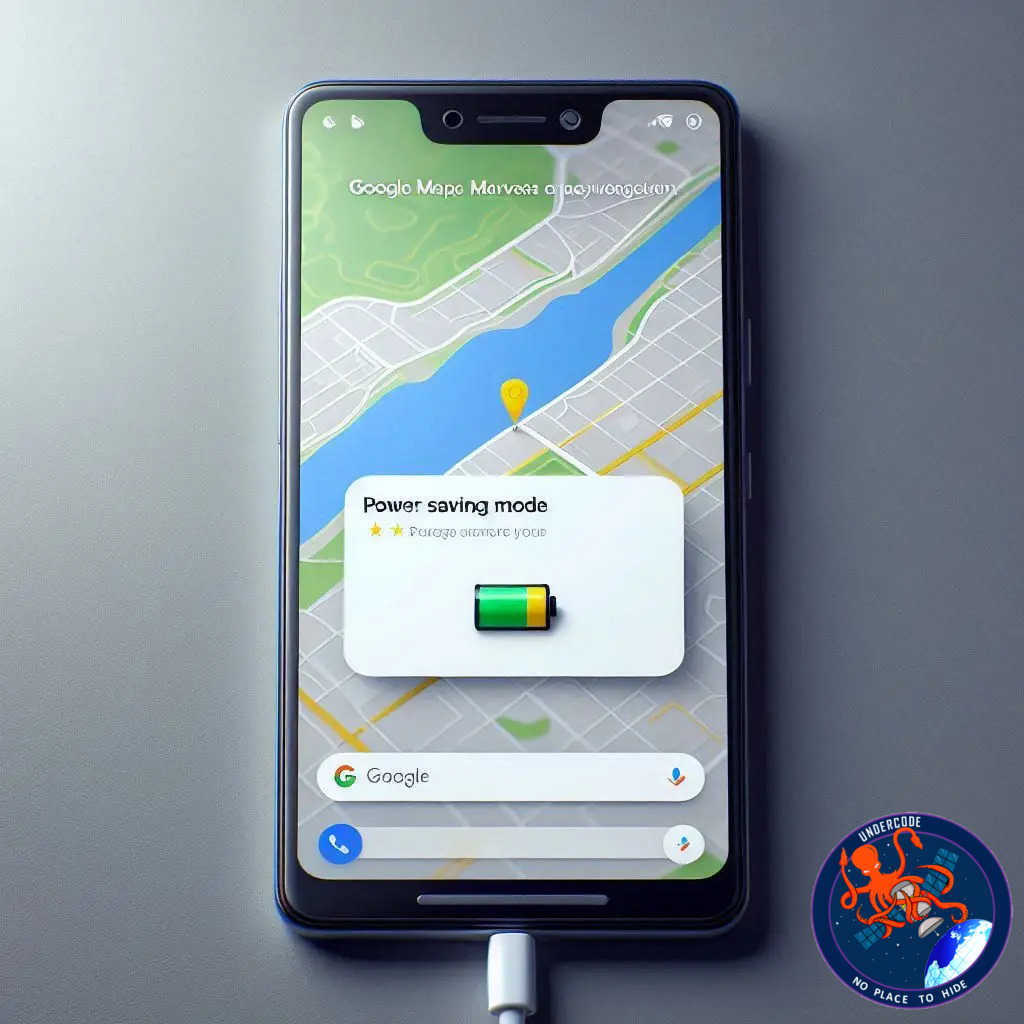
A Smarter Way to Save Battery on the Road
Google’s newest Feature Drop has introduced a surprisingly practical upgrade for Pixel 10 users, one that targets a problem every driver has faced at least once, the anxiety of watching your battery drain while relying on navigation. The new Power Saving mode in Google Maps arrives as a focused attempt to stretch battery endurance when it matters most, reducing visual complexity and stripping the UI down to the bare essentials. It feels like a thoughtful refinement rather than a flashy gimmick, designed to help drivers finish their trip without rushing to find a charger.
the Original
A Minimalist UI Built for Efficiency
Google Maps’ new Power Saving mode activates a pared-down interface, turning the navigation view into a simplified black-and-white layout. All non-essential visuals are removed to limit battery consumption, leaving only the components that matter for driving.
Essential Components on Screen
The interface keeps a small set of key elements visible. The status bar stays at the top for quick reference. The next turn instructions remain clearly positioned, and route progress continues to display at the bottom of the screen. All secondary buttons, floating menus, speed indicators, and Google Assistant shortcuts vanish to avoid unnecessary power draw.
Quick Access to Full Functionality
Despite the minimalist design, users can easily switch back to the full-featured Maps experience. Tapping the screen or pressing the power button instantly restores the standard interface, and swiping down provides access to notifications without leaving navigation mode.
Automatic Deactivation at Arrival
Power Saving mode is meant to be hands-free after activation. Once the user reaches the final destination, the system switches back to the normal Maps environment automatically, removing the need for manual toggling.
Tested Performance Gains
Google claims this mode can extend navigation time by up to four additional hours on Pixel 10 devices. Their internal tests were carried out in California during late 2025, using 90 percent display brightness and no adaptive brightness. While real-world results may differ, the potential savings are substantial.
External Factors That Affect Results
The company notes that power consumption still depends on external conditions, such as display brightness, traffic density, temperature, and overall phone usage. Drivers who keep their brightness high or frequently interact with the screen might see slightly reduced benefits.
Compatible Pixel 10 Models
The rollout includes the entire Pixel 10 family. Pixel 10, Pixel 10 Pro, Pixel 10 Pro XL, and Pixel 10 Pro Fold all support the feature. Users across this lineup will receive the simplified Google Maps interface designed to extend battery life during long drives.
Practicality Above All Else
This update focuses on functional improvements rather than flashy visuals or experimental AI. The primary goal is a smoother, safer navigation experience when the battery is running low or when users simply want more efficient power usage during long trips.
A Focused Approach to the Feature Drop
Among Google’s recent releases, this addition stands out for its simplicity. It shows a continued emphasis on optimizing core system apps for real-world conditions instead of adding layers of futuristic complexity.
A Feature Built Around Real User Behavior
Drivers frequently rely on Google Maps for longer sessions than almost any other app. The introduction of a dedicated low-power navigation mode aligns with how people use their devices during extended driving scenarios.
What Undercode Say:
A Strategic Move Toward Sustainable Mobile Use
Google’s decision to build a power-optimized navigation mode is more forward-thinking than it appears. With each generation, smartphones become more powerful, yet battery technology has not kept pace. This feature reflects Google’s understanding that efficiency, not just performance, has become a cornerstone of modern mobile design.
Minimalism as a Functional Design Philosophy
By reducing Maps to only essential elements, Google leans into a design philosophy that improves usability while conserving energy. It mirrors the trend seen in other industries, such as automotive UI simplification and e-ink displays that prioritize clarity and battery performance over bright, dense visuals.
Understanding the Real Driver Experience
Most drivers rely on navigation for extended periods, especially on unfamiliar routes or during long commutes. This mode addresses the emotional stress of battery anxiety, offering a layer of reassurance during situations where a charger is not immediately available.
A Balanced Compromise Between Features and Efficiency
The black-and-white interface may seem unremarkable at first glance, yet it demonstrates a crucial balance. Users still receive accurate, reliable turn-by-turn guidance without losing the essential navigational structure. The removal of floating buttons, animations, and extra widgets reduces cognitive distraction, which arguably improves road safety.
The Four-Hour Metric Is a Powerful Selling Point
Claiming up to four extra hours is a bold statement. Even if real-world usage varies, the psychological impact of that number is significant. For many users, four hours equates to an entire workday commute cycle or a long interstate drive.
Implications for Future Feature Drops
This update may signal a shift in how Google approaches Maps optimization. Instead of simply adding new layers of intelligence, Google appears to be refining the fundamentals. Such moves often precede deeper AI-driven upgrades, where efficiency and performance establish the groundwork for more advanced capabilities.
Pixel 10 Lineup Gains a Competitive Edge
Battery endurance has become one of the biggest differentiators in modern smartphones. While hardware improvements help, software-level enhancements like this give Pixel 10 devices a practical advantage over rivals without requiring changes in physical components.
A Win for Foldable and Larger Models
The inclusion of the Pixel 10 Pro Fold is noteworthy. Larger and foldable screens consume more power by default. A low-power mode in navigation offers foldable users a meaningful improvement in usability during travel.
User Control and Convenience
The ability to switch in and out of Power Saving mode instantly means the system stays flexible. Google avoids locking users into a restrictive experience, instead offering an option that adapts to changing needs during a trip.
A Model for Future Mobile Tools
This feature could become a template for similar optimizations across other apps. Messaging, media playback, emergency mode enhancements, and camera interfaces could all benefit from selective power-saving modes tailored to specific use cases.
A Reflection of Google’s Broader Hardware Strategy
By refining software behavior in critical scenarios, Google strengthens the overall ecosystem around Pixel devices. It helps the company maintain a reputation for user-focused updates, especially when competing with manufacturers that prioritize hardware over software innovation.
Fact Checker Results
✅ Power Saving mode is officially part of Google’s recent Feature Drop for Pixel 10 devices.
❌ Actual battery extension may not always reach four hours due to environmental variations.
✅ The simplified interface removes non-essential UI elements while keeping navigation fully functional.
Prediction
Google Maps will likely expand low-power UI modes with adaptive adjustments that respond dynamically to driving behavior and battery health. Future Pixel generations may add intelligent transitions between full and minimal navigation views, automatically shifting modes based on movement speed, weather conditions, or route length. 🔧📊
🕵️📝✔️Let’s dive deep and fact‑check.
References:
Reported By: timesofindia.indiatimes.com
Extra Source Hub (Possible Sources for article):
https://www.instagram.com
Wikipedia
OpenAi & Undercode AI
Image Source:
Unsplash
Undercode AI DI v2
Bing
🔐JOIN OUR CYBER WORLD [ CVE News • HackMonitor • UndercodeNews ]
📢 Follow UndercodeNews & Stay Tuned:
𝕏 formerly Twitter 🐦 | @ Threads | 🔗 Linkedin | 🦋BlueSky | 🐘Mastodon