
Listen to this Post
Introduction: Apple’s Silent Software Strategy Strikes Again
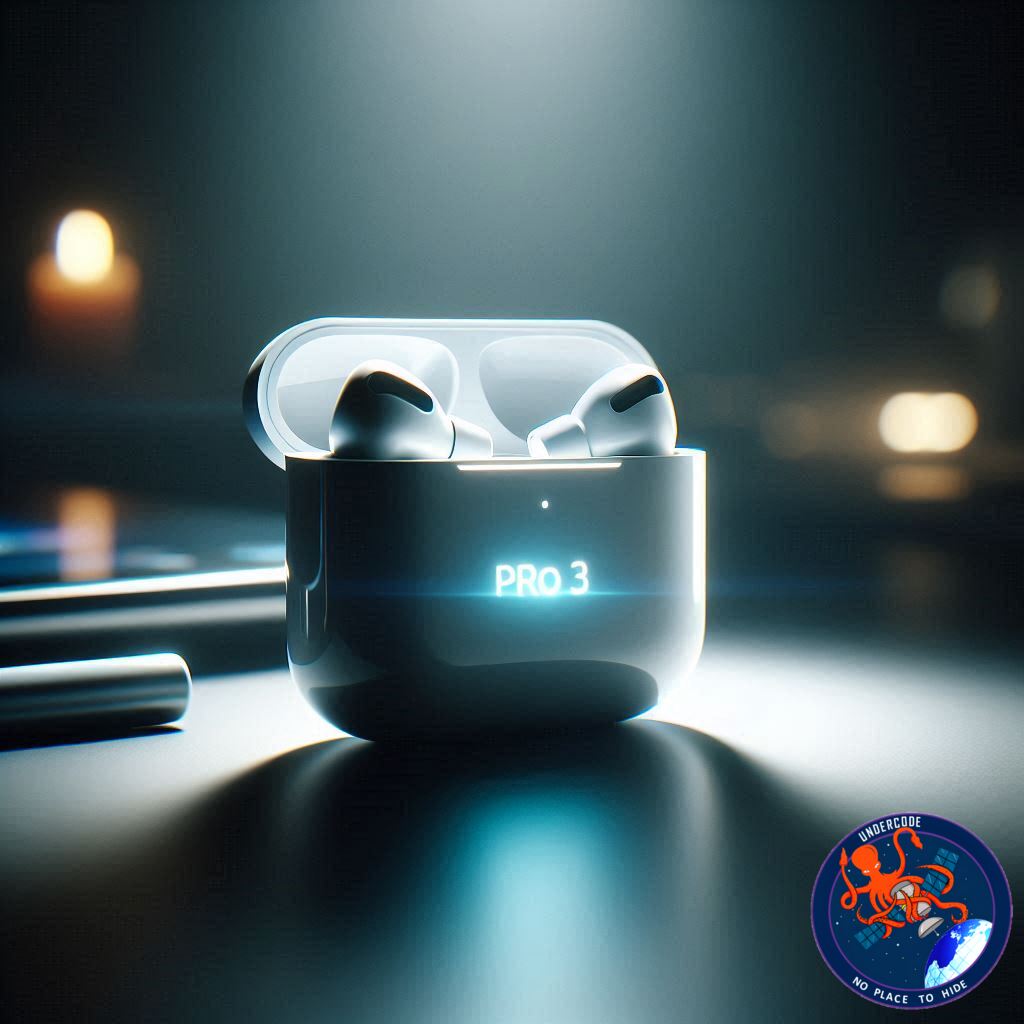
Apple has once again rolled out a behind-the-scenes firmware update for AirPods Pro 3 users, just days before the highly anticipated iOS 26.3 release. While these updates usually arrive without fanfare, they often play a crucial role in improving performance, fixing hidden bugs, and laying the groundwork for future features. The newest firmware, version 8B34, is now available globally, replacing the previous 8B30 build that shipped shortly before the holidays. As expected, Apple is keeping details vague, leaving users curious about what’s really changed under the hood.
the Original
Firmware Version 8B34 Officially Released
Apple has released a new firmware update for AirPods Pro 3, identified as build 8B34. This update replaces version 8B30, which launched just before the holiday season. As with most AirPods updates, Apple has not provided detailed release notes, simply labeling it as containing “bug fixes and other improvements.”
No Manual Installation Option
Unlike iOS updates, users cannot manually install AirPods firmware. The update occurs automatically in the background once certain conditions are met. This passive update system often frustrates users who want immediate control over their devices.
Apple’s Conditions for Firmware Installation
Apple outlines specific requirements for the firmware to update successfully:
Your iPhone, iPad, or Mac must be running the latest OS version.
Bluetooth must be enabled.
AirPods must be connected to your device.
Your device must be connected to Wi-Fi.
The charging case must be plugged into power.
AirPods must be inside the case with the lid closed.
Devices must remain in Bluetooth range for at least 30 minutes.
After waiting, open the case to reconnect and verify the firmware version.
Apple’s History of Minimal Release Notes
Apple’s firmware webpage has not yet been updated with specifics about what 8B34 includes. Recent updates have followed the same pattern of vague descriptions, offering little transparency to users.
Community Feedback Encouraged
The article invites users to share their experiences with the new firmware, asking if they notice any changes or improvements after installing version 8B34.
Accessory Recommendations
The article also lists recommended accessories for AirPods Pro users, including:
AirFly Pro 2 for airplane and wired audio connections
Belemay leather protective case
Magnetic neck strap to prevent loss
Memory foam ear tips for comfort
Affiliate Disclosure
The article concludes with a standard affiliate disclaimer, noting that some links generate income.
What Undercode Say:
Apple’s Silent Updates Are Becoming a Pattern
Apple’s habit of pushing silent firmware updates reflects its broader philosophy of controlling the user experience. While this approach minimizes confusion for casual users, it frustrates tech enthusiasts who want transparency and change logs. Firmware version 8B34 continues this tradition of secrecy, offering no official insight into what has changed.
Why Firmware Updates Matter More Than You Think
Many users underestimate firmware updates, assuming they are minor. In reality, these updates can dramatically affect:
Noise cancellation performance
Bluetooth stability
Battery efficiency
Audio quality
Spatial Audio calibration
Even subtle tweaks can noticeably improve day-to-day usage.
Possible Improvements Hidden Inside 8B34
While Apple hasn’t confirmed anything, based on past updates, version 8B34 could include:
Improved ANC consistency
Reduced audio latency
Fixes for random disconnects
Enhanced device switching
Battery drain optimizations
Apple often uses these updates to prepare hardware for future software features tied to upcoming iOS releases.
Timing Before iOS 26.3 Is Not Coincidental
Releasing this firmware just ahead of iOS 26.3 suggests deeper integration. Apple often synchronizes firmware updates with major OS launches to ensure compatibility. This could mean:
New accessibility features
Better Find My tracking
Improved voice isolation
Expanded Siri commands
The firmware likely acts as a foundation layer for upcoming software enhancements.
Apple’s Lack of Transparency Hurts Trust
By refusing to publish detailed release notes, Apple leaves users guessing. Transparency builds trust, and while Apple prioritizes simplicity, advanced users deserve more insight into what’s happening on their devices.
Automatic Updates: Convenient or Controlling?
Apple’s forced background update system ensures everyone stays secure, but it removes user autonomy. Many users would prefer:
Manual update options
Rollback capabilities
Beta firmware testing
Currently, none of these options exist.
Community Feedback Is Apple’s Real Testing Ground
Without official details, user reports become essential. Reddit threads, forums, and comment sections now serve as Apple’s unofficial QA system. Early users are already reporting:
Slightly improved connection stability
Faster device switching
No major UI changes
This suggests a stability-focused update.
Why Accessories Still Matter
While firmware improves software performance, accessories improve usability. Items like memory foam ear tips enhance noise isolation, while neck straps prevent loss—especially important given AirPods’ tiny size and high price.
The Business Angle
Apple benefits financially from firmware updates by:
Extending hardware lifespan
Reducing warranty claims
Increasing ecosystem lock-in
A better-performing device keeps users loyal.
Long-Term Strategy Behind Silent Updates
Apple’s long-term strategy appears to be:
Hardware longevity
Seamless ecosystem integration
Reduced customer support issues
Silent updates allow Apple to optimize devices without disrupting users.
User Control vs Corporate Control
This update again raises the question: should users have more control over their devices? While Apple believes it knows best, the growing demand for transparency may eventually force change.
Competitive Landscape
Competitors like Sony and Bose provide detailed firmware notes. Apple’s secrecy makes it look outdated in this regard, especially in a market where informed consumers value openness.
The Psychological Effect of “Mystery Updates”
Mystery updates generate curiosity but also anxiety. Users worry about:
Reduced battery life
Removed features
Performance regressions
Clear communication would eliminate these fears.
Why You Should Still Update
Despite the secrecy, skipping firmware updates is risky. They often include:
Security patches
Stability fixes
Performance enhancements
Staying updated ensures optimal performance.
Final Thoughts on 8B34
While not revolutionary, firmware 8B34 appears to be a stability-focused release designed to prepare AirPods Pro 3 for iOS 26.3. Apple’s silence suggests nothing dramatic, but small improvements can make a big difference.
🔍 Fact Checker Results
✅ Apple has officially released firmware version 8B34 for AirPods Pro 3
✅ Manual installation is not possible
❌ No evidence yet of major new features added
📊 Prediction
Apple will soon enable new AirPods features tied directly to iOS 26.3, possibly including smarter spatial audio tuning and improved device switching across the ecosystem.
🕵️📝✔️Let’s dive deep and fact‑check.
References:
Reported By: 9to5mac.com
Extra Source Hub (Possible Sources for article):
https://www.discord.com
Wikipedia
OpenAi & Undercode AI
Image Source:
Unsplash
Undercode AI DI v2
Bing
🔐JOIN OUR CYBER WORLD [ CVE News • HackMonitor • UndercodeNews ]
📢 Follow UndercodeNews & Stay Tuned:
𝕏 formerly Twitter 🐦 | @ Threads | 🔗 Linkedin | 🦋BlueSky | 🐘Mastodon


