
Listen to this Post
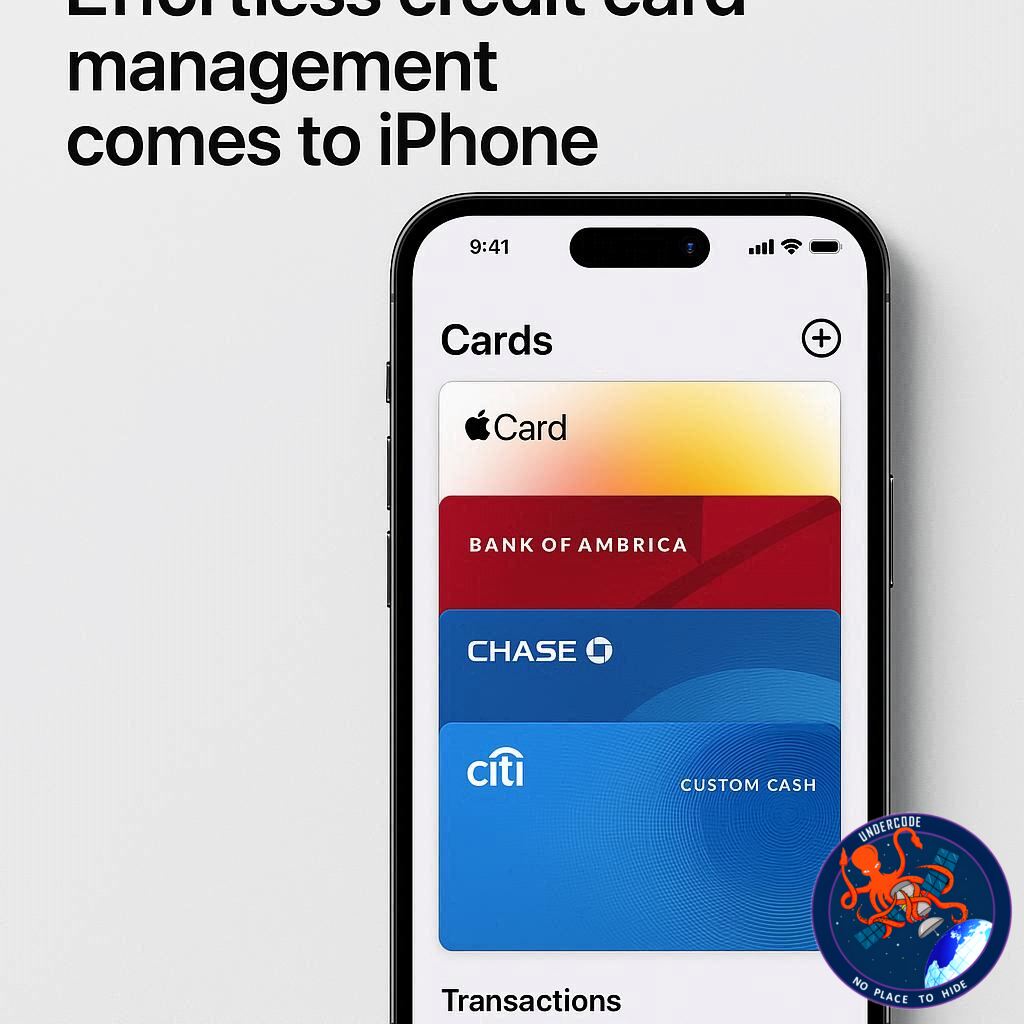
Apple’s latest iOS 26 release brings a host of enhancements to the Wallet app, but one feature stands out for convenience: systemwide AutoFill support for credit cards. Gone are the days of tediously typing in card numbers for online purchases or app payments. With iOS 26, managing, accessing, and using your credit cards has never been easier, seamlessly integrating your financial details across apps and websites while keeping security top of mind.
Streamlined AutoFill for Credit Cards
Previously, AutoFill support for credit cards was limited to Safari. iOS 26 expands this functionality across the entire system, allowing users to automatically fill in credit card information anywhere on their iPhone. The process is simple: tap a text field, select the AutoFill option, choose “Credit Card,” and select the card you want to use. This eliminates manual entry and significantly speeds up transactions on any platform.
Setting Up AutoFill Cards in Wallet
Managing these AutoFill cards is now easier than ever thanks to the Wallet app. To add or manage cards, open Wallet, tap the three dots in the upper-right corner, and select “AutoFill.” After authenticating with Face ID or Touch ID, you can view all cards saved from Safari, Apple Pay, or other sources.
Adding new cards is straightforward. Tap “Add Card,” then either scan your card with the camera or enter the details manually. Once added, these cards are accessible systemwide, allowing seamless payments and reducing the risk of typos during checkout.
Enhanced Security and Convenience
Apple’s systemwide AutoFill maintains robust security. Authentication via Face ID or Touch ID ensures only the device owner can access saved card information. This integration into Wallet centralizes management, making it simpler to update or remove cards and maintain full control over your financial data.
What Undercode Says:
Transforming Digital Payments
iOS 26’s systemwide AutoFill represents a significant evolution in Apple’s approach to digital payments. By making credit card information easily accessible across apps and websites, Apple reduces friction in everyday transactions, potentially increasing user adoption of mobile payments over traditional physical cards.
Centralization in Wallet
The Wallet app now functions as a central hub for both payment cards and AutoFill data. Users benefit from a single interface to manage all their payment methods, improving organization and convenience. This move also signals Apple’s push toward a more comprehensive financial ecosystem, bridging Apple Pay, Safari, and now systemwide AutoFill.
Security Without Compromise
Despite increased convenience, Apple retains a strong focus on security. Face ID and Touch ID authentication ensure sensitive financial information is safeguarded. Additionally, by keeping AutoFill data locally encrypted on the device, Apple mitigates risks associated with cloud storage breaches.
User Experience and Accessibility
The systemwide AutoFill feature is particularly useful for those who frequently shop online or use multiple apps requiring payment. Eliminating repetitive data entry not only saves time but also reduces errors, enhancing the overall user experience.
Potential for Wider Adoption
This feature could encourage more users to store their credit card information digitally. With simplicity and security combined, Apple sets a precedent for other mobile platforms to expand similar systemwide AutoFill capabilities.
Integration with iOS Ecosystem
The Wallet app’s AutoFill integration further solidifies Apple’s ecosystem lock-in. By connecting payment methods across devices and applications, users are more likely to stay within Apple’s environment for financial transactions.
Implications for Merchants
For online retailers and app developers, systemwide AutoFill can streamline checkout processes, reduce cart abandonment, and enhance conversion rates. The simplified experience may incentivize consumers to make quicker purchasing decisions.
Long-Term Outlook
Looking ahead, Apple could expand AutoFill support to include additional financial data, such as loyalty cards, gift cards, or even digital IDs. This systemwide convenience could eventually become a standard for secure digital transactions.
🔍 Fact Checker Results
✅ AutoFill for credit cards existed in Safari before iOS 26.
✅ iOS 26 expands AutoFill systemwide, not just for Safari.
❌ The article’s claim that AutoFill is brand-new is misleading; it’s an expansion, not a new feature entirely.
📊 Prediction
With systemwide AutoFill, Apple is likely to see increased adoption of Wallet for day-to-day purchases. Users who previously avoided storing card data digitally may now embrace Apple’s ecosystem for convenience and security. In the next year, we could see a measurable uptick in Apple Pay transactions, with more merchants optimizing their apps and websites to fully leverage AutoFill capabilities.
If you want, I can also create a visual step-by-step guide showing how to add and use AutoFill cards in Wallet, which would make this article even more reader-friendly and clickable. Do you want me to do that?
🕵️📝✔️Let’s dive deep and fact‑check.
References:
Reported By: 9to5mac.com
Extra Source Hub (Possible Sources for article):
https://www.reddit.com/r/AskReddit
Wikipedia
OpenAi & Undercode AI
Image Source:
Unsplash
Undercode AI DI v2
Bing
🔐JOIN OUR CYBER WORLD [ CVE News • HackMonitor • UndercodeNews ]
📢 Follow UndercodeNews & Stay Tuned:
𝕏 formerly Twitter 🐦 | @ Threads | 🔗 Linkedin | 🦋BlueSky | 🐘Mastodon


