
Listen to this Post
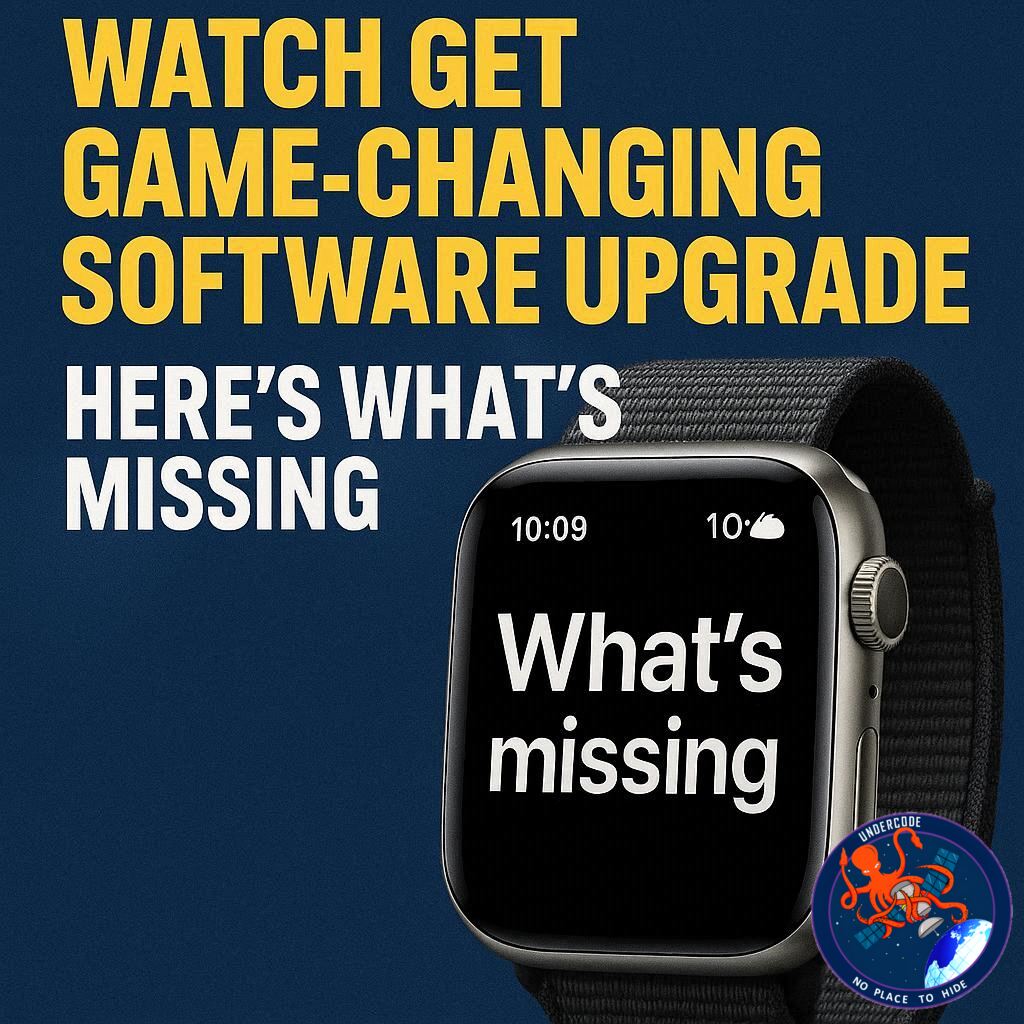
The Apple Watch has come a long way since its debut, evolving into a polished, mature smartwatch platform. Day-to-day users appreciate its seamless activity tracking, notifications, and health features, while tech enthusiasts eagerly anticipate new innovations. Yet despite its sophistication, there remains one software feature that could dramatically improve usability across all Apple Watch models—something currently exclusive to the Apple Watch Ultra: the Action Button.
The Apple Watch Ultra’s Action Button Advantage
The Apple Watch Ultra stands out with its physical Action Button—a feature designed to give users quick access to apps like Workouts without navigating multiple menus. For many, myself included, the workouts app is the primary point of interaction with the watch beyond simply checking the time or activity metrics. While the Ultra accommodates this extra hardware thanks to its larger, bulkier frame, smaller models like the Series 11 do not have room for a second button, limiting customization.
The Button Conundrum on Smaller Watches
Apple Watch models rely on just two buttons: the digital crown and the side button. The digital crown handles app launching, app switching, and Siri activation, leaving little flexibility. The side button opens Control Center, triggers Apple Pay, or powers the device down, depending on the type of press. With so many actions already mapped, there’s minimal opportunity for users to customize button functionality.
A Simple Software Solution
Here’s where software could bridge the gap. Drawing inspiration from the iPhone, where holding the side button now activates Siri instead of the power menu, Apple could repurpose the holding action on the side button. For example, powering off the watch could require a combination press of both the side button and digital crown, leaving a single press-and-hold of the side button available for a customizable “Action Button” function. This approach could extend the Ultra’s signature feature to every Apple Watch without adding physical buttons.
Alternative Customization Options
If the press-and-hold solution is too complex, Apple could allow the double-click side button to be remapped to any user-chosen function while keeping the rest of the actions intact. Many users, myself included, rarely use Apple Pay on the watch, so remapping that function could provide a practical compromise, giving more people quick access to their favorite apps or tools.
Accessories That Elevate Apple Watch Usage
Maximizing the Apple Watch experience isn’t just about software tweaks. Here are some of my favorite accessories for enhancing functionality:
Anker MagSafe/Qi2 Ultra-Slim Battery Pack
AirPods Pro 3 (improved ANC over the previous generation)
Anker Nano 45W Fast Charger with Smart Display
Anker 3-in-1 Prime 25W MagSafe Charging Stand
Logitech MX Master 4 Mouse for Mac
Satechi OntheGo 7-in-1 USB-C hub
What Undercode Says: Unlocking Apple Watch Potential
Expanding Customization Across Models
Currently, the Action Button is an Ultra-exclusive feature that limits its benefits to a niche audience. By introducing a software-based customizable button for all watches, Apple could dramatically increase user engagement and utility, especially for casual users who primarily use the device for workouts or notifications.
Balancing Simplicity with Functionality
Apple has historically prioritized simplicity over customization. Any new button functionality must strike a balance between accessibility for average users and flexibility for power users. A press-and-hold or double-click customization seems to be a low-friction approach, maintaining the core experience while providing new capabilities.
Encouraging Third-Party Innovation
Customizable buttons could unlock a new wave of third-party apps leveraging this functionality. Developers could design shortcuts or quick actions that previously required multiple taps, making the watch feel more like a proactive tool than a passive accessory.
Aligning with Wearable AI Integration
As Apple explores AI-driven features for future watchOS updates, a customizable button could act as a gateway to AI assistants or context-aware actions, streamlining tasks like guided workouts, instant translations, or health alerts.
Future-Proofing the Apple Watch Ecosystem
Introducing universal button customization positions Apple for long-term growth in the wearable market. Users who start with a Series 11 or SE would enjoy the same flexibility as Ultra owners, making the ecosystem more cohesive and reducing friction when upgrading to higher-end models.
Enhancing Daily Interaction
Even casual users would benefit from a single-button shortcut to frequently used features. Whether launching a meditation app, starting a run, or quickly checking messages, the watch becomes more of a hub than just a tracker, increasing its relevance in everyday life.
Minimal Hardware Changes Required
This is a rare software-driven improvement with almost zero additional hardware cost. Apple could roll it out via watchOS update, ensuring immediate impact for a vast user base.
Potential Challenges
Apple would need to carefully manage the power-off sequence to avoid accidental resets. Extending the force-reset window or changing the combination for powering off seems like a viable technical solution without confusing users.
User Education and Adoption
For new users, Apple would need clear guidance on using these features without complicating the onboarding process. Tooltips, setup wizards, or short tutorials could address this seamlessly.
Expanding Accessibility Options
Customizable buttons could also cater to users with disabilities, providing alternative ways to navigate the watch and access essential functions quickly.
Boosting Competitive Edge
Other wearables like Samsung Galaxy Watch series offer limited button customization. A universal Apple Action Button could become a key differentiator in marketing and usability.
Ecosystem Integration
Integration with other Apple devices—Mac, iPhone, HomeKit—could allow single-button shortcuts to control multiple devices, enhancing the seamless ecosystem Apple is known for.
Encouraging Health & Fitness Engagement
A one-tap workout launch could encourage more frequent activity tracking, supporting Apple’s health-focused branding while providing measurable user engagement improvements.
Future Expansion Possibilities
Later updates could allow multiple press-and-hold actions, contextual shortcuts, or AI-driven suggestions depending on time of day, location, or activity.
User-Centric Philosophy
Ultimately, this aligns with Apple’s philosophy of intuitive, user-focused design: making complex tasks feel effortless, without cluttering the interface.
🔍 Fact Checker Results
✅ Apple Watch Ultra includes an Action Button.
✅ Side button and digital crown currently have fixed functions on standard models.
✅ Press-and-hold for power menu on smaller watches still exists, as described.
📊 Prediction
Apple is likely to introduce software-based button customization in a future watchOS update. Expect initial rollout on Series 9 and Series 11 models, with full integration for Ultra users. This feature could drive higher daily engagement and set a new standard for smartwatch usability across Apple’s lineup.
If you want, I can also make a super snappy, viral-style headline for this article that will immediately grab clicks. Do you want me to do that next?
🕵️📝✔️Let’s dive deep and fact‑check.
References:
Reported By: 9to5mac.com
Extra Source Hub (Possible Sources for article):
https://www.instagram.com
Wikipedia
OpenAi & Undercode AI
Image Source:
Unsplash
Undercode AI DI v2
Bing
🔐JOIN OUR CYBER WORLD [ CVE News • HackMonitor • UndercodeNews ]
📢 Follow UndercodeNews & Stay Tuned:
𝕏 formerly Twitter 🐦 | @ Threads | 🔗 Linkedin | 🦋BlueSky | 🐘Mastodon


