
Listen to this Post
🎯 Introduction
Samsung Galaxy smartphones have earned a reputation for combining powerful hardware with feature-rich software. From premium flagships like the Galaxy S25 Ultra and Galaxy Z Fold 7 to more affordable midrange models, Samsung devices offer cutting-edge displays, fast processors, and deep ecosystem integration. However, this abundance of features can quietly drain battery life, especially when many of them run unnoticed in the background. For users who find their Galaxy phone struggling to last a full day, smart configuration matters more than raw battery capacity. With a few intentional adjustments, it is possible to extend battery life by several hours without sacrificing the core Galaxy experience.
Optimizing Samsung Galaxy Battery Life Through Practical Settings
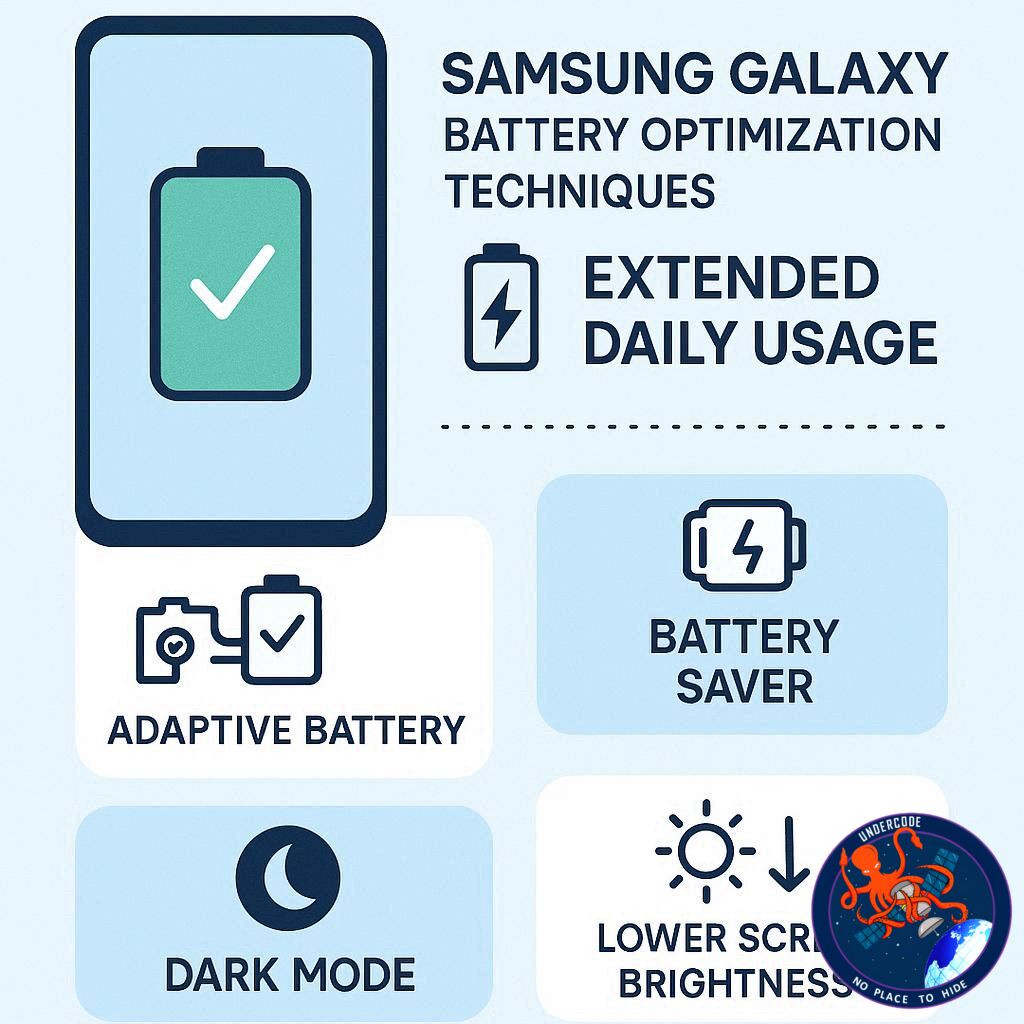
Samsung phones are designed to adapt to user behavior, but they still rely heavily on user choices. Many default settings prioritize visual polish and constant connectivity over efficiency. The original article highlights seven effective adjustments that focus on real-world usability rather than obvious compromises like lowering screen resolution or refresh rate. These optimizations work quietly in the background, improving efficiency while preserving performance and comfort.
Dark Mode takes advantage of Samsung’s AMOLED panels by turning off individual pixels when displaying black areas. Unlike LCD screens, AMOLED displays consume less power when showing darker content. Activating system-wide Dark Mode reduces screen power draw during daily use, particularly during messaging, browsing, and nighttime usage.
Adaptive Brightness plays a critical role in preventing unnecessary power consumption. Samsung’s improved ambient light sensors dynamically adjust screen brightness based on surrounding conditions. This ensures the display is never brighter than required, reducing battery strain while maintaining readability.
Pre-installed applications are another hidden drain. Samsung devices often ship with third-party and ecosystem apps that run background processes even when unused. Removing or disabling unnecessary apps such as bundled productivity tools, social media clients, or cloud services can significantly reduce background battery usage.
Samsung’s Battery and Device Care tools allow users to identify power-hungry applications. Certain apps consume more energy due to constant location tracking, background syncing, or heavy data usage. Limiting background activity for these apps ensures they only draw power when actively used.
Offline content preparation is a simple yet effective strategy. Streaming music, videos, or navigation data over mobile networks consumes more power than local playback. Downloading playlists, podcasts, and maps over Wi-Fi reduces network strain and prevents device overheating during travel.
Always-On Display is a signature Samsung feature, but its efficiency varies by device. Flagship models with LTPO displays manage AOD efficiently, while midrange phones may consume more power. Scheduling AOD usage ensures it remains active only during relevant hours, preserving battery life without losing essential notifications.
Samsung’s Performance Profile setting offers a balanced approach to power management. Switching from Standard to Light mode prioritizes battery efficiency and thermal control over peak performance. For users focused on everyday tasks rather than gaming, this adjustment delivers noticeable gains in battery longevity.
What Undercode Say: Strategic Battery Management Beyond Surface Tweaks
Samsung’s battery optimization philosophy reflects a broader industry trend toward software-driven efficiency rather than hardware-only solutions. These seven settings work because they target persistent energy leaks rather than visible power spikes. Most users assume battery drain comes from screen time or gaming, but in reality, background processes, adaptive features, and always-on connectivity quietly consume more energy across the day.
Dark Mode, for instance, is not just aesthetic. On AMOLED displays, it fundamentally alters how power is distributed across pixels. Over weeks of usage, this translates into measurable battery preservation. Adaptive Brightness complements this by preventing habitual over-brightening, a common user behavior that slowly erodes battery health.
App management is where Samsung users often overlook long-term efficiency. Preloaded apps are optimized for ecosystem integration, not minimal power draw. Removing unused software reduces background wake cycles, network checks, and memory access. This not only improves battery life but also stabilizes thermal performance, which indirectly protects battery chemistry over time.
Samsung’s Battery and Device Care dashboard represents a mature approach to transparency. Instead of abstract battery percentages, it exposes real usage patterns. Users who actively manage background limits gain control similar to advanced power users, without needing third-party tools.
Offline content usage highlights a crucial truth about modern smartphones: wireless radios are among the most power-hungry components. 5G connectivity, in particular, can cause rapid battery drops in weak signal areas. Pre-downloaded content reduces radio usage and maintains consistent performance during travel.
Always-On Display scheduling is an example of contextual intelligence. Rather than disabling a useful feature entirely, Samsung allows users to tailor its availability. This reflects a design philosophy focused on adaptive efficiency rather than rigid power-saving modes.
The Light Performance Profile is arguably the most underestimated feature. Many users never push their phone’s processor to its limits, yet still operate in Standard mode. Switching profiles aligns system behavior with actual usage, delivering quieter, cooler, and longer-lasting performance without noticeable slowdowns.
Taken together, these optimizations demonstrate that battery longevity is less about compromise and more about intentional configuration. Samsung’s ecosystem already provides the tools, but meaningful gains depend on user awareness and disciplined setup.
🔍 Fact Checker Results
✅ AMOLED displays consume less power when displaying dark content
✅ Background app activity significantly impacts battery longevity
❌ Lower refresh rates are required for meaningful battery improvement
📊 Prediction
🔋 Samsung will expand AI-driven battery optimization across future Galaxy models
📱 More granular performance profiles will appear in One UI updates
⚡ Battery life improvements will increasingly come from software intelligence rather than larger batteries
🕵️📝✔️Let’s dive deep and fact‑check.
References:
Reported By: www.zdnet.com
Extra Source Hub (Possible Sources for article):
https://www.pinterest.com
Wikipedia
OpenAi & Undercode AI
Image Source:
Unsplash
Undercode AI DI v2
Bing
🔐JOIN OUR CYBER WORLD [ CVE News • HackMonitor • UndercodeNews ]
📢 Follow UndercodeNews & Stay Tuned:
𝕏 formerly Twitter 🐦 | @ Threads | 🔗 Linkedin | 🦋BlueSky | 🐘Mastodon


