
Listen to this Post
Introduction: Turning a Common Phone Feature Into a Lifesaver
In today’s always-connected work culture, a sudden power cut can feel like a full system crash. Your laptop battery might still be alive, but the internet goes dark, routers take forever to reboot, and productivity slips away minute by minute. This is exactly where a simple yet often underestimated feature of your smartphone becomes a digital lifeline. By turning your phone into a mobile hotspot, you can instantly restore internet access and keep working without disruption. This practical trick is part of a growing movement toward smarter, faster problem-solving using tools we already carry every day.
the Original A Simple Hack for Smarter Connectivity
The Times of India introduces “Hack of the Day,” a weekday series focused on quick and practical solutions to everyday problems. The goal is straightforward: save time, reduce stress, and cut unnecessary costs by using readily available digital tools, apps, and services. One such hack focuses on dealing with sudden power outages, especially for people working from home.
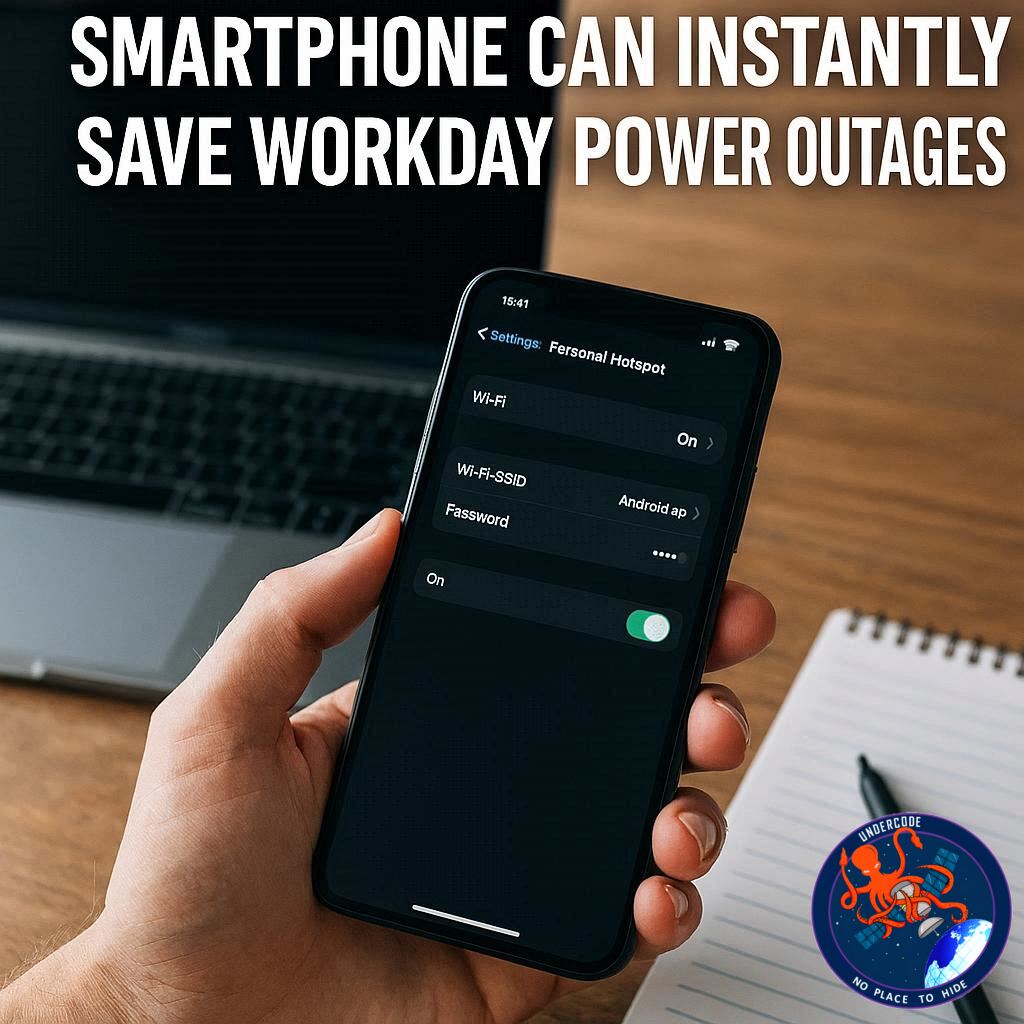
When electricity goes out, Wi-Fi routers often shut down or take time to restart, leaving laptops and other devices without internet access. The article highlights the most effective survival solution in such moments: turning your smartphone into a mobile hotspot. By sharing your phone’s cellular data, you can instantly create a secure Wi-Fi network and continue working without waiting for the router to come back online.
This hotspot feature is not limited to laptops. A smartphone hotspot can provide internet access to tablets, other mobile phones, gaming consoles, and even smart TVs. It works anywhere, making it a flexible solution both at home and on the move.
Security is another key reason the article recommends mobile hotspots over public Wi-Fi. Public networks can expose users to cyber threats, data interception, and privacy risks. A personal hotspot, especially one protected by a strong password, offers a safer alternative.
The article then explains how to set up a Wi-Fi hotspot on both Android phones and iPhones. On Android, users can enable the hotspot through Quick Settings, customize the network name and password, and even remove password protection if needed. Android devices can share data with up to ten connected devices at once.
For iPhone users, the process involves enabling Personal Hotspot through the Settings or Mobile Service menu and allowing other devices to join. The article also explains how other devices can connect to a hotspot by selecting the network name and entering the password.
Overall, the article positions the mobile hotspot as a fast, reliable, and secure solution for staying connected during unexpected internet disruptions.
What Undercode Say: Why Mobile Hotspots Are More Important Than Ever
The mobile hotspot is no longer just a backup option; it has quietly become a core tool for modern digital life. Remote work, online learning, cloud-based software, and real-time collaboration have all raised the cost of being offline, even for a few minutes. In this context, the smartphone hotspot is less of a convenience and more of a resilience strategy.
One of the most overlooked advantages of mobile hotspots is independence. Traditional home internet setups rely on multiple points of failure: power supply, routers, fiber lines, and local service stability. A smartphone, powered by its own battery and connected directly to cellular networks, bypasses many of these weak links. This makes it uniquely reliable during emergencies.
From a security standpoint, personal hotspots offer a controlled environment. Unlike public Wi-Fi networks, where users share bandwidth and risk exposure to malicious actors, a private hotspot limits access to devices you approve. When combined with modern encryption standards, this dramatically reduces the risk of data leaks or session hijacking.
There is also a productivity angle that often goes unspoken. Waiting for a router to reboot or switching locations to find stable Wi-Fi introduces cognitive interruptions. These small breaks disrupt focus and workflow, which can be more damaging than the outage itself. A hotspot allows for continuity, letting users stay in the same mental and physical workspace.
However, hotspots are not without limitations. Cellular data caps, network congestion, and battery drain are real concerns. This means users should treat hotspots as strategic tools rather than permanent replacements for broadband. Knowing when and how to use them efficiently, such as limiting background downloads or non-essential devices, makes a significant difference.
Another important factor is awareness. Many users know their phone has a hotspot feature but have never configured it in advance. During an emergency, scrambling through settings wastes valuable time. Pre-setting a strong password, naming the network clearly, and understanding device limits turns this feature into a one-tap solution.
In a broader sense, the rise of mobile hotspots reflects a shift toward decentralized connectivity. Internet access is no longer tied to a fixed location. It travels with the user. This flexibility is shaping how people work, learn, and consume media, especially in regions where power cuts or unstable infrastructure are still common.
Fact Checker Results
✅ Smartphones on Android and iOS both support built-in hotspot or personal hotspot features.
✅ Personal hotspots are generally more secure than public Wi-Fi when protected by passwords.
❌ Mobile hotspots are not unlimited replacements for broadband due to data and battery limits.
Prediction
📊 Mobile hotspots will become a standard emergency connectivity tool for remote workers and students.
📊 Smartphone manufacturers may optimize battery and data efficiency specifically for hotspot usage.
📊 Dependence on fixed-location internet will continue to decline as mobile networks improve.
🕵️📝✔️Let’s dive deep and fact‑check.
References:
Reported By: timesofindia.indiatimes.com
Extra Source Hub (Possible Sources for article):
https://www.instagram.com
Wikipedia
OpenAi & Undercode AI
Image Source:
Unsplash
Undercode AI DI v2
Bing
🔐JOIN OUR CYBER WORLD [ CVE News • HackMonitor • UndercodeNews ]
📢 Follow UndercodeNews & Stay Tuned:
𝕏 formerly Twitter 🐦 | @ Threads | 🔗 Linkedin | 🦋BlueSky | 🐘Mastodon


