
Listen to this Post
 Introduction: A Ghost of Windows Past Still Haunts the Future
For more than a decade, Microsoft has promised a cleaner, more unified Windows experience. Yet even inside the polished environment of Windows 11, fragments of the past stubbornly remain. The Control Panel, a relic from earlier generations of Windows, continues to coexist with the modern Settings app. Now, in the latest preview build of Windows 11, Microsoft has quietly moved another small but symbolic feature from the aging Control Panel into Settings. The change is minor on the surface, but it reignites a long-standing question: will the Control Panel ever truly disappear?
A Small but Symbolic Feature Shift in the Latest Preview Build
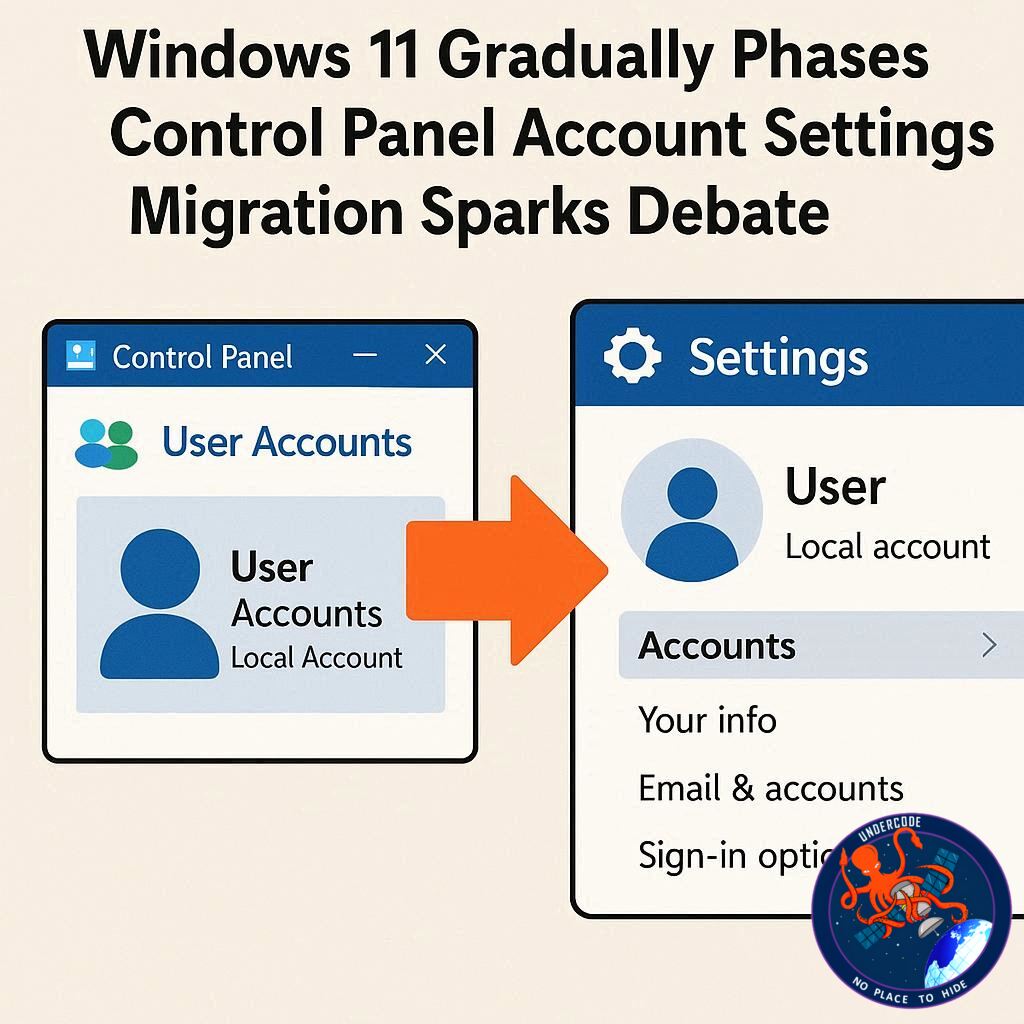
In a recent preview build of Windows 11, Microsoft relocated the option to rename a user account from the traditional Control Panel to the modern Settings app. The discovery was highlighted by a well-known Windows watcher, PhantomOfEarth, who spotted the change in build 26300.7877 released in the Dev Channel. Previously, users had to dive into the Control Panel to alter their account name. Now, at least visually, that option appears within Settings.
Feature Still Under Development in Build 26300.7877
Although the option has been relocated, it is not yet fully functional. Microsoft is still implementing the feature in the Dev Channel build, meaning the migration is incomplete. Users can see the interface entry in Settings, but the backend functionality has not fully transitioned. This reflects Microsoft’s incremental approach, moving features in stages rather than delivering fully polished transitions all at once.
Why the Migration Matters More Than It Seems
At first glance, moving a single account management option might appear trivial. Yet the symbolic importance is substantial. The Settings app represents Microsoft’s modern design philosophy for Windows 11. It emphasizes streamlined navigation, simplified layouts, and a cohesive visual language. Every feature transferred from the Control Panel to Settings reduces fragmentation and improves consistency.
Most users rarely open the Control Panel anymore. For many, it feels like stepping into an outdated time capsule. By placing common features in Settings, Microsoft reduces user confusion and ensures that essential options are easier to find.
The Control Panel’s Stubborn Survival in Windows 11
Despite years of transition efforts, the Control Panel continues to survive inside Windows 11. The reason is simple but complicated: legacy depth. The Control Panel houses decades of accumulated configuration tools, advanced system settings, and specialized administrative panels. Many of these components were designed long before the modern UI framework existed.
Migrating these deeply rooted options is not just about redesigning menus. It often requires reengineering backend systems to align with the architecture of the Settings app. Some advanced tools do not easily translate into the streamlined, modular interface that Windows 11 promotes.
Slow Migration Reflects Microsoft’s Shifting Priorities
The pace of feature migration has been painfully slow. Instead of sweeping transitions, Microsoft has delivered small, occasional updates. One option here. One panel there. This incremental approach suggests that the company’s priorities lie elsewhere.
Microsoft has publicly committed to improving Windows 11’s performance, reliability, and overall stability. Bug fixes, interface optimization, and quality assurance efforts appear to dominate the roadmap. In that context, redesigning legacy interface components may be considered secondary.
A Fragmented Experience Creates an Unfinished Feel
The coexistence of Settings and Control Panel creates a jarring user experience. A user might begin configuring a system in the sleek Settings interface, only to be abruptly redirected to an older, visually inconsistent Control Panel window. The transition feels abrupt and disrupts the illusion of a unified operating system.
This fragmentation contributes to the perception that Windows 11 remains unfinished. Even though the platform has matured significantly, the presence of legacy UI components undermines the polished aesthetic Microsoft promotes.
Technical Complexity Slows the Retirement Process
Eliminating the Control Panel is not as simple as flipping a switch. Many enterprise users rely on advanced administrative tools embedded within it. Removing those tools prematurely could disrupt workflows and create compatibility issues.
Additionally, some Control Panel components are deeply intertwined with Windows system architecture. Rebuilding them for Settings may require extensive code rewrites. Such efforts demand time, engineering resources, and careful testing to avoid breaking essential system functionality.
Why Full Removal Is Unlikely in the Near Term
Given Microsoft’s current focus on fixing foundational issues within Windows 11, a full-scale migration appears unlikely in the near future. Stability and performance improvements take precedence over cosmetic consistency. With engineering resources allocated toward reliability campaigns, the Control Panel transition may slow even further.
Realistically, the Control Panel may remain part of Windows 11 for years. The idea of its complete removal before the end of the decade seems optimistic at best.
What Undercode Say:
The Control Panel Represents Technical Debt, Not Just Nostalgia
The survival of the Control Panel is not about sentimentality. It represents accumulated technical debt. Windows is one of the most complex consumer operating systems ever built. Every legacy interface panel reflects older architectural decisions that cannot be discarded casually.
Migrating features into Settings requires more than visual redesign. It demands backend modernization. Microsoft must ensure API consistency, preserve enterprise compatibility, and maintain system integrity. This is not a cosmetic renovation. It is structural surgery.
Microsoft’s Strategy Prioritizes Stability Over Aesthetic Purity
The slow migration signals a strategic calculation. Microsoft understands that Windows 11’s reputation suffered due to early instability and performance complaints. Prioritizing reliability over interface unification is a pragmatic move.
In enterprise environments, stability outweighs visual cohesion. Businesses care less about whether a setting resides in Control Panel or Settings. They care about uptime, compatibility, and predictable behavior.
Incremental Change Reduces Risk in a Massive Ecosystem
Windows operates across millions of hardware configurations. Even minor UI migrations can introduce unexpected bugs. An incremental approach allows Microsoft to test changes gradually in Dev and Beta channels before wider release.
This conservative method reduces catastrophic failures but extends the timeline. It is frustrating for enthusiasts, yet safer for the ecosystem.
The Dual Interface Signals Transitional Architecture
The coexistence of Control Panel and Settings reflects a transitional architecture. Windows 11 is not a clean-slate operating system. It is an evolution layered atop decades of engineering. Removing legacy components too aggressively risks destabilizing the platform.
Microsoft appears to be waiting for natural obsolescence. As older tools become less relevant or are rebuilt internally, they can quietly disappear without fanfare.
User Perception Versus Engineering Reality
From a user perspective, the slow migration feels embarrassing. From an engineering perspective, it is cautious risk management. The tension between these viewpoints fuels criticism.
Power users see inconsistency and call it neglect. Engineers see stability preservation and call it discipline. The truth likely lies between these interpretations.
The Control Panel May Fade, But Not Explode
The eventual disappearance of the Control Panel will probably not arrive as a dramatic removal. Instead, it will fade gradually, panel by panel, until its presence becomes negligible. Microsoft is unlikely to announce a hard cutoff date because doing so would pressure development timelines and raise enterprise concerns.
The migration of account name settings is a small indicator. It shows that progress continues, even if at a glacial pace.
Fact Checker Results
✅ The user account renaming option was moved to the Settings app in a Windows 11 Dev preview build.
✅ The feature is not yet fully functional in build 26300.7877.
❌ There is no official confirmation from Microsoft that the Control Panel will be fully removed before the end of the decade.
Prediction
🔮 Gradual migration will continue in small increments through 2026.
🔮 Performance and stability improvements will remain Microsoft’s top Windows 11 priority.
🔮 The Control Panel will likely persist in limited form until a future major Windows architectural overhaul.
▶️ Related Video (82% Match):
🕵️📝✔️Let’s dive deep and fact‑check.
References:
Reported By: www.techradar.com
Extra Source Hub (Possible Sources for article):
https://www.discord.com
Wikipedia
OpenAi & Undercode AI
Image Source:
Unsplash
Undercode AI DI v2
Bing
🔐JOIN OUR CYBER WORLD [ CVE News • HackMonitor • UndercodeNews ]
📢 Follow UndercodeNews & Stay Tuned:
𝕏 formerly Twitter 🐦 | @ Threads | 🔗 Linkedin | 🦋BlueSky | 🐘Mastodon


