
Listen to this Post
Introduction: When Preinstalled Software Becomes the Problem
Many people assume that when something breaks in Windows, the blame automatically falls on Microsoft. That perception has grown stronger in recent years as users encounter bugs, performance issues, and controversial updates. But sometimes the real problem lies elsewhere.
A recent incident affecting certain Samsung desktop computers and Galaxy Book laptops demonstrates exactly that. Users suddenly found themselves locked out of their own system drive, unable to open applications or perform basic operations. At first glance, many believed the problem was caused by a new Windows update. However, deeper investigation revealed a different story: the real culprit appears to be Samsung’s own preinstalled software.
This situation highlights an ongoing issue in the PC industry, where OEM manufacturers preload devices with extra applications and services that can sometimes interfere with the operating system itself. The result can be unexpected bugs, system instability, and frustrating experiences for users who just want their computers to work.
Summary of the Original Incident
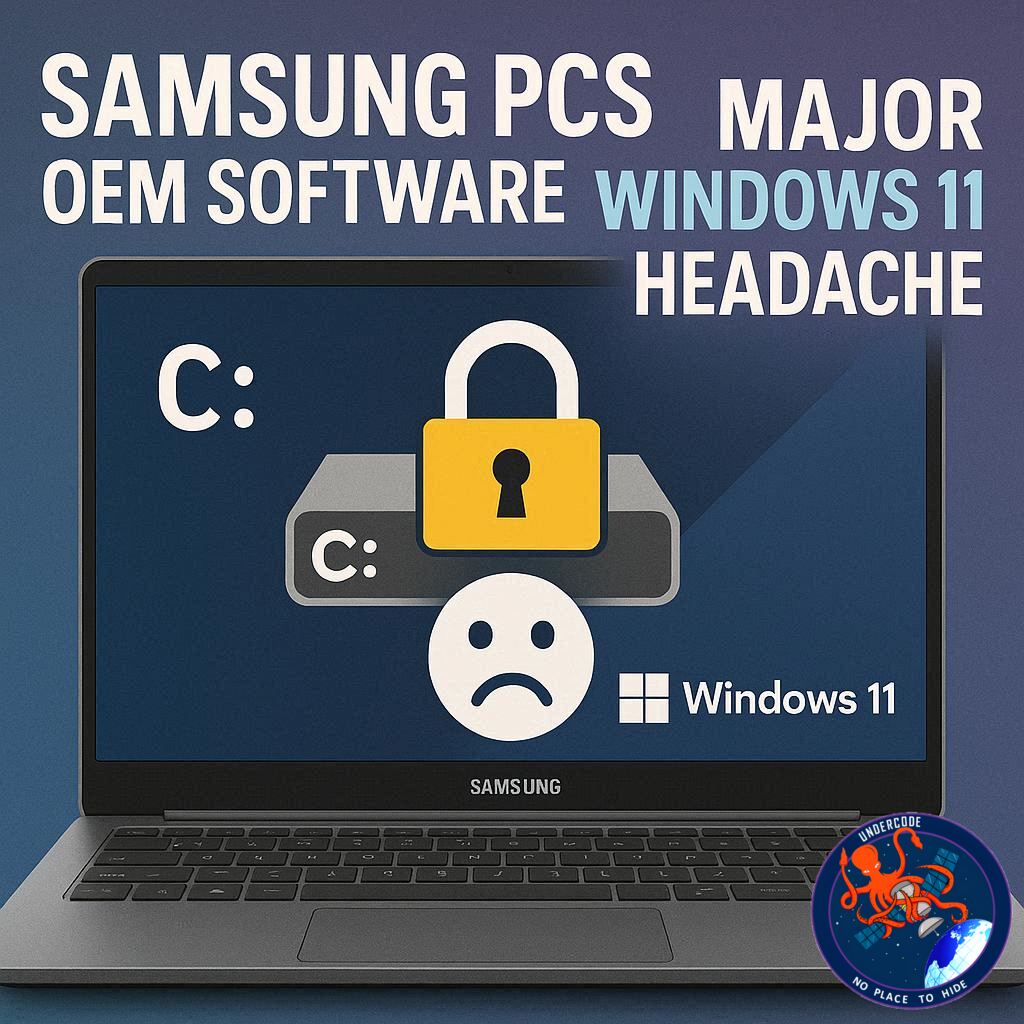
Reports began circulating from Samsung PC users who suddenly discovered that their computers could no longer access the main system drive, the C: drive. When attempting to open it, the system displayed an error message stating that access was denied. Because most applications are installed on this drive, many programs instantly stopped working.
The issue quickly escalated beyond simple file access problems. Users reported that several core Windows features also stopped functioning. For example, fingerprint login failed on affected systems. Administrative tasks became impossible, and even basic troubleshooting actions were blocked due to permission errors.
Initially, many users assumed the issue was caused by Microsoft’s monthly update rollout. On March 10, 2026, the company released its Patch Tuesday updates for supported Windows versions. Systems running Windows 11 version 25H2 received update KB5079473. This update introduced several improvements, including support for Emoji 16 in the emoji panel, a Bing-powered internet speed test tool, and improvements to the File Explorer search interface.
However, the timeline of user complaints told a different story. Investigations revealed that the first reports of the C: drive access issue appeared during the second half of February. That was weeks before the March updates were even released. This discovery strongly suggested that the problem had nothing to do with the latest Windows update.
Many affected users traced the issue to Samsung software installed on their devices. One Reddit user discovered that the error appeared shortly after interacting with Samsung Connect, an application that allows devices to share screens or connect to external displays. On some systems, this app is installed automatically through the Galaxy Book Experience package.
Further investigation suggested another possible culprit: Samsung Storage Share. This application is part of Samsung’s ecosystem designed to allow file sharing between devices. Because multiple Samsung apps handle device connectivity and shared folders, users often encountered different software names depending on their system configuration.
After analyzing the situation, Microsoft confirmed that the issue was not caused by Windows updates. According to the company, the problem is linked specifically to Samsung’s Galaxy Connect application. Microsoft explained that affected devices encounter permission failures during routine tasks such as accessing files, launching applications, or performing administrative actions.
In some cases, users could not elevate privileges, uninstall updates, or even collect diagnostic logs. These failures occurred because the system’s permissions on the root C: drive had been corrupted or misconfigured.
Evidence suggests the issue may involve deeper conflicts within Samsung’s firmware or factory system image. Some firmware images appear to contain incorrect permission settings for the system drive. Normally, these issues remain hidden, but when Samsung’s device sharing services interact with those permissions, Windows can detect the misconfiguration and block access to the drive entirely.
Because several Samsung tools interact with the same shared file access framework, users reported different programs as the source of the issue. Some blamed Storage Share, others pointed to Shared Folder tools, while many identified Galaxy Connect as the trigger.
To prevent further problems, Microsoft removed the Galaxy Connect app from the Windows Store after confirming its connection to the bug.
While the issue affects only Samsung devices, it has reignited discussion about the risks associated with preinstalled manufacturer software. Many IT administrators recommend wiping OEM software entirely and reinstalling Windows using a clean image from Microsoft to avoid exactly these kinds of problems.
Despite rumors circulating online, there is currently no reliable evidence that the March 2026 Windows update itself causes widespread crashes, blue screens, or reboot loops. Investigations suggest those claims were largely exaggerated or incorrectly reported.
What Undercode Say:
OEM bloatware has been a long-standing problem in the PC ecosystem. Manufacturers add proprietary utilities in order to provide extra features such as device syncing, file sharing, system optimization, or cross-device connectivity. In theory, these additions enhance the user experience. In practice, they often introduce unnecessary complexity and new failure points.
The Samsung incident illustrates how tightly integrated system-level utilities can unintentionally disrupt the operating system. Applications like Galaxy Connect and Storage Share operate close to core Windows permissions because they manage file access, network sharing, and device communication. Any misconfiguration in these services can affect critical system components.
One of the most concerning aspects of this issue is the way it interferes with the root drive permissions. The C: drive is the heart of the operating system. If permissions at that level become corrupted or misapplied, Windows may treat legitimate system actions as unauthorized access attempts. This leads to cascading failures across applications and system services.
Another key lesson is how easily misinformation spreads when technical issues arise. The moment users encountered the problem after a Windows update cycle, many immediately blamed Microsoft. While skepticism toward updates is understandable, correlation does not necessarily mean causation. In this case, the timeline clearly shows that the bug appeared before the update rollout.
This highlights an important reality about the Windows ecosystem: the operating system itself is only one layer of a complex stack. Hardware firmware, OEM system images, drivers, and third-party utilities all interact with Windows. Any one of those layers can introduce instability.
Enterprise environments recognized this risk long ago. Most corporate IT departments do not rely on manufacturer-installed system images. Instead, they deploy standardized Windows installations using Microsoft’s official ISO files. This approach removes unnecessary software and ensures consistent configuration across devices.
For everyday users, however, the default experience is still shaped by OEM decisions. When someone purchases a laptop or desktop from a major brand, the system typically includes numerous preinstalled tools. Some of them are helpful, but many duplicate functions already built into Windows.
The result is a crowded system environment where multiple services compete for control over storage, networking, device connections, and system resources.
Another important takeaway from this incident is the importance of proper permission handling. Windows security architecture is designed to prevent unauthorized access to critical system components. But when third-party tools manipulate permissions incorrectly, the operating system may lock down resources to protect itself.
From the user’s perspective, this looks like a catastrophic failure. In reality, the system is reacting to inconsistent security rules created by external software.
Removing the Galaxy Connect app from distribution was a quick mitigation step, but it does not necessarily resolve all underlying causes. If the problem also involves firmware-level configuration or factory image permissions, some affected systems may require deeper fixes.
Ultimately, the safest long-term solution for many users may still be a clean installation of Windows without OEM modifications.
Fact Checker Results
✅ Microsoft confirmed the issue is linked to Samsung’s Galaxy Connect application, not the Windows March 2026 update.
✅ Reports of the bug began weeks before the Windows update rollout.
❌ Claims that the March 2026 Windows update widely causes BSOD crashes appear to be exaggerated.
Prediction
🔮 OEM software conflicts will continue to cause unexpected Windows issues as manufacturers push deeper system integrations.
🔮 More PC buyers may begin performing clean Windows installations immediately after purchasing new devices.
🔮 Future Windows versions may introduce stronger isolation layers to prevent third-party OEM apps from modifying critical system permissions.
🕵️📝✔️Let’s dive deep and fact‑check.
References:
Reported By: www.windowslatest.com
Extra Source Hub (Possible Sources for article):
https://www.reddit.com/r/AskReddit
Wikipedia
OpenAi & Undercode AI
Image Source:
Unsplash
Undercode AI DI v2
Bing
🔐JOIN OUR CYBER WORLD [ CVE News • HackMonitor • UndercodeNews ]
📢 Follow UndercodeNews & Stay Tuned:
𝕏 formerly Twitter 🐦 | @ Threads | 🔗 Linkedin | 🦋BlueSky | 🐘Mastodon


