
Listen to this Post
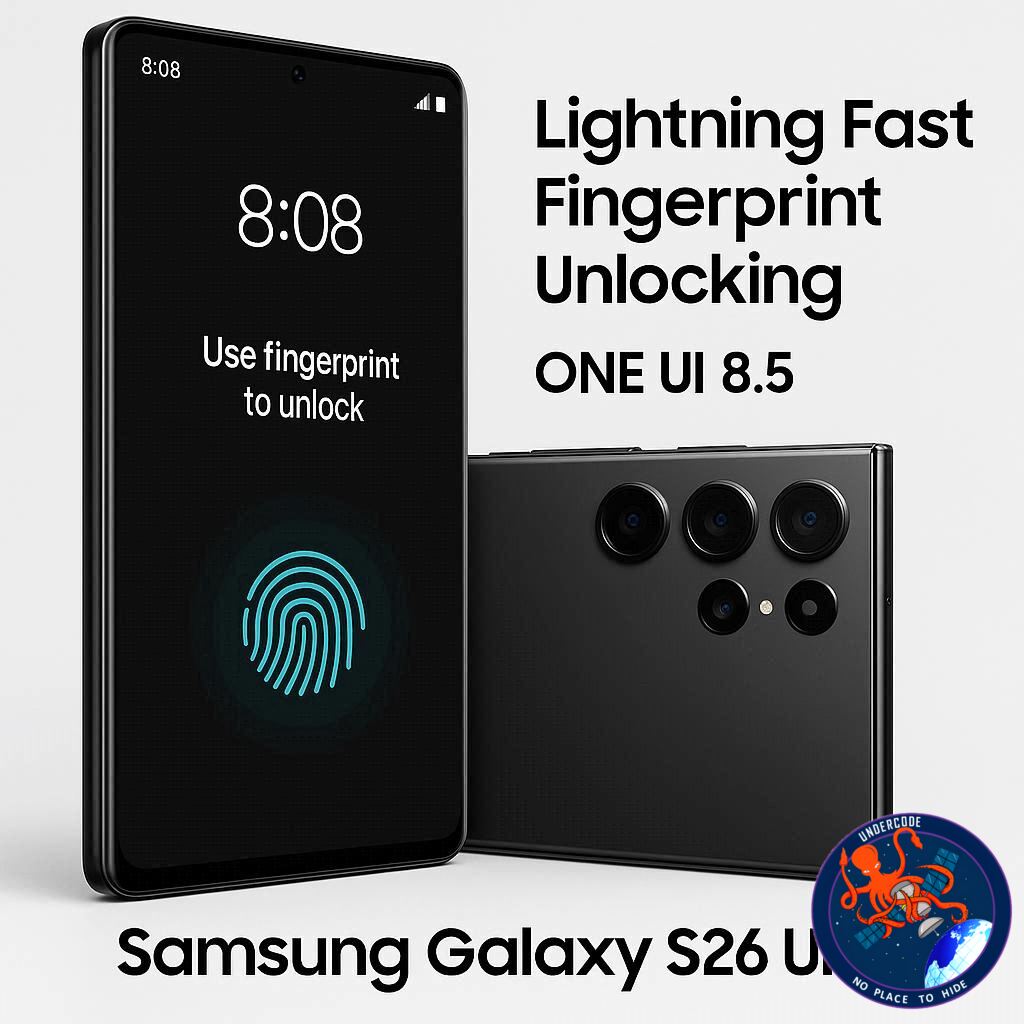
Samsung continues to push the boundaries of smartphone technology with its latest Galaxy S26 Ultra and Buds 4 Pro releases. Alongside the sleek design and cutting-edge hardware, the company has introduced new software enhancements aimed at improving user experience and security. The most notable among these is the upgraded fingerprint recognition feature included in the upcoming One UI 8.5 update.
One UI 8.5 Brings Smarter Fingerprint Recognition
Samsung’s One UI 8.5, built on Android 16 QPR2, is introducing a new “Improve accuracy” option for fingerprint unlocking. This feature allows the phone to rescan registered fingerprints multiple times to refine recognition accuracy. As a result, users can unlock their devices more quickly and reliably, even when using third-party applications that rely on biometric authentication.
How the Feature Works
To enable the new fingerprint improvement, users can navigate to Settings > Security and Privacy > Screen Lock and Biometrics > Fingerprints. By selecting any registered fingerprint and choosing “Improve accuracy,” the Galaxy S26 will rescan it ten times. This iterative process ensures faster and more reliable fingerprint authentication across the system.
Limited Availability at Launch
Currently, this feature is exclusive to the Galaxy S26 series on the stable One UI 8.5 build. However, Samsung plans to expand One UI 8.5 to other eligible Galaxy devices in the coming weeks, meaning the improved fingerprint scanning feature will soon reach a broader user base.
Enhanced Security and Convenience
The fingerprint improvement update not only accelerates device unlocking but also strengthens security by reducing false rejections. For power users who rely on biometric authentication for apps such as banking, payments, and work-related tools, this feature significantly enhances convenience without compromising safety.
Visual and Functional Refinements
In addition to fingerprint upgrades, One UI 8.5 brings subtle refinements to the interface, streamlining notifications, multitasking, and privacy controls. Samsung’s continuous updates demonstrate a commitment to combining hardware performance with software intelligence, creating a more cohesive and user-friendly experience.
What Undercode Says:
Improved Biometric Precision Enhances User Trust
Samsung’s “Improve accuracy” fingerprint feature addresses a longstanding user complaint about inconsistent biometric recognition. By resampling fingerprints multiple times, the system learns each variation of a user’s touch, which improves accuracy and reduces frustration from failed unlock attempts.
Competitive Edge in Security Features
This update positions Samsung ahead of competitors in the premium smartphone segment. Many rivals still rely on single-pass fingerprint scans or slower under-display recognition methods. The enhanced accuracy gives Samsung devices a tangible edge in speed and reliability, particularly for security-sensitive users.
Incremental Software Updates Drive Brand Loyalty
Samsung’s strategy of rolling out incremental software improvements fosters brand loyalty. Users are more likely to upgrade to new devices or remain within the Galaxy ecosystem when their older devices continue to gain advanced features. This also demonstrates Samsung’s dedication to extending device lifespans with meaningful updates.
Integration with Third-Party Apps Is a Game-Changer
Improved fingerprint accuracy across third-party applications ensures that users experience seamless authentication in apps like mobile banking, cloud storage, and secure messaging. This cross-app reliability elevates the overall user experience beyond simple device unlocking.
Broader Implications for Mobile Security
As cyber threats grow, biometric authentication becomes more critical. One UI 8.5’s fingerprint enhancements contribute to a stronger defense against unauthorized access, particularly when combined with Samsung’s other security tools such as Knox and secure folders.
User Experience Optimization
Speed and reliability in unlocking devices translate to subtle but significant improvements in daily use. Reduced waiting times and consistent recognition reduce cognitive friction and frustration, allowing users to engage with their devices more naturally.
Potential Influence on Future Hardware
This software-driven accuracy improvement could inspire Samsung to enhance future sensor hardware further, possibly enabling multi-spectral or AI-assisted fingerprint recognition in upcoming Galaxy models.
Market and Consumer Perception
Consumers increasingly value both security and convenience. By refining biometric performance, Samsung strengthens its reputation as a company that prioritizes user-centric innovation, potentially attracting more high-end buyers.
Seamless Update Rollout Strategy
Samsung’s phased One UI 8.5 rollout ensures stability while expanding feature availability. Early adopters on the Galaxy S26 series can test enhancements, while other devices will follow, minimizing software issues and maintaining user confidence.
Synergy Between Hardware and Software
The Galaxy S26 Ultra’s high-resolution sensors and powerful processing capabilities are fully leveraged by One UI 8.5. This integration underscores the importance of software-hardware synergy in achieving cutting-edge device performance.
Sustainability Through Device Longevity
By enhancing the functionality of existing hardware via software, Samsung reduces the need for frequent hardware upgrades. Users benefit from advanced features without replacing devices, aligning with growing consumer interest in sustainable tech practices.
What This Means for Competitors
Other smartphone makers may feel pressure to accelerate their own biometric software improvements. Samsung’s lead in this area could shift competitive dynamics in the premium Android segment.
Cross-Generational Appeal
Existing Galaxy users on previous models are likely to anticipate One UI 8.5 upgrades, which strengthens customer retention while generating excitement for future hardware releases.
Accessibility Benefits
Improved fingerprint recognition also aids accessibility, allowing users with limited dexterity or inconsistent touch patterns to unlock devices more reliably.
Developer Opportunities
App developers can leverage improved biometric stability for advanced features like secure authentication in enterprise apps or mobile payments, broadening Samsung’s software ecosystem potential.
Enhanced Daily Workflow
For professionals relying on quick device access, the update reduces interruptions and enhances productivity, reinforcing the Galaxy S26 Ultra as a tool for both leisure and business.
Consumer Confidence in Updates
Samsung’s methodical rollout and feature testing fosters trust in its update policy, signaling reliability and stability for device users globally.
Reinforcement of Premium Positioning
The Galaxy S26 Ultra’s combination of hardware sophistication and One UI 8.5 enhancements strengthens Samsung’s position in the ultra-premium smartphone market.
Future-Proofing with AI and Biometrics
By iteratively improving fingerprint recognition, Samsung lays the groundwork for AI-driven biometric enhancements, potentially including predictive recognition and multi-modal authentication.
Fact Checker Results 🔍
✅ The “Improve accuracy” fingerprint feature exists and is currently exclusive to Galaxy S26 series.
✅ The feature resamples fingerprints up to ten times to enhance recognition.
❌ No evidence suggests the feature is available for devices outside the Galaxy S26 series yet.
Prediction 📊
Looking ahead, Samsung’s improved biometric recognition could become a standard across future Galaxy models. Expect accelerated adoption in mid-range devices within the next 12 months. The feature may also inspire competitors to introduce multi-pass fingerprint scanning, sparking a new wave of faster, more reliable mobile security solutions across the Android ecosystem.
🕵️📝✔️Let’s dive deep and fact‑check.
References:
Reported By: www.sammobile.com
Extra Source Hub (Possible Sources for article):
https://www.reddit.com
Wikipedia
OpenAi & Undercode AI
Image Source:
Unsplash
Undercode AI DI v2
Bing
🔐JOIN OUR CYBER WORLD [ CVE News • HackMonitor • UndercodeNews ]
📢 Follow UndercodeNews & Stay Tuned:
𝕏 formerly Twitter 🐦 | @ Threads | 🔗 Linkedin | 🦋BlueSky | 🐘Mastodon


