
Listen to this Post
Introduction
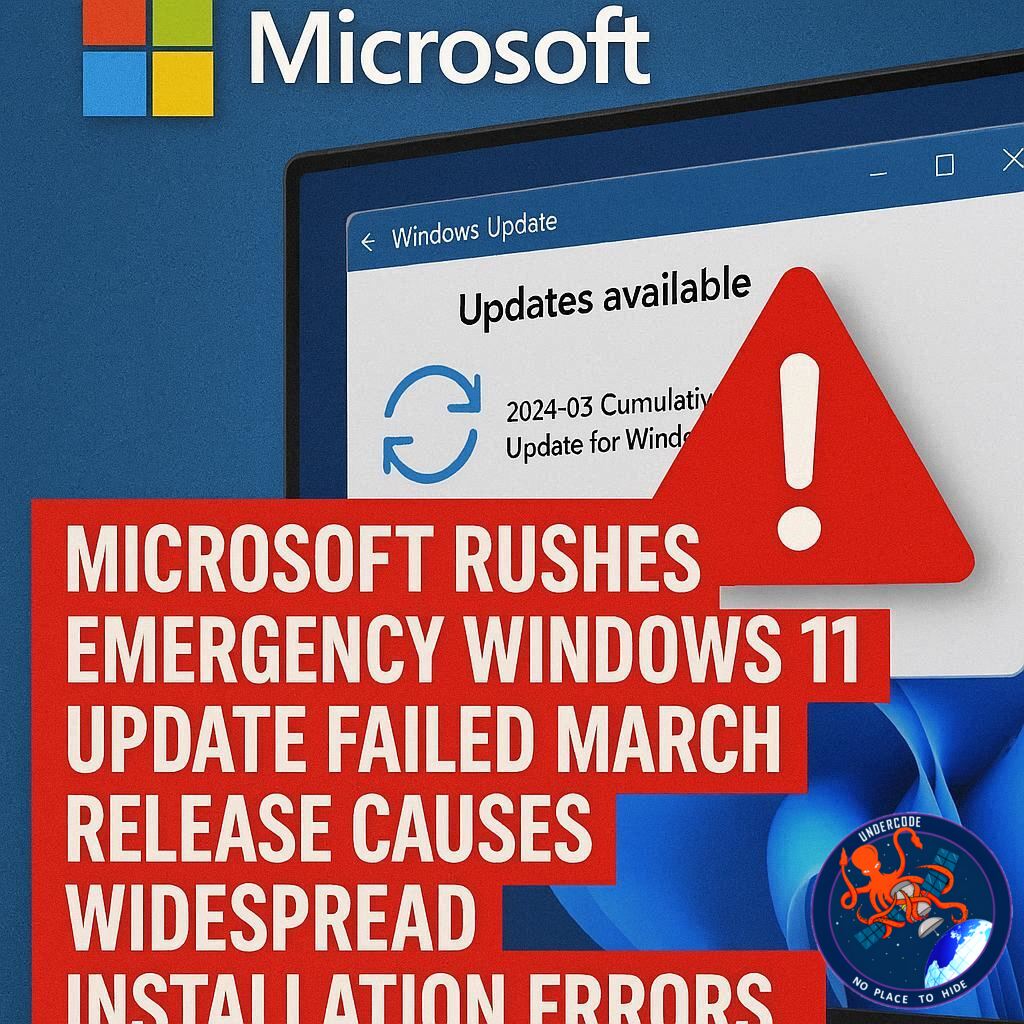
Microsoft has once again found itself reacting quickly to unexpected issues in its Windows update ecosystem. In March 2026, what was intended to be a routine optional update for Windows 11 turned into a widespread problem affecting users across multiple system versions. Installation failures, error codes, and system instability forced the company to halt the rollout and deploy an emergency fix within days. This situation highlights the increasing complexity of modern operating systems and the challenges of maintaining stability while continuously delivering new features and improvements.
Summary of the Original Incident
Microsoft initially released an optional cumulative update, KB5079391, targeting Windows 11 versions 24H2 and 25H2. This update included 29 changes, ranging from improvements to Smart App Control to enhancements in display performance. It was part of the company’s non-security preview updates, designed to test upcoming features before broader deployment.
However, shortly after users began installing the update, reports of installation failures started to surface. Many users encountered a specific error message stating that some update files were missing or corrupted, accompanied by the error code 0x80073712. This issue prevented the update from completing successfully, leaving systems either partially updated or stuck in retry loops.
As complaints grew, Microsoft investigated the problem and eventually confirmed that the update was indeed faulty. Over the weekend following the rollout, the company made the decision to pull the update entirely, stopping further distribution to prevent additional systems from being affected.
In response to the situation, Microsoft released an out-of-band emergency update, KB5086672, on March 31, 2026. This new update replaced the problematic KB5079391 and included not only a fix for the installation issue but also all the improvements and protections from the March 2026 updates. The company clarified that devices configured to receive updates automatically would get the fix through Windows Update, while others could manually install it via system settings.
This was not the only issue Microsoft faced during the month. Just days earlier, another emergency update had been released to resolve a serious bug introduced during Patch Tuesday updates. That issue disrupted sign-ins across several Microsoft services, including Teams, OneDrive, Edge, and Microsoft 365 Copilot, affecting productivity and access for many users.
Additionally, Microsoft deployed other out-of-band updates targeting enterprise environments. These updates addressed a Bluetooth visibility bug and multiple security vulnerabilities in the Routing and Remote Access Service management tool. The company also provided guidance for fixing access issues to the C:\ drive on Samsung laptops caused by problematic versions of Samsung-specific applications.
Overall, March 2026 proved to be a turbulent month for Windows 11 updates, marked by rapid releases, unexpected failures, and urgent fixes.
What Undercode Say:
The Increasing Fragility of Rapid Update Cycles
Modern operating systems like Windows 11 are evolving faster than ever. With frequent updates, preview releases, and feature rollouts, Microsoft is trying to balance innovation with stability. However, this incident shows that even optional updates can introduce critical issues that impact large numbers of users.
The KB5079391 failure is not just a technical glitch. It reflects a broader challenge in software engineering where complex dependencies and configurations make it difficult to predict how updates will behave across millions of devices.
Optional Updates Are No Longer Truly Optional
Traditionally, preview updates were considered safe testing grounds for early adopters. However, many users now enable automatic updates or opt into early releases without fully understanding the risks. When such updates fail, the consequences can be significant, even if the update was labeled as optional.
This raises an important question about user awareness and control. Should optional updates be more clearly separated from stable releases, or should Microsoft implement stricter validation before releasing them?
Error 0x80073712 Signals Deeper System Issues
The specific error code encountered in this case is often associated with missing or corrupted system files. While the root cause may lie in the update package itself, the error reveals how sensitive the Windows update mechanism is to inconsistencies.
This suggests that Microsoft may need to invest more in pre-deployment diagnostics that simulate real-world environments more accurately. Testing in controlled conditions is no longer enough when the diversity of user systems continues to grow.
A Pattern of Emergency Fixes
The rapid release of KB5086672 highlights Microsoft’s ability to respond quickly. However, the frequency of out-of-band updates is becoming a pattern rather than an exception.
When emergency patches become routine, it can erode user trust. Users may begin to delay updates or disable them entirely, which creates new security risks. Stability and predictability are just as important as innovation in maintaining a healthy update ecosystem.
Enterprise vs Consumer Impact
Interestingly, Microsoft also released separate fixes targeting enterprise environments, such as hotpatch-enabled systems. This shows that the company is segmenting its response based on user groups, which is necessary but also complex.
Enterprise users often rely on strict update policies and cannot afford disruptions. At the same time, consumer users expect seamless updates without manual intervention. Balancing these needs is becoming increasingly difficult.
Third-Party Dependencies Add Risk
The issue with Samsung laptops and specific applications like Galaxy Connect and Continuity Service adds another layer of complexity. Windows is not operating in isolation. It interacts with a wide ecosystem of third-party software and hardware.
When updates conflict with these external components, the result can be system-level issues that are difficult to diagnose and fix. This emphasizes the need for stronger collaboration between Microsoft and hardware partners.
Security vs Stability Trade-Off
March 2026 updates included both security and non-security changes. Combining these in a single rollout can increase risk. A failure in the update process may prevent critical security patches from being installed.
Separating security updates from feature updates more strictly could reduce this risk and ensure that essential protections are not delayed.
The Role of Automated Testing Tools
The mention of automated pentesting and validation surfaces in the original article hints at a broader issue in cybersecurity practices. Automated tools can identify potential attack paths, but they do not guarantee that defenses will hold under real-world conditions.
This applies equally to update testing. Automated validation must be complemented with real-world simulations and continuous monitoring.
User Trust Is the Real Currency
At the end of the day, the success of any update system depends on user trust. Frequent failures, even if quickly fixed, can create hesitation and skepticism.
Microsoft’s transparency in acknowledging issues and releasing fixes is a positive step. However, preventing such issues in the first place should remain the primary goal.
Fact Checker Results
✅ Microsoft did release KB5086672 as an emergency fix for the failed KB5079391 update.
✅ The error code 0x80073712 is correctly associated with missing or corrupted update files.
❌ There is no public evidence that all affected systems experienced identical symptoms or severity levels.
Prediction
🔮 Microsoft will likely tighten its preview update testing process to reduce similar failures.
⚠️ Users may become more cautious and delay installing optional updates in the future.
🚀 Expect increased investment in AI-driven diagnostics to predict update failures before rollout.
🕵️📝✔️Let’s dive deep and fact‑check.
References:
Reported By: www.bleepingcomputer.com
Extra Source Hub (Possible Sources for article):
https://www.linkedin.com
Wikipedia
OpenAi & Undercode AI
Image Source:
Unsplash
Undercode AI DI v2
Bing
🔐JOIN OUR CYBER WORLD [ CVE News • HackMonitor • UndercodeNews ]
📢 Follow UndercodeNews & Stay Tuned:
𝕏 formerly Twitter 🐦 | @ Threads | 🔗 Linkedin | 🦋BlueSky | 🐘Mastodon


