
Listen to this Post
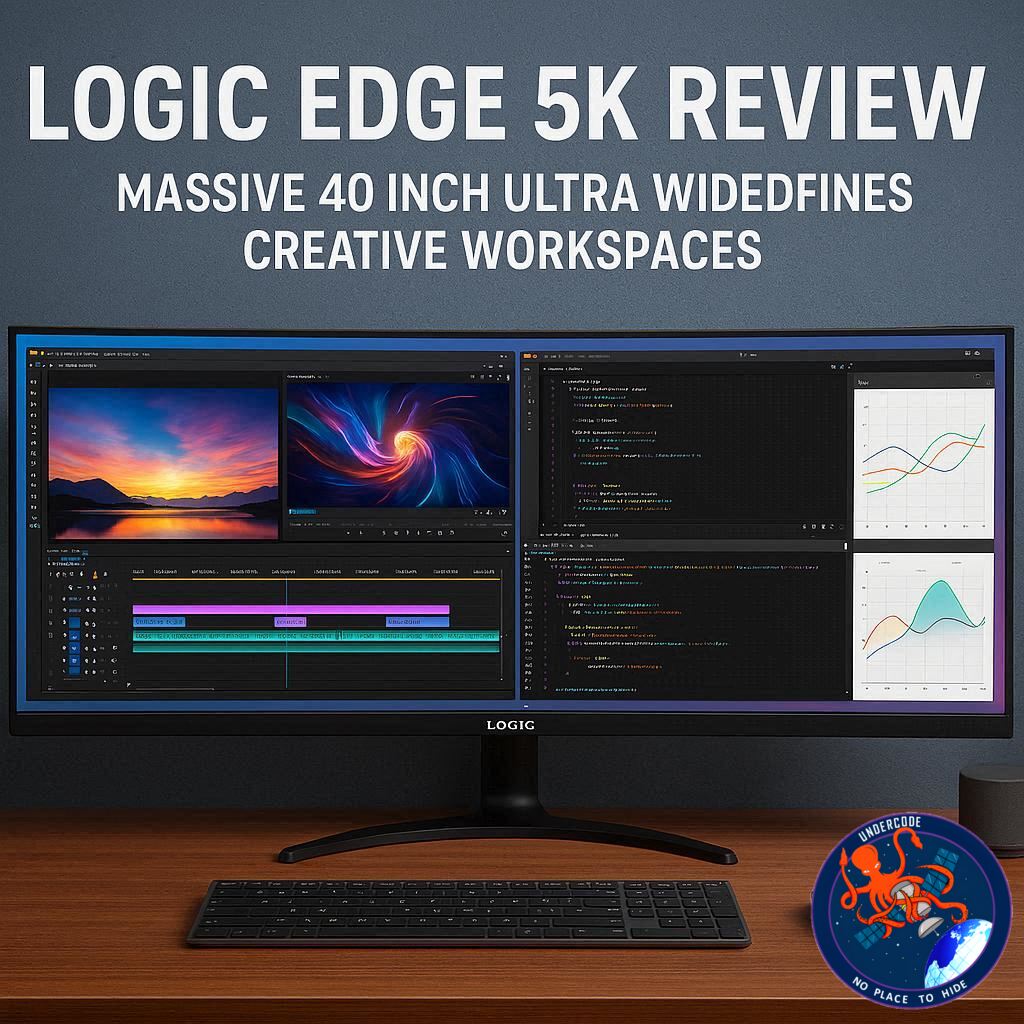
Introduction: A New Era of Ultrawide Productivity
The evolution of monitors has quietly reshaped how professionals work, especially in creative industries where screen real estate and color accuracy are everything. The Alogic Edge 5K enters this space with a bold proposition: replace multi-monitor setups with a single, expansive 40-inch ultrawide display that combines high resolution, modern connectivity, and a premium design. Built with creators, editors, and productivity-focused users in mind, this display promises both simplicity and power through a single USB-C connection. But does it truly deliver on its ambition, or does it fall short where it matters most?
Comprehensive Overview of the Alogic Edge 5K Experience
The Alogic Edge 5K immediately makes an impression with its sheer size. At 40 inches wide, it dwarfs standard 27-inch displays and introduces a cinematic 21:9 aspect ratio that transforms how applications are viewed and managed. The 5120 x 2160 resolution ensures that despite the large screen, image sharpness remains intact, delivering crisp text and highly detailed visuals across workflows ranging from document editing to high-resolution video production.
Design plays a crucial role in its appeal. The monitor features a full metal chassis with a Space Grey matte finish, clearly inspired by premium laptop aesthetics. Its ultra-thin 8mm panel enhances the modern look, while the sturdy stand provides height and tilt adjustments suitable for most desk setups. However, due to its size, desk stability becomes an important factor, as weaker surfaces may introduce slight wobble.
Setup is refreshingly simple. A single USB-C cable handles display output, data transfer, and up to 90W power delivery. This effectively turns the monitor into a docking station, reducing cable clutter and eliminating the need for separate chargers. For modern laptops, especially those designed around USB-C ecosystems, this is a significant advantage.
Connectivity is centered around USB-C, with additional support for HDMI and DisplayPort. However, the absence of USB-A ports may inconvenience users with older peripherals, requiring adapters. The rear of the monitor houses all ports within a protruding bar, keeping the front clean but slightly affecting accessibility.
Out of the box, the display’s color calibration is not ideal. The default “Warm” setting introduces a noticeable yellow tint, which can distort whites and affect visual accuracy. Switching to a standard color profile improves the situation significantly, but proper calibration using tools like Spyder is necessary to unlock the monitor’s full potential.
Once calibrated, the display performs impressively. It delivers rich, natural colors with strong coverage of sRGB and DCI-P3 color spaces, making it suitable for video editing and general creative work. However, AdobeRGB coverage measures around 89%, slightly below expectations for high-end professional photography. Additionally, the gamma value of 2.4 results in darker shadows and midtones, which may obscure finer details in critical editing scenarios.
The 100Hz refresh rate adds a layer of smoothness that enhances everyday use. While not designed for high-end gaming, it significantly improves scrolling, timeline navigation, and multitasking compared to standard 60Hz panels. Combined with the ultrawide format, users can comfortably run multiple applications side by side without feeling constrained.
One of the standout features is the anti-glare matte finish. Unlike glossy panels, it reduces reflections and provides a more accurate representation of images, which is particularly valuable for long editing sessions. This contributes to both visual comfort and precision.
The built-in USB-C dock is another highlight, streamlining workspace organization. However, the integrated speakers fall short of expectations. Despite the monitor’s size, audio output lacks depth and volume, making external speakers a necessary addition for most users.
Ultimately, the Alogic Edge 5K positions itself as a hybrid between premium displays and mid-range ultrawide monitors. It delivers exceptional workspace flexibility and strong overall performance, but requires calibration and minor compromises to reach its full potential.
What Undercode Say:
The Alogic Edge 5K is not just a monitor, it represents a shift in how users approach workspace efficiency. The idea of replacing dual or even triple monitor setups with a single ultrawide display is no longer experimental, it is becoming practical and, in many cases, preferable. This model reinforces that trend convincingly.
From a productivity standpoint, the 21:9 aspect ratio is transformative. Traditional dual-monitor setups often introduce bezel interruptions and alignment inconsistencies, which subtly disrupt workflow. A single continuous canvas eliminates these barriers, allowing smoother multitasking and a more immersive working environment. For video editors and designers, this translates into better timeline visibility and fewer compromises in layout management.
However, the monitor also exposes a common industry trade-off: balancing resolution, size, and color precision at a competitive price point. While 5K2K resolution is impressive, the slightly reduced AdobeRGB coverage signals that this display targets prosumers rather than elite professionals. High-end photographers working in print workflows will likely notice the difference, especially in color-critical scenarios.
The gamma shift to 2.4 is another subtle but important detail. It enhances perceived contrast, making images look more dramatic, but at the cost of shadow accuracy. This is a deliberate tuning choice seen in many displays aimed at general users, prioritizing visual punch over strict accuracy. For content creators, this means extra diligence during final output checks.
The inclusion of a USB-C dock is arguably one of the most forward-thinking aspects of this monitor. As laptops continue to shed ports, displays like this evolve into central hubs rather than passive screens. This convergence of display and docking functionality simplifies workflows, reduces cable clutter, and aligns with modern minimalist desk setups.
On the design side, the clear alignment with premium laptop aesthetics is not accidental. It taps into a growing demand for cohesive work environments where devices visually and functionally complement each other. This matters more than ever in home office setups, where the workspace often doubles as a personal environment.
The weak built-in speakers highlight a recurring issue across the monitor industry. Manufacturers often include audio as a checkbox feature rather than a serious component. In reality, users investing in displays of this caliber are better served by dedicated audio solutions, making integrated speakers largely irrelevant.
What stands out most is the monitor’s positioning. It bridges a gap between expensive professional displays and more affordable ultrawide options. It does not aim to dominate either category but instead offers a balanced compromise. For many users, especially content creators working primarily in digital formats, this balance is more than sufficient.
In a broader sense, the Edge 5K reflects where display technology is heading: fewer cables, larger canvases, higher resolutions, and integrated functionality. It is not perfect, but it captures the direction of the industry with surprising clarity.
Fact Checker Results
✅ The monitor delivers true 5120 x 2160 resolution with a 21:9 ultrawide format.
✅ AdobeRGB coverage is approximately 89%, not full professional-grade.
❌ Built-in speakers are not powerful enough to replace external audio systems.
Prediction
📊 Ultrawide 5K displays will increasingly replace dual-monitor setups in creative industries.
📊 USB-C docking integration will become a standard expectation rather than a premium feature.
📊 Future versions will likely focus on improving color accuracy to meet professional demands.
▶️ Related Video (84% Match):
🕵️📝✔️Let’s dive deep and fact‑check.
References:
Reported By: www.techradar.com
Extra Source Hub (Possible Sources for article):
https://www.github.com
Wikipedia
OpenAi & Undercode AI
Image Source:
Unsplash
Undercode AI DI v2
Bing
🔐JOIN OUR CYBER WORLD [ CVE News • HackMonitor • UndercodeNews ]
📢 Follow UndercodeNews & Stay Tuned:
𝕏 formerly Twitter 🐦 | @ Threads | 🔗 Linkedin | 🦋BlueSky | 🐘Mastodon


