
Listen to this Post
Introduction
For years, Windows 11 users have criticized Microsoft for removing some of the most practical and customizable taskbar features that existed in Windows 10. The inability to move the taskbar, resize it, or use a truly compact mode became one of the most controversial design decisions after Windows 11 launched in 2021. Many longtime Windows users felt the operating system prioritized appearance over functionality.
Now, Microsoft appears to be reversing course.
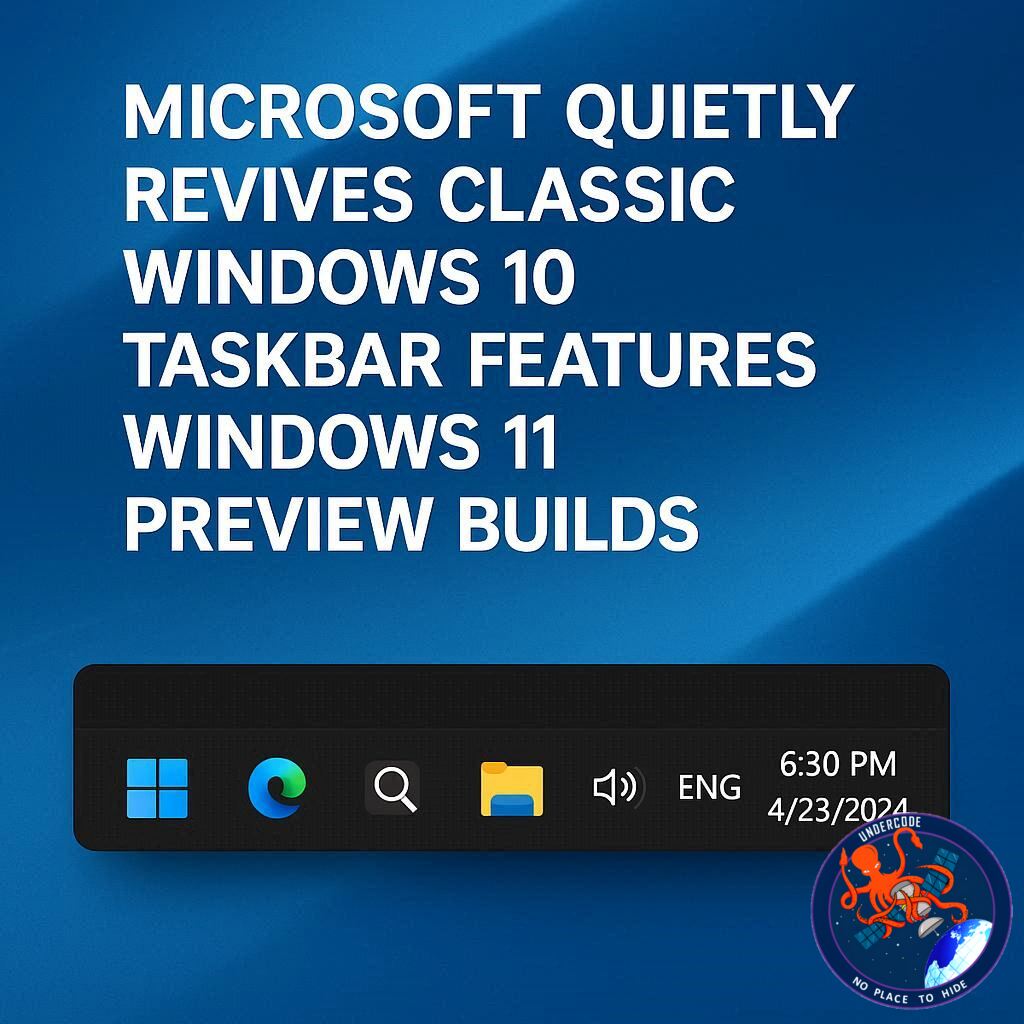
New preview builds of Windows 11 reveal early signs that the company is finally restoring several classic taskbar features users have demanded for years. Early testing already shows a smaller taskbar design, references to resizing controls, and partially functional movable taskbar support hidden inside development builds. These updates suggest Microsoft may finally be listening to user feedback after years of criticism.
The changes arrive alongside broader promises from Microsoft to improve Windows 11 performance, reduce unnecessary ads, streamline the user experience, and modernize core system components. While skepticism remains high among the Windows community, the recent preview builds indicate that this time, Microsoft may actually follow through.
Microsoft Begins Restoring Missing Windows 10 Taskbar Features
When Windows 11 debuted in 2021, Microsoft completely redesigned the taskbar experience. In doing so, the company removed several beloved customization features that had existed across multiple generations of Windows.
Users could no longer freely move the taskbar to different edges of the screen. Resize controls disappeared entirely. Even drag-and-drop support was initially removed before backlash forced Microsoft to restore it later.
Now, nearly five years after launch, Microsoft is finally working to bring back many of those missing capabilities.
According to discoveries made by Phantom on X, Windows 11 Build 26300.8346 already contains hidden components tied to a new smaller taskbar mode. Although incomplete, the preview build reveals clear evidence that Microsoft is actively testing the feature internally.
One noticeable example is the redesigned Widgets button, which now appears in a significantly smaller format when the compact taskbar mode is enabled. The weather icon itself also scales down, closely resembling the compact taskbar style that Windows 10 users are familiar with.
The feature remains unfinished, but its presence inside public preview builds strongly suggests Microsoft is preparing it for a future rollout.
Windows 11’s Current Small Taskbar Isn’t the Real Thing
Technically, Windows 11 already includes a limited “smaller taskbar buttons” option inside Settings under Personalization and Taskbar behaviors.
However, that setting only reduces the size of taskbar buttons themselves. The actual taskbar height remains mostly unchanged, creating an awkward and inconsistent appearance.
This differs significantly from Windows 10’s compact taskbar mode, which reduced the overall taskbar size while maintaining a cleaner proportional layout.
Microsoft now appears ready to implement a more authentic compact taskbar experience. The upcoming feature reportedly allows the entire taskbar to shrink naturally, much like older versions of Windows.
For users with smaller screens, ultrawide monitors, or productivity-focused workflows, this change could greatly improve usable screen space.
Resizable Taskbar Support May Finally Return
Another major discovery involves hidden references to proper taskbar resizing support.
Windows Latest reports that Microsoft is preparing functionality allowing users to drag the taskbar edges and resize it manually, similar to how Windows 10 handled the feature.
This means users may soon regain the ability to customize taskbar thickness depending on personal preference or workflow requirements.
For many power users, the removal of resizing controls was one of Windows 11’s most frustrating limitations. Multi-monitor setups, touch devices, and accessibility-focused configurations often benefited heavily from adjustable taskbar sizing.
The restoration of these controls signals a notable philosophical shift inside Microsoft’s Windows division.
Microsoft Admits Windows 11 Lost Direction
On March 20, Microsoft publicly acknowledged that Windows 11 had drifted away from what many users actually wanted.
The company promised a wide range of improvements, including:
Better overall performance
Faster File Explorer responsiveness
Fewer advertisements inside Windows
Reduced Copilot integration
A cleaner out-of-box setup experience
Improved dark mode consistency
Better system reliability
Native Start menu development in WinUI
File Explorer preloading enhancements
At the time, many users dismissed the announcement as another empty promise.
Microsoft has a long history of announcing ambitious Windows improvements that either arrive years late or disappear entirely due to internal restructuring and shifting priorities.
This time, however, preview builds are already showing visible progress.
Windows 11 Preview Builds Already Show Real Progress
Unlike previous promises, Microsoft is actively shipping experimental features to testers.
Windows 11 Build 26200.8328, released as part of the April 2026 optional update, already introduced several meaningful changes.
These include:
Faster loading for the system tray area
Improved Windows Hello fingerprint reliability
Reduced File Explorer sluggishness
Internal groundwork for future taskbar features
The fact that these improvements are already appearing in public testing channels gives users more confidence that Microsoft intends to continue development aggressively throughout 2026.
Sources familiar with Microsoft’s plans claim that as many as 18 major Windows 11 changes are currently under development. Some insiders believe the final number could be even higher.
Microsoft Is Slowly Returning to Practical Design
One of the biggest criticisms of Windows 11 has been Microsoft’s obsession with aesthetics at the expense of productivity.
The operating system introduced rounded corners, centered taskbar icons, modernized animations, and visual simplifications. While visually cleaner, many users argued the system became less efficient for daily work.
The return of compact taskbars and resizing controls suggests Microsoft is beginning to prioritize usability again.
This shift is especially important for enterprise users, developers, system administrators, and multitasking-heavy professionals who depend on efficient desktop layouts.
By restoring customization options, Microsoft acknowledges that flexibility remains one of Windows’ greatest strengths.
What Undercode Say:
Microsoft’s recent behavior around Windows 11 reveals something much larger than just a taskbar redesign. It reflects growing pressure from the Windows ecosystem itself.
For years, Microsoft attempted to reshape Windows into a cleaner, simplified platform inspired by modern mobile operating systems. The company focused heavily on visual consistency, cloud integration, AI assistants, and locked-down design structures. While these ideas looked appealing in marketing presentations, they often conflicted with how real desktop users actually work.
The backlash against Windows 11’s taskbar was not merely about aesthetics. It represented frustration from advanced users who rely on customization, workflow optimization, and efficient navigation. Removing long-standing features broke habits developed over decades.
What makes this situation particularly interesting is that Microsoft initially defended many of these removals. The company claimed some older taskbar functions had low usage rates or complicated the new architecture. Yet over time, the criticism never faded.
Now Microsoft appears to recognize that Windows cannot abandon its core identity.
Windows became dominant largely because of flexibility. Users could personalize the desktop, control workflows, tweak layouts, and adapt the operating system to different environments. Stripping away those options weakened one of Windows’ biggest advantages over competing ecosystems.
The return of taskbar resizing may seem minor to casual users, but for professionals, it signals something deeper. It suggests Microsoft is finally paying attention to productivity-oriented feedback rather than purely design-driven decisions.
Another important factor is the growing competition in desktop computing. Apple continues refining macOS for stability and ecosystem integration, while Linux distributions are becoming increasingly polished and user-friendly. Microsoft cannot afford to alienate power users indefinitely.
The reduction of ads and lighter Copilot integration is also notable. Many Windows users have become frustrated by aggressive promotion inside the operating system itself. Suggestions, recommendations, preinstalled apps, and AI integrations often created the impression that Windows was becoming cluttered.
By reducing these distractions, Microsoft may be attempting to rebuild trust.
Performance improvements matter equally as much. File Explorer sluggishness has been a major complaint since Windows 11 launched. Fixing these foundational problems could have a larger impact on user satisfaction than flashy AI features.
Interestingly, Microsoft’s shift may also indicate internal leadership changes. The company increasingly appears willing to admit mistakes publicly, something it historically avoided during controversial Windows transitions.
The decision to move the Start menu toward native WinUI development instead of React also demonstrates a focus on efficiency and responsiveness. Many users criticized Windows 11 for feeling heavier despite modern hardware becoming increasingly powerful.
If Microsoft successfully restores customization while maintaining Windows 11’s cleaner design language, the operating system could finally mature into the product many expected at launch.
However, skepticism remains justified.
Microsoft has repeatedly announced major Windows improvements before scaling them back or delaying them indefinitely. Preview builds often contain hidden features that never reach stable releases.
The next year will likely determine whether Microsoft truly intends to repair its relationship with longtime Windows users or whether this is simply another temporary adjustment cycle.
Still, the current evidence looks more promising than previous attempts.
The hidden taskbar improvements are not theoretical concepts anymore. They exist inside real preview builds, which means active engineering resources are already committed to them.
That alone marks a meaningful change in direction.
Fact Checker Results
✅ Windows 11 preview builds do contain references to smaller and resizable taskbar functionality according to multiple insider reports.
✅ Microsoft previously restored drag-and-drop support after strong backlash from users following Windows 11’s launch.
❌ Microsoft has not officially confirmed release dates for all upcoming taskbar customization features yet.
Prediction
🔮 Microsoft will continue restoring legacy Windows customization features throughout 2026 as user feedback increasingly influences development priorities.
🔮 Future Windows 11 updates will likely focus more on performance and usability improvements rather than aggressive AI integration alone.
🔮 If Microsoft successfully balances modern UI design with classic flexibility, Windows 11 could eventually regain stronger support from power users and enterprise environments.
🕵️📝Let’s dive deep and fact‑check.
References:
Reported By: www.windowslatest.com
Extra Source Hub (Possible Sources for article):
https://www.facebook.com
Wikipedia
OpenAi & Undercode AI
Image Source:
Unsplash
Undercode AI DI v2
Bing
🔐JOIN OUR CYBER WORLD [ CVE News • HackMonitor • UndercodeNews ]
📢 Follow UndercodeNews & Stay Tuned:
𝕏 formerly Twitter 🐦 | @ Threads | 🔗 Linkedin | 🦋BlueSky | 🐘Mastodon


