
Listen to this Post
Introduction
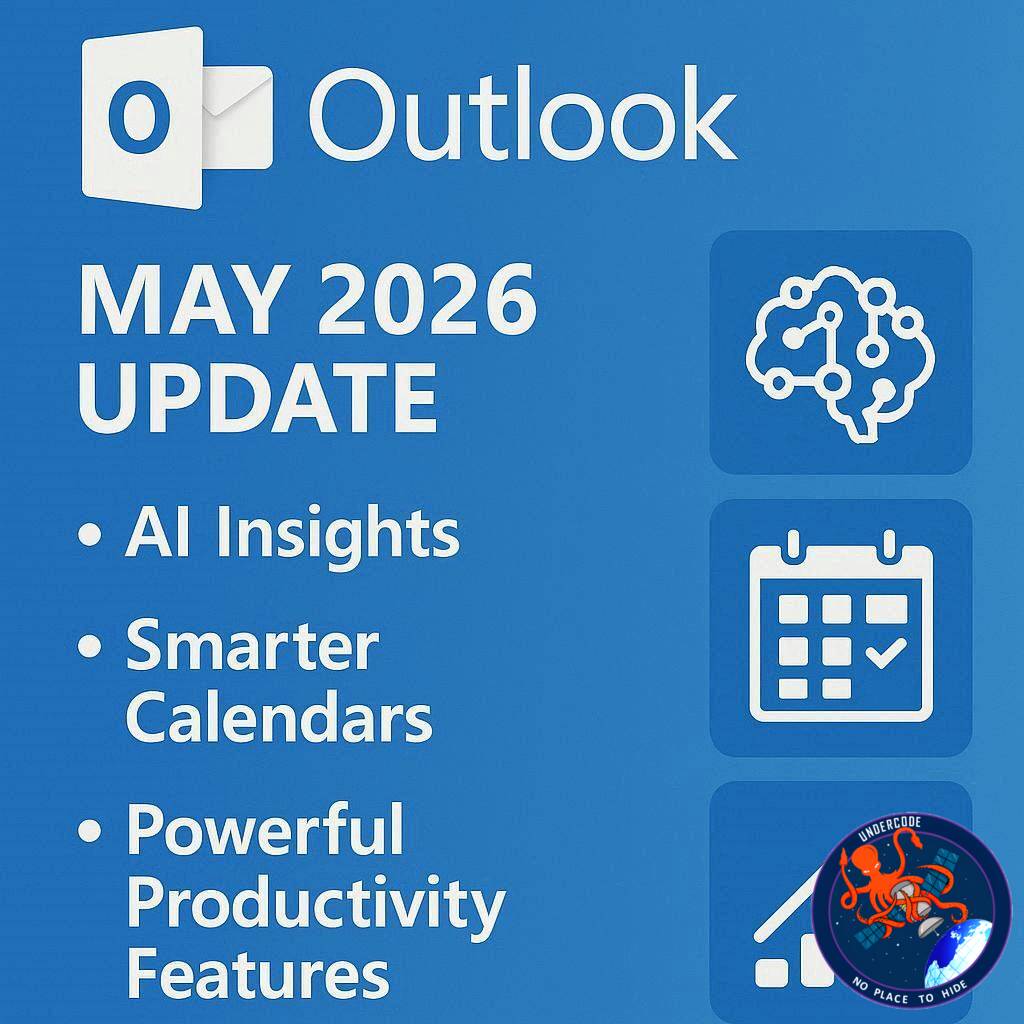
Microsoft is preparing another major upgrade for Outlook in May 2026, introducing a wide range of productivity-focused features across both the new Outlook and Outlook Classic. The company continues its aggressive push toward a unified email and calendar ecosystem, while also enhancing AI integration through Copilot.
The latest update includes long-awaited calendar improvements, smarter email sorting tools, bulk calendar management, and AI-powered contextual insights for classic Outlook users. Microsoft is also continuing its transition strategy from the old Outlook experience to the modern Outlook platform by addressing missing features that frustrated many users after switching.
While some of these capabilities have appeared on the Microsoft 365 Roadmap before, May 2026 finally looks like the month when many of them will reach general users. The changes may appear incremental individually, but together they represent one of the more meaningful Outlook usability upgrades in recent years.
Automapped Calendars Finally Arrive in New Outlook
One of the most requested features for the new Outlook has finally arrived: automapped calendars. This feature was initially mentioned back in 2024, but repeated delays kept it away from public rollout for nearly two years.
With this update, users moving from Outlook Classic to the new Outlook no longer need to manually reconfigure shared or automapped calendars. Microsoft now automatically synchronizes these calendars during the transition process.
This improvement mainly targets enterprise users who depend heavily on shared schedules, departmental calendars, and collaborative planning. Previously, missing automapped calendars created friction during migration and discouraged many businesses from adopting the new Outlook interface.
The feature is rolling out for desktop users first and is expected to significantly reduce transition headaches for organizations managing large teams.
Teammates’ Calendars Integrated Into Navigation Pane
Microsoft is also improving collaboration visibility inside the new Outlook by automatically displaying teammates’ calendars directly in the left navigation pane.
These calendars may include managers, direct reports, and coworkers connected within the same organization. The goal is to make scheduling meetings and checking availability far more seamless.
Interestingly, tests revealed that the feature also works with non-Microsoft accounts, as long as those accounts belong to the same organizational environment. This expands compatibility and demonstrates Microsoft’s broader cross-platform collaboration ambitions.
Instead of manually searching for coworkers every time a meeting is scheduled, users can instantly access relevant calendars from the side panel. In large companies where meeting coordination consumes significant time daily, this small interface change could save countless hours.
The feature is scheduled to arrive first on the web version of the new Outlook.
Multi-Select Calendar Management Returns
One of the major criticisms of the new Outlook was the removal of certain productivity tools that existed in Outlook Classic. Microsoft now appears to be correcting those decisions.
The ability to bulk select or deselect multiple calendars within a group is finally returning to the new Outlook. Users can once again manage multiple calendars simultaneously from the left navigation bar.
This feature is particularly useful for employees handling shared departmental calendars, project schedules, or multiple team timelines.
Microsoft is also adding multi-select event management directly on the calendar surface. Users will be able to:
Open multiple events
Copy and paste appointments
Delete events in bulk
Categorize multiple entries simultaneously
These actions closely mirror the flexibility previously available only in classic Outlook.
For power users, administrative assistants, HR teams, and project managers, this restoration of bulk management tools represents a major usability improvement.
Non-Consecutive Date Selection Improves Scheduling
Another subtle but important addition is support for selecting non-consecutive dates within the mini-calendar.
Users can now hold the Shift or CTRL key while clicking dates to choose multiple unrelated calendar days. This allows easier viewing and management of scattered appointments or recurring schedules.
This may sound minor, but it dramatically improves navigation for users managing irregular schedules, rotating shifts, travel planning, or event coordination.
Rather than repeatedly opening and closing individual dates, Outlook users can now interact with multiple targeted days simultaneously.
The feature will launch on the web client of the new Outlook.
Copilot Expands Into Outlook Classic
Microsoft is continuing its aggressive expansion of AI features across Microsoft 365, and Outlook Classic is now receiving additional Copilot integration.
Users will be able to highlight text within emails and ask Copilot for relevant information, summaries, explanations, or contextual insights directly inside the classic Outlook interface.
This functionality already exists in the new Outlook, but its arrival in Outlook Classic is important because many enterprise users still rely on the older version for stability and compatibility reasons.
Instead of forcing organizations to migrate immediately, Microsoft appears to be using AI incentives to gradually modernize workflows without disrupting legacy infrastructure.
This move also signals that Outlook Classic still remains strategically important despite Microsoft’s push toward the newer client.
Smarter Email Sorting and ICS Calendar Export Support
Microsoft is also improving Outlook’s email organization system.
Users will now gain advanced sorting options based on:
Flag status
Flag due date
Flag start date
These additions may sound simple, but they can significantly improve inbox management for users who heavily depend on flagged emails as task management tools.
For professionals handling hundreds of emails daily, better sorting capabilities reduce search time and improve workflow efficiency.
Alongside email improvements, Microsoft is introducing the ability to save calendar events as .ics files in the new Outlook web client.
ICS export support is important because it improves compatibility with third-party calendar systems and external scheduling workflows. Users can more easily share events outside Microsoft’s ecosystem, including with Google Calendar, Apple Calendar, and enterprise scheduling tools.
Microsoft’s Rollout Delays Still Remain a Concern
Although all these features are currently scheduled for May 2026 rollout, Microsoft’s release timelines have historically been unpredictable.
Several Outlook features previously announced through the Microsoft 365 Roadmap faced delays, silent postponements, or staged deployments that stretched across multiple months.
Automapped calendars themselves are a perfect example, originally announced years ago before finally approaching public release.
Enterprise administrators are therefore likely to remain cautious until features become broadly available in stable production environments.
Still, if Microsoft successfully delivers everything planned for May, this could become one of the strongest Outlook update cycles in recent memory.
What Undercode Say:
Microsoft’s May 2026 Outlook update reveals a very clear strategic direction: Microsoft is no longer treating Outlook as just an email client. It is becoming a centralized productivity hub powered by AI, collaborative scheduling, and workflow automation.
The addition of teammate calendars directly inside the navigation pane reflects Microsoft’s broader attempt to reduce friction inside corporate environments. Instead of requiring employees to jump between Teams, Outlook, calendars, and directories, Microsoft wants everything accessible from a single interface.
This mirrors a wider industry trend where software companies increasingly compete on workflow efficiency rather than standalone features.
The return of missing legacy capabilities is also extremely important. One of the biggest mistakes Microsoft made during the transition to the new Outlook was removing advanced productivity tools that experienced users relied upon daily.
Power users do not tolerate missing functionality well, especially inside enterprise environments where speed and muscle memory matter.
By bringing back multi-select calendars, bulk event editing, and advanced sorting, Microsoft is effectively admitting that the “simplified modern UI” approach created real workflow damage for professional users.
The Copilot integration inside Outlook Classic is equally strategic.
Microsoft understands that many enterprises cannot instantly migrate to modern software environments. Legacy infrastructure, compliance requirements, internal plugins, and corporate policies slow adoption dramatically.
Instead of forcing migration, Microsoft is now delivering AI features directly into older platforms to maintain customer retention while gradually guiding users toward the future ecosystem.
This is smart business.
AI inside Outlook is also likely to evolve much further than summarization. Over time, Copilot could become a fully integrated productivity assistant capable of:
Prioritizing emails automatically
Predicting meeting conflicts
Drafting replies based on organizational tone
Detecting urgent tasks
Building schedules dynamically
Analyzing communication patterns
Eventually, Outlook may transform into an intelligent workflow engine rather than a traditional mailbox.
The calendar improvements also hint at Microsoft competing more directly with specialized productivity platforms like Notion, ClickUp, and Asana.
Modern workplace software increasingly overlaps. Email, task management, scheduling, collaboration, and AI assistance are merging into unified ecosystems.
Microsoft’s biggest advantage is that Outlook already sits at the center of many corporate workflows worldwide.
If the company executes correctly, it could strengthen that dominance even further.
However, there are still concerns.
The new Outlook has faced criticism for performance issues, inconsistent feature parity, and confusing transitions between classic and modern interfaces.
Some organizations still actively avoid migration because certain workflows remain slower or less reliable than Outlook Classic.
Microsoft’s challenge is no longer innovation alone. The company must rebuild trust among enterprise users who felt abandoned during earlier redesign phases.
Another key issue is AI reliability.
Copilot features sound impressive, but enterprise users demand precision. Incorrect AI summaries, misunderstood email context, or flawed scheduling suggestions could create serious workplace problems.
Microsoft will need extremely strong safeguards and transparency around AI-generated outputs.
Privacy will also become increasingly important.
As AI analyzes email content, calendar patterns, and internal communications, businesses will demand stronger assurances regarding data handling, retention policies, and organizational boundaries.
Still, the direction is obvious.
Outlook is evolving into an AI-first productivity platform where communication, scheduling, and automation merge together.
May 2026 may not be the final transformation, but it clearly marks another major step toward Microsoft’s long-term workplace vision.
Fact Checker Results
✅ Microsoft has officially listed multiple Outlook features on the Microsoft 365 Roadmap for rollout in May 2026.
✅ Automapped calendars and Copilot-related enhancements have experienced previous rollout delays before reaching broader availability.
❌ There is currently no guarantee every announced feature will launch globally within May 2026, as Microsoft frequently adjusts deployment timelines.
Prediction
🔮 By late 2026, Microsoft Copilot inside Outlook will likely evolve into a proactive assistant capable of automatically organizing meetings, prioritizing urgent communications, and generating workflow recommendations.
🔮 The new Outlook may eventually replace Outlook Classic entirely once feature parity is fully achieved and enterprise resistance decreases.
🔮 AI-powered calendar intelligence could become one of Microsoft’s strongest competitive advantages against third-party workplace productivity platforms.
🕵️📝Let’s dive deep and fact‑check.
References:
Reported By: www.windowslatest.com
Extra Source Hub (Possible Sources for article):
https://www.stackexchange.com
Wikipedia
OpenAi & Undercode AI
Image Source:
Unsplash
Undercode AI DI v2
Bing
🔐JOIN OUR CYBER WORLD [ CVE News • HackMonitor • UndercodeNews ]
📢 Follow UndercodeNews & Stay Tuned:
𝕏 formerly Twitter 🐦 | @ Threads | 🔗 Linkedin | 🦋BlueSky | 🐘Mastodon


