
Listen to this Post
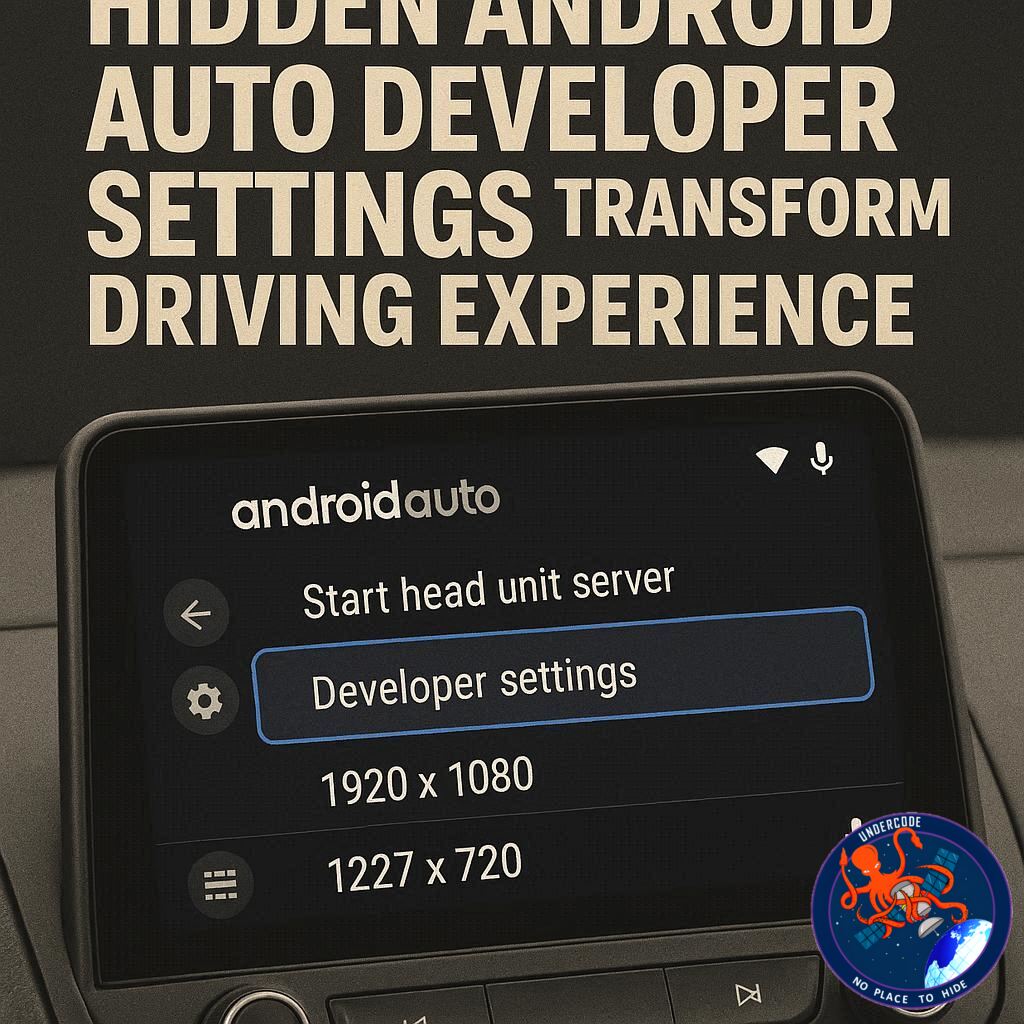
Introduction: Android Auto’s Hidden Power Most Drivers Never Touch
Android Auto is often seen as a simple bridge between your smartphone and your car, offering navigation, music control, and messaging in a clean, distraction-free interface. For many drivers, that is more than enough. But beneath its standard interface lies a set of hidden developer options that can significantly change how the system looks, feels, and performs.
These settings are not prominently advertised because they are primarily intended for developers and testing purposes. However, they are surprisingly easy to unlock and can deliver meaningful improvements in usability, visual clarity, and customization. With just a few taps, Android Auto can shift from a basic driving assistant into a far more flexible infotainment system tailored to personal preference.
What makes this even more interesting is that these adjustments do not require rooting your phone or installing complex software. They are already built into Android Auto and only need to be enabled through a hidden menu. Once unlocked, they open the door to four particularly powerful settings that many users never realize exist.
Summary: What the Original Guide Explains About Android Auto’s Hidden Settings
Developer Mode Unlocking Process
The core idea of the guide is that Android Auto contains a hidden developer mode that can be activated directly from the app settings. Users must search for Android Auto in their phone settings, open “Additional settings in the app,” then tap the version number repeatedly until developer mode is enabled. This unlocks advanced configuration options normally hidden from regular users.
Why These Settings Matter
Android Auto is designed for stability and safety, so many features are locked down or simplified. However, this also means users lose access to customization options that could improve visibility, performance, or convenience. The article emphasizes that unlocking developer mode allows users to optimize the system for their own driving habits.
Setting 1: Forcing Day or Night Mode
One of the most useful hidden options is manual control over day and night themes. Instead of relying on automatic switching based on lighting conditions or time of day, users can lock the interface into a consistent mode. This prevents sudden changes in brightness or contrast when entering tunnels, cloudy weather, or changing environments.
Setting 2: Adjusting Video Resolution
Another powerful feature is the ability to adjust Android Auto’s display resolution. By default, the system reduces resolution to ensure compatibility and performance across different vehicles. However, this can make the interface look less sharp. Increasing resolution can significantly improve map clarity, icons, and overall visual quality, especially on modern high-resolution car screens.
Setting 3: Controlling Wireless Android Auto
Wireless Android Auto is convenient because it connects automatically when you enter your vehicle. However, it can drain smartphone battery even when not actively used. The hidden setting allows users to disable wireless mode and rely only on wired connections, preserving battery life for those who only use Android Auto occasionally.
Setting 4: Enabling Unknown Sources
The final major feature involves enabling installation of apps from unknown sources. This expands Android Auto’s capabilities beyond official apps, allowing media playback tools, browser-based apps, diagnostic tools, and smart home controls. While powerful, this setting also introduces potential risks due to non-verified software.
Overall Idea
The article highlights that Android Auto is far more customizable than most users realize. With developer mode enabled, the system becomes more flexible, more visual, and more aligned with individual preferences rather than default manufacturer limitations.
What Undercode Say:
The Hidden Layer of Android Auto Design
Android Auto is intentionally restrictive on the surface, and this is not accidental. The platform is engineered around safety, consistency, and minimal distraction. However, underneath this controlled interface is a parallel system of developer-level controls that reveal a very different philosophy. Google does not fully expose these settings because they can introduce instability or inconsistent user experiences across different car models and displays.
Day and Night Mode Control as a Stability Feature
The ability to lock day or night mode is not just a cosmetic change. It directly affects cognitive load while driving. Automatic switching systems often rely on imperfect triggers like ambient light sensors or headlight status. In practice, this creates visual inconsistency that can disrupt driver focus. Manual control restores predictability, which is often more important than automation in driving contexts.
Resolution Scaling and Hardware Fragmentation
Android Auto’s default resolution scaling is a compromise designed for compatibility across hundreds of vehicle head units. This explains why many users experience blurry interfaces even on high-end displays. Increasing resolution exposes the limitation of the car’s hardware pipeline. In some systems, higher resolution demands more GPU bandwidth than the infotainment unit can handle, leading to instability or black screens. This tradeoff shows how fragmented automotive hardware still is compared to smartphones.
Wireless Connectivity and Battery Economics
Wireless Android Auto is often marketed as convenience, but it introduces a constant background connection between phone and vehicle. Even when idle, this connection consumes power through Bluetooth, Wi-Fi Direct, and background services. Disabling wireless mode is essentially a manual optimization of energy consumption, prioritizing predictable battery life over seamless connectivity.
Unknown Sources and the Security Tradeoff
Allowing unknown sources dramatically expands Android Auto’s ecosystem but breaks the controlled environment Google designed. This is where Android’s broader philosophy becomes visible: openness versus safety. While users gain access to powerful tools like media streaming apps and diagnostics dashboards, they also expose themselves to potential security vulnerabilities and unstable applications.
Android Auto as a Controlled Ecosystem
The system is not just a mirror of Android phones; it is a curated subset of Android designed for automotive safety standards. Every hidden setting represents a point where control is partially returned to the user. However, each unlocked feature also shifts responsibility from the platform to the user, especially regarding safety and system stability.
User Experience vs System Integrity
There is a constant tension between customization and reliability. Android Auto’s default configuration prioritizes universal stability. Developer mode prioritizes experimentation. Users who enable these settings are essentially stepping into a semi-supported environment where behavior can vary widely depending on vehicle hardware, phone model, and software version.
The Evolution of In-Car Software
These hidden options also reflect the ongoing evolution of cars as software platforms rather than purely mechanical systems. Infotainment systems are becoming extensions of mobile ecosystems. As this shift continues, developer-level access may eventually become more mainstream, similar to how smartphone settings evolved from restricted to highly customizable over time.
Fact Checker Results
Accuracy of Developer Mode Explanation ✅
The process described for enabling Android Auto developer mode is consistent with official behavior and widely documented user methods.
Resolution and Wireless Behavior Claims ⚠️
Statements about performance improvements and battery drain are generally accurate but vary significantly depending on vehicle hardware and phone model.
Unknown Sources Risks Confirmed ⚠️
Allowing third-party apps does increase functionality but also introduces potential security and stability risks as stated.
Prediction
Android Auto will likely become more customizable in future updates as vehicle infotainment systems converge with smartphone ecosystems. However, Google will probably keep advanced developer options hidden or restricted to maintain safety standards. Wireless optimization, adaptive resolution scaling, and controlled third-party app access will likely become more refined but still tightly regulated.
▶️ Related Video (88% Match):
🕵️📝Let’s dive deep and fact‑check.
References:
Reported By: www.zdnet.com
Extra Source Hub (Possible Sources for article):
https://www.instagram.com
Wikipedia
OpenAi & Undercode AI
Image Source:
Unsplash
Undercode AI DI v2
Bing
🔐JOIN OUR CYBER WORLD [ CVE News • HackMonitor • UndercodeNews ]
📢 Follow UndercodeNews & Stay Tuned:
𝕏 formerly Twitter 🐦 | @ Threads | 🔗 Linkedin | 🦋BlueSky | 🐘Mastodon | 📺Youtube


