
Listen to this Post
Introduction
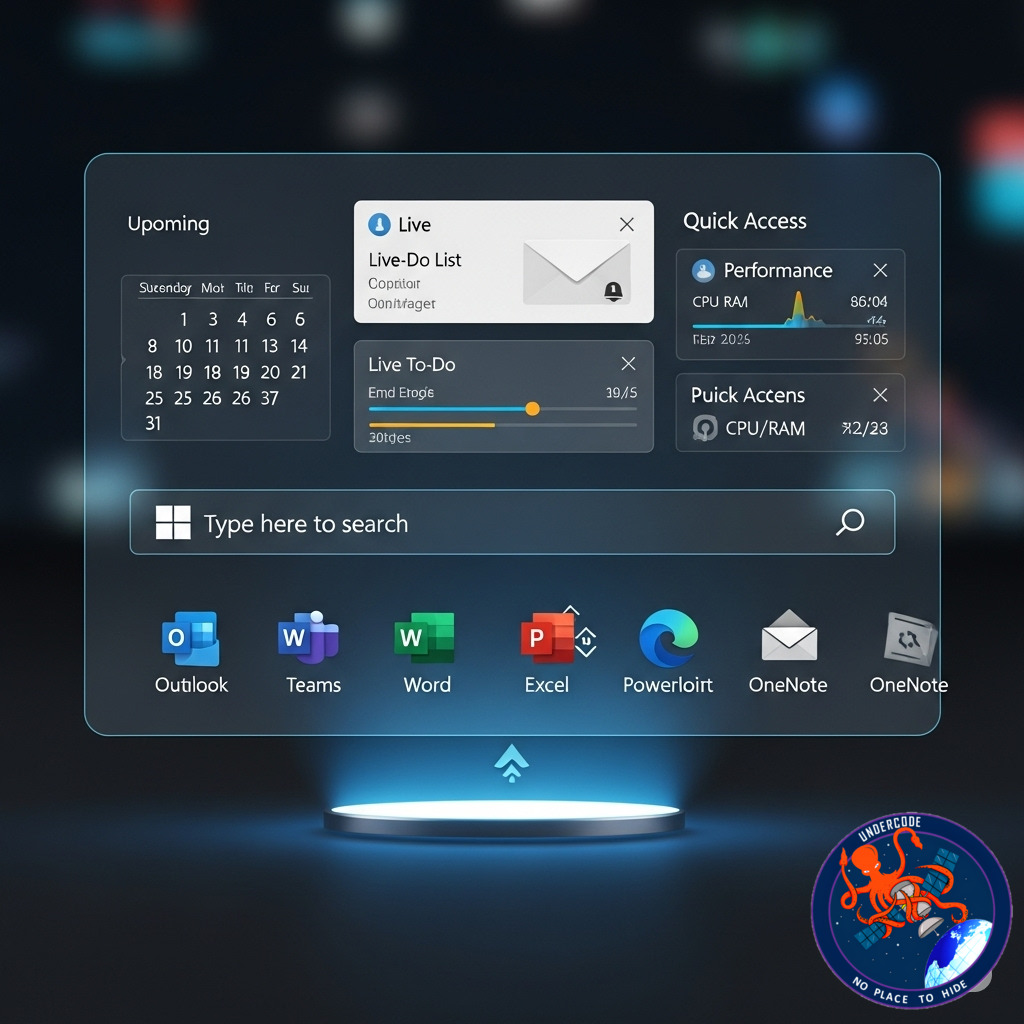
Microsoft is giving its Windows taskbar a powerful makeover, transforming it from a simple app launcher into a true productivity hub. With the rollout of new “lightweight” companion apps, your daily workflow could soon become faster and more integrated — all without leaving the taskbar. These tools are designed to launch automatically when your PC starts, offering immediate access to essential features like contact management, file search, and calendar organization. For Microsoft 365 Business users, this could mean fewer clicks, less app switching, and a smoother workday.
the Original
Microsoft is preparing to roll out a set of companion taskbar apps that will integrate directly into Windows, aimed at making daily productivity tasks faster and more seamless. These lightweight apps will launch automatically at startup and sit on the taskbar for instant access.
The update includes three main tools:
1. People
A contact management app that organizes and connects all your contacts.
Can pull contact data from email accounts, social networks, and apps.
Lets users quickly start a Microsoft Teams call.
2. File Search
A powerful search tool for Microsoft 365 files across OneDrive, SharePoint, Teams, Outlook, and more.
Search by file name, author, or keyword, with advanced filtering options.
Offers file previews and the ability to share files directly within the app.
3. Calendar
A collaborative scheduling tool that syncs across devices.
Supports event creation, reminders, and task management.
Integrates with other Microsoft tools for unified schedule viewing.
While these apps don’t add entirely new features, the integration into the taskbar makes them more accessible, potentially keeping users within Microsoft’s ecosystem and away from competitors.
The rollout begins this month and will be available to all Microsoft 365 Business users.
What Undercode Say:
Microsoft’s move here is strategic — it’s less about creating new features and more about changing how and where you access them. By embedding these companion apps directly into the taskbar, Microsoft is essentially trying to reduce user friction and make its ecosystem “stickier.”
For years, productivity apps have been accessible via separate programs or web portals, requiring multiple steps. The taskbar integration trims this down to one click. This matters because:
Speed matters in workflows. The fewer seconds spent searching for an app or file, the more time spent on actual tasks.
Reduced app-switching fatigue. Constantly bouncing between apps can break focus. This integration helps keep the user in one environment.
Deepening user lock-in. Once your contacts, files, and calendar are centralized in Windows, it becomes harder to switch to non-Microsoft solutions like Google Workspace.
From a technical standpoint, these apps appear to be front-ends to existing Microsoft 365 services, meaning they won’t consume heavy system resources. However, since they auto-launch at startup, there’s a potential downside for users who value minimal boot times. The good news is, Windows generally allows you to disable unwanted startup apps — though Microsoft could make that option less obvious to keep engagement high.
Security-conscious users might also want to pay attention. The People and File Search apps will have deep access to organizational data, so IT admins should ensure permissions are correctly set. Misconfigured access could lead to accidental data exposure.
The bigger picture: this update aligns with Microsoft’s broader trend of blending OS features with cloud services. We’ve already seen it with Windows Copilot, OneDrive sync integration, and Edge’s tight OS ties. This isn’t just about convenience — it’s about turning Windows into a full-service work platform rather than a neutral operating system.
Bottom line: This could be a quiet but significant shift in how people interact with their PCs. If the rollout is smooth, taskbars might finally evolve from a static dock into an active control panel for productivity.
🔍 Fact Checker Results
✅ Microsoft confirmed rollout starts this month for Microsoft 365 Business users.
✅ The companion apps are People, File Search, and Calendar — all tied to Microsoft 365 services.
❌ No evidence yet that these features will be available for non-business or personal Microsoft 365 accounts.
📊 Prediction
If Microsoft’s integration works well, we can expect more companion apps to follow — possibly including quick task creation for To Do, direct Copilot queries, and mini dashboards for Teams activity. Within a year, the taskbar could evolve into Microsoft’s ultimate control center, blurring the line between OS navigation and cloud productivity tools. Competitors like Google Workspace may respond with tighter ChromeOS integrations to keep pace.
🕵️📝✔️Let’s dive deep and fact‑check.
References:
Reported By: www.zdnet.com
Extra Source Hub:
https://www.digitaltrends.com
Wikipedia
OpenAi & Undercode AI
Image Source:
Unsplash
Undercode AI DI v2
🔐JOIN OUR CYBER WORLD [ CVE News • HackMonitor • UndercodeNews ]
📢 Follow UndercodeNews & Stay Tuned:
𝕏 formerly Twitter 🐦 | @ Threads | 🔗 Linkedin | 🦋BlueSky | 🐘Mastodon


