
Listen to this Post
Introduction
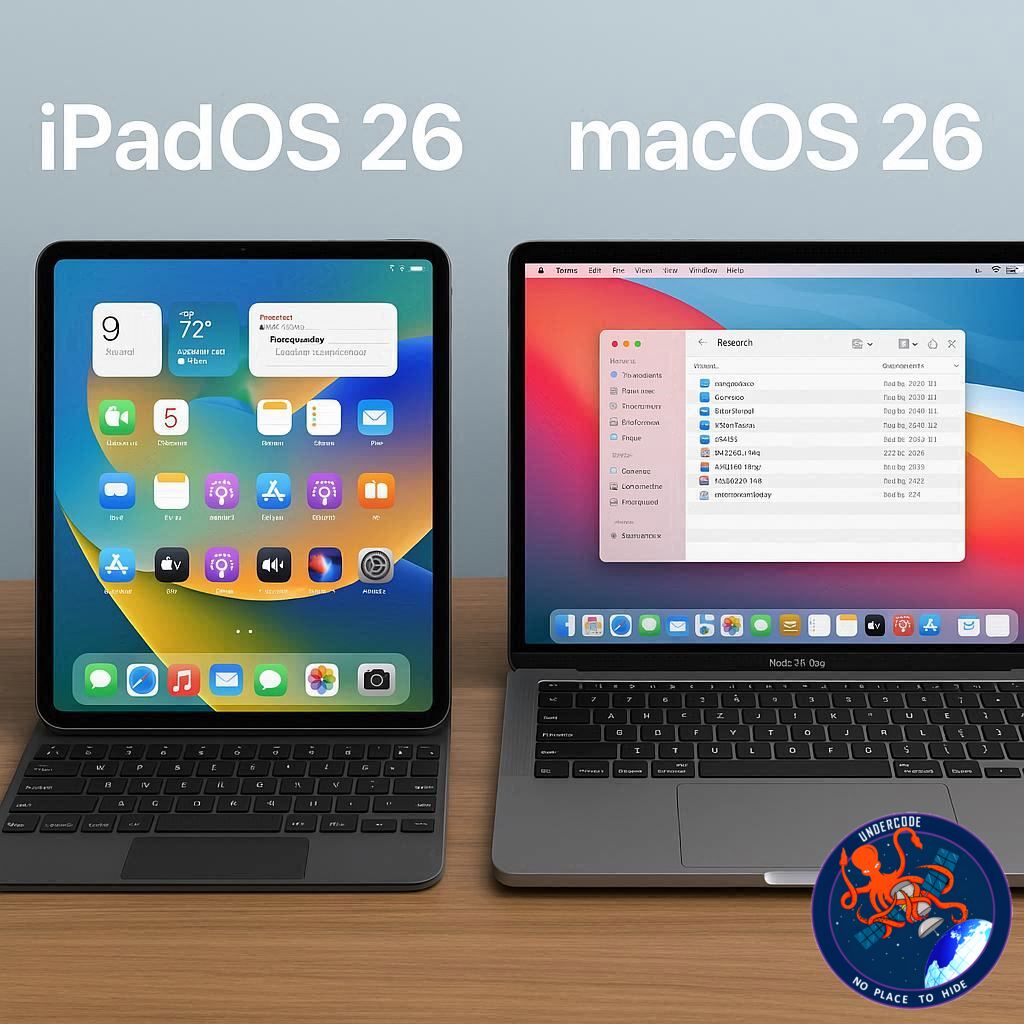
For years, iPad fans have been waiting for the day when Apple’s tablet could truly stand shoulder to shoulder with a MacBook. The hardware was always powerful, but the software was the bottleneck. With iPadOS 26, that gap feels closer than ever to closing. Featuring a new multitasking system, improved file management, and a desktop-like windowing setup, the iPad Pro powered by the M4 chip seems ready to challenge the MacBook Pro head-on. But is it really enough to replace your laptop? Let’s dive deep into what Apple has done and whether the iPad Pro can now be your only computer.
A Full Breakdown of iPadOS 26 vs macOS 26
The announcement of iPadOS 26 was a defining moment for Apple’s tablet lineup. For years, the iPad has had laptop-class hardware but iPhone-class software. Now, things are different. The M4 iPad Pro and M4 MacBook Pro share identical raw performance thanks to the same chip, meaning you won’t lose out on speed whether you pick the tablet or the laptop. Benchmarks show nearly identical scores — \~3700 in single-core, \~13,500–14,500 in multi-core, and GPU scores around 50,000–60,000.
Where things start to split is RAM and expandability. The MacBook Pro comes with 16GB of RAM standard, while the iPad Pro starts at 8GB and only offers 16GB if you buy the 1TB model. That means the laptop gives more breathing room for heavier workloads.
When it comes to external design, the iPad Pro wins the crown for thinness (just 5.1mm) and display brilliance with its Tandem OLED screen. Meanwhile, the MacBook Pro pushes ahead in I/O with Thunderbolt 4 ports, HDMI, SD card slot, MagSafe, and a headphone jack. Battery life is also a massive separator: the iPad gives you 8–12 hours, while the MacBook easily reaches 16–20.
The real comparison, however, lies in software. iPadOS 26 introduces game-changing multitasking: resizable floating windows, triple splits, quad layouts, up to 12 simultaneous windows, and an expanded dock that now supports 29 apps. The Files app has also matured with background downloads, pinned folders, and advanced filtering — a huge leap closer to macOS. On the flip side, it still lacks multi-monitor support, clamshell mode, and full desktop-class apps like Final Cut, Logic Pro, and Xcode.
macOS 26 remains the gold standard for professionals. It handles multiple displays, supports legacy pro software, offers terminal access, and has a mature desktop ecosystem. But it lacks touch support, Apple Pencil compatibility, and cellular options — areas where the iPad shines.
In the end, the iPad Pro delivers versatility, working both as a laptop and tablet, while the MacBook Pro remains the more reliable, all-day professional machine. Students, creatives, and casual users may lean toward the iPad, while developers, power users, and pro editors will find macOS non-negotiable.
What Undercode Say:
Looking deeper, Apple’s strategy becomes clear. The iPad is not designed to fully kill the MacBook — instead, it complements it. By refining iPadOS 26, Apple is targeting users who want flexibility over tradition.
The iPad Pro represents Apple’s attempt to merge consumption and creation into one device. Students benefit from handwriting with Apple Pencil and quick multitasking. Digital artists find the display unmatched for drawing and editing. Even casual users now get a more computer-like experience without losing the iPad’s lightweight charm.
The MacBook Pro, on the other hand, is a productivity fortress. Its longer battery life, better port selection, and mature macOS make it the safer bet for industries where time equals money. Professional editors, coders, and engineers cannot afford the compromises that iPadOS still imposes.
Price also plays a crucial role. With the MacBook Pro dropping to around \$1299 and the iPad Pro sitting at \$1199, the two devices are closer in cost than ever before. Add the Magic Keyboard (\$349) and suddenly the iPad can cost more than a MacBook — something buyers should consider.
What’s fascinating is how Apple is slowly blurring the lines. iPadOS 26 is not meant to completely take over macOS, but it’s creeping closer every year. Features like resizable windows and enhanced file management prove Apple is listening. Still, by withholding full macOS on iPad hardware, Apple ensures users buy both products if they want the “best of both worlds.”
From a future-facing perspective, the iPad may one day be the true “all-in-one” Apple device. But for now, it’s best seen as a flexible alternative, not a total replacement. The decision ultimately depends on lifestyle: Do you value adaptability and creativity? Choose iPad Pro. Do you need brute-force reliability and pro software? Stick with MacBook Pro.
✅ Fact Checker Results
Apple has indeed launched iPadOS 26 with advanced multitasking and file features. Benchmarks confirm identical M4 chip performance across both devices. However, iPadOS still lacks pro desktop apps and multi-display support — meaning the MacBook Pro remains the stronger choice for professionals.
🔮 Prediction
The future suggests Apple will continue merging iPadOS and macOS slowly, but not fully. Expect iPadOS 27 or later to introduce clamshell mode, broader external display support, and better desktop-class apps. By 2027, the iPad Pro may well become the first true hybrid device that finally ends the “tablet vs laptop” debate.
🕵️📝✔️Let’s dive deep and fact‑check.
References:
Reported By: 9to5mac.com
Extra Source Hub:
https://www.quora.com/topic/Technology
Wikipedia
OpenAi & Undercode AI
Image Source:
Unsplash
Undercode AI DI v2
🔐JOIN OUR CYBER WORLD [ CVE News • HackMonitor • UndercodeNews ]
📢 Follow UndercodeNews & Stay Tuned:
𝕏 formerly Twitter 🐦 | @ Threads | 🔗 Linkedin | 🦋BlueSky | 🐘Mastodon


