
Listen to this Post
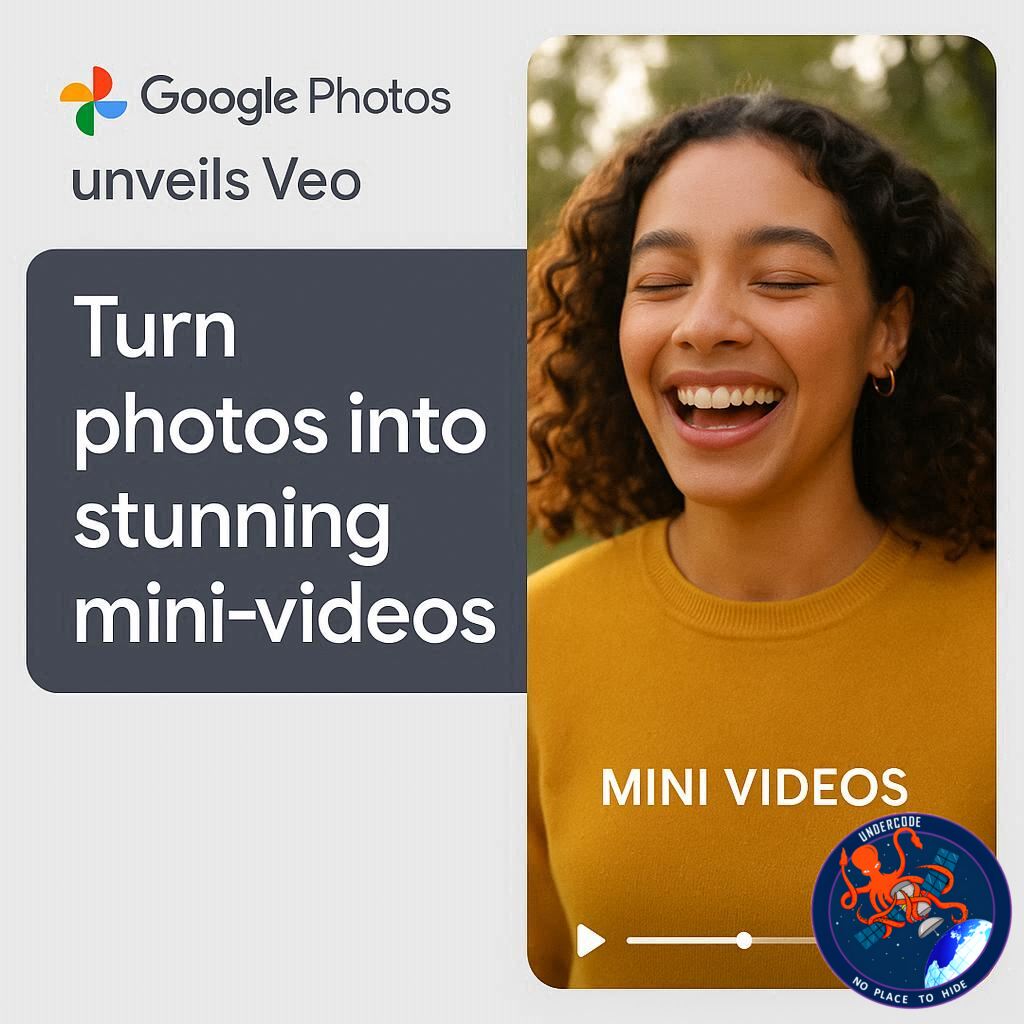
In a bold move to make AI-powered creativity accessible to everyone, Google Photos is rolling out its latest video generation feature: Veo 3. This upgrade lets users transform ordinary still images into dynamic, four-second videos, offering a fresh way to relive memories. For those in the US, this rollout brings advanced video creation tools previously reserved for professional software straight to your smartphone or desktop.
Veo 3: From Stills to Motion
The Veo 3 software marks a significant improvement over its predecessor, Veo 2. Google spokesperson Michael Marconi highlights that this new version boosts both resolution and overall video quality, giving your photos a lifelike vibrancy. With Veo 3, users can access the feature directly under the “Create” tab in Google Photos. Two modes are available:
Subtle movements: Adds gentle, realistic animations to bring life to portraits and landscapes.
I’m feeling lucky: Infuses dramatic effects like dancing subjects or playful falling confetti, perfect for creative experimentation.
This feature follows Google’s broader strategy to democratize AI-driven video tools. The Veo 3 model was first showcased at Google I/O earlier this year, alongside Flow, the company’s text-to-video software. August saw a limited release of Vids, an AI-powered video editor featuring AI-generated avatars, signaling Google’s push toward more immersive media experiences.
Capabilities and Access
Veo 3’s standout feature is its incredibly realistic sound generation, though the free Google Photos version currently excludes audio. Free users can generate a limited number of videos daily, while Ultra and Pro subscribers enjoy expanded usage. Beyond simple motion, the tool allows:
3D photo transformations, exportable as video.
A highlights feature, which automatically compiles photo montages based on user-inputted keywords, creating personalized mini-stories with ease.
What Undercode Say:
Veo 3 represents more than just a fun trick—it’s part of a growing trend where AI makes professional-grade content accessible to casual users. By integrating subtle and dramatic animation modes, Google Photos empowers users to tell richer stories through their existing photo libraries. The inclusion of 3D animations and keyword-driven montages signals a shift toward automated creativity, blending personalization with AI efficiency.
For creators, Veo 3 could revolutionize social media content. Instead of relying on separate editing software, users can produce eye-catching video snippets within the same platform where their photos live. Marketers and influencers could leverage this to increase engagement without investing in expensive production tools.
However, limitations exist. Free-tier users face daily caps, and the absence of sound in this version may reduce impact. Still, Google’s layered approach—free access for casual users, enhanced features for paid tiers—mirrors trends in software monetization strategies, ensuring broad adoption while encouraging upgrades.
Additionally, the seamless integration of AI-powered highlights can transform how we archive memories, making search and retrieval of important moments more intuitive. It hints at the future of AI-assisted digital storytelling, where machines do the heavy lifting but leave creative choices to humans.
In essence, Veo 3 is not just a new feature—it’s a statement of intent. Google is redefining what it means to interact with photos, blurring the line between still and motion, memory and experience.
🔍 Fact Checker Results
✅ Veo 3 is available in the US through Google Photos.
✅ The free version lacks sound generation; Ultra/Pro users get more features.
❌ Veo 3 cannot yet generate full-length videos—clips are limited to four seconds.
📊 Prediction
Google is likely to expand Veo 3’s capabilities internationally within the next year, potentially adding sound integration for free users. Expect enhanced AI tools like customizable 3D effects, auto-generated video stories, and social media-ready exports. Over time, Google Photos could become a central hub for lightweight AI video production, rivaling standalone apps and making mini-content creation a default part of everyday photo sharing.
If you want, I can also draft a visually appealing step-by-step guide on using Veo 3, highlighting the best ways to maximize its AI effects for social media and personal projects. It would read like a professional blog tutorial. Do you want me to do that next?
🕵️📝✔️Let’s dive deep and fact‑check.
References:
Reported By: timesofindia.indiatimes.com
Extra Source Hub:
https://www.digitaltrends.com
Wikipedia
OpenAi & Undercode AI
Image Source:
Unsplash
Undercode AI DI v2
🔐JOIN OUR CYBER WORLD [ CVE News • HackMonitor • UndercodeNews ]
📢 Follow UndercodeNews & Stay Tuned:
𝕏 formerly Twitter 🐦 | @ Threads | 🔗 Linkedin | 🦋BlueSky | 🐘Mastodon


