
Listen to this Post
Introduction
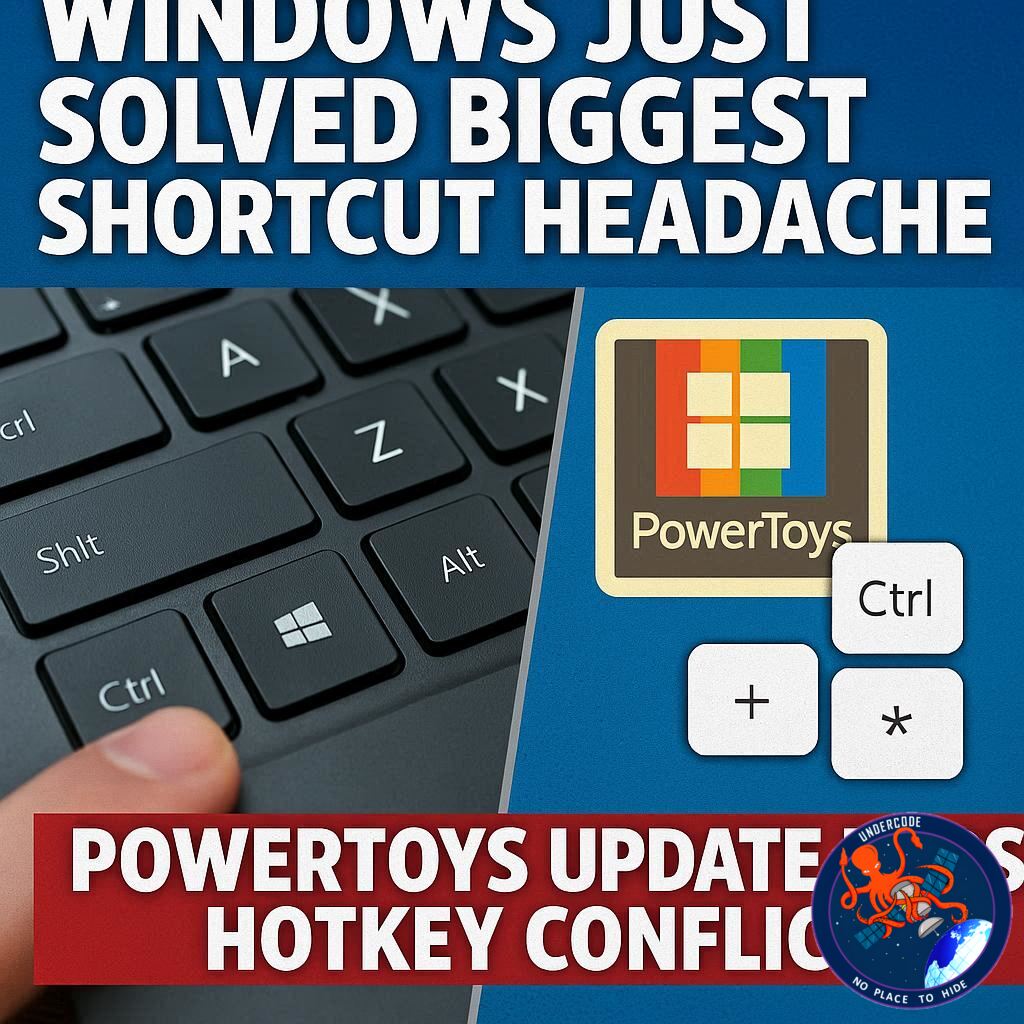
Windows has long been a powerhouse for productivity enthusiasts, especially those who rely heavily on hotkeys and shortcuts to speed up their workflows. Yet for all their usefulness, shortcuts often came with one frustrating flaw: conflicts. Different tools, apps, and even built-in Windows functions sometimes fought over the same key combinations, leaving users confused or forced to compromise. Now, Microsoft’s latest PowerToys update (v0.94) has stepped in with a clever solution to finally eliminate hotkey clashes, while also adding new features that make this essential toolkit even more powerful.
the
The newest version of PowerToys introduces a hotkey conflict detection system, a search tool for its growing collection of utilities, and a more precise cursor control option. Here’s a breakdown:
Hotkey Conflict Detection: PowerToys can now automatically detect when one of its shortcuts clashes with either another PowerToys tool or Windows itself. Conflicting shortcuts appear in red, and users can quickly reassign them via a new dashboard tile. Microsoft senior product manager Niels Laute explained that this makes it easier than ever to customize without losing functionality.
Search Function for Tools: With 27 tools now bundled inside PowerToys, finding the right one can be overwhelming. The new version adds a search box at the top of the interface. Users can either click it or press Ctrl+F to instantly locate the tool they need.
Gliding Cursor for Precision: The Mouse Pointer Crosshairs tool has received an upgrade. Instead of manually dragging large red crosshairs across the screen, the new gliding cursor mode lets the pointer smoothly move across the screen. Users can lock horizontal and vertical positions step by step until they land exactly where they want before clicking.
Future Updates (Version 0.95): Microsoft has already teased what’s next. An updated Keyboard Manager will offer a more polished interface for remapping keys and shortcuts. Plus, a long-awaited tool will allow users to schedule automatic switching between light and dark modes, adding a touch of personalization and automation to the OS.
How to Get It: PowerToys can be downloaded from GitHub or the Microsoft Store. Current users simply need to hit the Update button within the program to access these improvements.
With these updates, PowerToys continues to cement itself as a must-have toolkit for power users, streamlining workflows and offering customization far beyond Windows’ default capabilities.
What Undercode Say:
This update may look small on the surface, but its impact on daily productivity is enormous. The problem of hotkey conflicts has existed for decades, often forcing users to disable features or remember awkward combinations just to avoid clashes. By introducing an automated detection and reassignment system, Microsoft has eliminated one of the last major frustrations of shortcut-heavy workflows.
The conflict dashboard is especially powerful. Instead of hunting through documentation or trial-and-error testing, users now see all conflicts at a glance. This kind of transparency is a big step forward for usability. It shows that Microsoft is paying attention to the small details that can massively improve user satisfaction.
The search bar addition might sound minor, but it’s actually essential. PowerToys has evolved from a niche utility into a robust suite of over two dozen tools, each with specific use cases. Without search, finding the right tool was clunky, especially for newcomers. Now, accessibility and discoverability have caught up with functionality.
The gliding cursor mode also deserves recognition. Accessibility tools often fly under the radar, but they’re critical for users who struggle with fine motor control. By refining this feature, Microsoft demonstrates that PowerToys isn’t just for tech-savvy enthusiasts but also for inclusivity and accessibility.
Looking ahead, the teased Keyboard Manager revamp and scheduled light/dark mode are clever quality-of-life upgrades. Many users have long relied on third-party apps for scheduled theme switching; integrating it directly into PowerToys not only reduces dependency on external software but also keeps customization centralized.
In a broader sense, this update highlights a shift in Microsoft’s philosophy. Instead of leaving power users to fend for themselves, the company is actively providing first-party tools to solve real-world workflow problems. That’s a big contrast to past years when users often had to rely on unofficial tweaks or scripts.
For businesses and professionals, these updates could streamline IT support. When employees encounter fewer shortcut conflicts or UI frustrations, productivity rises, and downtime drops. Small efficiency gains, multiplied across organizations, can result in significant savings.
The PowerToys project itself is also a model of how Microsoft embraces open-source collaboration. Frequent updates, user feedback integration, and transparent roadmaps keep the community engaged. This iterative cycle ensures that PowerToys doesn’t stagnate but instead evolves into an indispensable companion for Windows.
At its core, this release is about empowerment: giving users the control to shape Windows into the operating system they want it to be. For developers, creators, and everyday office workers alike, the ability to personalize, optimize, and streamline workflows has never been more accessible.
🔍 Fact Checker Results
✅ PowerToys version 0.94 introduced hotkey conflict detection, search, and gliding cursor.
✅ Microsoft confirmed upcoming Keyboard Manager and light/dark scheduling in version 0.95.
✅ PowerToys is available on GitHub and Microsoft Store, official sources verified.
📊 Prediction
PowerToys is poised to become Windows’ default productivity layer, bridging the gap between casual users and hardcore power users. Within the next two years, expect Microsoft to integrate some of these features directly into Windows 12 or future Windows 11 builds. The scheduling of light/dark mode could be the start of broader automation tools, while advanced shortcut management might evolve into a core Windows feature. Ultimately, PowerToys is setting the standard for what modern, customizable computing should look like.
🕵️📝✔️Let’s dive deep and fact‑check.
References:
Reported By: www.zdnet.com
Extra Source Hub:
https://www.quora.com/topic/Technology
Wikipedia
OpenAi & Undercode AI
Image Source:
Unsplash
Undercode AI DI v2
🔐JOIN OUR CYBER WORLD [ CVE News • HackMonitor • UndercodeNews ]
📢 Follow UndercodeNews & Stay Tuned:
𝕏 formerly Twitter 🐦 | @ Threads | 🔗 Linkedin | 🦋BlueSky | 🐘Mastodon


