
Listen to this Post
Introduction: The Future of Seamless Collaboration
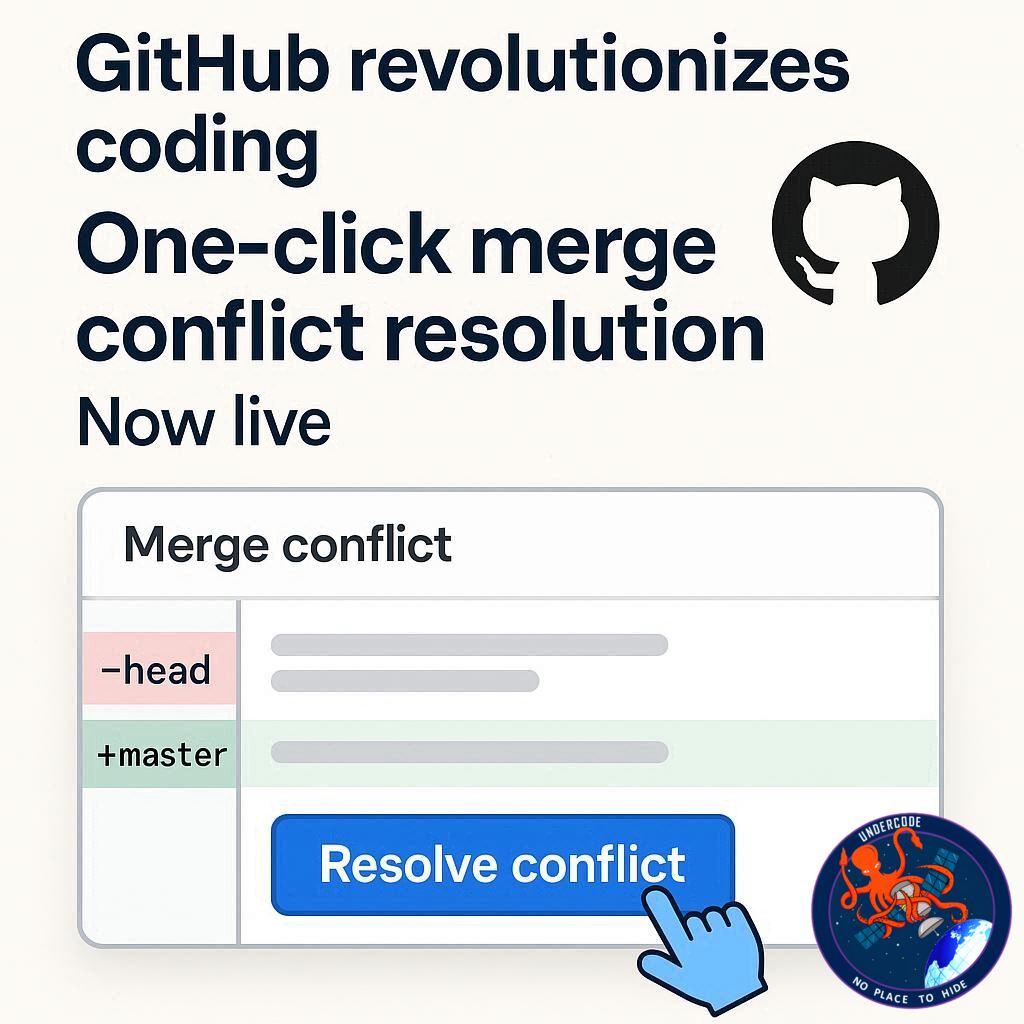
GitHub has just taken a giant leap in simplifying software development workflows. Developers often face frustrating merge conflicts when combining code changes from multiple contributors. Until now, resolving these conflicts required switching between local editors and the web interface. But GitHub’s latest update changes the game by enabling one-click merge conflict resolution directly in the web interface, making collaboration faster, smoother, and more efficient than ever.
Streamlined Merge Conflict Resolution: What’s New
The new GitHub web interface now shows Accept incoming changes, Accept current changes, and Accept both changes buttons right in the pull request (PR) editor. These options allow developers to resolve conflicts instantly without leaving the browser, similar to the experience in popular code editors like Visual Studio Code.
How It Works
Accept current changes: Retains the code from your current working branch.
Accept incoming changes: Uses the code from the base branch.
Accept both changes: Merges changes from both branches into a single file.
This feature eliminates the need for constant context switching, letting developers stay productive while managing merge conflicts with ease. Conflict markers are now clearly visible, so you can make informed decisions in just one click.
Community Involvement
GitHub encourages users to provide feedback and report issues in the Community discussion, helping refine and optimize this tool further for developers worldwide.
What Undercode Say: An In-Depth Analysis 🧐
GitHub’s one-click merge resolution is more than a convenience—it’s a productivity booster. Developers waste significant time juggling between local editors and GitHub’s web interface to resolve conflicts. By integrating the resolution process directly into the browser, GitHub reduces context switching, lowers the chance of errors, and streamlines the workflow.
From an analytical perspective, this update addresses three major pain points:
- Efficiency: Developers can now resolve conflicts with a single click instead of manually editing files.
- Collaboration: Teams can quickly merge pull requests without waiting for individual contributors to resolve conflicts locally.
- Accessibility: New users who may not be familiar with command-line tools can now confidently manage conflicts directly in the web interface.
The integration of these features also mirrors trends in modern development environments, where tools prioritize speed, simplicity, and user experience. GitHub is essentially blending the best of IDE merge tools into its web platform, which could set a new standard for cloud-based development workflows.
This change could significantly reduce delays in CI/CD pipelines, as conflicts can be resolved immediately during code reviews. Furthermore, it encourages developers to merge smaller, more frequent pull requests, which aligns with agile development principles. Productivity metrics may see a boost as teams spend less time on manual conflict resolution and more time on writing and reviewing quality code.
One potential long-term impact is the democratization of open-source contributions. By lowering the technical barrier for resolving conflicts, even newcomers can contribute effectively without fear of breaking the codebase. This could lead to increased participation, faster feature releases, and overall healthier open-source ecosystems.
GitHub’s UX improvement is also likely to enhance developer satisfaction. Frequent context switching is known to reduce cognitive flow, and the new interface allows developers to stay in the zone. It’s a subtle but powerful productivity enhancement that aligns with modern software engineering principles.
In conclusion, the one-click merge conflict resolution is not just a minor update—it’s a strategic move to make GitHub the most intuitive and developer-friendly collaboration platform available. It strengthens GitHub’s position as a leader in developer tools by combining efficiency, accessibility, and community-driven improvements.
Fact Checker Results ✅❌
✅ The update indeed adds one-click merge conflict resolution in the web interface.
✅ Buttons include Accept current changes, Accept incoming changes, and Accept both changes.
❌ This does not remove all merge conflicts; complex conflicts may still require manual intervention.
Prediction 🔮
GitHub’s new one-click merge feature is likely to accelerate development cycles, reduce errors during PR merges, and increase participation from new developers. We may also see other code collaboration platforms adopting similar browser-based conflict resolution tools, setting a new industry standard for seamless teamwork.
🕵️📝✔️Let’s dive deep and fact‑check.
References:
Reported By: github.blog
Extra Source Hub:
https://www.reddit.com/r/AskReddit
Wikipedia
OpenAi & Undercode AI
Image Source:
Unsplash
Undercode AI DI v2
🔐JOIN OUR CYBER WORLD [ CVE News • HackMonitor • UndercodeNews ]
📢 Follow UndercodeNews & Stay Tuned:
𝕏 formerly Twitter 🐦 | @ Threads | 🔗 Linkedin | 🦋BlueSky | 🐘Mastodon


