
Listen to this Post
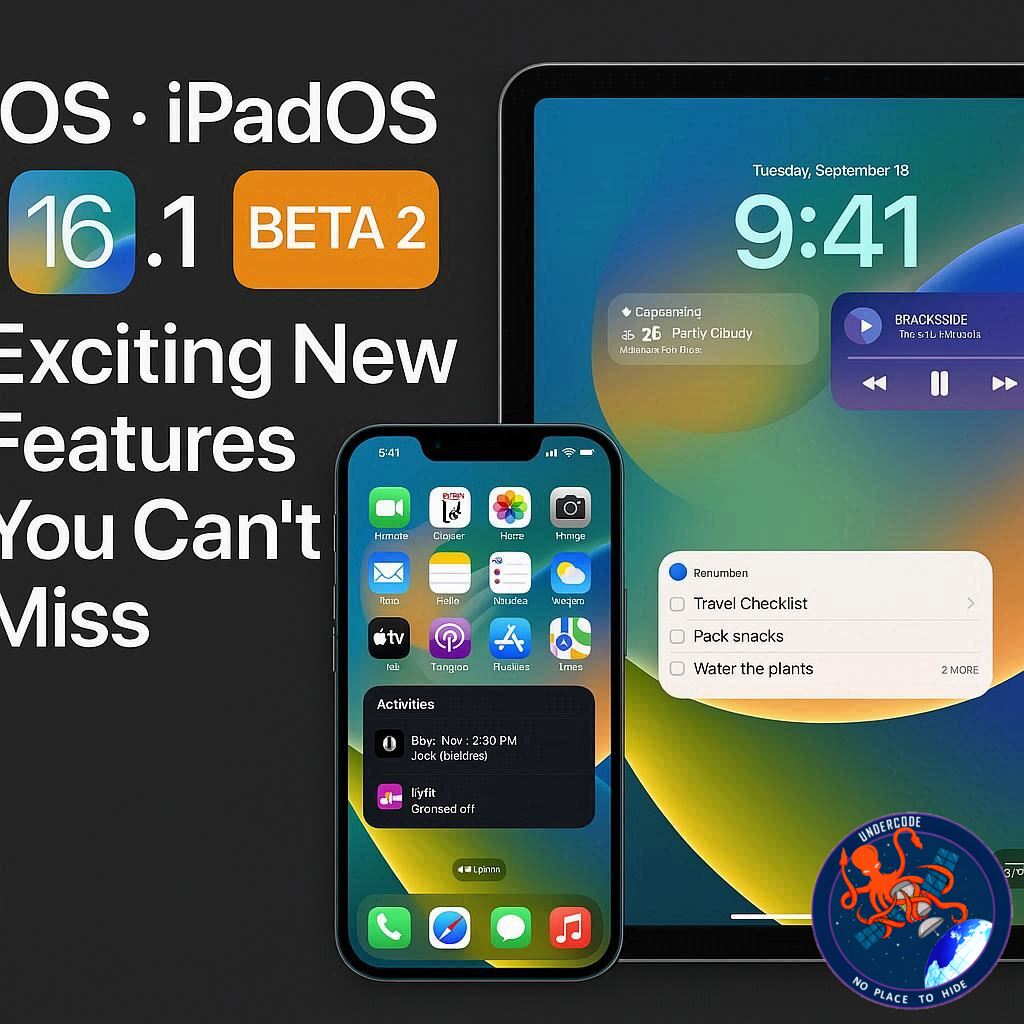
Apple continues to push the boundaries of mobile innovation with the release of iOS and iPadOS 26.1 Public Beta 2. Packed with fresh features, user interface updates, and nostalgic touches, this beta brings both iPhone and iPad users a blend of familiarity and innovation. If you’re part of Apple’s public beta program, the latest updates promise a smoother, more versatile experience across devices. Here’s a comprehensive breakdown of what’s new, along with an in-depth analysis and predictions for the future.
What’s New in iOS & iPadOS 26.1 Beta 2
Nostalgic Alarm Feature: Slide to Stop ⏰
One of the standout features in iOS 26.1 Beta 2 is the reintroduction of a classic gesture. Instead of simply tapping a button to dismiss an alarm or timer, Apple brings back a “Slide to stop” motion reminiscent of the iconic “Slide to unlock” interface. This small but nostalgic tweak enhances the tactile experience, making alarms more interactive and engaging.
Slide Over Returns to iPadOS 🖥️
iPad users are also getting a treat: the return of Slide Over multitasking. After being removed during iPadOS 26’s major windowing overhaul, Slide Over is back, though in a slightly simplified form. Currently, users can maintain a single app in Slide Over mode, resize it, and easily hide it above other apps. This is a meaningful step toward improving multitasking without overwhelming the interface.
Enhanced Audio Controls 🎵
Beta 2 introduces improved audio control for external microphones. Users can now adjust gain and select file-saving locations, offering greater flexibility for creators and audio professionals working on the go.
Design Updates & App Enhancements 🎨
iOS 26.1 Beta 2 also brings subtle UI refinements:
App folders and Settings menu headings are now left-aligned for cleaner navigation.
A 3D model of the Vision Pro has been added to the Apple Vision Pro app.
Some previous beta 1 changes in Calendar and Safari have been reversed to enhance usability.
Performance Improvements ⚡
Early reports suggest that Beta 2 runs more smoothly than Beta 1 on both iPhone and iPad, indicating Apple’s commitment to stability ahead of the public release later this month.
What Undercode Say: In-Depth Analysis 🔍
iOS and iPadOS 26.1 Beta 2 highlight Apple’s dual approach of innovation and nostalgia. By reintroducing classic gestures like “Slide to stop,” Apple taps into user sentiment while modernizing functionality. This strategy is particularly clever because it bridges the gap between long-time users and newcomers.
The Slide Over return for iPadOS is an intriguing compromise. While it’s less powerful than its predecessor, the ability to resize apps and maintain multitasking flexibility points to Apple slowly reintroducing advanced windowing without overwhelming average users. Analysts suggest this could be the foundation for more sophisticated multitasking in iPadOS 27 or 28.
Enhanced audio controls signal Apple’s focus on content creators, an audience increasingly dependent on mobile devices for professional-grade production. By letting users control gain and file destinations, Apple ensures iOS stays competitive with dedicated recording platforms.
From a design perspective, left-aligned menus and folders improve readability and navigation—a subtle but impactful user experience improvement. Similarly, the Vision Pro 3D model integration foreshadows Apple’s deeper push into augmented reality and spatial computing.
Performance stability improvements between Beta 1 and Beta 2 indicate Apple is actively refining the underlying OS architecture, which bodes well for developers testing apps in real-world conditions. Beta testers should feel encouraged, as smoother operation means fewer crashes and better app compatibility.
From a strategic standpoint, Apple’s incremental updates also showcase timely feature rollouts. Instead of overloading users, the company introduces manageable changes, allowing for widespread adoption without steep learning curves. This approach could be a precursor to iOS and iPadOS embracing more modular and customizable interfaces in the future.
In terms of accessibility, the “Slide to stop” gesture and Slide Over improvements subtly reinforce Apple’s commitment to user-friendly design. Even minor interactions now feel intentional and polished, showing that Apple continues to prioritize intuitive usability.
Analysts are also paying close attention to the AR and Vision Pro enhancements, interpreting these updates as Apple gradually building a richer ecosystem around spatial computing. This could reshape how users interact with devices, moving beyond traditional touch interfaces into more immersive experiences.
Overall, iOS and iPadOS 26.1 Beta 2 demonstrates Apple’s focus on balance: nostalgia meets innovation, simplicity meets power, and stability meets creativity. It’s a strong indicator of what the full public release will deliver and how Apple plans to keep iOS and iPadOS relevant for both casual and professional users.
Fact Checker Results ✅❌
✅ Slide to stop is a real feature in iOS 26.1 Beta 2, adding a nostalgic gesture for alarms.
✅ Slide Over has returned to iPadOS 26.1, though limited to a single app for now.
❌ Beta 2 does not introduce any revolutionary multitasking; changes are mostly incremental.
Prediction 🔮
Looking ahead, iOS and iPadOS 26.1 Beta 2 hints at more immersive multitasking and AR experiences in future updates. The gradual return of Slide Over and integration of 3D Vision Pro models suggest Apple is building toward a fully spatial interface, potentially transforming iPads and iPhones into hybrid devices for work, creativity, and entertainment. Expect more intuitive gestures, expanded AR functionality, and enhanced audio and performance features in upcoming releases, solidifying Apple’s lead in mobile innovation.
🕵️📝✔️Let’s dive deep and fact‑check.
References:
Reported By: 9to5mac.com
Extra Source Hub:
https://www.digitaltrends.com
Wikipedia
OpenAi & Undercode AI
Image Source:
Unsplash
Undercode AI DI v2
🔐JOIN OUR CYBER WORLD [ CVE News • HackMonitor • UndercodeNews ]
📢 Follow UndercodeNews & Stay Tuned:
𝕏 formerly Twitter 🐦 | @ Threads | 🔗 Linkedin | 🦋BlueSky | 🐘Mastodon


