
Listen to this Post
Introduction
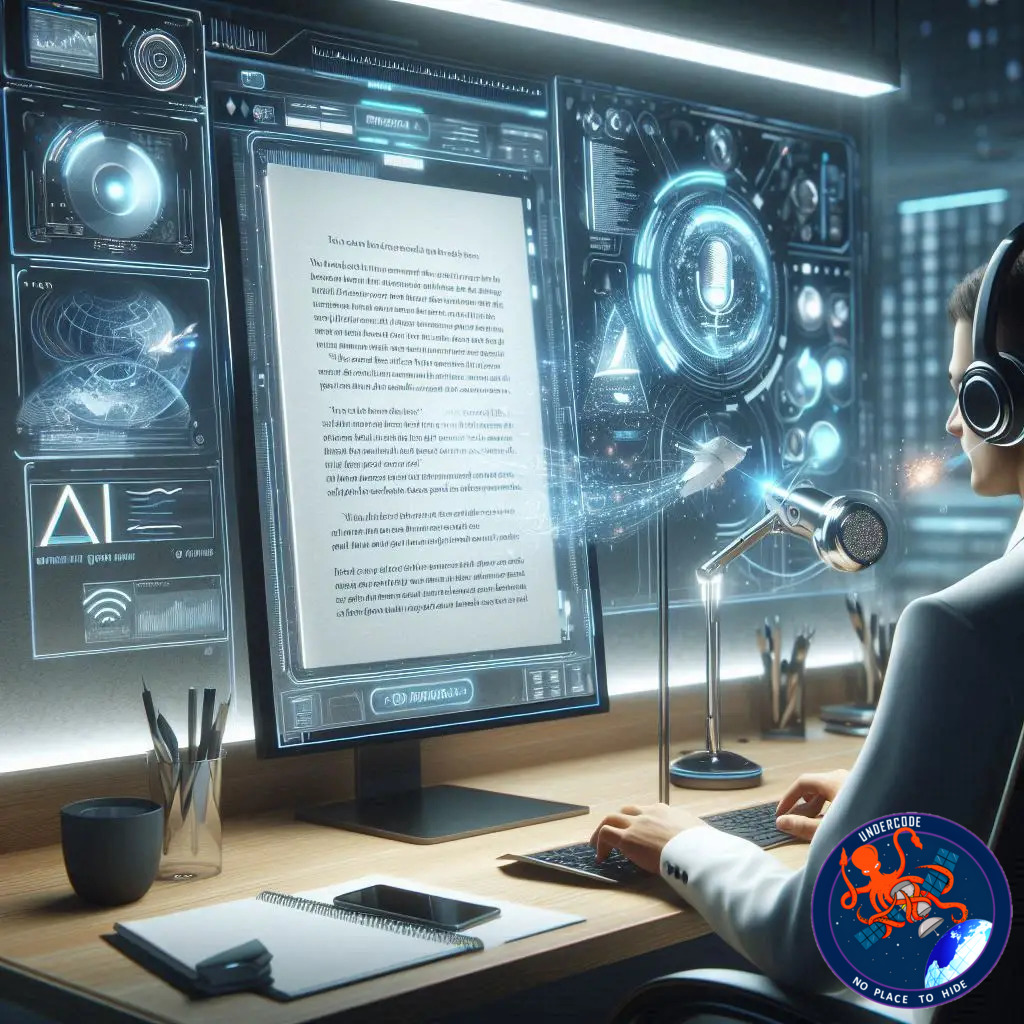
Google has introduced an Audio text-to-speech capability inside Docs that transforms written pages into spoken content, offering a smoother way to review, edit, or simply consume information. This upgrade, powered by Gemini, signals a shift in how users interact with documents. Instead of staring at a screen for hours, you can now listen to your writing as if a professional narrator were reading it back. The feature supports multiple voices, offers flexible playback controls, and integrates directly into the editing workflow. For people with visual impairments or reading challenges, it opens a new level of accessibility. For writers, students, and professionals, it becomes a powerful tool for catching mistakes and refining tone. This is not just another Google Docs feature. It is a signal that productivity software is entering an era where multimodal AI becomes the norm.
The Rise of Audio-Driven Editing in Google Docs
Google has released a new Audio text-to-speech system in Docs that turns every written document into a spoken experience. The tool is powered by Gemini and designed to help users listen to their work in real time, a method that often reveals errors and awkward phrasing more easily than silent reading. It benefits users who prefer auditory processing, those with visual impairments, and anyone who wants a more flexible approach to reviewing content. To use the feature, you begin by opening Google Docs on the web and choosing the document you want to hear. Inside the Tools menu, nestled between Voice typing and Gemini, lies the new Audio option. Once selected, a floating pill-shaped player appears on the screen, allowing you to listen to the entire page. The player can be moved anywhere on the interface and provides full control over playback, including start, stop, and section skipping. Its speed adjustments help match personal preference, whether slow and deliberate or brisk and efficient.
The system offers several professional-sounding voice styles such as Narrator, Educator, Teacher, Persuader, Explainer, Coach, and Motivator. Each delivers different tones for varying contexts, giving the user control over how the document feels when read aloud. Editors can also embed audio buttons directly into the document by navigating to Insert and choosing Audio buttons, then Listen to tab. This gives readers an instant way to hear the content without sifting through menus. Currently, the feature is available only in English and is limited to Google AI Pro and Ultra subscribers, as well as users on Business Standard, Business Plus, Enterprise Standard, Enterprise Plus, Gemini Education add-ons, and Gemini Business add-ons. It marks one of the most significant accessibility-focused updates that Google has implemented in Docs, blending workflow convenience with AI-powered narration to change how people revise and interact with their writing. This innovation pushes Docs closer to being a fully multimodal workspace where reading, listening, creating, and analyzing coexist seamlessly.
What Undercode Say:
Google’s decision to embed audio-driven editing into Docs signals a strategic evolution in productivity design. By turning documents into narrated content, Google is nudifying the world toward hands-free comprehension and AI-assisted writing refinement. The shift is not merely about accessibility, although that remains a powerful motivation. It is about reimagining the editing process itself. Writers often read text aloud to detect pacing, rhythm, and clarity. Now the software performs this task with consistency and neutrality, allowing users to focus on judgment rather than labor.
The variety of voice profiles suggests that Google understands how tonality influences perception. A persuasive voice highlights argumentative writing. A teacher-style voice frames instructional content. A narrator gives creative work a calmer cadence. This flexibility creates a more accurate representation of how a finished document might sound in real-world use, which is invaluable for educators, marketers, and public speakers.
Embedding audio buttons inside documents expands Docs beyond static pages. Readers can consume content like a podcast, especially in educational or corporate settings where long documents can overwhelm attention spans. It also sets the foundation for multimodal documents where audio, text, and soon perhaps video or interactive elements coexist in a single workspace.
Restricting availability to premium tiers indicates Google is positioning AI listening as a high-value feature, similar to enterprise-level editing and summarization capabilities. This reinforces a trend across the industry, where advanced AI tools become subscription-driven while basic text editing remains free.
The real disruption lies in multitasking. Students can listen to notes while commuting. Writers can revise chapters during a walk. Employees can review reports without staring at screens. The feature effectively transforms Google Docs into an audio-first platform when needed, lowering cognitive load and opening new workflows.
From a broader perspective, this fits into the pattern of AI systems that convert information into multiple modalities. We have text-to-image, text-to-code, text-to-video, and now text-to-voice deeply integrated in office software. The result is a productivity environment where content becomes fluid, portable, and accessible across sensory preferences. Google is quietly building the groundwork for a future where documents are not just read but experienced, narrated, or even performed by AI.
🔍 Fact Checker Results
✅ Google Docs now includes Gemini-powered text-to-speech through the Audio feature.
✅ Voice styles such as Narrator, Educator, and Motivator are officially supported.
❌ The feature is not available in all languages; it is currently English-only.
📊 Prediction
Google will likely expand this audio capability into Google Sheets, Slides, and Gmail.
AI voice styles will become customizable, letting users train their own voice.
Multimodal editing, where Docs reads, summarizes, and critiques your writing, will become a default workspace feature.
🕵️📝✔️Let’s dive deep and fact‑check.
References:
Reported By: timesofindia.indiatimes.com
Extra Source Hub (Possible Sources for article):
https://www.quora.com/topic/Technology
Wikipedia
OpenAi & Undercode AI
Image Source:
Unsplash
Undercode AI DI v2
Bing
🔐JOIN OUR CYBER WORLD [ CVE News • HackMonitor • UndercodeNews ]
📢 Follow UndercodeNews & Stay Tuned:
𝕏 formerly Twitter 🐦 | @ Threads | 🔗 Linkedin | 🦋BlueSky | 🐘Mastodon


