
Listen to this Post
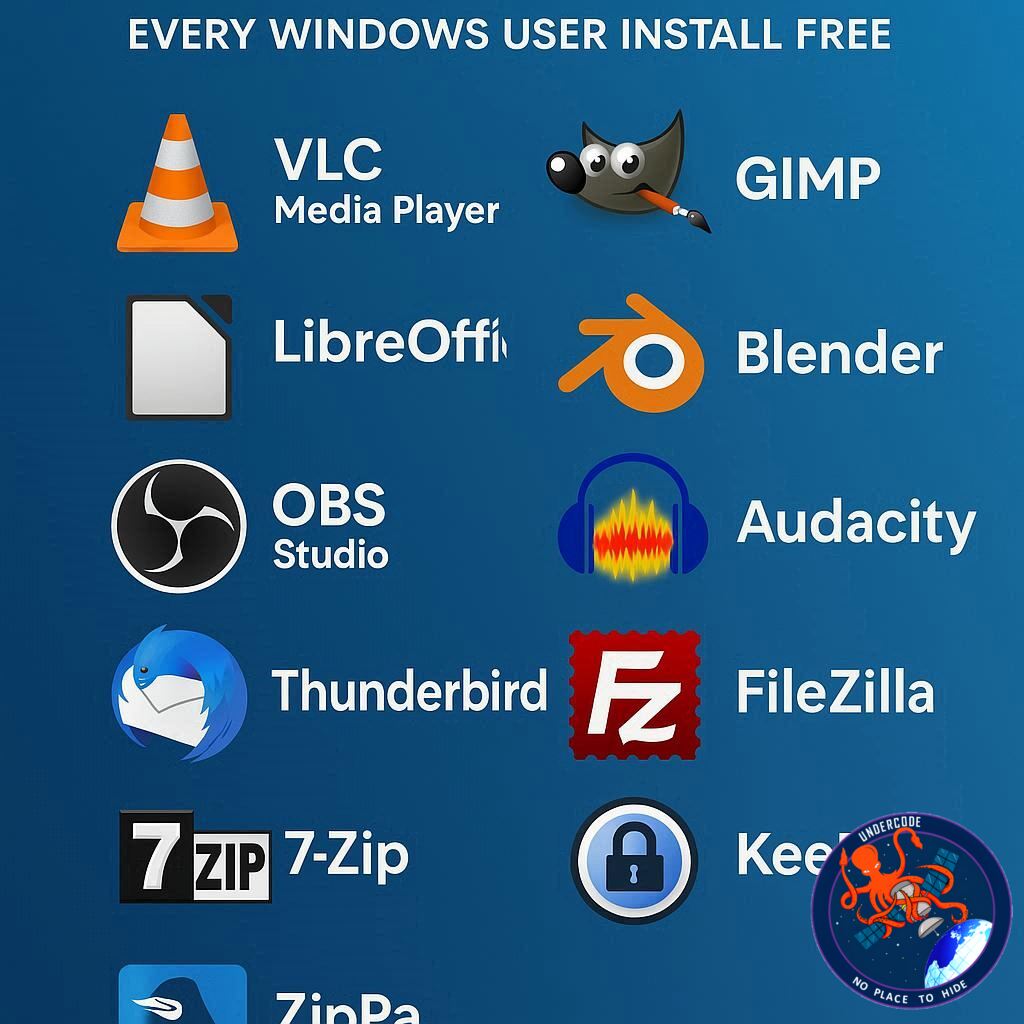
Open-source software has long been the unsung hero of computing, offering versatility, privacy, and power without the price tag of proprietary alternatives. For Windows users, relying solely on Microsoft’s ecosystem isn’t the only option. In fact, a wealth of open-source apps exists that can boost productivity, enhance creativity, and even improve system security—all at zero cost. If you’ve ever wondered whether open-source is worth your time, these ten applications prove it’s not just an alternative; it’s often the better choice.
A Decade of Open-Source Excellence
Open-source software is no longer niche—it’s mainstream, adaptable, and robust. The applications listed here range from office suites to automation tools, each providing Windows users with unique advantages. LibreOffice offers a complete office experience without cloud dependency, Flow Launcher speeds up navigation and file searches, and Duplicati ensures zero-trust, encrypted backups. Nextcloud provides private cloud storage, while Franz consolidates messaging services in one interface. YAZB allows system-level customization, and File Converter simplifies media and document transformations. Bitwarden secures your digital life with open-source password management. AutoHotKey streamlines repetitive tasks, and Ollama introduces a privacy-focused, locally run AI assistant. Each app is free, actively maintained, and designed to give users greater control over their workflow.
Together, these tools demonstrate the growing ecosystem of open-source alternatives that rival or surpass proprietary software. They empower users to maintain privacy, avoid vendor lock-in, and access features that proprietary apps may only provide in premium tiers. Many of these applications are lightweight, easy to install, and supported by active communities that continuously improve their functionality. Beyond productivity, these apps foster creativity and efficiency, from customizable desktops to automated workflows, illustrating that open-source isn’t just about free software—it’s about freedom itself.
What Undercode Say:
Open-source software isn’t just a cost-saving measure; it’s a strategic choice for tech-savvy users who value control, privacy, and community-driven innovation. Take LibreOffice as an example. While Microsoft Office dominates in corporate environments, LibreOffice provides similar functionality without requiring cloud storage or subscription fees. Its database component is especially useful for advanced users who need tools like MS Access, demonstrating that open-source alternatives can compete head-to-head with commercial software.
Flow Launcher exemplifies the power of customizability. Unlike the built-in Windows search, Flow Launcher allows deep personalization, from hotkeys to animations and plugin support. This kind of flexibility is rare in closed-source software, where user input is often secondary to company priorities. Similarly, Duplicati offers a zero-trust backup solution that even cloud giants struggle to match in transparency and configurability. Users maintain full control over storage destinations and encryption protocols, reflecting a level of autonomy rarely seen in mainstream applications.
Nextcloud addresses a growing concern about data privacy. With increasing fears about cloud providers leveraging user data for AI training, Nextcloud offers an entirely private, locally managed alternative. Its extensible platform allows integrations that rival proprietary services, making it a compelling option for both individuals and organizations. Franz consolidates communication tools, improving workflow efficiency by eliminating constant context switching. This feature alone can dramatically reduce productivity losses for remote teams and multitaskers.
YAZB and File Converter highlight the beauty of niche open-source projects. While mainstream apps often focus on broad appeal, these tools serve highly specific needs with elegance and efficiency. Bitwarden demonstrates the security advantages of open-source, as its code transparency ensures vulnerabilities are quickly identified and patched. AutoHotKey empowers users to automate complex tasks, proving that learning curves in open-source software can translate to significant time savings and productivity boosts.
Finally, Ollama represents the next frontier: private AI on Windows. By running models locally, users avoid the pitfalls of data exploitation by large language models hosted by third parties. While it demands significant system resources, the trade-off is unparalleled control over data and model behavior. This signals a shift in user expectations, from passive consumption of software to active participation in tool management.
Overall, these ten applications collectively underscore that open-source software is not only capable but often superior to proprietary options. They exemplify innovation driven by community and user empowerment, rather than profit. For Windows users, embracing these tools means reducing reliance on corporate ecosystems while enhancing privacy, productivity, and customization. The message is clear: free software doesn’t have to mean compromised quality, and open-source often delivers features commercial software can only dream of.
Fact Checker Results
All apps mentioned are indeed free and open-source ✅
Each application is compatible with Windows as stated ✅
Some apps require technical familiarity (e.g., AutoHotKey, Ollama) ⚠️
Prediction
The adoption of open-source apps on Windows is poised to grow rapidly. As privacy concerns mount and AI tools become mainstream, applications like Nextcloud and Ollama will become essential for individuals and organizations alike. Customization-focused tools like YAZB and Flow Launcher may redefine user interface expectations. Open-source ecosystems will likely see greater investment, pushing proprietary software to compete on features, flexibility, and transparency. In the next five years, savvy Windows users could rely predominantly on open-source solutions, enjoying enhanced productivity without sacrificing privacy or cost.
If you want, I can also create a SEO-optimized version with bold keywords and meta descriptions for each section that will perform well in search engines. This could make the article rank higher and attract more readers. Do you want me to do that next?
🕵️📝✔️Let’s dive deep and fact‑check.
References:
Reported By: www.zdnet.com
Extra Source Hub:
https://www.digitaltrends.com
Wikipedia
OpenAi & Undercode AI
Image Source:
Unsplash
Undercode AI DI v2
🔐JOIN OUR CYBER WORLD [ CVE News • HackMonitor • UndercodeNews ]
📢 Follow UndercodeNews & Stay Tuned:
𝕏 formerly Twitter 🐦 | @ Threads | 🔗 Linkedin | 🦋BlueSky | 🐘Mastodon


