
Listen to this Post
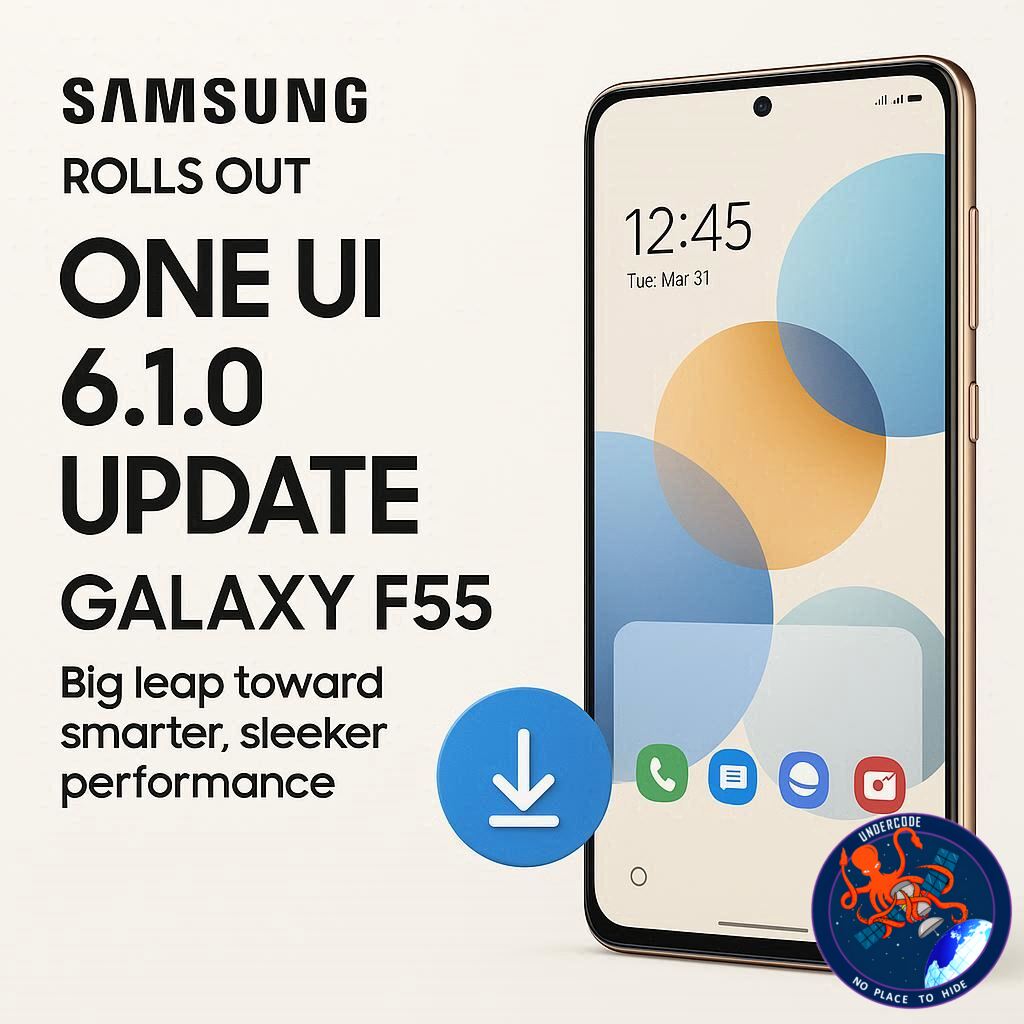
The Galaxy F55 is now officially joining the next chapter of Samsung’s Android journey. The tech giant has started rolling out the Android 16-based One UI 8.0 update, bringing a wave of design refreshes, smarter health tools, and an overall smoother experience. For a device launched just over a year ago, this update proves Samsung’s ongoing commitment to its mid-range lineup — keeping it fresh, relevant, and highly functional.
A Major Step Forward for Galaxy F55 Users
Samsung is now distributing the One UI 8.0 update to the Galaxy F55, following earlier releases for the Galaxy F15, M55, and M55s. The rollout is currently live in India, where users can manually install it through Settings > Software update > Download and install. The firmware version E556BXXU4CYJ4 weighs approximately 2.5GB, and comes bundled with the October 2025 security patch — ensuring not just new features, but enhanced device protection.
Originally launched in mid-2024 with Android 14 (One UI 6.0), the Galaxy F55 quickly gained attention for its clean design and performance value. Samsung followed up with Android 15 (One UI 7.0) earlier this year, and now, with Android 16 (One UI 8.0), the device has received its second major update. Given Samsung’s four-year update policy, users can expect two more future Android updates — up to Android 18 — keeping the phone relevant well into 2027.
One UI 8.0 marks a significant evolution in user interface design and feature depth. Samsung’s Quick Share has been redesigned with a full-screen layout and split tabs for Send and Receive, making wireless sharing more intuitive. The Samsung Internet app now sports a cleaner menu, while the Weather app displays more detailed and visually engaging forecasts.
In the productivity and health space, Modes and Routines gains new triggers and actions, offering smarter automation. Samsung Health introduces Bedtime Guidance and Running Coach, two additions aimed at helping users build sustainable routines. The Now Bar now integrates with Android 16’s Live Updates, letting users receive real-time updates from third-party apps — from match scores to delivery statuses.
Multitaskers get a new 90:10 split-screen mode, improving workflow efficiency between two apps. Updates to Calendar, Clock, and Reminder apps enhance organization and time management, while the Phone app adds a Profile Card interface for a cleaner, personalized look.
The Camera app brings a new swipe gesture for quick access to controls, while Secure Folder gets tighter encryption and privacy layers. Audio experiences improve too, with Bluetooth Auracast enhancements that boost connectivity quality.
All in all, One UI 8.0 isn’t just another update — it’s a visual and functional overhaul that deepens Samsung’s software maturity and design finesse.
What Undercode Say:
Samsung’s latest One UI 8.0 rollout tells a much bigger story than a standard software update — it reflects the company’s long-term software vision and its strategy to blur the gap between midrange and premium experiences.
The Galaxy F55, although positioned below flagship lines like the Galaxy S25 Ultra or Fold 7, is now benefitting from feature parity in areas that truly matter: design, efficiency, and health integration. By implementing the same core Android 16 foundation as its top-tier models, Samsung is reinforcing a promise — that longevity and experience no longer belong exclusively to the expensive models.
From a technical standpoint, One UI 8.0 stands as one of Samsung’s most cohesive and responsive versions to date. The interface feels lighter, yet smarter. The integration of Live Updates in the Now Bar showcases Samsung’s shift toward ambient computing — information that adapts and flows across apps without users needing to chase it.
The health ecosystem expansion is also notable. Bedtime Guidance and Running Coach suggest Samsung’s strategic move into holistic wellness, a domain Apple and Google have long dominated. If these features tie seamlessly with Galaxy Watches, Samsung could finally achieve a unified digital wellness loop — something its ecosystem has lacked until now.
Then comes design. The 90:10 split-screen mode shows Samsung’s commitment to productivity-driven UX design. It’s a subtle yet powerful evolution, allowing smoother dual-app interaction without cluttering the screen. Combined with the refined gesture controls in the Camera app, One UI 8.0 is less about visual fireworks and more about thoughtful usability.
Security-wise, the October 2025 patch and the upgraded Secure Folder reassert Samsung’s seriousness about privacy — a necessary counterweight in an era of increasingly data-conscious users. Add to that the enhanced Bluetooth Auracast, and we see an ecosystem that’s not just evolving aesthetically, but technically refined for a connected world.
From an industry perspective, this rollout is Samsung’s reminder that software longevity is the new loyalty program. Users no longer buy hardware alone; they buy into sustained relevance. With Android 17 and 18 still ahead, the Galaxy F55 now stands as a test case for whether midrange users will remain brand-loyal when given premium-level software treatment.
Ultimately, One UI 8.0 is a quiet revolution — not loud or flashy, but deeply effective. Samsung is refining the experience where it matters most: fluid navigation, visual coherence, and meaningful everyday utility.
Fact Checker Results:
✅ One UI 8.0 confirmed to be based on Android 16.
✅ Firmware version E556BXXU4CYJ4 verified with October 2025 security patch.
✅ Rollout confirmed to have started in India for Galaxy F55 users.
Prediction 🔮
As One UI 8.0 spreads across Samsung’s midrange lineup, expect the company to push its AI-assisted customization and Live Update integrations even further in One UI 9.0. By 2026, Samsung could pivot toward real-time adaptive interfaces — layouts that shift dynamically based on user habits, time of day, or context. For Galaxy F55 owners, the future looks bright — and smarter than ever.
🕵️📝✔️Let’s dive deep and fact‑check.
References:
Reported By: www.sammobile.com
Extra Source Hub (Possible Sources for article):
https://www.reddit.com/r/AskReddit
Wikipedia
OpenAi & Undercode AI
Image Source:
Unsplash
Undercode AI DI v2
Bing
🔐JOIN OUR CYBER WORLD [ CVE News • HackMonitor • UndercodeNews ]
📢 Follow UndercodeNews & Stay Tuned:
𝕏 formerly Twitter 🐦 | @ Threads | 🔗 Linkedin | 🦋BlueSky | 🐘Mastodon


