
Listen to this Post
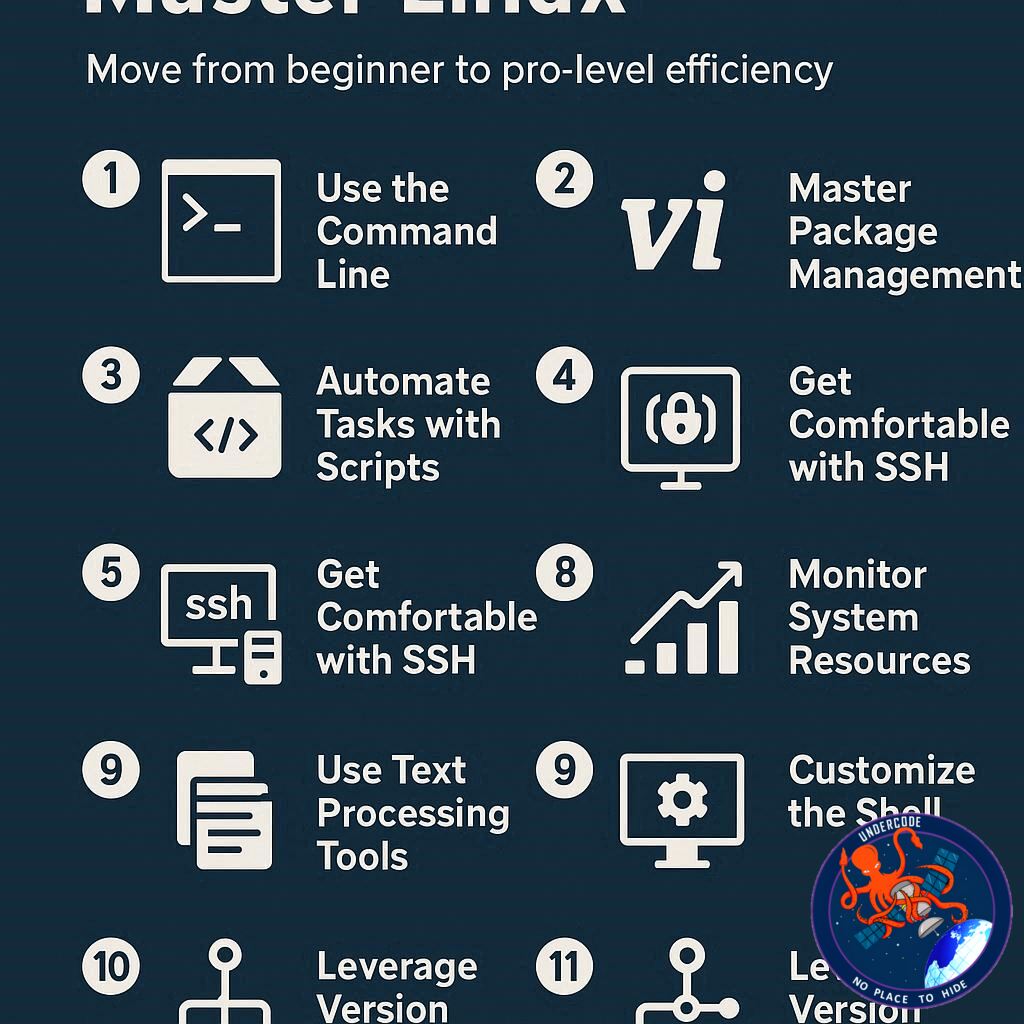
Introduction: Why Linux Deserves Your Time
Linux has always carried a reputation for being the playground of tech enthusiasts, developers, and power users. But here’s the reality: Linux is not only powerful, it can be tuned to work smarter than most operating systems on the planet. Whether you’re just dipping your toes into open-source waters or you’ve been navigating terminal commands for years, there are hidden tricks and habits that can transform your Linux experience.
The beauty of Linux lies in its flexibility. Unlike closed ecosystems, Linux gives you the freedom to customize, script, automate, and innovate until your workflow feels tailor-made. And the best part? You don’t need to spend a single cent to unlock this efficiency. Below is a breakdown of ten practical strategies anyone can use to make Linux not just functional, but a true productivity machine.
Smarter Linux Habits That Make a Difference
Keyboard Shortcuts: Saving Seconds That Add Up
Linux makes creating custom shortcuts simple, from launching apps to snapping windows or running scripts instantly. Over time, these micro-savings accumulate into hours of regained productivity.
Tiling Window Managers and Snapping
Instead of dragging and resizing windows manually, tiling managers automatically align them into neat grids. Paired with keyboard navigation, they eliminate mouse dependency and maximize screen usage.
Workspaces: A Digital Organizer’s Dream
Linux’s long-standing feature of virtual desktops lets users dedicate entire spaces for specific tasks. It’s like having multiple monitors without clutter, ensuring focus stays sharp.
Automating Bash Scripts
One script can replace repetitive tasks. With cron handling scheduling, you never again have to remember to run backups or maintenance scripts. Automation here means peace of mind.
Desktop Customization
From XFCE panels to context menu tweaks, Linux desktops can be tailored for functionality. Organizing launchers, shortcuts, and widgets makes the environment work for you instead of against you.
Command Line Efficiency
The terminal remains a powerhouse. A single line of code can outpace multiple GUI clicks. Mastering basic commands turns Linux into an express lane of efficiency.
Choosing the Right Software
Not all Linux apps are equal. Picking tools that align with your workflow (like ONLYOFFICE over heavier alternatives) saves time and frustration. Research is key.
File and Folder Management
Disorganized directories drain time. Structuring documents into logical year/month folders ensures instant retrieval. It’s one of the simplest, yet most effective practices.
LAN-Based File Syncing
Services like Nextcloud provide cloud-style collaboration without relying on external servers. Local syncing means faster access and greater control.
Keyboard Launchers
Tools like Albert let you summon apps and files instantly without leaving the keyboard. Less mouse movement equals less wasted motion.
What Undercode Say: Deep Dive into Smarter Linux Workflows
Efficiency as Philosophy
Linux is more than an operating system; it’s a mindset. The ten tips above are not just hacks but represent an ethos of optimization. Users who embrace Linux often do so because they seek autonomy and speed — and each of these methods reinforces that independence.
Keyboard-Driven Workflows
Reducing reliance on the mouse changes the entire relationship with a computer. In fact, developers and sysadmins often measure productivity by how little they need to leave the keyboard. Shortcuts, tiling windows, and launchers create a seamless environment where thought and action merge instantly.
Workspaces: Context Switching Without Chaos
Modern work demands multitasking, but without organization, multitasking becomes distraction. Workspaces solve this by providing mental and digital separation of tasks. A developer can code in one workspace, test in another, and keep personal browsing tucked away elsewhere.
Automation and the Power of Scripts
Repetition is the enemy of productivity. Linux scripting doesn’t just save time; it reduces error. When tasks like backups, updates, or cleanup are automated, the system becomes self-maintaining. That reliability builds trust and efficiency.
Customization Beyond Aesthetics
Customizing Linux isn’t just about wallpapers or themes. It’s about creating an environment aligned with how you think. Panels for quick-launch, customized menus, and personalized workflows reduce friction. Unlike proprietary systems, Linux respects your desire for control.
The Terminal as a Gateway
For newcomers, the terminal feels intimidating. But with practice, it becomes a Swiss Army knife. It eliminates the lag of GUIs, offers repeatable commands, and integrates perfectly with scripting. It’s not about being old-school; it’s about choosing speed over clutter.
Software Curation as a Skill
Linux repositories overflow with software, but installing the wrong tool wastes time. Professionals often vet applications carefully to ensure long-term compatibility, performance, and integration with existing workflows. The time saved upfront translates into weeks of smoother operation later.
File Systems as Mental Models
Well-structured directories act as external memory. A chaotic folder structure creates friction, while a logical one mirrors how humans think: by categories, timeframes, and purpose. Linux’s flexibility makes this organization effortless once habits are established.
Local Cloud: Independence and Control
Relying on external services like Google Drive ties efficiency to internet reliability. Nextcloud or Syncthing on LAN, however, ensures always-on access with zero downtime. For businesses or power users, this reduces bottlenecks significantly.
Keyboard Launchers as Hidden Gems
What seems like a minor feature — summoning an app with a few keystrokes — actually reshapes interaction. It shifts the workflow from reactive (searching through menus) to proactive (instantly calling what you need). For professionals, this can mean hundreds of avoided micro-distractions per day.
Broader Implications for Professionals
In corporate or creative environments, efficiency translates into money saved and stress reduced. A Linux-powered workstation tailored with these habits often outperforms machines running heavier, more restrictive operating systems. The value isn’t just personal; it scales.
Fact Checker Results
✅ Linux offers free and powerful tools for customization and efficiency.
✅ All ten listed methods are widely available in modern Linux distributions.
❌ Efficiency gains depend on user discipline — Linux doesn’t optimize itself.
Prediction
Linux will continue evolving into an even more efficiency-focused platform as AI-powered terminal assistants, smarter window managers, and predictive automation tools integrate into mainstream distributions. Over the next five years, we can expect Linux desktops to rival — and in many cases surpass — macOS and Windows in productivity potential 🚀.
🕵️📝✔️Let’s dive deep and fact‑check.
References:
Reported By: www.zdnet.com
Extra Source Hub:
https://www.quora.com/topic/Technology
Wikipedia
OpenAi & Undercode AI
Image Source:
Unsplash
Undercode AI DI v2
🔐JOIN OUR CYBER WORLD [ CVE News • HackMonitor • UndercodeNews ]
📢 Follow UndercodeNews & Stay Tuned:
𝕏 formerly Twitter 🐦 | @ Threads | 🔗 Linkedin | 🦋BlueSky | 🐘Mastodon


