
Listen to this Post
Introduction: Why This Update Matters
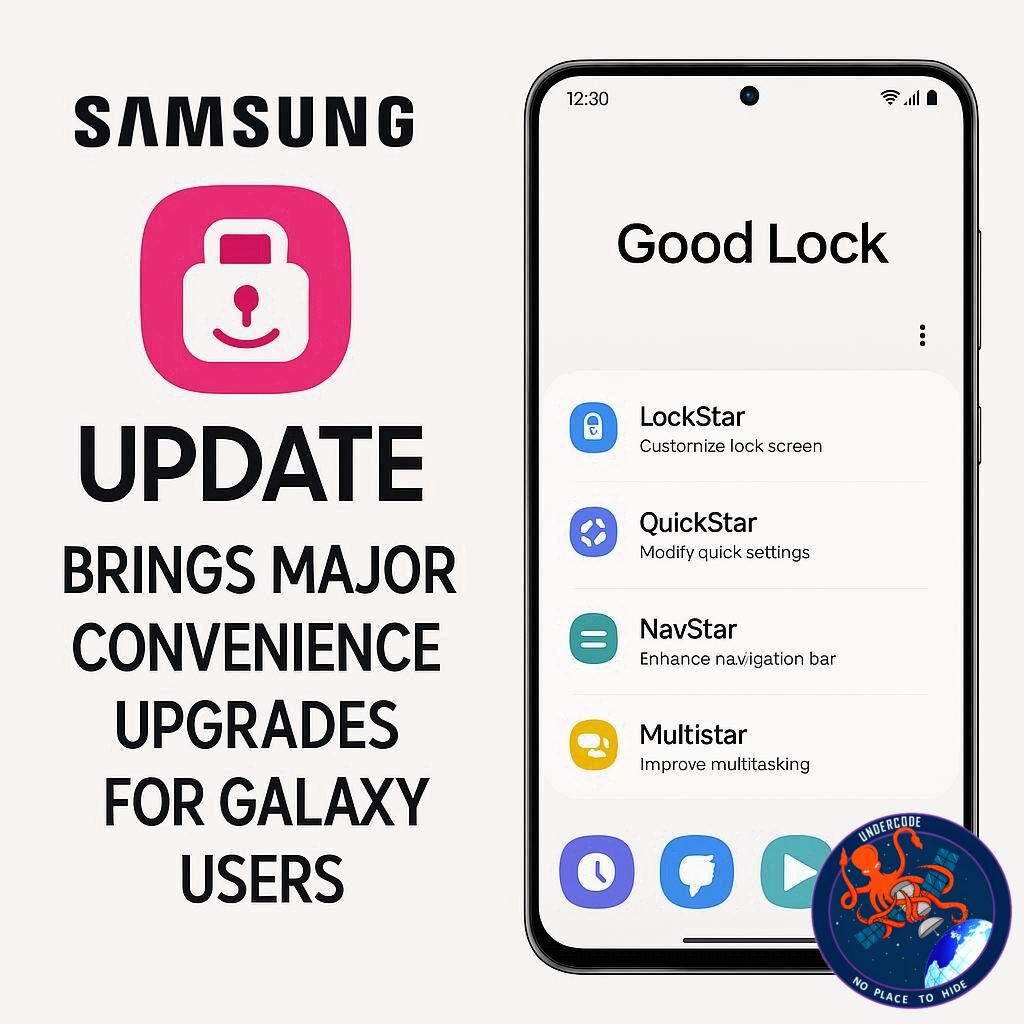
Samsung continues to enhance the user experience on its Galaxy smartphones with its highly popular Good Lock app. For users seeking deeper customization of One UI beyond stock settings, this app is a game-changer. The latest update, version 3.0.14.1, introduces features designed to make navigation simpler, provide clearer app updates, and improve overall stability. Whether you’re a long-time Galaxy user or someone switching from an iPhone, these improvements are set to make your phone more intuitive and enjoyable.
the Latest Good Lock Update
Samsung’s Good Lock app has long been a favorite for Galaxy users wanting advanced customization. The new 3.0.14.1 update brings two key enhancements:
- Improved ‘Plugins’ Screen – Users now see only the most recent update’s change log for apps on the Plugins screen, streamlining information and reducing clutter.
- Enhanced App Icon Options – Long-pressing an app icon should reveal ‘details’ and ‘remove’ options, though this feature wasn’t fully accessible on the Galaxy S25 at the time of testing.
In addition to these visible changes, the update fixes bugs and increases app stability, ensuring a smoother user experience. Users can get the update by navigating to Galaxy Store > Menu > Updates and selecting “Update all” or tapping the update icon next to the Good Lock app. Currently, the rollout has been confirmed live in India.
Good Lock continues to appeal to tech enthusiasts who appreciate granular control over their devices. By offering options that go beyond Samsung’s standard One UI, it attracts users who enjoy personalization and functionality tweaks, making Galaxy smartphones feel more unique.
What Undercode Say: Deep Dive Analysis 🔍
Samsung’s strategy with Good Lock demonstrates a smart approach to retaining users within its ecosystem. By offering features that enhance user experience beyond basic OS functionality, Samsung strengthens brand loyalty and positions its devices as highly customizable compared to competitors.
The update’s focus on clarity in the ‘Plugins’ section shows that Samsung is listening to user feedback. Many users previously found multiple change logs confusing; now, presenting only the latest update log ensures a cleaner, more understandable interface.
From a usability standpoint, the addition of long-press options for app icons, even if partially functional, hints at Samsung experimenting with convenience-first features. These small tweaks often have a significant impact on daily user experience, particularly for power users who rely on quick access to app information and management.
Stability improvements are also critical. Good Lock is a complex app with numerous modules; frequent bug fixes and performance enhancements prevent crashes, reduce frustration, and maintain trust in Samsung’s software reliability.
Furthermore, this update reflects Samsung’s commitment to global rollout strategies. By confirming availability in markets like India first, the company can gauge user feedback before wider distribution, ensuring smoother adoption.
Good Lock’s continuous evolution indicates Samsung’s understanding of customization as a differentiator in the highly competitive smartphone market. With One UI updates, Galaxy devices remain versatile, appealing to users who value both aesthetics and functional adaptability.
The app also benefits the broader ecosystem by encouraging users to explore multiple modules, potentially increasing engagement with Samsung’s store and digital services. As smartphones become more central to daily life, minor enhancements like these can subtly but meaningfully improve overall satisfaction.
In essence, Samsung’s Good Lock updates exemplify a balance between innovation and user-centric design. The company’s iterative improvements, combined with clear communication of features, enhance the app’s reputation as a must-have tool for Galaxy enthusiasts.
Fact Checker Results ✅❌
✅ The update version is 3.0.14.1, confirmed by Samsung sources.
✅ The ‘Plugins’ screen now shows only the latest update log.
❌ The long-press app icon options are not fully functional on all devices, including the Galaxy S25.
Prediction 🔮
Expect Samsung to continue refining Good Lock with more intuitive features and expanded customization options. Future updates may enhance long-press functionalities and introduce AI-assisted personalization tools, making Galaxy devices even more user-friendly and unique. Engagement with Good Lock will likely rise as Samsung emphasizes accessibility, stability, and convenience, positioning it as a leading customization platform for Android users.
🕵️📝✔️Let’s dive deep and fact‑check.
References:
Reported By: www.sammobile.com
Extra Source Hub:
https://www.stackexchange.com
Wikipedia
OpenAi & Undercode AI
Image Source:
Unsplash
Undercode AI DI v2
🔐JOIN OUR CYBER WORLD [ CVE News • HackMonitor • UndercodeNews ]
📢 Follow UndercodeNews & Stay Tuned:
𝕏 formerly Twitter 🐦 | @ Threads | 🔗 Linkedin | 🦋BlueSky | 🐘Mastodon


