
Listen to this Post
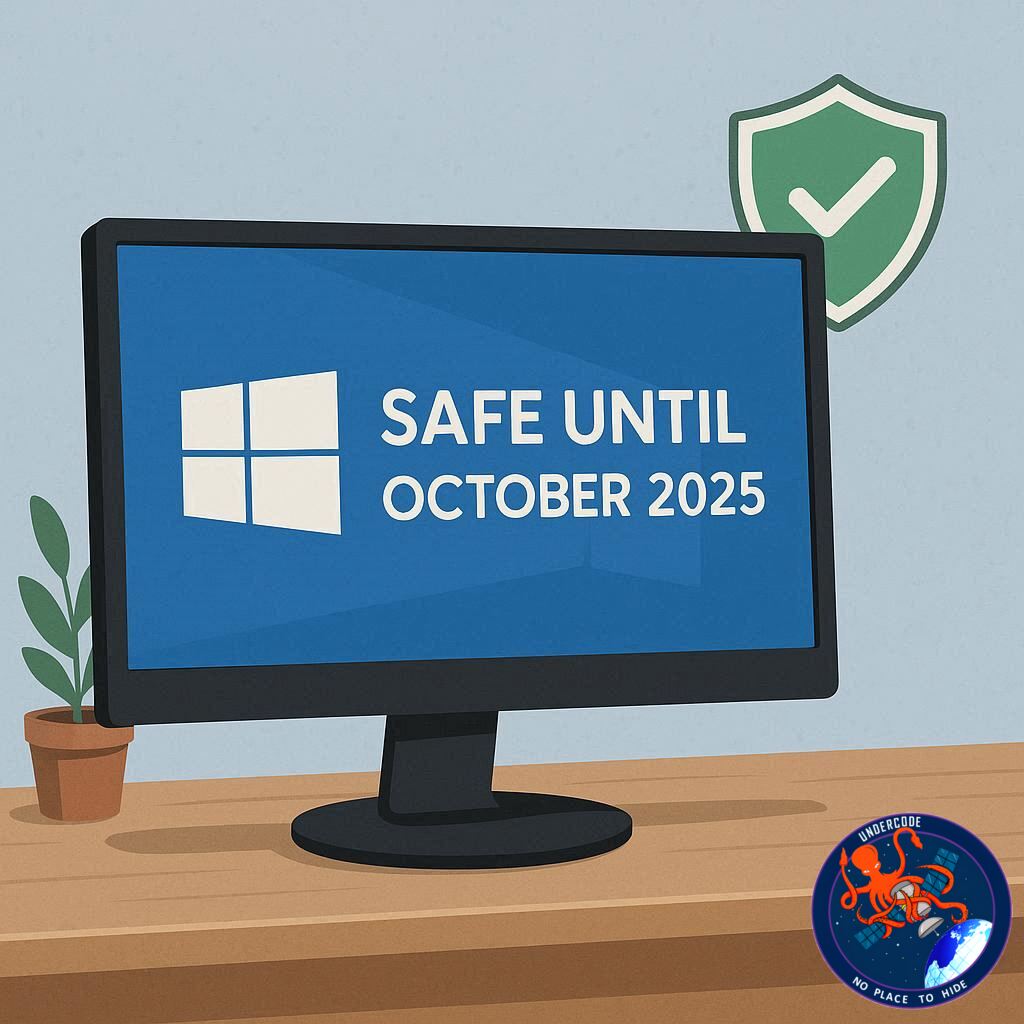
Introduction: Navigating Life After Windows 10
As October 14, 2025 approaches, Windows 10 is stepping into a post-support era, leaving millions of users wondering if their PCs are still safe. For over a decade, Windows 10 has been the backbone of personal and business computing worldwide, but Microsoft’s final security patch is set to close the chapter on its mainstream support. Without these updates, questions arise: Can you continue using Windows 10 safely? What risks are involved? And are there ways to extend security without breaking the bank? This article explores the reality of a post-support Windows 10 world and offers practical guidance for users hesitant to upgrade immediately.
The Risks of Using Windows 10 After End of Life
Once Windows 10 stops receiving updates, the OS becomes increasingly vulnerable to cyberattacks. Operating systems are complex pieces of software with hidden flaws that hackers love to exploit. Normally, Microsoft patches these vulnerabilities monthly, but after October 14, 2025, those patches stop arriving. At first, the risk may seem minimal. The final security update will cover users for a short period, and initially, there may not be major threats. However, as time passes, unpatched security holes multiply, making your system a prime target. Historically, many users continued using unsupported versions of Windows, like Windows 7, for years—but the security risk grows exponentially over time. Even careful online behavior and top-tier antivirus software cannot fully protect a system that no longer receives updates. Accidental exposures or malware from compromised websites can still infect a device.
Extended Security Updates: The Safe Path Forward
Microsoft offers an Extended Security Updates (ESU) program, which allows users to keep receiving critical security patches for an extra year. This program, usually aimed at businesses, is now available to consumers. Users can pay a $30 fee, use Microsoft Rewards points, or opt for a free version that requires syncing certain PC settings to OneDrive. Importantly, this does not involve uploading personal files like documents or photos, only system settings. European users have additional protections due to data privacy laws, allowing them to receive a free year of updates without syncing. While this is a temporary solution, it provides valuable time to plan a transition to a newer OS without immediately exposing your system to risk.
Impact on Software and Gaming
The end of Windows 10 support affects more than the OS itself. Software developers may gradually stop testing updates for Windows 10, potentially causing applications to malfunction. Major programs like Google Chrome have historically maintained extended support for older operating systems, but smaller apps may phase out faster. Gaming is particularly sensitive: titles from Capcom and Square Enix have already announced discontinuation of Windows 10 support, which could cause issues for updates and gameplay. Other developers are likely to follow, making Windows 11 or newer systems a better long-term choice for gamers.
What Undercode Say:
Windows 10’s End of Life is a defining moment in personal computing. While it’s tempting to ignore deadlines and continue using an OS that “still works,” the risks are real. The first few weeks after October 14 may feel safe, but vulnerabilities accumulate quickly. Users relying solely on antivirus software and cautious online behavior are taking a calculated gamble—one that could lead to malware, ransomware, or other cyberattacks. The ESU program is an excellent temporary bridge, but it is not a permanent solution. The free ESU option requires minimal data syncing, a small compromise compared to the security it provides. Paying for the extended updates guarantees full coverage without any data sharing.
From a strategic perspective, this moment is also about future-proofing. Software support is shrinking, and critical applications will eventually leave Windows 10 behind. Businesses and personal users alike need to plan migrations carefully, balancing cost with security and performance. Additionally, gamers must be proactive, as game developers are quick to adopt the newest OS for compatibility and features, leaving Windows 10 users at a disadvantage. Environmental and ethical considerations also come into play: delaying OS upgrades too long may lead to premature hardware replacements, increasing electronic waste. Microsoft’s approach with consumer ESU signals recognition of these pressures, but it’s likely a one-time lifeline rather than an ongoing safety net.
On a broader level, Windows 10’s phase-out highlights the importance of cybersecurity hygiene and timely system upgrades. Users must understand that outdated systems are not merely inconvenient—they are active liabilities. The end-of-life phase isn’t just a technical shift, it’s a behavioral challenge: maintaining vigilance, understanding risks, and making strategic decisions about updates, backups, and migrations. The upcoming transition period offers a rare chance for individuals and organizations to adopt proactive security measures, minimize risk, and prepare for a seamless migration to newer systems like Windows 11 or emerging alternatives.
Ultimately, Windows 10’s retirement underscores a broader lesson: technology lifecycles are finite, and proactive management is critical. Relying on outdated software is increasingly untenable in a world of escalating cyber threats. The ESU program is a lifeboat, but only temporarily. A long-term strategy means planning upgrades, educating users, and maintaining strong cybersecurity practices—because the alternative is risking compromise, data loss, and a frustratingly vulnerable computing experience.
Fact Checker Results:
✅ Windows 10 End of Life: October 14, 2025, confirmed.
✅ Extended Security Updates program available for consumers, including free option with limited data sync.
❌ No evidence that Microsoft accesses personal files for free ESU—only PC settings are synced.
Prediction:
Windows 10 usage will persist for at least a year post-EOL, but adoption of Windows 11 will accelerate, particularly among gamers and business users. Free ESU uptake will be high, and Microsoft may extend similar consumer support programs if adoption rates justify it. By late 2026, a significant market shift toward newer operating systems is expected, driven by both security concerns and software compatibility pressures.
🕵️📝✔️Let’s dive deep and fact‑check.
References:
Reported By: www.techradar.com
Extra Source Hub:
https://www.medium.com
Wikipedia
OpenAi & Undercode AI
Image Source:
Unsplash
Undercode AI DI v2
🔐JOIN OUR CYBER WORLD [ CVE News • HackMonitor • UndercodeNews ]
📢 Follow UndercodeNews & Stay Tuned:
𝕏 formerly Twitter 🐦 | @ Threads | 🔗 Linkedin | 🦋BlueSky | 🐘Mastodon


