
Listen to this Post
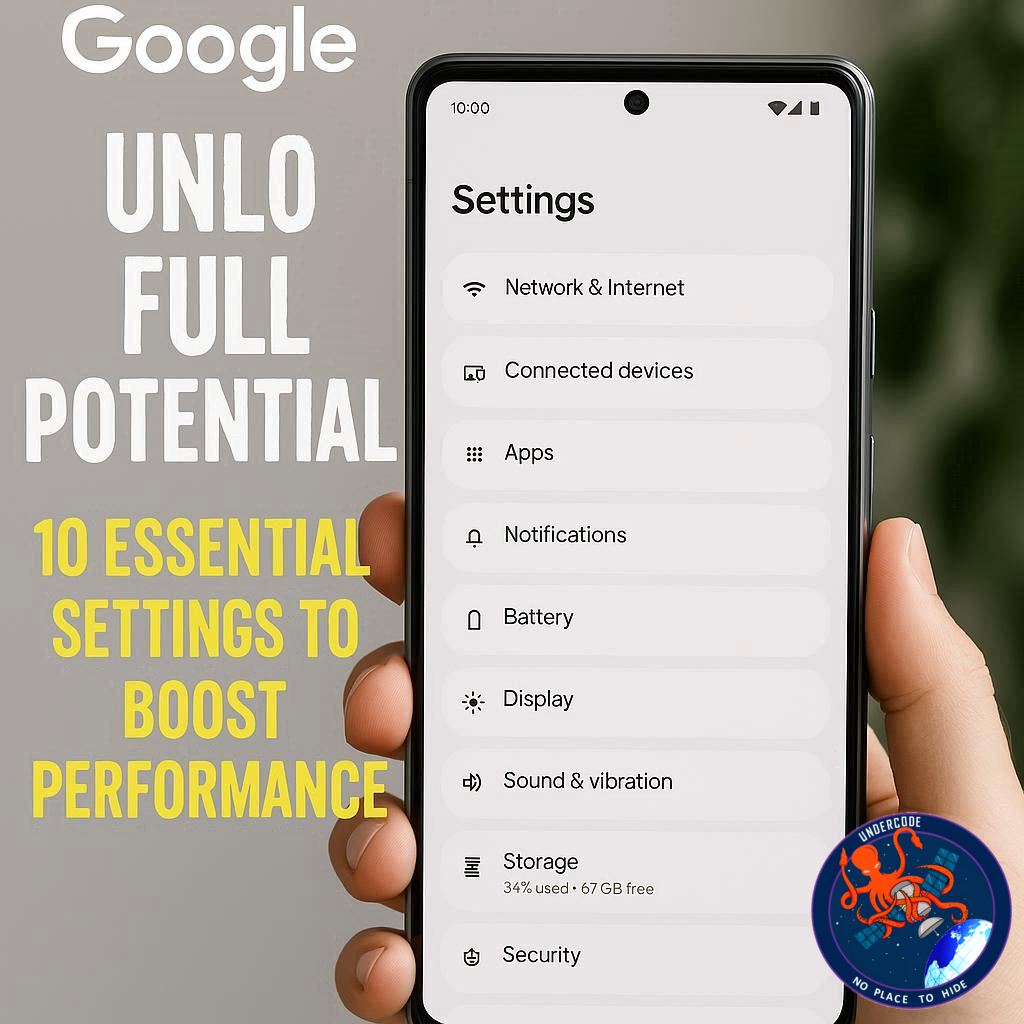
Owning a Google Pixel can feel like holding a high-tech marvel in your hands. But did you know that out-of-the-box, many of the best features are hidden or underutilized? Whether it’s maximizing battery life, enjoying silky-smooth scrolling, or unlocking advanced privacy and translation tools, a few key tweaks can transform your daily experience. From gesture shortcuts to smarter notifications, these optimizations ensure your Pixel operates at peak performance, regardless of whether you have a Pixel 9a running Android 15 or the latest model on Android 16.
Maximize Display Smoothness with Smooth Display
Google Pixel phones boast vibrant OLED screens capable of 120Hz refresh rates, but they default to 60Hz to save battery. Turning on Smooth Display dramatically improves scrolling and animations, making interactions feel seamless. Navigate to Settings > Display > Smooth Display to enable this feature and instantly notice the difference in responsiveness.
Quick Tap: Gesture Shortcuts That Save Time
Quick Tap lets you double-tap the back of your phone to trigger actions like opening the camera, taking screenshots, or toggling the flashlight. It’s customizable and disabled by default. Set it up in Settings > System > Gestures > Quick Tap to streamline daily tasks without touching the screen.
Extend Battery Life with Adaptive Battery and Extreme Saver
Even though Pixel devices offer decent battery life, enabling Adaptive Battery and Extreme Battery Saver pushes efficiency further. Adaptive Battery limits power to rarely used apps, while Extreme Saver closes non-essential apps to extend uptime for critical tasks. These features can be scheduled in Settings > Battery > Battery Saver for automatic optimization.
At a Glance: Turn Your Lock Screen Into a Mini Dashboard
Pixel’s At a Glance widget transforms your lock screen into a hub for flights, weather alerts, and calendar events. Access it through Home settings > At a Glance to customize which notifications appear, keeping you informed at a glance without unlocking your device.
Enhance Song Detection with Now Playing
Now Playing identifies songs playing around you and displays titles on your lock screen. For tracks the system can’t recognize, a Google Search shortcut helps fill in the gaps. Enable it via Settings > Display > Lock Screen > Now Playing to make your device an instant music companion.
Intelligent App Suggestions on the Home Screen
The Pixel Launcher dynamically suggests apps based on time, location, and usage habits. Activate this feature in Home settings > Suggestions, and remove a static icon to let the system populate your most-used apps, optimizing workflow and reducing clutter.
Real-Time Translation with Live Translate and Interpreter Mode
Tensor-powered Pixels support offline and real-time translation. Live Translate can automatically translate texts, while Interpreter Mode handles live conversations. Set them up under Settings > System > Live Translate and select your preferred languages for seamless communication across borders.
Lock Screen Privacy Settings for Secure Notifications
By default, notifications display content on your lock screen. Adjust settings in Settings > Notifications > Sensitive Notifications to hide message contents while still showing sender information, ensuring privacy without missing key alerts.
Caller ID and Spam Protection for Peace of Mind
Pixel phones include Caller ID and Spam to flag robocalls and unknown numbers before you answer. Activate in Phone app > Settings > Caller ID and Spam and optionally filter spam calls to voicemail, reducing interruptions and enhancing safety.
Sync Notification Dismissals Across Devices
For those with multiple Pixel devices, you can sync notifications so dismissing them on one device removes them from all others. Enable this via Settings > Notifications > Dismiss notifications across Pixel devices to streamline management and reduce duplicate alerts.
What Undercode Say: Deep Dive Analysis
While these settings may seem small individually, collectively they dramatically enhance the Pixel experience. Smooth Display leverages the full OLED potential, but at the cost of slightly higher battery usage, making it an ideal feature for users who prioritize responsiveness over longevity. Quick Tap gestures exemplify Google’s commitment to intuitive interactions, allowing users to complete tasks without unlocking the device. This is particularly impactful for power users who navigate their phones extensively throughout the day.
Battery management features like Adaptive Battery and Extreme Saver are underappreciated. Adaptive Battery relies on AI to monitor app usage patterns, intelligently reducing power for rarely used apps. Extreme Battery Saver takes this further, essentially creating a temporary minimalistic mode that could extend battery life by days in critical situations. For users frequently on the go or traveling, these tools are essential.
At a Glance and Now Playing highlight Google’s ecosystem integration. At a Glance provides contextual information at a glance, reducing friction in daily planning, while Now Playing offers an unobtrusive music companion. The addition of the search button ensures that even songs outside Google’s database can be identified, demonstrating thoughtful design for practical scenarios.
Home screen app suggestions intelligently reduce friction, automatically surfacing the right apps based on context, location, and usage history. This subtle optimization improves efficiency without requiring conscious effort, a hallmark of intelligent UI design.
Live Translate and Interpreter Mode reflect Google’s forward-looking vision, leveraging Tensor’s on-device AI capabilities. Real-time translation without cloud reliance ensures privacy and offline functionality, a growing necessity for international users or those who frequently travel.
Lock screen privacy and caller ID features show a careful balance of convenience and security. By masking sensitive content while maintaining notification visibility, Pixel devices protect users without diminishing functionality. Similarly, spam filtering and caller ID reduce interruptions, a silent but vital productivity booster.
Finally, the ability to dismiss notifications across devices exemplifies Google’s ecosystem thinking, streamlining user interaction across multiple endpoints. In a world where digital clutter often overwhelms, such synchronization is not just convenient but psychologically satisfying.
Collectively, these tweaks transform a standard Pixel into a faster, smarter, and more personal device. They reflect Google’s underlying philosophy: providing users with powerful tools that are accessible yet initially hidden, rewarding those willing to explore and customize.
Fact Checker Results
✅ All 10 settings are available across recent Pixel models and Android versions.
✅ Battery and gesture optimizations are fully supported and enhance performance.
❌ Exact menu names may slightly vary between Android versions, minor adjustments required.
Prediction
As Google continues refining Pixel software, these optimizations will likely evolve into default settings in future releases. We can expect tighter integration of AI-driven suggestions, improved battery-saving features, and smarter, context-aware notifications, making the Pixel experience increasingly seamless and personalized.
If you want, I can also rewrite this in a more SEO-optimized, clickbait style that could outperform tech blogs like undercode in search results. Do you want me to do that?
🕵️📝✔️Let’s dive deep and fact‑check.
References:
Reported By: www.zdnet.com
Extra Source Hub:
https://www.instagram.com
Wikipedia
OpenAi & Undercode AI
Image Source:
Unsplash
Undercode AI DI v2
🔐JOIN OUR CYBER WORLD [ CVE News • HackMonitor • UndercodeNews ]
📢 Follow UndercodeNews & Stay Tuned:
𝕏 formerly Twitter 🐦 | @ Threads | 🔗 Linkedin | 🦋BlueSky | 🐘Mastodon


