
Listen to this Post
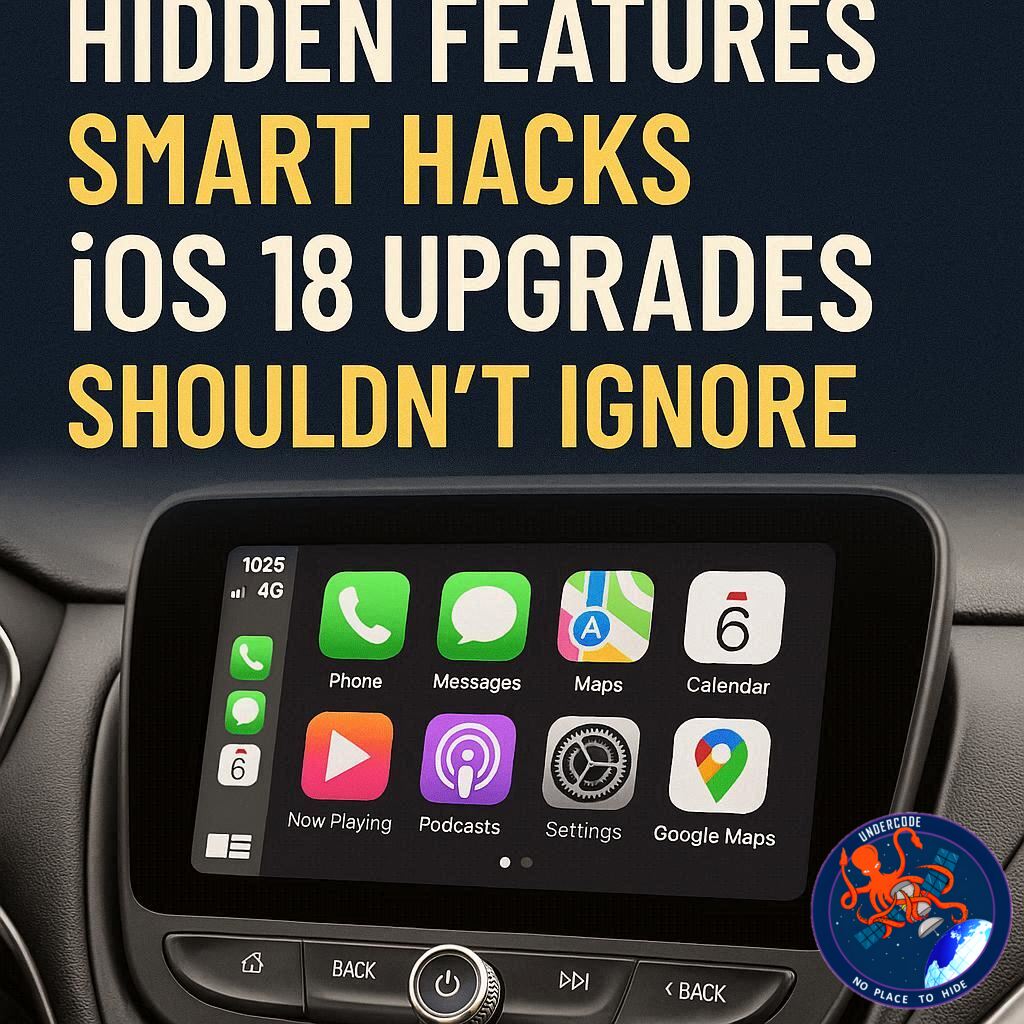
Introduction: Why CarPlay Still Dominates the In-Car Experience
Apple’s CarPlay has quietly become one of the most essential features in modern vehicles, transforming the way drivers interact with technology on the road. Instead of relying on often clunky, outdated infotainment systems built by car manufacturers, CarPlay delivers a smooth, familiar, and highly responsive interface powered by your iPhone. It blends convenience with safety—allowing access to navigation, music, messaging, and apps without unnecessary distractions.
With the arrival of iOS 26, CarPlay has evolved even further, introducing smarter customization, widgets, and real-time updates that make driving more intuitive than ever. Whether you’re commuting daily or heading out on long road trips, understanding how to fully utilize CarPlay can significantly improve your driving experience.
Complete the Original
CarPlay is widely regarded as a must-have feature for drivers due to its superior interface and seamless integration with iPhone functionality. It offers quick access to apps, Siri voice control, and reliable connectivity that surpasses many native car systems.
One of the most useful aspects of CarPlay is customization. Users can control which apps appear on the CarPlay dashboard by navigating through their iPhone settings. Unwanted apps can be removed, and preferred apps can be rearranged to suit individual needs. This ensures a cleaner and more personalized interface while driving.
Although CarPlay doesn’t allow users to upload custom wallpapers, Apple provides a limited selection of built-in wallpapers that can be set directly from the CarPlay settings. These options are updated occasionally but remain somewhat restricted.
CarPlay supports both wired and wireless connections. Wired CarPlay tends to offer a faster and more stable experience, while wireless CarPlay provides convenience, especially for short trips. The recommended approach is to use wireless for quick errands and switch to wired for longer journeys. Accessories are also available to convert wired systems into wireless ones.
Another important feature is the availability of light mode, dark mode, and automatic mode. Automatic mode adjusts based on lighting conditions, making it the most practical option for most users.
Driving Focus mode enhances safety by limiting distractions. It blocks notifications, calls, and messages unless specifically allowed. Users can customize it to permit certain contacts and even enable automatic replies, informing others that they are currently driving.
Announce Messages allows Siri to read incoming messages aloud and enables voice-based replies. This feature works not only with Apple’s Messages app but also with third-party apps like WhatsApp, making communication safer while driving.
SharePlay adds a collaborative element to music playback. Passengers can scan a QR code to join a session and contribute songs to the queue, even without having a subscription to Apple Music. This creates a shared entertainment experience during trips.
With iOS 26, CarPlay introduces widgets, enabling users to view useful information directly on their dashboard. Depending on the vehicle’s screen size, users can organize widgets into stacks and enable features like Smart Rotate for dynamic switching.
Live Activities are another new addition, mirroring real-time updates from the iPhone onto the CarPlay display. These can include things like delivery tracking or sports updates, adding a layer of real-time awareness.
The Messages app has also been updated to include pinned conversations for easier access. However, due to mixed reactions, Apple later allowed users to disable this feature.
Additionally, users can adjust the visual appearance of app icons with different tint modes, offering further personalization. Overall, CarPlay continues to evolve, providing more control, safety features, and entertainment options for drivers.
What Undercode Say:
The Shift Toward Software-Defined Driving
CarPlay represents a larger shift in the automotive industry—cars are no longer just mechanical machines; they are becoming software platforms. Apple’s approach essentially replaces the car’s native system with a familiar ecosystem, reducing the learning curve for users and improving usability dramatically.
Why Customization Matters More Than Ever
The ability to control app visibility and layout may seem minor, but it directly impacts driver safety. A clutter-free interface reduces cognitive load, allowing drivers to focus on essential information instead of searching through unnecessary icons.
Wired vs Wireless: Convenience vs Performance
The trade-off between wired and wireless CarPlay highlights a broader technological compromise. Wireless offers freedom and ease, but latency issues still exist. This suggests that future updates must prioritize low-latency wireless performance to fully replace wired connections.
Safety Features Are the Real Game Changer
Driving Focus mode and Announce Messages are not just convenience features—they are critical safety tools. By minimizing distractions and enabling hands-free communication, CarPlay actively contributes to safer roads.
Widgets Signal a New Direction
The introduction of widgets in iOS 26 indicates Apple’s push toward glanceable information. Instead of navigating through apps, drivers can now absorb key data instantly. This aligns with modern UI trends focused on efficiency and minimal interaction.
Live Activities Bring Real-Time Awareness
Live Activities elevate CarPlay from a static interface to a dynamic dashboard. Real-time updates create a more connected experience, but they also raise questions about information overload and distraction if not managed carefully.
SharePlay Redefines In-Car Entertainment
SharePlay introduces a social dimension to driving. It shifts control from a single driver to a collaborative environment, reflecting how digital experiences are becoming more shared and interactive.
Limitations Still Exist
Despite its strengths, CarPlay still has restrictions, such as limited wallpaper customization and dependence on iPhone connectivity. These limitations highlight Apple’s controlled ecosystem approach, prioritizing consistency over flexibility.
User Experience Over Hardware
CarPlay’s success demonstrates that software experience often outweighs hardware innovation. Even in older vehicles, CarPlay can dramatically improve usability, proving that software upgrades can extend the life and value of existing cars.
The Future of CarPlay
With continuous updates, CarPlay is moving toward deeper integration with vehicles, potentially controlling more car functions in the future. This could redefine the relationship between tech companies and automakers.
Fact Checker Results
Accuracy of CarPlay Features
✅ The described features such as Driving Focus, SharePlay, widgets, and Live Activities are consistent with Apple’s official functionality updates in iOS 26.
Performance Claims
❌ The claim that wired CarPlay is always faster may vary depending on vehicle hardware and connection quality, though it is generally true.
Safety Benefits
✅ CarPlay’s safety tools like voice interaction and notification control are widely recognized as reducing driver distraction when used correctly.
Prediction
The Road Ahead for CarPlay
CarPlay is likely to expand beyond infotainment into full vehicle integration, including climate control, dashboards, and advanced driving data. As competition grows from other ecosystems, Apple will focus on deeper personalization, improved wireless performance, and AI-driven automation. The next evolution could turn CarPlay into the central operating system of the car, redefining how drivers interact with vehicles entirely.
🕵️📝✔️Let’s dive deep and fact‑check.
References:
Reported By: 9to5mac.com
Extra Source Hub (Possible Sources for article):
https://www.reddit.com/r/AskReddit
Wikipedia
OpenAi & Undercode AI
Image Source:
Unsplash
Undercode AI DI v2
Bing
🔐JOIN OUR CYBER WORLD [ CVE News • HackMonitor • UndercodeNews ]
📢 Follow UndercodeNews & Stay Tuned:
𝕏 formerly Twitter 🐦 | @ Threads | 🔗 Linkedin | 🦋BlueSky | 🐘Mastodon


