
Listen to this Post
Introduction
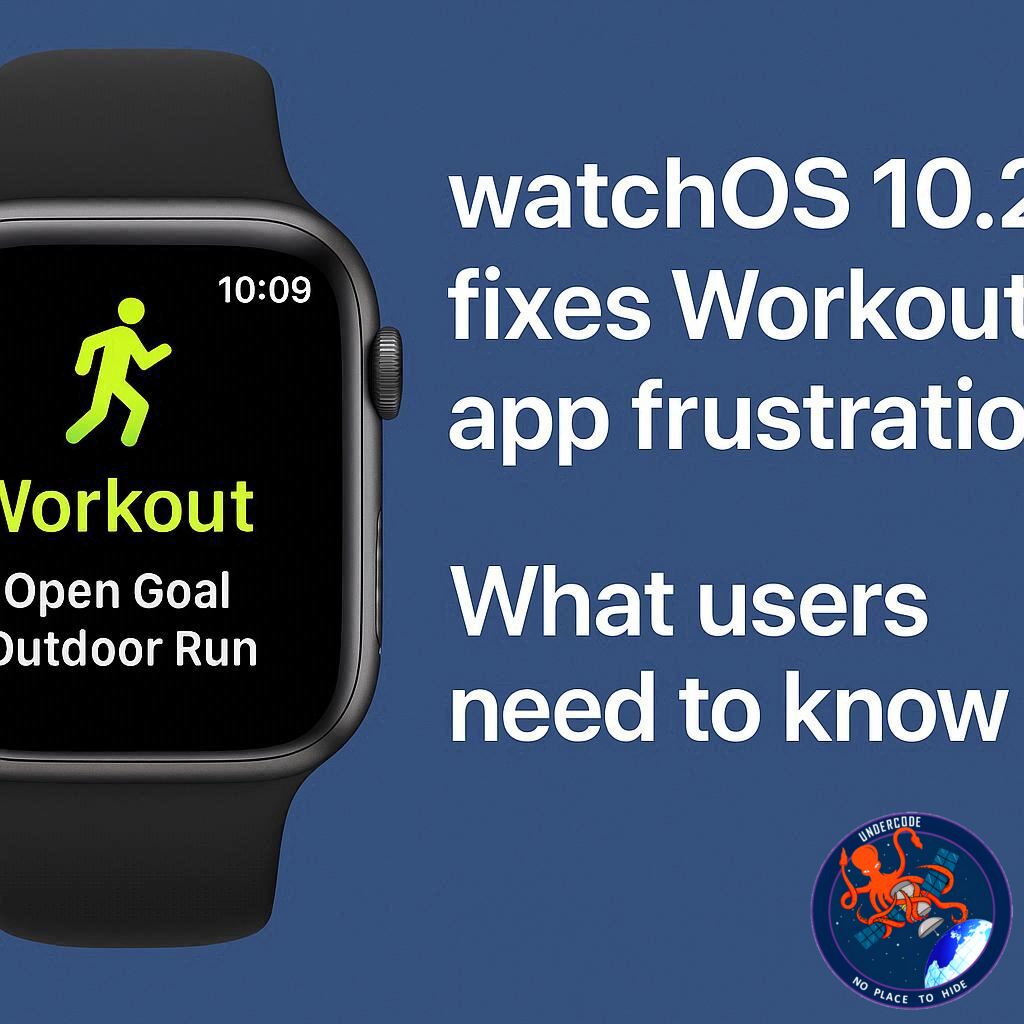
Apple’s latest watchOS 26.4 update brings a long-awaited improvement to the Apple Watch Workout app. Many users of watchOS 26 expressed frustration over a redesigned interface that made starting workouts less intuitive and slower than before. With this new update, Apple has responded to feedback, streamlining the user experience and restoring the simplicity that longtime Apple Watch users expect.
Simplifying the Workout Experience
The original redesign in watchOS 26 significantly changed how users interact with the Workout app. What was once a simple tap to start a workout became a multi-step process. Tapping a workout icon no longer immediately started the session; instead, users had to wait for the full workout view to load and rely on a separate “Play” button. For many, this made the app feel slower and less intuitive.
What Went Wrong in watchOS 26
Prior to 26.4, Apple presented a scrollable list of workout types with icons and labels. While these icons suggested tappable functionality, tapping them often did nothing. Only the bottom-center “Play” button could initiate a workout. This design prioritized preventing accidental starts but sacrificed speed and familiarity, forcing users to adapt to a system that broke muscle memory developed over years.
The Fix in watchOS 26.4
With watchOS 26.4, Apple corrected the confusion. Now, tapping the workout type icon directly starts the workout, just like the Play button. This change reduces unnecessary interactions, restoring a straightforward workflow for users eager to begin exercise tracking immediately. While very fast taps during list loading may still be ignored, the update marks a clear improvement in user experience.
Adjusting to the New Flow
Even users who had adapted to watchOS 26.0–26.3 noticed that the new placement of the Play button felt unintuitive. Many instinctively tapped the center icon out of habit, only to find it unresponsive. The 26.4 update addresses this by aligning user expectations with app behavior, eliminating the frustration of wasted taps and improving the “first run” experience for newcomers.
Availability and Accessibility
watchOS 26.4 is currently available in beta as a release candidate, with the full release expected imminently. Fitness enthusiasts can pair this update with the Apple Watch Series 11, starting at $299, to enhance their exercise tracking and reach fitness goals more efficiently.
Beyond Workouts: Apple Ecosystem Integration
The Apple Watch continues to integrate seamlessly with other Apple devices. Accessories like the AirTag 2 enable advanced tracking, and Apple’s official USB-A to USB-C CarPlay cables allow smooth device connectivity. These ecosystem enhancements complement the improved Workout app, encouraging a more connected, streamlined fitness and lifestyle experience.
What Undercode Says:
User Experience Is Central
Apple’s responsiveness with watchOS 26.4 shows that user experience is still a priority. The decision to make workout icons tappable again demonstrates that even small interface frustrations can affect how users interact with a device daily. Speed and intuitiveness are critical, especially for a device designed for on-the-go activity tracking.
Muscle Memory Matters
Longtime users rely on habits developed over years. When an interface breaks these expectations, even minor redesigns can create noticeable friction. watchOS 26.4 restores a sense of familiarity, reducing cognitive load and reinforcing the natural flow of starting a workout.
Design vs. Functionality Trade-Offs
The prior design appeared optimized to prevent accidental taps but compromised efficiency. This reflects a common tension in UI design: safety versus speed. Apple’s latest update demonstrates a shift toward function without losing control, suggesting a better balance between preventing errors and maintaining usability.
Streamlining Interaction
The 26.4 update highlights the importance of reducing unnecessary steps in software. Every tap and delay matters for a device used during exercise, when users often want immediacy. This is a subtle but meaningful improvement, demonstrating Apple’s ability to iterate based on feedback.
Beta Testing Insights
The fact that watchOS 26.4 is released first as a beta signals Apple’s cautious approach, ensuring that usability improvements do not introduce new issues. This approach allows users to test and provide feedback, reinforcing a user-centered development process.
Implications for Future Updates
Apple’s handling of the Workout app redesign sets a precedent for listening to users. Future interface changes in watchOS may prioritize small but impactful enhancements over radical visual redesigns, which can disrupt usability.
Fitness as a Core Feature
The Apple Watch continues to emphasize health and fitness as key selling points. Ensuring the Workout app is intuitive reflects the brand’s commitment to making technology a seamless part of daily wellness routines.
Integration with Apple Ecosystem
The app update is also a reminder that hardware improvements, like Series 11 sensors, are only as effective as the software that accompanies them. Improved usability enhances the real-world value of these devices.
Learning From Feedback Loops
Apple’s adjustment underscores the effectiveness of feedback loops. Listening to user complaints, even about minor interactions, can lead to significant improvements in overall product satisfaction.
Final Thoughts on watchOS 26.4
This update transforms a frustrating user experience into a smooth, intuitive one. By addressing the pain points in the Workout app, Apple reinforces why its ecosystem is both powerful and user-friendly. Small changes like these often define whether a product is loved or merely tolerated.
🔍 Fact Checker Results
✅ watchOS 26.4 allows tapping the workout type icon to start a workout.
✅ The Play button and icon now perform the same function.
❌ Previous watchOS 26.0–26.3 design did not allow icon taps to start workouts.
📊 Prediction
With watchOS 26.4, Apple Watch users are likely to see increased engagement with the Workout app, as the interface now aligns with intuitive usage patterns. Fitness tracking adoption could rise, particularly among new users or those frustrated by prior design changes. This improvement may also influence Apple’s future UI updates, emphasizing usability over radical design experiments. Users can expect smoother integrations across the Apple ecosystem, enhancing both daily routines and workout motivation.
🕵️📝✔️Let’s dive deep and fact‑check.
References:
Reported By: 9to5mac.com
Extra Source Hub (Possible Sources for article):
https://www.discord.com
Wikipedia
OpenAi & Undercode AI
Image Source:
Unsplash
Undercode AI DI v2
Bing
🔐JOIN OUR CYBER WORLD [ CVE News • HackMonitor • UndercodeNews ]
📢 Follow UndercodeNews & Stay Tuned:
𝕏 formerly Twitter 🐦 | @ Threads | 🔗 Linkedin | 🦋BlueSky | 🐘Mastodon


