
Listen to this Post
Introduction
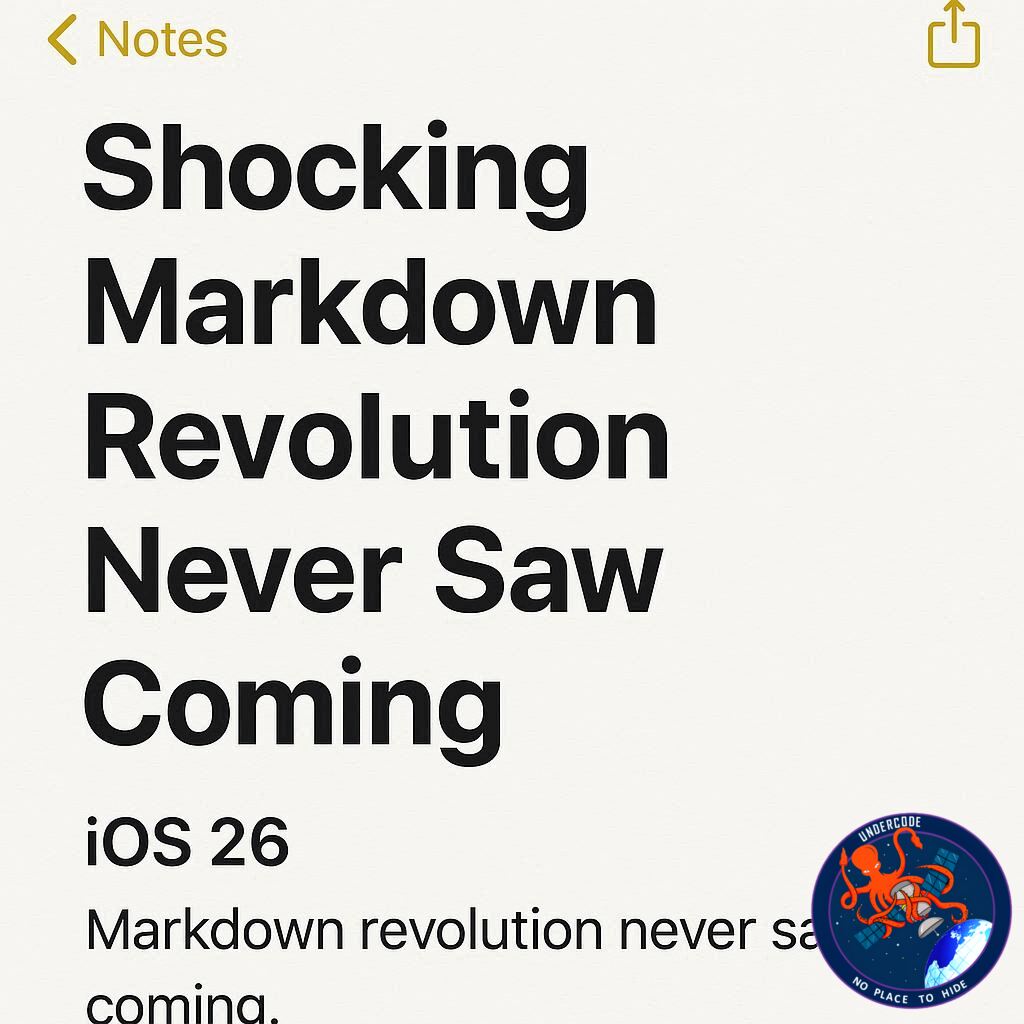
Apple Notes has long been one of the most underrated apps in the iOS ecosystem. While many users flock to third-party apps for writing and note-taking, Apple has been quietly upgrading Notes year after year. With the release of iOS 26, the app finally takes a bold leap forward by embracing Markdown support — a long-awaited feature for writers, coders, researchers, and anyone who values clean formatting. This update is not just about convenience; it repositions Apple Notes as a serious competitor against popular writing platforms. Let’s dive deep into what’s new, why it matters, and how it changes the way we think about digital note-taking.
Apple Notes Gets Markdown Power in iOS 26
Apple Notes receives fresh upgrades with each iOS release, and iOS 26 introduces one of the most significant updates yet: Markdown import and export support. Markdown, originally created by John Gruber, is a lightweight text formatting system widely used by developers, journalists, researchers, and online content creators. It allows users to write in plain text while embedding rich formatting like headings, lists, links, bold, and italics without dealing with complex menus.
Until now, Apple Notes never supported Markdown, despite its popularity. iOS 26 changes that with two powerful new tools:
Importing Markdown: Users can now bring Markdown files into Notes either by sharing the file to Notes or, on iPadOS 26, using the “Import to Notes” option from the new File menu.
Exporting Markdown: From any note, you can choose “Export as Markdown” in the share sheet to create a clean, portable file that retains its formatting.
This means Apple Notes can now act as a full Markdown hub. Writers can draft in Notes, export clean files, and even bring existing Markdown documents into Notes without losing key formatting like headings, bullet lists, and hyperlinks. However, Apple doesn’t render Markdown styles inside the app itself — the clean formatting only shows once exported.
By combining Apple’s smooth interface with Markdown’s versatility, this upgrade transforms Notes into a much more powerful writing tool.
What Undercode Say:
The Markdown update in Apple Notes is more than a minor tweak — it’s a strategic move by Apple. Here’s why it matters:
A Silent Attack on Third-Party Apps
Apps like Bear, Obsidian, and Notion built their popularity on Markdown support. Apple bringing Markdown to Notes signals that they want to reclaim users who switched to those platforms. This could push Apple Notes into becoming a mainstream writing app for professionals.
The Minimalist Advantage
Apple Notes has always been about simplicity. By allowing Markdown import and export, Apple balances minimalism with professional-grade functionality. You won’t get flashy themes or complex customization, but you get a distraction-free environment that writers love.
Ecosystem Power
Markdown inside Notes pairs perfectly with Apple’s ecosystem. Imagine writing in Notes on your iPhone, exporting Markdown to HTML on your Mac, and publishing instantly. For users already deep into Apple’s ecosystem, this makes Notes nearly irresistible.
The Catch: No In-App Styling
The lack of live Markdown rendering inside Notes is a limitation. Competing apps show you exactly how your formatting looks as you type. Apple’s choice to only apply styling upon export feels like a half-step. Still, it keeps the interface clean — which may be Apple’s design philosophy.
Productivity Meets Portability
Markdown files are lightweight and universal. With Notes now supporting them, sharing across platforms becomes seamless. Students, professionals, and even casual note-takers can benefit from this portability.
Market Disruption Potential
If Apple continues improving Markdown in Notes — such as adding live previews or syntax highlighting — it could disrupt the entire note-taking and productivity app market. Developers of third-party apps might need to rethink their competitive edge.
✅ Fact Checker Results
Apple Notes in iOS 26 officially adds Markdown import and export support.
Users can now bring Markdown files into Notes and export them back without losing formatting.
Markdown styles do not render inside the app, only after export.
🔮 Prediction
Apple is unlikely to stop here. Future updates may include real-time Markdown previews, collaborative editing with Markdown, or even publishing tools straight from Notes. If Apple leans further into this integration, Notes could evolve into a serious rival to dedicated writing apps, reshaping the future of digital writing on iOS.
🕵️📝✔️Let’s dive deep and fact‑check.
References:
Reported By: 9to5mac.com
Extra Source Hub:
https://stackoverflow.com
Wikipedia
OpenAi & Undercode AI
Image Source:
Unsplash
Undercode AI DI v2
🔐JOIN OUR CYBER WORLD [ CVE News • HackMonitor • UndercodeNews ]
📢 Follow UndercodeNews & Stay Tuned:
𝕏 formerly Twitter 🐦 | @ Threads | 🔗 Linkedin | 🦋BlueSky | 🐘Mastodon


