
Listen to this Post
Introduction
Apple has just supercharged the Messages app with iOS 26, making it smarter, cleaner, and more user-friendly. Beyond just fighting the endless wave of spam texts, Apple has introduced a set of filters that transform how users organize and manage conversations. From drafts to scheduled messages, this update finally gives iMessage the level of organization people have been asking for. Let’s dive deep into what this means for everyday users.
iOS 26 Messages App Update: A Full Breakdown
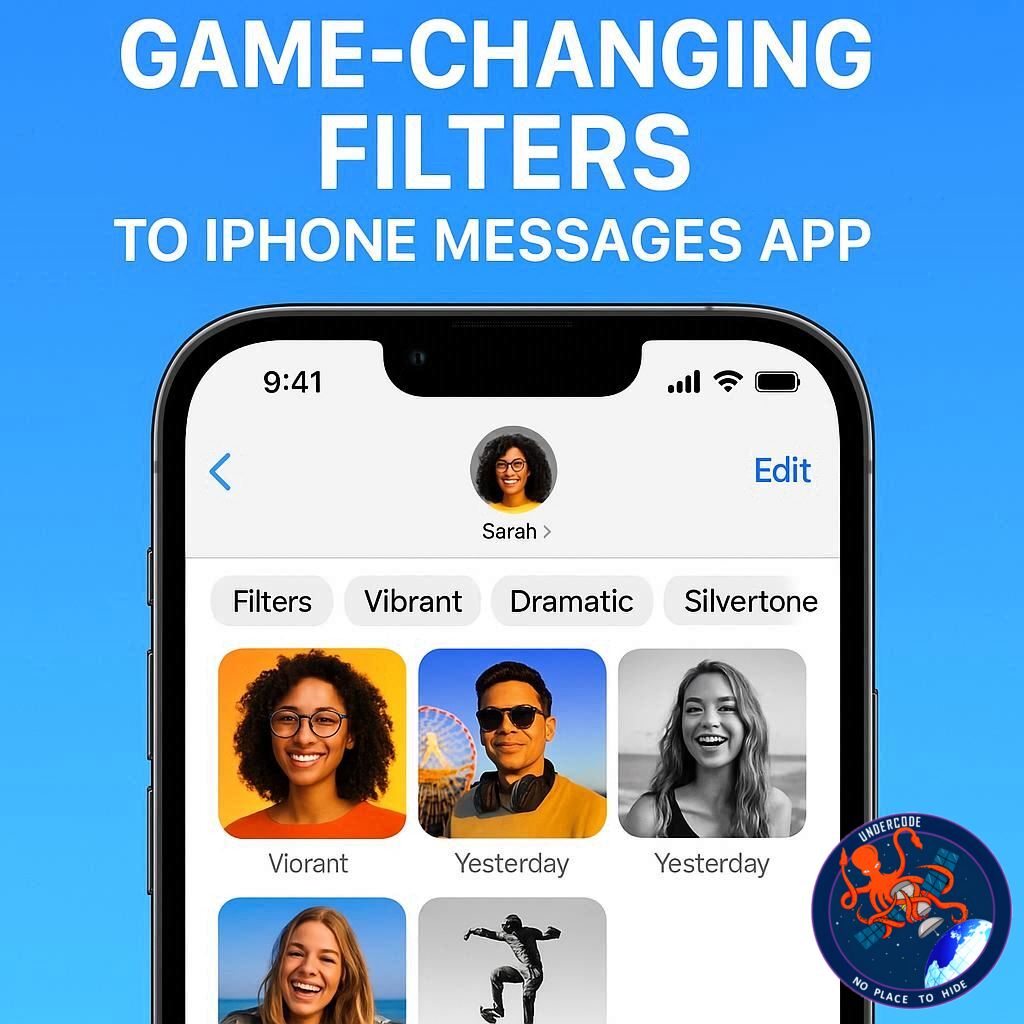
The iPhone Messages app on iOS 26 introduces several new filtering options designed to help users manage conversations more effectively. The update focuses heavily on blocking spam and junk texts, but also introduces filters that are genuinely helpful in day-to-day use.
One of the standout additions is the brand-new Drafts folder. This feature filters the conversation list and highlights only those threads with a partly written message, making it easier to keep track of unfinished thoughts.
These filters are accessed through a new filter button placed in the top-right corner of the screen. Once tapped, it reveals different sections such as Messages, Spam, and Recently Deleted. Depending on user activity, additional filters appear contextually.
For example, if you use the Send Later feature, a “Send Later” filter will show up, making it simple to revisit scheduled conversations. Similarly, if you have unread messages, the system will automatically include an Unread filter for quick access.
The same applies to drafts. If you start typing in a thread but leave it unfinished, the Drafts filter automatically appears in the menu. This allows you to easily find all conversations where messages are waiting to be completed.
These changes are particularly useful for people juggling multiple chats at once. If you’re in the middle of a busy day and start a message but can’t send it right away, the new filters ensure you won’t lose track of it. All you need to do is go to Filters → Drafts to pick up where you left off.
When a filter is active, the toolbar button highlights in blue, a subtle reminder that you’re only viewing a portion of your inbox. One tap on the button returns everything back to normal, displaying your full conversation list.
Overall, these improvements don’t just help in spam management — they make iMessage more organized, efficient, and productivity-friendly than ever before.
What Undercode Say:
Apple’s decision to expand iMessage filters reflects a growing need for better digital hygiene. Messaging apps are no longer simple texting tools — they’ve become hubs for personal, business, and even financial communication. With that comes clutter, distractions, and the inevitable flood of spam.
The Drafts filter may seem like a small addition, but it signals Apple’s recognition that people often multitask and need smarter ways to track unfinished conversations. Competitors like WhatsApp and Telegram don’t yet offer a dedicated drafts view, giving Apple a unique advantage here.
The contextual appearance of filters — such as Send Later and Unread — shows that Apple is moving toward adaptive UI, where features appear only when relevant. This reduces unnecessary clutter and keeps the interface minimalistic while still being powerful.
From a productivity standpoint, these filters can reduce message fatigue. Instead of endlessly scrolling through conversations, users can instantly jump to what matters. For professionals who rely on iMessage for work, this could cut down on missed replies and improve response times.
The spam filtering is equally significant. With phishing scams on the rise, Apple is tightening its security net. By separating spam into its own filter, iOS 26 gives users more confidence that their main inbox remains clean. This is a step toward building trust in iMessage as a safe communication platform.
Another interesting angle is Apple’s subtle push toward digital minimalism. By encouraging filters, the company is steering users toward a more organized digital life — fewer distractions, quicker access, and smarter prioritization.
While the update feels polished, one area Apple might expand on is custom filters. Imagine being able to filter by contacts marked as “VIP,” or by keywords like “invoice” or “family.” This would push iMessage closer to the email-like functionality many professionals crave.
There’s also a potential future where these filters integrate with AI and Siri. For instance, Siri could suggest filters like “Messages you haven’t replied to in 24 hours” or “Conversations with your boss.” This would bring a new layer of intelligence to the app.
Apple is playing the long game: with iOS 26, the company is not just adding features — it’s laying the groundwork for a smarter, AI-driven messaging system that adapts to how each individual communicates.
✅ Fact Checker Results
The update does indeed add new filters including Drafts, Spam, Recently Deleted, and contextual filters like Unread or Send Later.
The filter button is confirmed to be placed in the top-right corner of the app.
When active, the filter button highlights in blue, signaling a filtered view.
🔮 Prediction
Looking ahead, Apple is likely to expand iMessage filters with AI-driven personalization. Future versions could automatically group conversations by importance, suggest follow-ups for unfinished drafts, and even integrate with productivity apps like Calendar or Reminders. Over time, iMessage may evolve into a smarter communication assistant rather than just a chat app.
🕵️📝✔️Let’s dive deep and fact‑check.
References:
Reported By: 9to5mac.com
Extra Source Hub:
https://www.digitaltrends.com
Wikipedia
OpenAi & Undercode AI
Image Source:
Unsplash
Undercode AI DI v2
🔐JOIN OUR CYBER WORLD [ CVE News • HackMonitor • UndercodeNews ]
📢 Follow UndercodeNews & Stay Tuned:
𝕏 formerly Twitter 🐦 | @ Threads | 🔗 Linkedin | 🦋BlueSky | 🐘Mastodon


