
Listen to this Post
Introduction
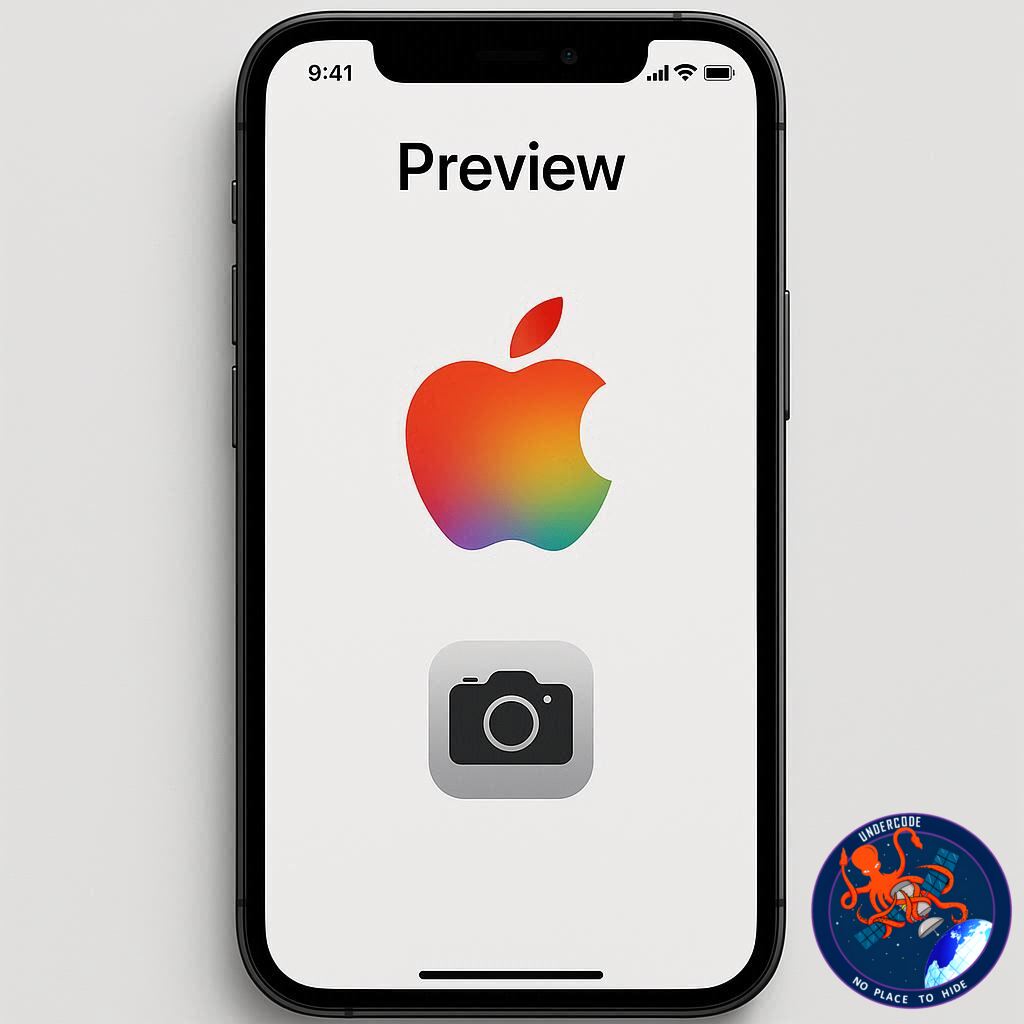
Apple’s iOS 26 brings a wave of new features and refinements across its ecosystem — yet one particular addition has sparked debate among users and tech reviewers alike: the introduction of the Preview app on iPhone and iPad. For Mac users, Preview has long been a reliable tool for quick file viewing, annotation, and light editing. But on iPhone, its arrival feels less like a leap forward and more like an unnecessary detour. While some applaud its inclusion as part of Apple’s push toward cross-device harmony, others argue that it complicates simple file tasks that the existing Files app already handled perfectly well.
The New “Preview” on iOS 26: What’s Going On?
With iOS 26, Apple has officially ported the Preview app — a staple of macOS — to the iPhone and iPad. The app’s primary purpose mirrors its Mac counterpart: allowing users to open, view, and make light edits to PDFs, images, and various documents without relying on third-party apps. On the iPad, this addition makes sense. With larger screen real estate, multitasking capabilities, and pinned folders in iPadOS 26, Preview serves as a quick-access window for professionals and creatives who juggle multiple files.
However, on the iPhone, the experience tells a different story. Preview’s integration feels awkward and redundant. The Files app — which already supported the viewing of PDFs, images, and other common file types — now redirects users to Preview when opening these items. This constant app-switching interrupts the once-fluid file-browsing experience on iPhone.
Imagine having a folder of images downloaded on your phone. Previously, you could simply swipe through them directly within the Files app. Now, each file opens in Preview, and returning to the folder means manually switching back. The smooth flow is gone, replaced by an unnecessary back-and-forth that feels out of place in Apple’s normally seamless ecosystem.
The irony is that Apple has long been known for reducing friction in user experience — unifying apps and features rather than fragmenting them. Yet in this case, Preview creates a small but significant roadblock in everyday usability.
Thankfully, there’s a simple fix: delete the Preview app. Once removed, the Files app automatically reverts to its earlier, more convenient behavior, letting users view files natively within it. This quick workaround restores the familiar simplicity that iPhone users appreciated before iOS 26.
Of course, if users ever miss Preview’s features or need its markup tools, it can be easily reinstalled from the App Store. But for most iPhone owners, the Files app alone offers everything needed for quick document or photo viewing.
As for iPad users, Preview remains a welcome addition. It fits neatly into Apple’s ongoing strategy of making the iPad behave more like a full-fledged computer — bridging the gap between tablet and desktop productivity.
What Undercode Say:
Apple’s decision to bring Preview to iPhone feels like part of a larger, ongoing experiment — one that reveals the company’s struggle to balance ecosystem consistency with device-specific practicality.
From a design perspective, Apple has always valued uniformity across its platforms. The idea is clear: if you use a Mac, an iPad, or an iPhone, you should encounter the same core tools, the same logic, the same Apple DNA. The problem arises when this philosophy clashes with the very different ways people use each device.
On a Mac, Preview is indispensable. It’s the unsung hero of daily workflows — quick edits, signatures, annotations, file exports — all done in seconds. On an iPad, its arrival makes sense, blending neatly with Apple Pencil support and multitasking capabilities.
But the iPhone isn’t designed for that kind of deep document interaction. It’s a device of immediacy — check, glance, reply, share — not prolonged editing. When users are forced out of Files into another app for something as simple as opening a PDF, it breaks the natural tempo of mobile use.
The deeper issue here lies in Apple’s pursuit of ecosystem symmetry. While consistency across devices is admirable, it shouldn’t come at the cost of functionality or convenience. The Preview-on-iPhone example illustrates how cross-platform uniformity can sometimes lead to user friction instead of harmony.
From a strategic standpoint, this move might also be a testing ground. Apple could be preparing Preview for deeper iCloud or collaborative integrations down the road — perhaps enabling shared annotations, document editing, or AI-assisted file organization. If that’s the direction, today’s friction might simply be the growing pains of tomorrow’s ecosystem evolution.
Still, it highlights an important truth: not every macOS feature belongs on iOS. Apple’s magic lies in tailoring each device’s software to its natural use case, not replicating the same experience everywhere.
Interestingly, Apple’s quick fix — the ability to delete Preview — speaks volumes. It’s as if the company quietly acknowledges that not everyone needs it. This flexibility is a rare admission from Apple, which historically prefers control over customization.
For now, the takeaway is clear: while Preview may enhance productivity on iPad, it clutters simplicity on iPhone. Power users might appreciate its potential, but casual users will likely find themselves deleting it to restore the fluidity they once had.
Fact Checker Results
✅ Preview has officially arrived on iPhone and iPad with iOS 26.
✅ Deleting the app restores old Files app functionality.
❌ Apple has not announced any exclusive Preview-only features yet.
Prediction 🔮
As Apple continues to unify its ecosystem, Preview on iPhone may evolve into something more useful — potentially offering AI-assisted file previews, shared markup tools, or real-time iCloud collaboration. For now, though, it’s a case of too much Mac in too little iPhone. By iOS 27, expect Apple to fine-tune or redesign how Preview integrates with Files, striking a better balance between power and simplicity.
🕵️📝✔️Let’s dive deep and fact‑check.
References:
Reported By: 9to5mac.com
Extra Source Hub (Possible Sources for article):
https://www.stackexchange.com
Wikipedia
OpenAi & Undercode AI
Image Source:
Unsplash
Undercode AI DI v2
Bing
🔐JOIN OUR CYBER WORLD [ CVE News • HackMonitor • UndercodeNews ]
📢 Follow UndercodeNews & Stay Tuned:
𝕏 formerly Twitter 🐦 | @ Threads | 🔗 Linkedin | 🦋BlueSky | 🐘Mastodon


