
Listen to this Post
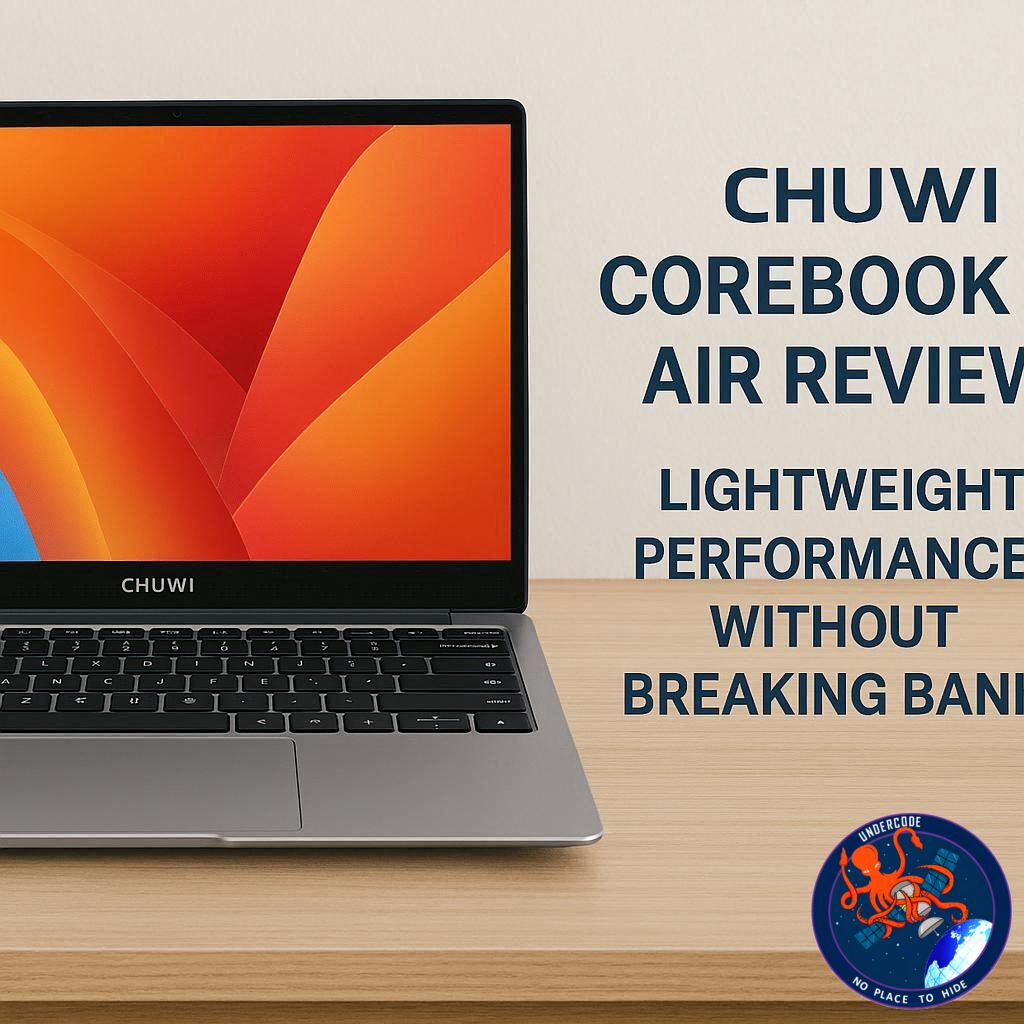
The 14-inch laptop market has recently seen a surge in slim, lightweight devices designed for productivity on the go, and the Chuwi CoreBook Air fits squarely into this category. Offering a balance of portability, build quality, and mid-range performance, it promises to be a practical choice for students, professionals, and casual creators alike. With an aluminium alloy body, a 16:10 display, and a Ryzen CPU, it attempts to deliver a premium feel without the premium price tag, making it a compelling option under $500.
Sleek Design and Portability
The CoreBook Air weighs just 1.08 kg and measures 298 x 221 x 16.3 mm, making it one of the lightest 14-inch laptops available. Its aluminium alloy casing feels sturdy and durable, while the overall build strikes a balance between elegance and practicality. The keyboard layout and trackpad are adequate for everyday use, though they lack the precision and tactile feedback of higher-end machines. Port selection is generous for a budget device, including three USB-C ports, a full-size HDMI 2.1 port, and a 3.5mm headphone jack, enhancing connectivity without adding bulk.
Display and Visual Performance
The 14-inch WUXGA display offers a 1920 x 1200 resolution with a 16:10 aspect ratio. With 315 nits of brightness, the screen performs well in most indoor conditions and features an anti-reflective coating that minimizes glare. While it isn’t the brightest or most color-accurate display on the market, it is more than sufficient for productivity tasks, web browsing, and light photo editing. For larger projects or precise creative work, an external 4K monitor can easily be connected via the HDMI or USB-C ports.
Performance and Productivity
Powered by an AMD Ryzen 5 6600H processor and Radeon 660M integrated graphics, the CoreBook Air handles everyday productivity apps with ease. Microsoft Office applications, web browsing, and casual multitasking run smoothly, and light creative software like Adobe Photoshop and Lightroom perform admirably. Video editing in 1080p is possible with moderate workloads, though 4K editing and high-end gaming push the laptop beyond its comfort zone. 16GB of LPDDR5 RAM and a 512GB PCIe SSD provide snappy performance for most tasks, though the soldered RAM limits future upgrades.
Battery Life and Charging
Equipped with a 55Wh battery and a 65W USB-C charger, the CoreBook Air provides a full day of light productivity. Charging is relatively fast, reaching 60% in just under an hour. While demanding applications will drain the battery more quickly, the laptop’s efficiency and portable charger make it convenient for on-the-go use.
Connectivity and Features
In addition to its robust port selection, the CoreBook Air includes a mechanical sliding camera cover, ensuring privacy during video calls. Cooling performance is better than expected for a thin laptop, although fan noise becomes noticeable under heavy loads. Overall, the combination of strong Wi-Fi connectivity, multiple USB-C ports, and a full-size HDMI port make it a versatile companion for work, study, and light media creation.
Price and Value
At a retail price of around $479 (£404), the CoreBook Air offers exceptional value for a mid-range laptop. Compared to other options, it provides solid performance, portability, and connectivity without the hefty price tag of high-end competitors. It is ideal for users seeking reliable productivity, light multimedia editing, and casual gaming in a compact package.
What Undercode Say:
The Chuwi CoreBook Air exemplifies the modern trend of affordable yet capable ultraportables. Its strength lies in delivering a balanced experience without overreaching, offering enough CPU and GPU performance for most users while keeping the weight and dimensions minimal. From an analytical perspective, the CoreBook Air’s design decisions reflect an intelligent cost-performance trade-off. The soldered RAM is a limitation for future-proofing, yet the inclusion of LPDDR5 memory ensures current applications run efficiently. Similarly, while the trackpad and keyboard do not offer a premium typing experience, they remain functional for the target audience, demonstrating Chuwi’s prioritization of cost over minor ergonomic refinements.
From a performance standpoint, the CoreBook Air performs impressively well in light-to-moderate creative workloads. Applications like Photoshop, Lightroom, and CapCut are handled smoothly, but the Radeon 660M integrated GPU demonstrates its limitations in higher-end gaming or intensive video editing. This aligns with the laptop’s mid-range positioning, providing a capable, multipurpose device rather than a specialist workstation. Interestingly, the thermal design also merits attention; despite being slim, the CoreBook Air maintains efficient cooling under moderate loads, a feature often compromised in low-cost ultrabooks.
Port selection is another notable factor. Offering three USB-C ports and full HDMI connectivity provides flexibility that rivals even some higher-priced laptops. This ensures users can connect multiple peripherals, external monitors, and fast storage devices without relying on additional adapters. The mechanical sliding webcam cover is a thoughtful inclusion, addressing privacy concerns often overlooked in budget laptops.
Battery life is sufficient for general productivity tasks, but heavier workloads like video editing or extended gaming sessions will significantly reduce longevity. Here, the laptop’s rapid 65W USB-C charging compensates, allowing users to recharge quickly and continue working. The CoreBook Air’s price-performance ratio is particularly compelling: it enables access to mid-range computing capabilities at a cost typically associated with entry-level devices. This makes it a strategic choice for students, remote workers, or anyone seeking portability without sacrificing utility.
The only significant compromises involve upgradability and advanced media performance. Users requiring a machine that evolves with their needs or handles professional-grade creative work may find the CoreBook Air restrictive. However, for its intended audience—those prioritizing value, portability, and competent everyday performance—it remains a standout option.
Chuwi’s approach emphasizes pragmatic innovation: delivering solid performance, connectivity, and portability without unnecessary frills. The CoreBook Air does not compete with premium ultrabooks in raw power or display fidelity, but its consistent performance, lightweight design, and affordable pricing make it a pragmatic solution in a crowded market. For budget-conscious users, it strikes a rare balance of efficiency, robustness, and usability.
Fact Checker Results:
✅ CPU and GPU can handle mid-range tasks and light gaming.
✅ Battery supports a full day of productivity under normal use.
❌ Not suitable for heavy 4K video editing or top-tier gaming.
Prediction:
📊 The CoreBook Air will likely become popular among students and remote workers seeking a portable, mid-range laptop under $500. Its combination of lightweight design, adequate processing power, and extensive connectivity options could see it challenge entry-level ultrabooks from more established brands. While it may not satisfy creative professionals, its value proposition positions it well for casual gaming, office productivity, and multimedia use over the next 12–18 months.
▶️ Related Video (88% Match):
🕵️📝✔️Let’s dive deep and fact‑check.
References:
Reported By: www.techradar.com
Extra Source Hub (Possible Sources for article):
https://www.instagram.com
Wikipedia
OpenAi & Undercode AI
Image Source:
Unsplash
Undercode AI DI v2
Bing
🔐JOIN OUR CYBER WORLD [ CVE News • HackMonitor • UndercodeNews ]
📢 Follow UndercodeNews & Stay Tuned:
𝕏 formerly Twitter 🐦 | @ Threads | 🔗 Linkedin | 🦋BlueSky | 🐘Mastodon


