
Listen to this Post
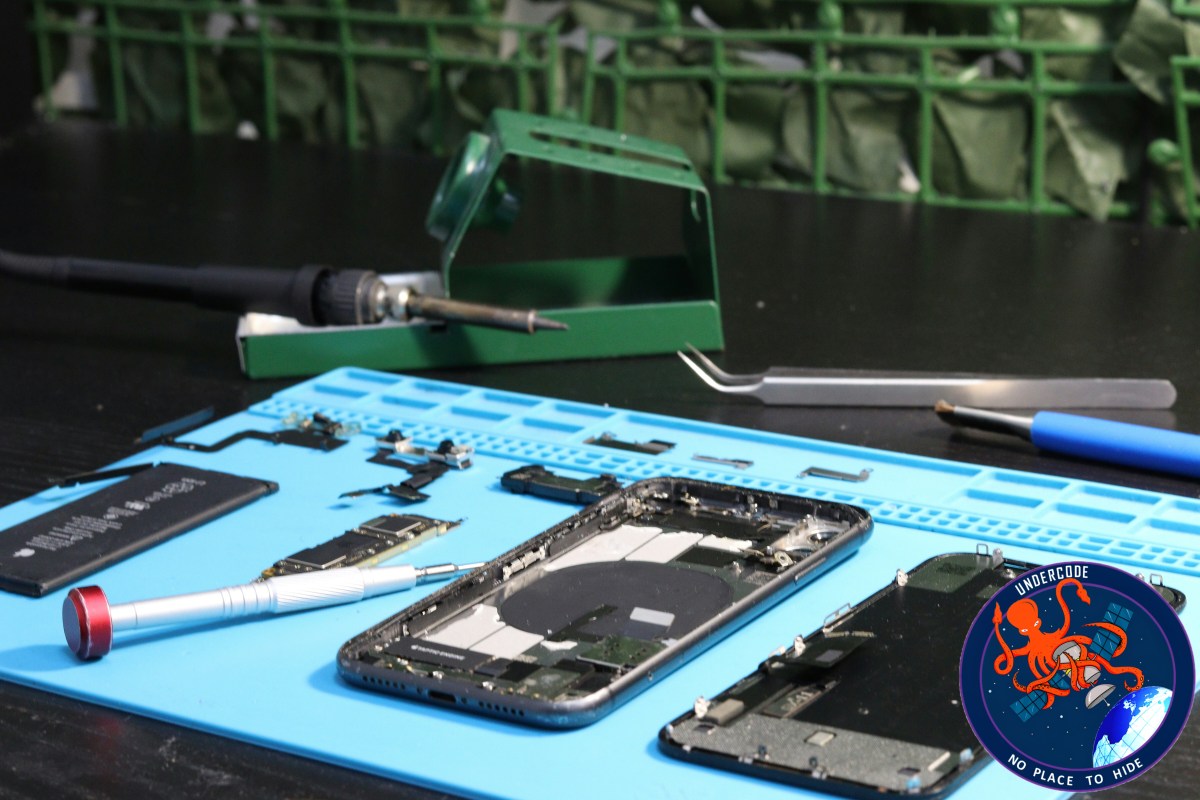
Smartphones are marvels of technology, but over time, even the most high-end devices can start to feel sluggish. Apps take longer to open, storage fills up, and the once-smooth experience begins to stutter. Many users face a common dilemma: should they perform a factory reset to revive their phone, or rely on phone cleaning apps promising a one-tap speed boost? Understanding how each approach works is key to choosing the right solution and maintaining long-term device health.
Understanding the Basics: Why Phones Slow Down
Modern smartphones handle countless apps, notifications, background processes, and cached data. Over months or years, this can accumulate into significant “digital clutter,” slowing down performance. While minor glitches can often be resolved with simple cleanup, deeper software issues—like app conflicts or corrupted files—may require more drastic measures.
What Happens During a Factory Reset
A factory reset restores your phone to its original, out-of-the-box state. It deletes all personal data, apps, settings, and stored files, essentially giving the phone a fresh start. This process removes accumulated software clutter, resolves corrupted files, and eliminates background processes that could slow the device.
However, the process comes with trade-offs: all data is lost unless backed up beforehand, and reinstalling apps and settings can be time-consuming. A factory reset is most effective for serious software problems, frequent crashes, or when preparing the phone for resale.
How Phone Cleaning Apps Work
Cleaning apps and built-in device tools aim to improve performance by removing junk files, clearing cache, and managing storage. Built-in features on Android and iOS are generally safer and more reliable than third-party apps, as they are designed to work seamlessly with the operating system.
Many third-party cleaning apps, however, may offer minimal improvement. They often lack an understanding of modern memory management and resource allocation, so their promises of dramatic speed boosts rarely materialize.
Choosing the Right Approach
For minor slowdowns caused by storage clutter or leftover files, manual cleanup or built-in cleaning tools are sufficient. They are quick, safe, and don’t risk deleting personal data.
When phones suffer from persistent lag, frequent crashes, or deep software issues, a factory reset is a more powerful solution. The key takeaway: factory resets are not meant for regular maintenance—they are a last resort for serious problems. Using them judiciously preserves your data and saves time.
Benefits Comparison: Factory Reset vs Cleaning Apps
Benefits Factory Reset Phone Cleaning Apps
Performance Boost Removes software clutter, corrupted files, and buggy apps, restoring original speed Clears junk files and cache, providing minor speed improvements
Fixes Software Issues Resolves deep software problems, crashes, and app conflicts Maintains smooth performance but cannot fix serious issues
Removes Harmful Files Eliminates malware, viruses, or problematic apps Clears temporary files but not malware
Data Management Erases all personal data, ideal for resale or transfer Frees storage without deleting apps or personal files
Maintenance & Ease Offers a long-term fresh start but requires backup and reinstalling apps Quick, safe for daily use, no reinstall required
What Undercode Say:
Smartphone performance issues are often misunderstood. Many users reach for cleaning apps or even factory resets without assessing the actual cause of the slowdown. Minor clutter can be handled safely with built-in cleanup tools, avoiding unnecessary data loss. Factory resets, while effective, should be reserved for critical issues where software corruption or system instability is evident.
The reality is that performance degradation usually happens gradually, and the perceived “slowness” is often due to overloaded storage or background processes rather than the phone itself aging. Understanding the device’s internal storage management, cache behavior, and app resource use can prevent unnecessary resets and help maintain optimal speed.
Third-party cleaning apps are not inherently harmful, but their impact is overstated. Many use aggressive memory clearing techniques that can actually reduce performance by forcing apps to reload unnecessarily. Built-in system optimizations, on the other hand, respect the device’s memory management, providing safe and incremental improvements without risks.
From a long-term perspective, adopting a strategy of regular maintenance—like uninstalling unused apps, clearing cache selectively, and monitoring storage—offers steady performance without the disruption of a full reset. Factory resets, while dramatic, can be a valuable tool when troubleshooting software corruption, persistent app crashes, or malware infection.
Ultimately, the smart approach combines both methods selectively: use cleaning tools for ongoing maintenance and reserve factory resets for serious problems or when preparing the phone for sale. Education on proper device upkeep often outperforms any app promise of instant speed.
Fact Checker Results:
✅ Factory resets completely remove all apps, settings, and personal data, as widely documented.
✅ Built-in phone cleaning tools are safer than most third-party apps for routine maintenance.
❌ Claims that third-party cleaning apps significantly boost phone speed are largely unproven.
Prediction:
📱 As smartphones become more powerful and storage-efficient, reliance on third-party cleaning apps will likely decline.
⚡ Users will favor built-in optimization tools and selective data management for daily maintenance.
🛠️ Factory resets will remain a critical tool for serious software issues, but less frequent overall.
If you want, I can also create a visual comparison chart infographic summarizing factory reset vs cleaning apps to make this article more engaging for readers. Do you want me to do that?
🕵️📝✔️Let’s dive deep and fact‑check.
References:
Reported By: zeenews.india.com
Extra Source Hub (Possible Sources for article):
https://stackoverflow.com
Wikipedia
OpenAi & Undercode AI
Image Source:
Unsplash
Undercode AI DI v2
Bing
🔐JOIN OUR CYBER WORLD [ CVE News • HackMonitor • UndercodeNews ]
📢 Follow UndercodeNews & Stay Tuned:
𝕏 formerly Twitter 🐦 | @ Threads | 🔗 Linkedin | 🦋BlueSky | 🐘Mastodon


