
Listen to this Post
Introduction
It starts like any normal workday — until an unexpected email drops into your inbox, seemingly from PayPal. The subject line mentions a large payment you didn’t make, the sender looks vaguely legitimate, and an attached “invoice” claims you’ve been charged hundreds of dollars. Panic sets in. Before you know it, your fingers hover over the call button, ready to contact “support.” But this is exactly what scammers want — to make you act before you think.
In recent weeks, reports of fake PayPal invoice scams have surged. These phishing campaigns cleverly mimic real PayPal notifications but with subtle (and sometimes glaring) inconsistencies. The purpose is simple: to trick recipients into calling a fake support number, handing over personal data, or giving scammers remote access to their computers. Let’s break down exactly how this scam works, what red flags you should look for, and how you can protect yourself from becoming the next victim.
the Scam
One employee recently received such a suspicious email and immediately recognized something wasn’t right. The message appeared to come from “Tina Pal,” using a Gmail address — a clear red flag since PayPal never uses Gmail for official communications. Legitimate PayPal messages always come from domains like [email protected]. Even though the email passed technical authentication checks like SPF, DKIM, and DMARC, that only confirmed it was sent from a real Gmail account, not from PayPal itself.
Another major warning sign: the recipients were hidden under BCC (blind carbon copy), meaning the email was likely part of a bulk phishing blast. Scammers often hide recipient lists to avoid being flagged or traced.
Inside the email, there was no message body, just a random file attachment. Opening attachments from unknown sources is one of the biggest cybersecurity risks. Real PayPal invoices include professional branding, clear text, and a direct link to your PayPal account — never a mysterious attachment.
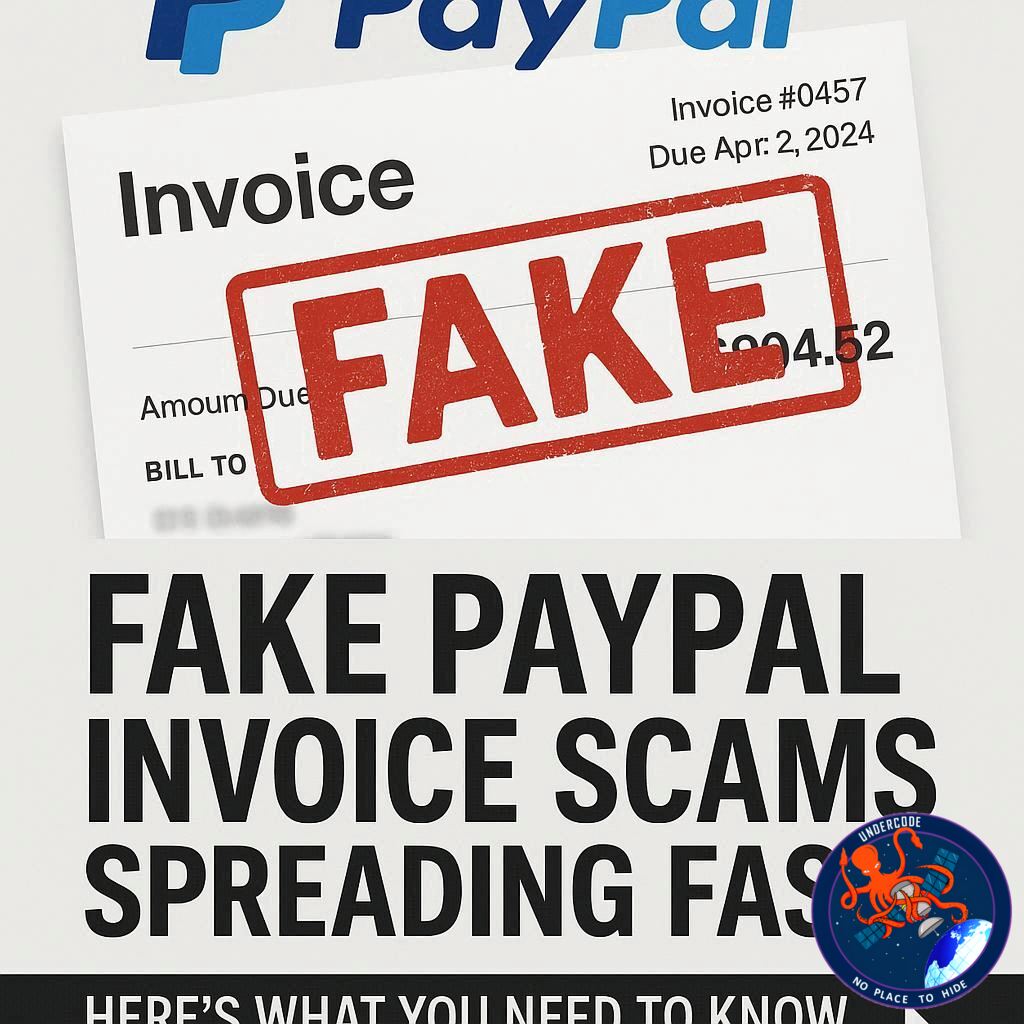
The attachment revealed a fake invoice claiming the user had been charged $823, urging them to call a support number immediately if they didn’t authorize the payment. This sense of urgency is a hallmark of social engineering. The scammers rely on panic — they want victims to call before verifying the claim.
But several inconsistencies exposed the fraud:
Phone-only communication: Real PayPal disputes are handled through their website, not by phone.
Unverified number: Reverse lookup showed the number wasn’t associated with PayPal.
Brand mismatch: The supposed charge referenced “Geek Squad,” yet came from “PayPal” — an obvious branding error.
Attachment over link: Official PayPal messages would never require users to open attachments.
When victims call the fake number, the “support agent” — actually a scammer — claims to be from PayPal or Geek Squad. They instruct the target to download remote-access software so they can “check for viruses” or “stop the transaction.” Once connected, scammers gain full access to the victim’s computer. They may steal files, plant backdoors, or demand payment for fake “security services.” In most cases, victims lose hundreds or thousands of dollars — and sometimes their digital privacy entirely.
The best defense against such schemes is vigilance and knowledge. Never call phone numbers listed in suspicious emails, never open unexpected attachments, and never allow remote access to anyone claiming to be “tech support.”
If you’ve already interacted with such a scam, take immediate action:
Contact your bank or credit card provider to report unauthorized charges.
Change all passwords and enable two-factor authentication.
Run a full malware scan on your device to remove potential backdoors.
Monitor your financial accounts for suspicious activity.
Malwarebytes’ “Scam Guard” can help identify scam attempts — simply upload a suspicious email or attachment and get instant feedback. The goal isn’t just to detect scams but to stop them from spreading before they reach others.
What Undercode Say:
This particular phishing campaign is an example of evolution in cybercrime — scammers no longer rely solely on poorly written emails or obvious fake links. They exploit trust in recognizable brands like PayPal and fear of financial loss to provoke instant reactions.
By blending authentic-looking invoice formats, real Gmail servers, and urgency-driven messaging, scammers can bypass spam filters and reach real inboxes. The psychological manipulation is as dangerous as the technical deception. It plays on two universal human instincts: fear and responsibility.
When people believe their account has been compromised, their first reflex is to fix it quickly — not to verify the source. That’s what scammers weaponize. The inclusion of a high dollar amount ($823) isn’t random; it’s high enough to cause concern but not so high as to seem impossible. This balance ensures maximum engagement.
Moreover, the tactic of including a phone number — instead of a phishing link — is increasingly popular. This method avoids traditional detection tools that flag malicious URLs. Instead, the scam unfolds verbally over a phone call, where social engineering takes center stage. The victim’s voice becomes the interface, and persuasion replaces code.
Remote access scams represent the dark frontier of cyber fraud. Once you let someone remotely “fix” your system, you’re essentially handing them the keys to your digital life — documents, passwords, even saved credit card info. Many victims are unaware that these tools allow scammers to see everything, install keyloggers, or even re-enter later through hidden scripts.
This campaign also highlights a deeper issue in digital literacy. Many users still assume that technical markers like SPF or DKIM mean safety. In reality, authentication checks only verify the sender’s domain — not their legitimacy. It’s entirely possible for a real Gmail account to send a fake invoice.
The broader cybersecurity takeaway is clear: trust is the new vulnerability. Phishing isn’t just about technology; it’s about emotion, timing, and manipulation. Companies must double down on user education, encouraging skepticism over speed. Cyber defense today is less about software updates and more about human awareness.
From a data analysis standpoint, large-scale scams like this are usually part of automated campaigns that harvest addresses from leaks or dark web dumps. The use of BCC shows that this was a mass operation rather than a targeted attack. Each success funds the next wave, creating a self-sustaining ecosystem of digital fraud.
In the near future, we can expect even more sophisticated scams — deepfake voices, cloned logos, and AI-written emails that sound flawless. The only consistent protection is vigilance, education, and verification.
Fact Checker Results
✅ PayPal never sends invoices from Gmail addresses.
✅ Official dispute resolution is handled only through PayPal’s website.
❌ Phone numbers in such emails are not legitimate and lead to scammers.
Prediction 🔮
Phishing scams will continue evolving toward voice-based and AI-assisted deception, where attackers blend human speech, cloned identities, and realistic invoices. Expect future scams to feel indistinguishable from real brand interactions — forcing users to rely on awareness, not instinct, to stay safe.
🕵️📝✔️Let’s dive deep and fact‑check.
References:
Reported By: www.malwarebytes.com
Extra Source Hub (Possible Sources for article):
https://www.twitter.com
Wikipedia
OpenAi & Undercode AI
Image Source:
Unsplash
Undercode AI DI v2
Bing
🔐JOIN OUR CYBER WORLD [ CVE News • HackMonitor • UndercodeNews ]
📢 Follow UndercodeNews & Stay Tuned:
𝕏 formerly Twitter 🐦 | @ Threads | 🔗 Linkedin | 🦋BlueSky | 🐘Mastodon


