
Listen to this Post
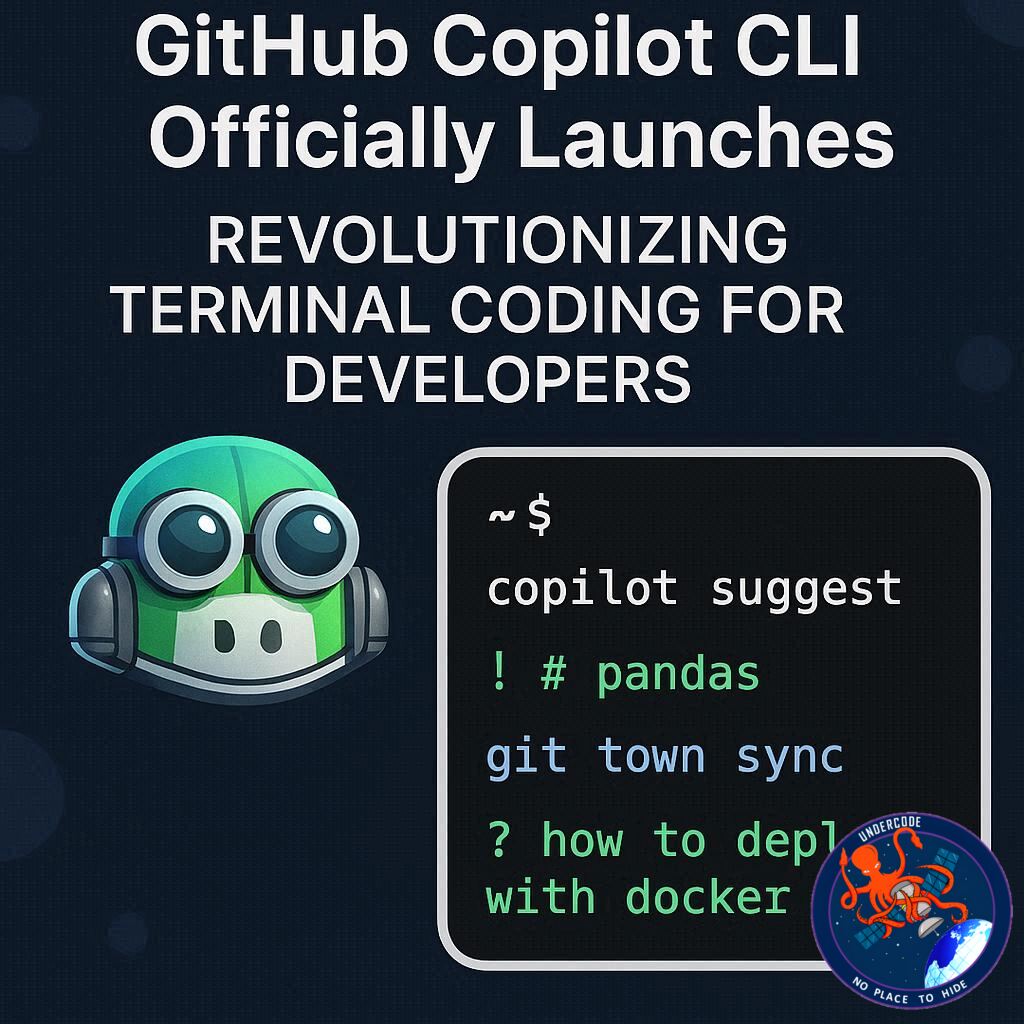
GitHub has officially made Copilot CLI generally available, bringing its powerful AI coding assistant directly to developers’ command lines. Designed to transform the way coders interact with their terminal, Copilot CLI now offers a full-fledged agentic development environment capable of planning, executing, reviewing, and remembering coding tasks—all without leaving the terminal. With this launch, all paid GitHub Copilot subscribers can access an array of features that promise to streamline workflows and significantly boost productivity.
GitHub Copilot CLI Launch
Since its public preview in September 2025, Copilot CLI has evolved dramatically, shaped by feedback from early adopters. It has transitioned from a simple terminal assistant to a fully autonomous coding agent capable of handling complex tasks and multi-step workflows. Key modes include Plan Mode, where Copilot builds structured implementation plans for approval before coding, and Autopilot Mode, which allows it to execute tasks autonomously. Specialized agents handle tasks like code exploration, building, testing, and review, while background delegation enables remote execution in the cloud without tying up the local terminal.
Developers can select from models provided by Anthropic, OpenAI, and Google, including Claude Opus 4.6, Claude Sonnet 4.6, GPT-5.3-Codex, and Gemini 3 Pro, as well as faster options like Claude Haiku 4.5 for quick tasks. GPT-5 mini and GPT-4.1 are included in subscriptions without extra cost. Copilot CLI is extensible through MCP, plugins, skills, custom agents, and lifecycle hooks, allowing developers to adapt it to specific workflows.
The tool also provides robust review and undo capabilities, including /diff for inline change reviews, /review for code sanity checks, and Esc–Esc for rewinding changes. Infinite session support with repository and cross-session memory allows Copilot to remember coding patterns, preferences, and project history, making future work smoother.
Installation is flexible, supporting macOS, Linux, and Windows via npm, Homebrew, WinGet, shell scripts, and standalone executables. Copilot CLI is also pre-installed in GitHub Codespaces and available as a Dev Container Feature. A polished terminal experience includes full-screen UI, keyboard-first navigation, shell integration, theme customization, and accessibility options. Enterprise features cover model policy controls, network and proxy management, authentication workflows, and policy enforcement hooks. Copilot CLI integrates with Pro, Pro+, Business, and Enterprise plans, with administrative controls required for some business-level subscriptions.
What Undercode Says:
Terminal-Native Coding Redefined
Copilot CLI represents a paradigm shift in terminal-based development. Unlike conventional command-line tools, it functions as an autonomous coding agent, reducing repetitive manual input while allowing precise oversight when desired. The dual-mode system, Plan and Autopilot, balances human control with AI autonomy, making it suitable for both cautious developers and teams aiming for automation.
Multi-Agent Architecture Enhances Productivity
By delegating tasks to specialized agents, Copilot CLI mirrors a collaborative coding team within a single interface. Agents like Explore, Task, and Code Review handle distinct responsibilities in parallel, accelerating the development cycle and ensuring high-quality outputs.
Flexible AI Model Options
Support for multiple AI models ensures developers can choose the right balance of speed, reasoning power, and cost-effectiveness. Switching models mid-session and adjusting reasoning depth provides unprecedented control over AI-driven development, making Copilot CLI highly adaptable to varied project requirements.
Customization Through Plugins and Skills
The extensibility of Copilot CLI is a game-changer. Custom plugins, skills, and agents allow developers to tailor the tool to niche workflows, integrate proprietary systems, and enhance productivity. Hooks and lifecycle controls further enable organizations to enforce compliance and maintain code security without slowing down development.
Seamless Review and Undo Capabilities
The /diff, /review, and rewind functions elevate coding reliability. Developers can track every change, provide structured feedback, and revert errors instantly, reducing mistakes and fostering continuous integration practices directly from the terminal.
Infinite Session Memory Optimizes Long-Term Projects
With auto-compaction and repository memory, Copilot CLI manages long-running sessions efficiently. Cross-session memory of coding patterns and pull requests allows teams to maintain continuity, effectively creating a living knowledge base within the terminal.
Polished Terminal Experience Enhances Usability
Copilot CLI’s terminal interface is designed for professional developers, supporting full keyboard navigation, shell compatibility, theme personalization, and accessibility features. These refinements make the AI assistant feel like a native extension of the terminal rather than an external tool.
Enterprise-Grade Readiness
By supporting network policies, OAuth-based authentication, proxy settings, and policy enforcement hooks, Copilot CLI is well-suited for large organizations. Admins can control AI usage, ensure compliance, and integrate Copilot seamlessly into enterprise development workflows.
Impact on Development Workflows
Copilot CLI is poised to reduce context switching, accelerate coding tasks, and enhance collaboration in code review and testing. Its ability to manage both small-scale tasks and complex multi-step workflows suggests a future where terminal coding may be dominated by AI-assisted processes.
🔍 Fact Checker Results
✅ Copilot CLI is officially generally available for paid Copilot subscribers.
✅ It supports macOS, Linux, Windows, and integrates with Codespaces and Dev Containers.
✅ Multiple AI models from Anthropic, OpenAI, and Google are available for selection.
📊 Prediction
Copilot CLI will likely become a standard tool in professional software development, particularly for teams seeking integrated AI assistance without leaving the terminal. Its combination of autonomous agents, session memory, and enterprise features suggests widespread adoption in DevOps pipelines. Over the next 12–18 months, we anticipate significant productivity gains for organizations that integrate Copilot CLI into their development lifecycle, potentially reshaping the way developers approach coding, testing, and code review.
🕵️📝✔️Let’s dive deep and fact‑check.
References:
Reported By: github.blog
Extra Source Hub (Possible Sources for article):
https://www.discord.com
Wikipedia
OpenAi & Undercode AI
Image Source:
Unsplash
Undercode AI DI v2
Bing
🔐JOIN OUR CYBER WORLD [ CVE News • HackMonitor • UndercodeNews ]
📢 Follow UndercodeNews & Stay Tuned:
𝕏 formerly Twitter 🐦 | @ Threads | 🔗 Linkedin | 🦋BlueSky | 🐘Mastodon


