
Listen to this Post
Introduction
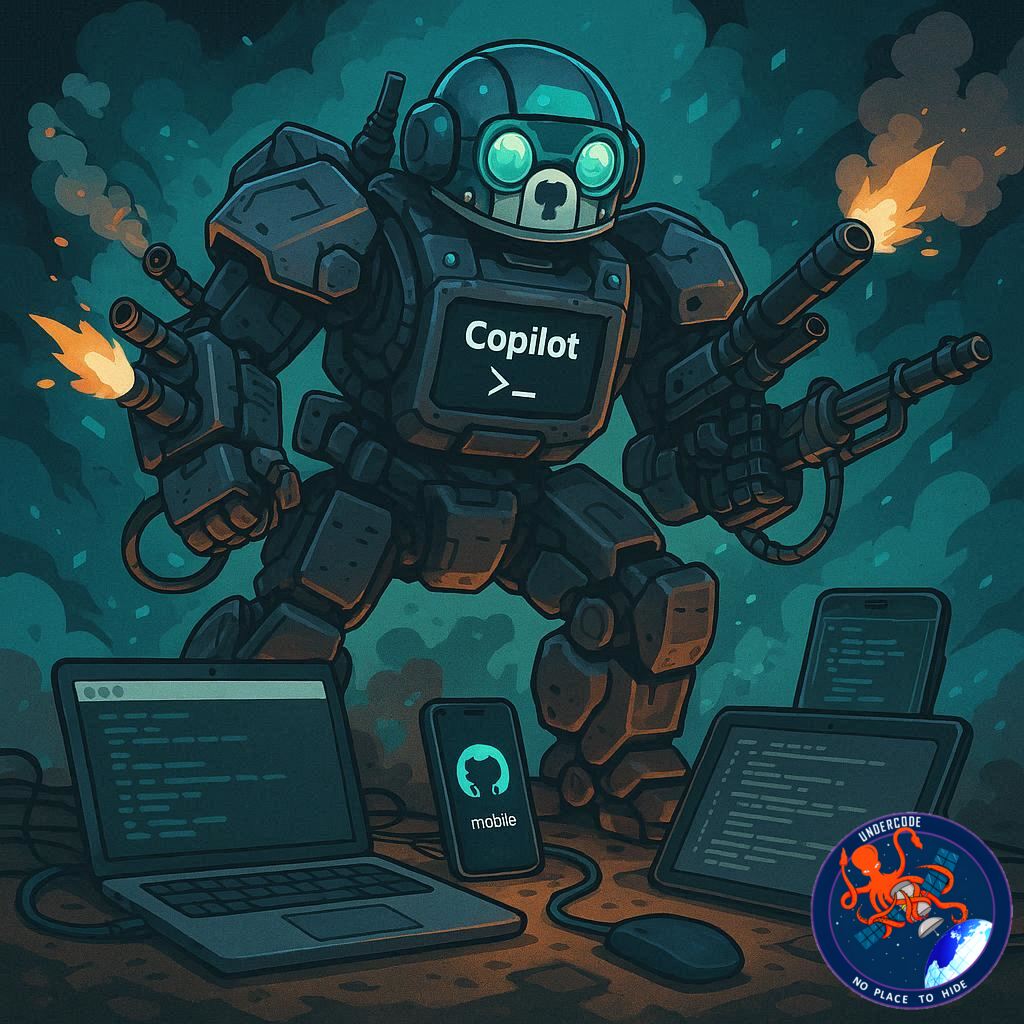
GitHub has officially pushed its Copilot CLI remote control feature into general availability, marking a major shift in how developers interact with AI-assisted coding workflows. The update transforms Copilot from a terminal-bound assistant into a cross-device, real-time controllable development agent accessible from mobile, web, VS Code, and JetBrains. With this expansion, developers can now initiate a task in their terminal and continue steering it from anywhere in the world, without losing visibility or control of execution.
📌 Full the Original Update (Approx. )
GitHub has announced that remote control for Copilot CLI sessions is now generally available across multiple platforms, including GitHub Mobile and github.com.
Developers can now start a Copilot CLI session in their terminal and continue managing it remotely.
The feature is no longer limited to GitHub repositories and now supports non-GitHub projects and standalone directories.
This makes Copilot more flexible for a wider range of development environments.
Remote control has also been introduced to VS Code and JetBrains IDEs.
This expands Copilot’s reach into a multi-surface development assistant.
Once enabled, Copilot streams CLI activity in real time.
Users can monitor ongoing tasks from mobile or web interfaces.
Developers can steer sessions even after leaving their workstation.
They can queue new instructions while a step is still running.
They can review planned actions before execution begins.
They can stop sessions remotely at any time.
Permission requests can be approved or denied instantly.
Copilot can ask questions during execution and receive remote responses.
This ensures uninterrupted workflow even when away from the device.
To start, users must update Copilot CLI using /update.
A session can be launched with copilot –remote.
Users can also enable remote control mid-session using /remote on.
A QR code or link connects sessions to GitHub Mobile or the website.
Long-running sessions can use /keep-alive to avoid sleep interruptions.
Active sessions appear under the Agents tab in repositories.
Non-repository sessions are available under github.com/copilot/agents.
In VS Code, users must enable a specific Copilot chat setting.
Remote control can be triggered directly from the Chat view.
A linked task page is created when remote mode is activated.
GitHub Mobile or web can be used to open and control sessions.
Enterprise users may require admin permissions to enable the feature.
The update is available on iOS and Android via GitHub Mobile.
Documentation and community discussions are available for further learning.
The feature represents a shift toward fully remote AI-driven development workflows.
What Undercode Say:
🌐 The Shift From Local CLI to Cloud-Controlled Development
This update signals a fundamental shift in how CLI tools are being used inside modern development pipelines. Copilot CLI is no longer just a local assistant—it is becoming a cloud-orchestrated agent that can be influenced from anywhere. By streaming execution states in real time, GitHub is effectively turning terminal sessions into interactive remote workflows.
📡 Real-Time Execution as a New Developer Interface Layer
The introduction of live session streaming redefines the CLI experience. Instead of static input-output cycles, developers now operate in a continuous feedback loop. This resembles distributed control systems where decisions are no longer bound to physical presence at the machine running the process.
📱 Mobile-First Developer Control Becomes Reality
By integrating GitHub Mobile into CLI workflows, GitHub is acknowledging a major trend: developers increasingly want control surfaces on mobile devices. The ability to approve, deny, or redirect AI actions from a phone turns idle time into productive workflow management.
🔁 Multi-Surface Consistency Across IDEs and Web
Extending support to Visual Studio Code and JetBrains IDEs ensures consistency across environments. Whether in terminal, IDE, or browser, Copilot now behaves like a unified agent rather than fragmented tooling.
🧠 Copilot as a Semi-Autonomous Development Agent
With remote steering, Copilot is no longer just autocomplete—it is closer to an orchestrated agent executing multi-step tasks. Developers now intervene strategically rather than continuously, shifting human effort toward oversight instead of direct coding.
🔐 Permission Control as a Safety Backbone
The ability to approve or deny permissions remotely introduces an important governance layer. This ensures that even autonomous execution remains bounded by developer-defined constraints, preventing uncontrolled changes in codebases.
⚙️ Non-Repository Support Expands Use Cases
Supporting non-GitHub repositories and plain directories makes Copilot useful for experimental projects, local scripts, and temporary environments. This removes one of the biggest constraints of traditional GitHub-bound workflows.
🚀 Streaming CLI Activity as a Productivity Engine
Real-time streaming transforms debugging and execution monitoring. Instead of waiting for terminal completion, developers can intervene dynamically, reducing idle time and improving responsiveness in long-running tasks.
📊 Workflow Fragmentation Turns Into Workflow Continuity
Previously, moving away from the terminal meant losing context. Now, continuity is preserved across devices. This eliminates friction between environments and allows true asynchronous development cycles.
🧩 Integration Across Ecosystem Layers
By connecting CLI, IDEs, mobile, and web dashboards, GitHub is building a layered ecosystem where Copilot acts as the central execution brain. This aligns with broader industry trends toward agentic development environments.
⚡ Keep-Alive Mechanics Reflect Infrastructure Awareness
The inclusion of /keep-alive commands shows awareness of real-world execution issues like sleep states and long-running builds. This makes Copilot more reliable for production-scale automation.
🧭 Task Pages and Session Tracking Improve Transparency
Session visibility through GitHub task pages ensures accountability and traceability. Developers can revisit decisions, adjust flows, and audit execution history with ease.
🏗️ Enterprise Controls Reinforce Organizational Adoption
Enterprise-level restrictions and admin policies indicate this feature is designed for corporate adoption, not just individual developers.
🔄 From Tool to Platform Evolution
Copilot CLI is no longer just a feature—it is evolving into a platform layer for distributed AI execution. GitHub is clearly positioning it as infrastructure rather than a coding assistant.
🔍 Fact Checker Results: 🧾 Verified Feature Expansion Overview
✔ GitHub officially supports Copilot CLI remote control across multiple surfaces
✔ Integration includes mobile, web, VS Code, and JetBrains environments
✔ Non-GitHub repository support is confirmed in the update
📊 Prediction
Copilot CLI will likely evolve into a fully autonomous cloud-controlled development agent where humans only validate high-level decisions, while execution, debugging, and deployment become increasingly automated across distributed systems.
🕵️📝Let’s dive deep and fact‑check.
References:
Reported By: github.blog
Extra Source Hub (Possible Sources for article):
https://www.reddit.com/r/AskReddit
Wikipedia
OpenAi & Undercode AI
Image Source:
Unsplash
Undercode AI DI v2
Bing
🔐JOIN OUR CYBER WORLD [ CVE News • HackMonitor • UndercodeNews ]
📢 Follow UndercodeNews & Stay Tuned:
𝕏 formerly Twitter 🐦 | @ Threads | 🔗 Linkedin | 🦋BlueSky | 🐘Mastodon


