
Listen to this Post
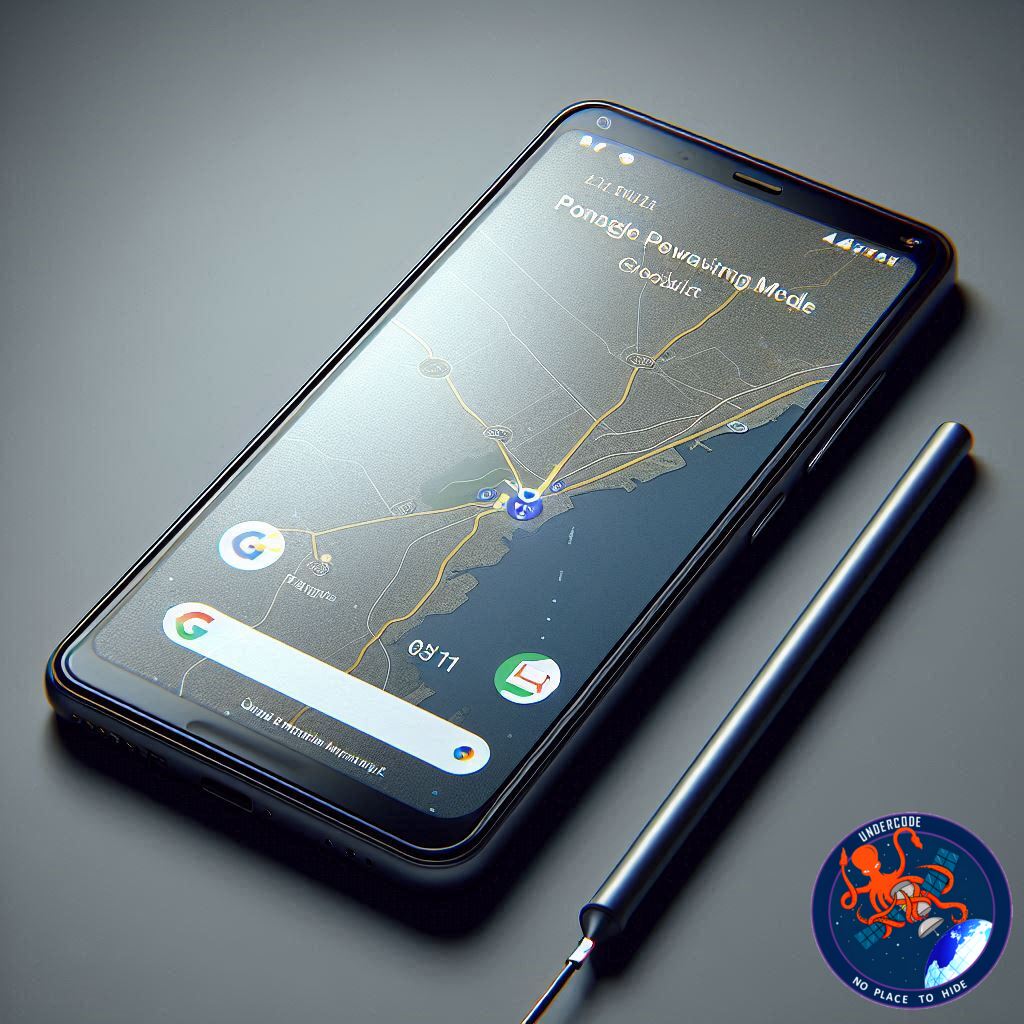
A Smarter Way to Save Battery on the Road
Google’s latest Feature Drop brings a significant upgrade for Pixel 10 users, introducing a Power Saving mode in Google Maps that targets one of the biggest challenges of modern navigation: battery drain. Long drives, bright screens, and constant GPS usage can quickly exhaust a phone’s power. This update aims to solve that by stripping the interface down to only the essentials, keeping drivers informed while dramatically reducing energy consumption. The result, according to Google, is as much as four extra hours of battery life during navigation. For commuters, travelers, and delivery drivers, that could be the difference between arriving with confidence or desperately searching for a charger.
Streamlined Interface Designed for Efficiency
Google has rebuilt the Maps layout specifically for battery preservation. Once Power Saving mode is activated, the app shifts into a minimalist black-and-white design that displays only core navigation details. The system status bar stays visible at all times, the next turn appears clearly at the top, and your route information sits at the bottom.
Removal of Non-Essential Elements
To reduce unnecessary screen activity, Google hides several interface components. Floating action buttons disappear, current speed indicators are removed, and even the Google Assistant or Gemini shortcut is taken out of the view. By shrinking the footprint of visual elements, Maps consumes less power, especially on high-brightness displays.
Simple Controls for Quick Access
Despite the simplified look, the mode remains easy to manage. Users can still swipe down to access notifications or tap the display or power button to return to the full Maps interface. The system is fully automatic as well. Once the destination is reached, Maps exits Power Saving mode and restores the normal layout.
Significant Battery Life Gains for Pixel 10 Devices
Google reports an impressive improvement of up to four hours of additional battery life during driving navigation. Internal testing took place in California in late 2025 under specific conditions: display brightness at 90 percent and adaptive brightness disabled. Actual results will depend on environmental lighting, traffic density, and driving duration.
Full Compatibility Across the Pixel 10 Series
Every model in the Pixel 10 family is receiving the new capability. That includes the standard Pixel 10, the Pixel 10 Pro, the Pixel 10 Pro XL, and the Pixel 10 Pro Fold. With this release, Google reinforces its commitment to delivering software enhancements that meaningfully expand the value of Pixel devices long after purchase.
What Undercode Say:
A Technically Strategic Update for Real-World Usage
Google’s addition of Power Saving mode in Maps reflects an industry trend toward smarter resource management. Rather than pushing for bigger batteries or thicker devices, the company is squeezing more efficiency from software. This approach aligns with modern consumer expectations: longer life, lighter devices, and zero trade-offs in functionality.
Reducing Screen Load Without Sacrificing Navigation Quality
The decision to strip out non-essential elements is rooted in display power physics. Brightness, color richness, and animation density are major contributors to battery drain. By shifting to a monochrome interface and eliminating animated UI elements, Google reduces GPU load and keeps thermal output lower. It is an elegant solution that doesn’t compromise the fundamental navigation experience.
A Move That Enhances Trust in Pixel’s Longevity
Pixel phones already benefit from long-term software support and frequent Feature Drops. With this update, Google reinforces its message that Pixel remains competitive not through hardware alone but through adaptive software innovation. Users gain practical benefits without waiting for the next generation of hardware.
Relevance for Commuters and Professionals
For drivers who rely on Maps daily, this feature can change their workflow. Delivery personnel, rideshare drivers, and long-distance commuters often run navigation apps for hours. Eliminating the anxiety of battery depletion creates a smoother and more dependable experience.
Competitive Implications in the Mobile Market
Apple and Samsung have both focused on adaptive brightness, processor throttling, and battery-optimized display drivers. Google, however, is taking a distinctly UI-centric approach. By modifying what users see rather than how the processor behaves, the company differentiates itself with a user-facing battery solution that feels visible, immediate, and practical.
Designed for Future Integration
This minimalist mode opens the door for future enhancements. Google could integrate smarter triggers that activate Power Saving automatically based on battery thresholds, trip length predictions, or even environmental factors like temperature. The groundwork is now in place for a more predictive, context-aware navigation experience.
A Step Toward Ultra-Efficient Mobility Tech
The automotive and mobile tech ecosystems are merging more quickly each year. As cars become more reliant on apps and phones act as dashboard tools, battery preservation becomes even more important. Google’s update fits neatly into this evolving narrative, positioning Pixel as a reliable companion for on-the-road digital workflows.
Fact Checker Results
Google’s Feature Drop introducing Power Saving mode for Maps on Pixel 10 devices is confirmed. ✅
The claim of up to four additional hours of battery life is based on Google’s internal testing conditions. ✅
The feature is available across the entire Pixel 10 lineup, including Fold variants. ✅
Prediction
Google is likely to expand this feature into an adaptive, AI-driven battery mode that predicts power needs based on route length, real-time traffic, and remaining charge. Future updates may also bring automated activation triggers and cross-device optimization, strengthening Pixel’s position as one of the most software-efficient ecosystems in mobile navigation.
🕵️📝✔️Let’s dive deep and fact‑check.
References:
Reported By: timesofindia.indiatimes.com
Extra Source Hub (Possible Sources for article):
https://www.stackexchange.com
Wikipedia
OpenAi & Undercode AI
Image Source:
Unsplash
Undercode AI DI v2
Bing
🔐JOIN OUR CYBER WORLD [ CVE News • HackMonitor • UndercodeNews ]
📢 Follow UndercodeNews & Stay Tuned:
𝕏 formerly Twitter 🐦 | @ Threads | 🔗 Linkedin | 🦋BlueSky | 🐘Mastodon


