
Listen to this Post
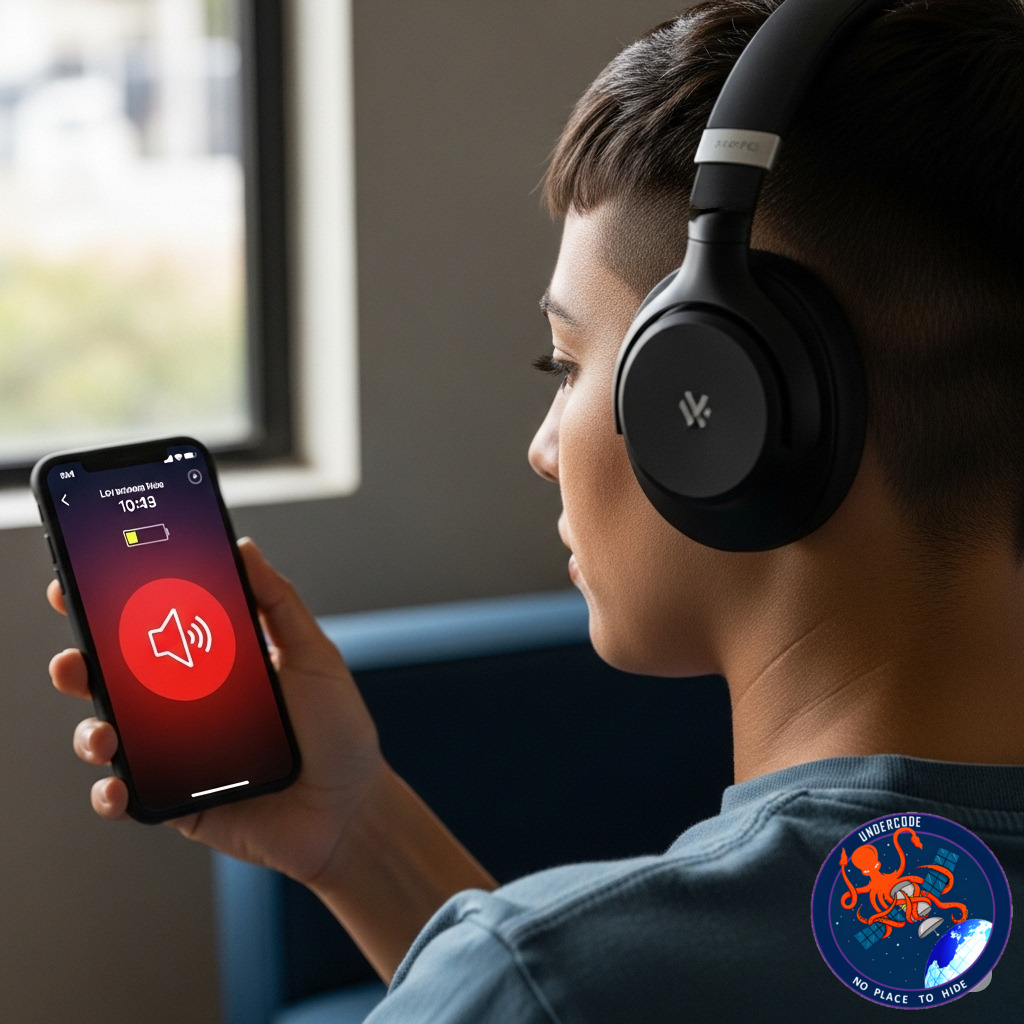
Listening to music, podcasts, or videos on your iPhone or iPad is a daily habit for millions, but Apple’s built-in hearing protection reminders can sometimes feel intrusive. These warnings pop up when your headphone volume exceeds recommended safety levels over time, nudging you to protect your hearing. While this feature is invaluable for long-term ear health, not everyone wants to see those constant alerts. Fortunately, there’s a straightforward way to disable these volume limit notifications — without completely sacrificing Apple’s hearing safety system.
Understanding Apple’s Headphone Volume Alerts
Apple’s iOS and iPadOS monitor your headphone audio exposure over a rolling seven-day window. If your listening habits surpass safe volume limits—defined by the World Health Organization as roughly 80 decibels for more than 40 hours a week—the device will notify you to lower your volume. These thresholds are carefully designed to prevent noise-induced hearing loss, an increasingly common problem in a world filled with earbuds and headphones.
The alerts appear regardless of whether you’re using wired headphones, AirPods, Beats, or any other connected audio device. Apple’s Headphone Safety feature takes into account both the volume and duration of your listening sessions to calculate your exposure. It even lowers the volume automatically if you have the “Reduce Loud Sounds” option enabled.
How to Turn Off Headphone Volume Limit Notifications on iPhone and iPad
If you find the alerts annoying or just want more control, here’s how to stop them:
1. Open the Settings app.
2. Tap Sounds & Haptics.
3. Select Headphone Safety.
4. Toggle off Headphone Notifications.
If you prefer to keep your volume from being lowered automatically, you can also disable Reduce Loud Sounds in the same menu. Once these settings are off, your device will stop reminding you about high headphone volume levels. But remember, these alerts exist for a reason—disabling them means you’ll need to be more mindful of your listening habits to avoid potential hearing damage.
Why Apple Sends These Warnings
Apple’s goal is to protect users’ hearing health by following the World Health Organization’s guidelines. The system estimates your total sound exposure by measuring how loud and how long you listen. If you surpass the safe weekly limit (about 80 dB for 40 hours), the device alerts you. This protective mechanism is embedded deep in iOS to help reduce the risk of long-term hearing loss from extended loud listening.
Avoid Alerts Without Turning Off Headphone Safety Completely
If you want to avoid the alerts but don’t want to lose the overall hearing protection, there’s a neat trick. When you connect devices like car stereos or Bluetooth speakers, iOS sometimes asks you to identify the device type. By selecting “Car Stereo,” “Speaker,” or another non-headphone option, you tell your device not to count audio from that source toward your headphone exposure limit. This lets you enjoy louder audio in these settings without triggering warnings.
Works Across Apple and Beats Headphones
This feature isn’t limited to Apple’s own AirPods. Whether you use AirPods Pro 2, AirPods Max, or Beats headphones like Beats Studio Pro or Beats Fit Pro, the system tracks your exposure based on the connected device. Turning off notifications will silence alerts regardless of which headphones you’re wearing.
What Undercode Says: Hearing Health Meets User Control
Apple’s Headphone Safety is a smart, science-backed tool designed to help users protect their hearing without forcing drastic lifestyle changes. The WHO guidelines Apple follows emphasize that prolonged exposure to volumes above 80 decibels can cause permanent damage—something too many overlook until it’s too late. This makes Apple’s alert system a silent guardian for millions.
Yet, hearing protection isn’t one-size-fits-all. Many users find the warnings disruptive, especially if they listen in environments where high volume is necessary, such as noisy commutes or workout sessions. Apple’s flexibility in allowing users to disable notifications or reclassify devices as “car stereo” balances health with convenience.
Moreover, the system’s tracking over a seven-day rolling period is a smart approach. It accounts for cumulative exposure rather than just momentary volume spikes. This holistic view helps users understand the real risks of their listening habits.
For bloggers and tech enthusiasts, this balance highlights a broader theme in tech today: empowering users with choice without sacrificing safety. The ability to toggle alerts on and off means that users can personalize their experience, yet Apple still encourages responsible listening by default.
From an SEO perspective, content around managing iOS hearing settings taps into high-demand queries about “headphone volume warnings” and “turning off alerts” — two topics with growing search interest as headphone use rises globally.
For health advocates, Apple’s move to integrate WHO standards into everyday tech is a great example of how devices can nudge better habits. While some may disable alerts, the average user benefits from subtle but important reminders that could save their hearing in the long run.
In conclusion, Apple’s headphone volume notifications are more than just annoying pop-ups—they’re preventive health tools. Disabling them is easy, but it’s wise to stay aware of volume levels. The evolving tech-health relationship here underscores a future where devices actively safeguard our wellbeing without restricting freedom.
Fact Checker Results ✅❌
Apple’s headphone volume alerts are based on the World Health Organization’s recommendations to prevent hearing loss ✅
Notifications track audio exposure over seven days and adjust alerts accordingly ✅
Disabling alerts stops notifications but does not disable volume tracking or safety completely ❌
Prediction 📈
As wearable tech and wireless headphones continue to dominate, Apple and other manufacturers will likely enhance these hearing safety features. Future updates could include more personalized hearing profiles, real-time volume adjustments, and AI-driven recommendations based on individual listening patterns. Expect more intuitive controls that balance protection with user freedom, making hearing health an invisible but integral part of daily audio experiences.
🕵️📝✔️Let’s dive deep and fact‑check.
References:
Reported By: 9to5mac.com
Extra Source Hub:
https://www.quora.com/topic/Technology
Wikipedia
OpenAi & Undercode AI
Image Source:
Unsplash
Undercode AI DI v2
🔐JOIN OUR CYBER WORLD [ CVE News • HackMonitor • UndercodeNews ]
📢 Follow UndercodeNews & Stay Tuned:
𝕏 formerly Twitter 🐦 | @ Threads | 🔗 Linkedin | 🦋BlueSky | 🐘Mastodon


