
Listen to this Post
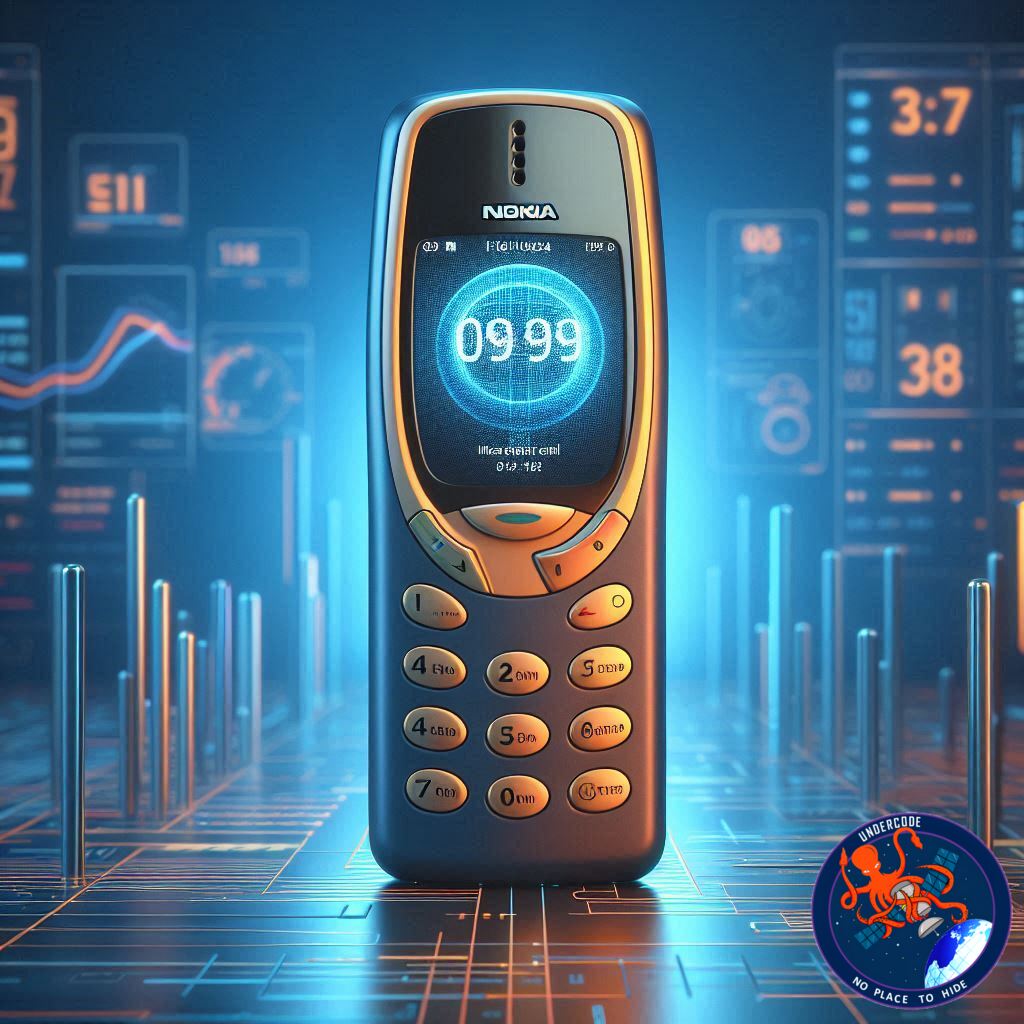
In today’s fast-paced digital world, smartphones have become an indispensable part of life. Yet, with endless notifications, social media alerts, and apps constantly demanding attention, our devices often feel more like distractions than tools. For many, especially elderly parents, the complexity of modern smartphones can be overwhelming. But there’s a clever solution: turning your smartphone into a simple, classic feature phone. This approach combines nostalgia, simplicity, and functionality—giving users the ease of old-school phones while keeping essential features like calls and messaging.
Simplifying Your Smartphone Experience
Modern smartphones are designed to do everything: social media, streaming, gaming, and more. While impressive, this overload can reduce focus, increase stress, and drain battery life quickly. By converting your smartphone into a feature phone, you can strip away unnecessary distractions. Only the essential functions remain, creating a calmer digital experience. This is particularly helpful for elderly users, who may find modern interfaces confusing and cumbersome.
The transformation is straightforward. Android users can install specialized launchers such as the “Nokia 1280 Launcher,” which mimics the look and functionality of classic feature phones. Once set as the default home screen, the device offers large buttons, simple navigation, and a clear focus on calls and messages. Notifications from social media and other apps can be limited or disabled entirely, helping users maintain concentration and enjoy longer battery life.
This method is not just about nostalgia—it’s a practical way to achieve digital wellness. For younger users, it can serve as a tool for digital detox, reducing screen time while keeping critical functions accessible. For elderly parents, it provides a familiar, easy-to-use interface without requiring extensive tech knowledge.
Step-by-Step Guide to Convert Your Smartphone
Open the Google Play Store on your Android smartphone.
Search for “Nokia 1280 Launcher” and download the app.
Grant the launcher all required permissions, including storage and phone access.
Navigate to Settings → Apps → Default Apps → Home App and select the Nokia 1280 Launcher as your default.
Restart your smartphone—upon reboot, it will now function like a classic feature phone.
With these steps, your smartphone’s interface transforms entirely, offering a distraction-free experience. Users can still make calls, send texts, and access a minimal set of apps, but the overwhelming complexity disappears.
What Undercode Say:
The trend of converting smartphones into feature phones highlights a broader shift in digital habits. Users are increasingly prioritizing simplicity and focus over endless connectivity. While smartphones are powerful, they can inadvertently increase cognitive load, stress, and screen fatigue. Simplified interfaces reduce decision fatigue and allow users to concentrate on meaningful interactions.
For elderly users, the benefits are clear. Many struggle with modern smartphone layouts, small text, and confusing menus. A feature phone interface provides larger buttons, straightforward navigation, and a familiar design—making daily communication easier. Importantly, this approach can extend battery life substantially. Classic-style interfaces require less background processing, fewer app notifications, and lower resource consumption, which can be critical for users who may forget to charge their phones regularly.
From a family perspective, this solution encourages safer, healthier digital habits. Younger family members can maintain essential connectivity with elderly parents while ensuring they are not overwhelmed by unnecessary apps. Psychologically, the reduction of constant notifications promotes calm, reduces stress, and increases engagement with real-world interactions.
Technically, launchers like the Nokia 1280 are lightweight and reliable. They retain core functionalities such as messaging, calls, and basic apps, ensuring that users are not entirely cut off from modern conveniences. At the same time, they provide a nostalgic experience reminiscent of older feature phones, which can evoke positive emotions and comfort.
Moreover, this trend reflects a growing desire for “digital minimalism.” Users across age groups are reevaluating their relationship with technology, seeking tools that support focus rather than distraction. For companies, this may inspire a new category of hybrid devices that combine simplicity, efficiency, and smartphone capabilities tailored for older adults or productivity-focused users.
Ultimately, converting a smartphone into a feature phone is more than a temporary gimmick—it’s a strategic approach to digital well-being. It offers a practical balance between essential connectivity and mental clarity, appealing to both tech-savvy users seeking a detox and elderly users needing accessibility.
🔍 Fact Checker Results:
✅ Nokia 1280 Launcher is available on Google Play Store.
✅ Feature phone mode can extend battery life and reduce distractions.
❌ This method does not remove all smartphone apps or notifications; some may still appear.
📊 Prediction:
📱 With increasing digital fatigue, feature phone interfaces may become a niche trend for both elderly users and productivity-focused adults.
🔋 Battery-efficient launchers could inspire more apps targeting minimalist digital experiences.
👴 Expect greater adoption among families aiming to provide safe and simple technology access to older generations.
🕵️📝✔️Let’s dive deep and fact‑check.
References:
Reported By: zeenews.india.com
Extra Source Hub (Possible Sources for article):
https://www.github.com
Wikipedia
OpenAi & Undercode AI
Image Source:
Unsplash
Undercode AI DI v2
Bing
🔐JOIN OUR CYBER WORLD [ CVE News • HackMonitor • UndercodeNews ]
📢 Follow UndercodeNews & Stay Tuned:
𝕏 formerly Twitter 🐦 | @ Threads | 🔗 Linkedin | 🦋BlueSky | 🐘Mastodon


