
Listen to this Post
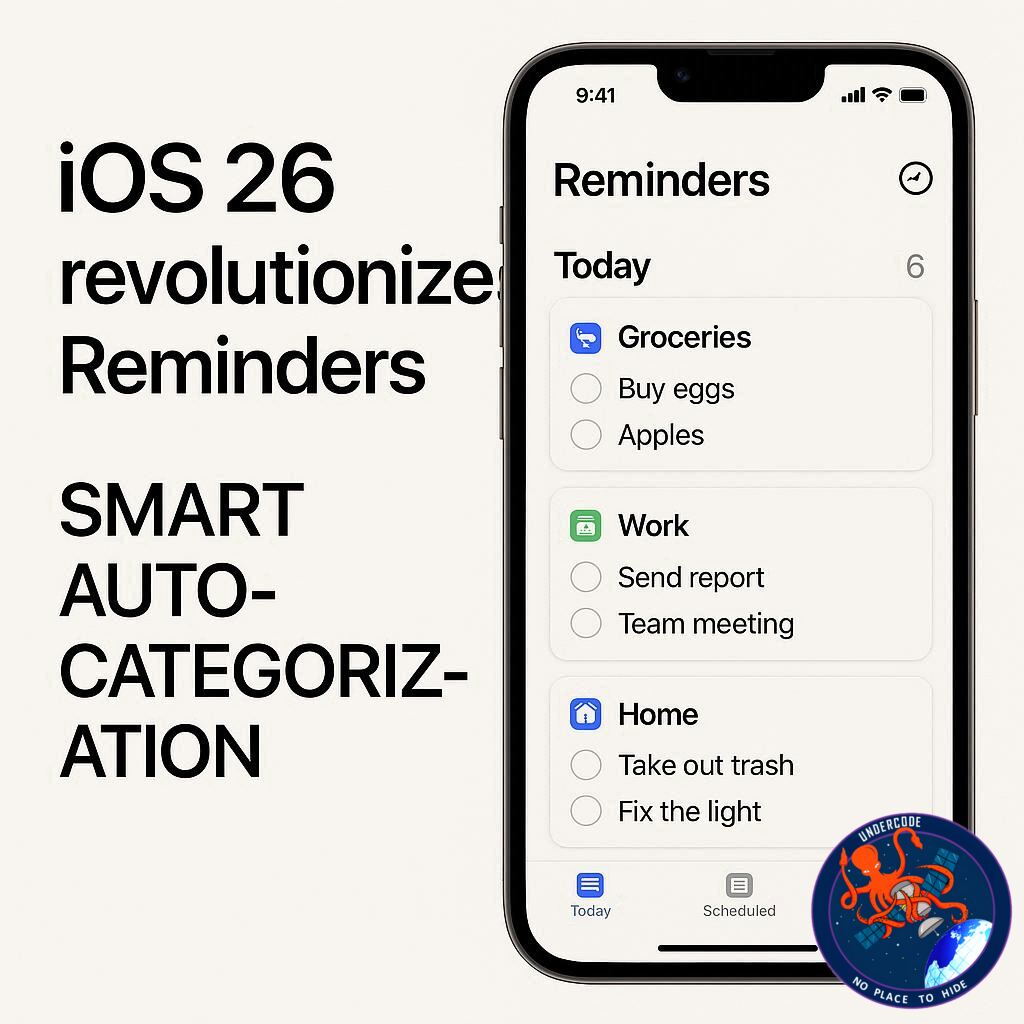
A Smarter Way to Stay Organized
Apple’s iOS 26 update is turning the humble Reminders app into a serious productivity powerhouse. While many task management tools overwhelm users with endless features and settings, Apple is taking the opposite approach — streamlining organization so you can focus on completing tasks rather than sorting them. The standout addition? Auto-Categorize, a feature powered by Apple Intelligence that can automatically group your to-dos into logical sections without you lifting a finger.
iOS 26’s Game-Changing Reminders Upgrade
With the new Auto-Categorize option, available on all devices supporting Apple Intelligence, you can take a cluttered, unorganized list of reminders and instantly sort them into neat categories. This isn’t about altering your task details — instead, it uses Reminders’ existing Sections feature to intelligently arrange them.
Previously, you could manually create sections like “Work” or “Home,” but now Apple Intelligence does the heavy lifting for you. Simply tap Auto-Categorize and watch as it organizes everything into relevant groups. For example, the AI might create sections like:
Work
Home
Health
Financial Tasks
Household and Maintenance
Miscellaneous and Other
Travel and Leisure
This new structure makes your lists more functional, especially if you’ve previously avoided them due to messy task layouts. Before iOS 26, many users relied solely on Today or Scheduled smart lists, ignoring others that lacked structure. Now, with Auto-Categorize, all lists become actionable and easy to navigate.
What Undercode Say: 🧠
From a usability perspective, Auto-Categorize in iOS 26 is a subtle yet impactful step toward AI-driven productivity management. By removing the manual work of organizing tasks, Apple is addressing one of the biggest friction points in digital to-do lists — the time spent managing instead of doing.
This is also a clever move in the broader AI integration race. Competitors like Google Tasks and Microsoft To Do have dabbled in automation, but Apple’s implementation feels seamless because it builds directly on an existing, simple system rather than reinventing it.
The sections created by AI are not only logical but context-aware, meaning they fit into your existing workflow without requiring a learning curve. That’s a big win for non-power users who might otherwise avoid advanced organization features.
There’s also a psychological benefit here — well-organized tasks encourage consistent use, creating a positive feedback loop where you’re more likely to engage with your lists daily. Over time, this can significantly boost personal productivity.
From a market perspective, iOS 26’s Reminders improvements could help Apple reclaim space from third-party productivity apps. If Apple continues to expand these AI-powered features — such as predictive scheduling or smart prioritization — Reminders could evolve from a “basic built-in app” to a serious contender in the productivity app space.
Another subtle strength lies in its cross-device synchronization. Auto-Categorize works seamlessly across iPhone, iPad, and Mac, making it equally useful whether you’re at your desk or on the go. In an era where people expect continuity between devices, this feature nails that expectation.
Lastly, the move reflects Apple’s broader AI strategy — integrating intelligence into everyday tools rather than making AI a separate, intimidating product. It’s the “quiet AI revolution” happening inside your pocket.
Fact Checker Results ✅
The Auto-Categorize feature is officially part of iOS 26.
It works only on devices supporting Apple Intelligence.
The AI sorts existing tasks into sections without altering task details.
🔮 Prediction
In future updates, Apple will likely expand Auto-Categorize with priority-based grouping and deadline-aware sorting, turning Reminders into a proactive assistant that not only organizes your tasks but also tells you which ones to tackle first. This could further reduce the need for third-party task managers and make Reminders the default choice for millions of iOS users.
🕵️📝✔️Let’s dive deep and fact‑check.
References:
Reported By: 9to5mac.com
Extra Source Hub:
https://www.instagram.com
Wikipedia
OpenAi & Undercode AI
Image Source:
Unsplash
Undercode AI DI v2
🔐JOIN OUR CYBER WORLD [ CVE News • HackMonitor • UndercodeNews ]
📢 Follow UndercodeNews & Stay Tuned:
𝕏 formerly Twitter 🐦 | @ Threads | 🔗 Linkedin | 🦋BlueSky | 🐘Mastodon


