
Listen to this Post
Introduction
Laptop sleep mode is one of those everyday features most people use without thinking twice. Close the lid, walk away, and trust that your work will be waiting exactly where you left it. But behind that convenience, a common question keeps surfacing: how much electricity does a laptop actually use while in sleep mode, and does relying on it daily harm the battery or the device itself? With energy costs rising and device longevity becoming more important than ever, understanding what really happens when your laptop “sleeps” matters more than it seems.
Understanding What Sleep Mode Really Does
When a laptop enters sleep mode, it does not fully power off. Instead, it shifts into a low-energy state designed to preserve your session while minimizing electricity use. The display shuts down completely, the processor halts active tasks, and storage drives remain idle. However, system memory stays powered so the operating system can instantly restore your open apps and files. This balance between power saving and instant usability is what makes sleep mode so widely adopted.
Power Consumption in Sleep Mode
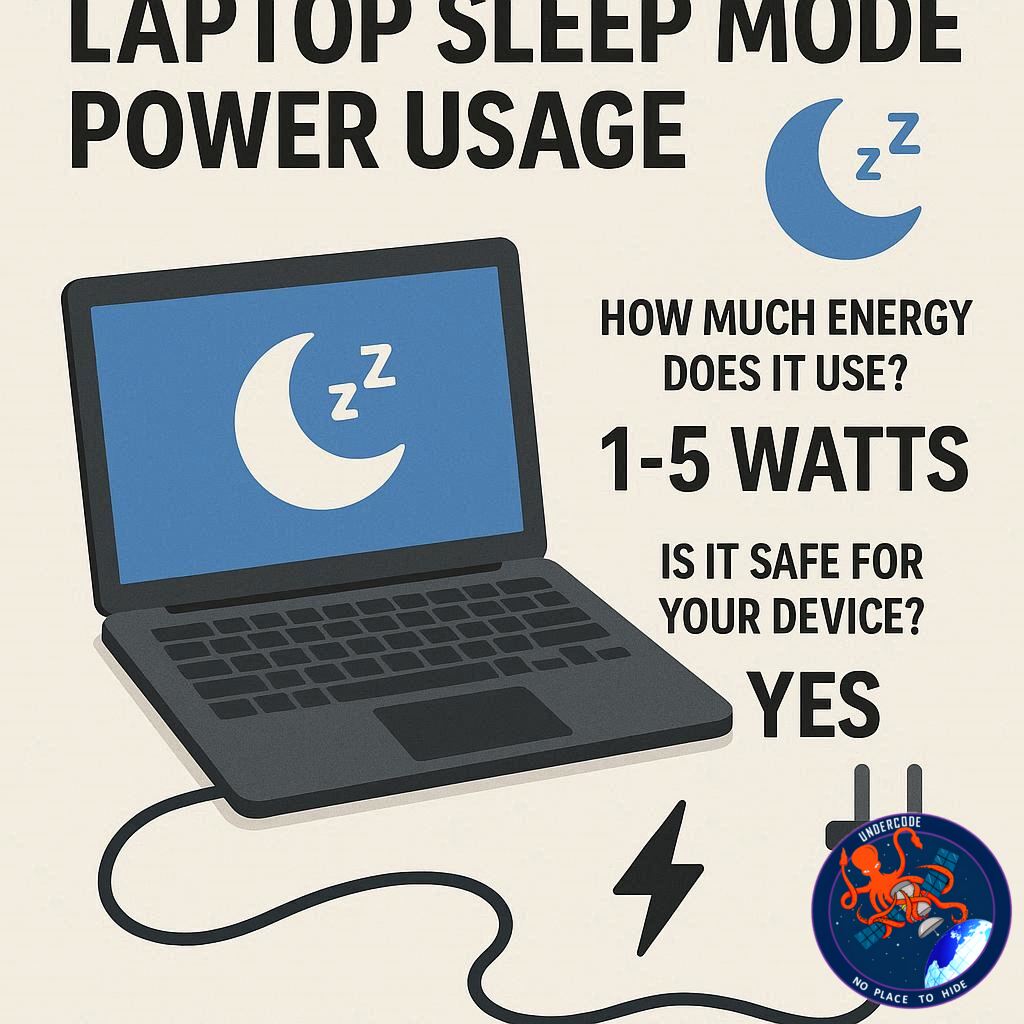
On average, a modern laptop in sleep mode consumes between 0.5 and 2 watts of power. This figure can vary depending on hardware design, operating system, and whether background features like network wake or Bluetooth remain enabled. Compared to active use—where laptops typically draw between 20 and 60 watts—sleep mode power usage is almost negligible. Over the course of an entire night, the electricity consumed is often so small it barely registers on a household power bill.
Why Sleep Mode Uses Any Power at All
The minimal power draw in sleep mode exists for one reason: memory retention. RAM requires continuous power to store session data. Without it, the system would need to fully reboot, defeating the purpose of sleep mode. Some laptops also maintain low-level connectivity to allow instant wake via keyboard, mouse, or network signals. While these features slightly increase power usage, they remain well within energy-efficient limits.
Sleep Mode Versus Full Shutdown
Shutting down a laptop cuts power consumption almost entirely, aside from tiny standby draw from chargers or power supplies. Sleep mode, on the other hand, trades a small amount of energy use for convenience. It allows instant resume without waiting for boot sequences or reopening applications. For short breaks, daily use, or overnight pauses, sleep mode is far more efficient than leaving a laptop fully powered on and far more convenient than repeated shutdowns.
The Convenience Factor for Daily Users
For students, professionals, and creators, sleep mode saves time and mental friction. Picking up exactly where you left off can make a noticeable difference in productivity. This is why operating systems are heavily optimized around sleep states, ensuring fast wake times and stable performance even after frequent transitions.
Impact on Internal Components
From a hardware perspective, sleep mode is generally beneficial. Reduced activity means less heat generation, which lowers stress on components such as processors, graphics units, and cooling fans. Over time, minimizing heat cycles can help extend the lifespan of internal parts. Modern laptops are engineered to handle thousands of sleep-wake cycles without degradation.
Effects on Battery Health
Battery health is a common concern when discussing sleep mode. Because power usage is extremely low, battery drain happens slowly. Using sleep mode overnight typically results in only a small percentage drop. However, leaving a laptop in sleep mode for several days without charging can fully discharge the battery. Deep discharge is not ideal for lithium-ion batteries, so extended inactivity is better handled with a full shutdown.
Does Sleep Mode Cause Long-Term Wear?
There is no strong evidence that regular sleep mode usage harms laptops. In fact, compared to leaving a device running continuously, sleep mode reduces wear on moving parts and thermal components. The key is balance: occasional restarts help maintain system stability, while sleep mode handles daily pauses efficiently.
When Sleep Mode Is Not the Best Choice
There are situations where sleep mode should be avoided. If a laptop will not be used for several days, shutting it down is recommended. Major operating system updates also require full restarts to apply correctly. Restarting periodically helps clear temporary files, refresh system memory, and resolve minor performance issues that can build up over time.
Sleep Mode and Energy Efficiency
From an energy-saving perspective, sleep mode is a smart compromise. It dramatically cuts power usage compared to active operation while avoiding the repeated energy spikes associated with frequent cold boots. For households and offices aiming to reduce unnecessary electricity consumption, encouraging sleep mode instead of idle running can make a meaningful difference.
The Role of Modern Operating Systems
Today’s operating systems are designed with advanced power management in mind. They dynamically control which components remain active during sleep, optimizing energy efficiency without sacrificing responsiveness. Firmware-level improvements have also reduced issues like random battery drain or failed wake-ups that were more common in older laptops.
Summarizing the Core Takeaways
Sleep mode keeps essential system memory powered while shutting down most components.
Power consumption typically ranges from 0.5 to 2 watts.
It is significantly more efficient than leaving a laptop fully on.
Regular use does not harm laptop hardware or battery health.
Extended inactivity is better handled with a full shutdown.
What Undercode Say:
Sleep mode represents a practical intersection of usability and efficiency, but it also reflects a broader trend in personal computing: devices are no longer meant to be either fully on or fully off. Instead, they operate across a spectrum of power states optimized for modern lifestyles. As remote work, mobile productivity, and always-connected workflows become standard, sleep mode acts as a silent enabler of frictionless computing.
From an engineering standpoint, the low power draw of sleep mode highlights how far energy optimization has progressed. Ten years ago, standby power waste was a genuine concern. Today, sub-2-watt sleep states are a testament to improved silicon design, smarter firmware, and operating systems that understand user behavior patterns.
There is also an environmental angle often overlooked. Multiplied across millions of laptops worldwide, even small reductions in idle power usage translate into substantial energy savings. Sleep mode, when used consistently, contributes to lower aggregate electricity demand without requiring users to sacrifice convenience.
However, reliance on sleep mode alone is not a complete maintenance strategy. Periodic shutdowns and restarts remain important for software hygiene. Background processes, memory fragmentation, and pending updates all benefit from a clean reboot. The healthiest usage pattern combines daily sleep mode with occasional full shutdowns.
Battery longevity deserves special mention. While sleep mode is safe, users should be mindful of extended sleep periods. Allowing a battery to drain completely due to prolonged inactivity can shorten its overall lifespan. This is less about sleep mode itself and more about user habits surrounding charging and storage.
Ultimately, sleep mode is not just safe—it is recommended. It reflects how laptops are intended to be used in real life, adapting to stop-and-go schedules without wasting energy or stressing components. The key is informed usage: knowing when to sleep, when to shut down, and when to restart.
Fact Checker Results
Power consumption figures align with commonly cited ranges for modern laptops. ✅
Claims about battery safety are consistent with lithium-ion battery behavior. ✅
Recommendation to shut down during long inactivity matches industry best practices. ✅
Prediction
Laptop sleep modes will become even more energy-efficient as hardware advances. 🔮
Future systems may enter near-zero power states without sacrificing instant resume. ⚡
User awareness around smart power habits will grow as energy costs increase. 🌱
🕵️📝✔️Let’s dive deep and fact‑check.
References:
Reported By: zeenews.india.com
Extra Source Hub (Possible Sources for article):
https://www.instagram.com
Wikipedia
OpenAi & Undercode AI
Image Source:
Unsplash
Undercode AI DI v2
Bing
🔐JOIN OUR CYBER WORLD [ CVE News • HackMonitor • UndercodeNews ]
📢 Follow UndercodeNews & Stay Tuned:
𝕏 formerly Twitter 🐦 | @ Threads | 🔗 Linkedin | 🦋BlueSky | 🐘Mastodon


