
Listen to this Post
🎯 Introduction: Lighting Meets Innovation
Apple’s macOS 26.2 update isn’t just about speed improvements or background tweaks. It’s introducing something far more creative — a subtle yet transformative feature called Edge Light. Designed for modern professionals who live on video calls, this new tool transforms your Mac’s display into a ring light, enhancing your on-screen presence without any external hardware. It’s Apple’s latest move to merge practical aesthetics with intelligent machine learning, redefining how light interacts with human faces during digital communication.
💡 The Rise of Edge Light in macOS 26.2
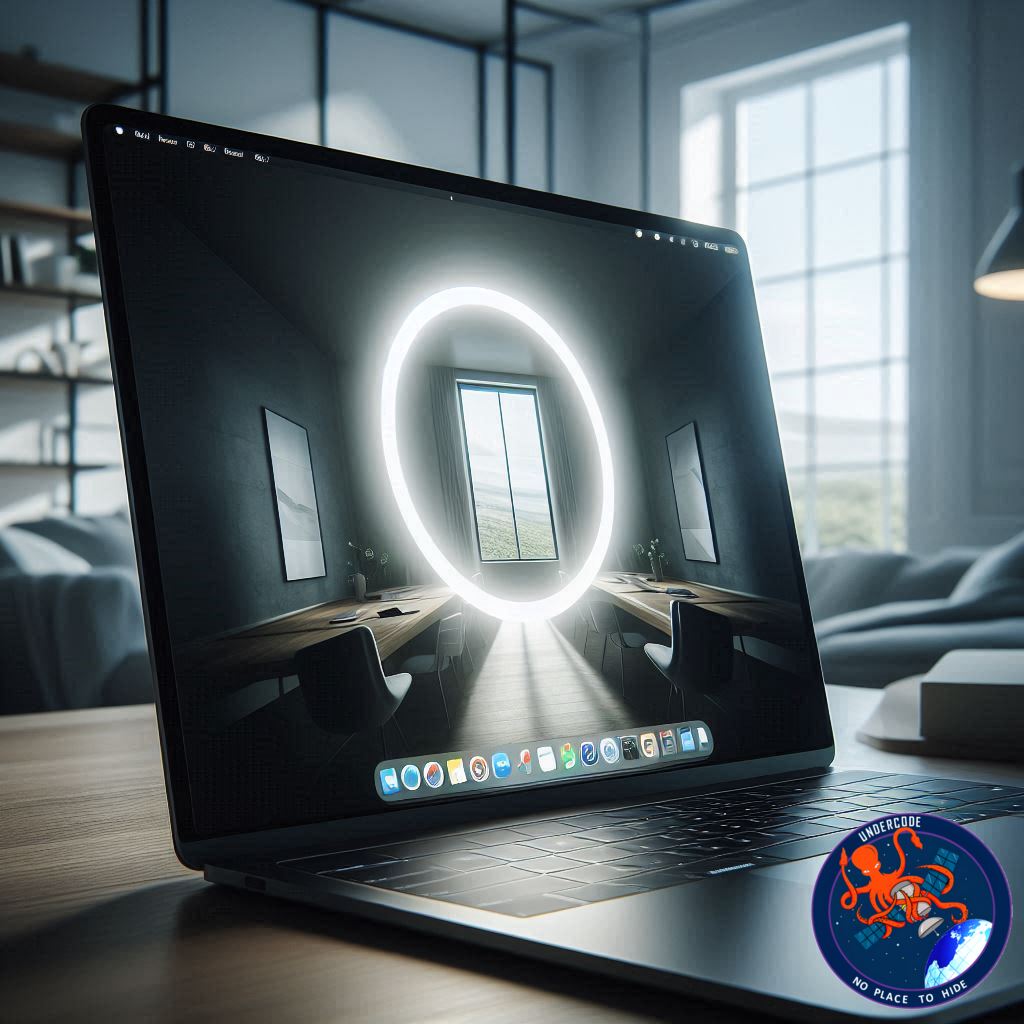
Apple’s second developer beta for macOS 26.2 has officially rolled out, and developers are already exploring the fresh set of features tucked inside. Among these, Edge Light stands out as one of the most user-centric innovations. This feature essentially converts your Mac’s display border into a soft, bright white glow that acts like a professional ring light. It brightens your face during video calls, improves clarity in dimly lit spaces, and adds that polished look usually reserved for dedicated lighting equipment.
The magic lies in how intelligently it operates. According to early reports, Apple’s Neural Engine takes charge of real-time adjustments. It detects your face, determines its position and size, then automatically calibrates the lighting to suit your environment. This isn’t just a cosmetic trick; it’s a calculated, adaptive system designed to make video presence effortless and natural.
Edge Light works across all Macs equipped with Apple Silicon chips — from the M1 to the latest M3 processors. It integrates seamlessly with both built-in and external webcams, meaning you won’t need to juggle different lighting setups or devices. The feature will be accessible directly within FaceTime, sitting alongside Apple’s existing visual tools like Portrait Mode, Studio Light, and Voice Isolation.
For now, Edge Light is limited to the developer beta of macOS 26.2. If Apple’s release cycle continues on schedule, users can expect to see the public rollout in December, aligning with the broader macOS 26 family of updates.
⚙️ How to Try macOS 26.2 Beta
To access Edge Light right now, you’ll need to register with Apple’s Developer Program or Beta Software Program. Once enrolled, back up your data — a critical precaution before installing any beta version. From there, navigate to Settings > General > Software Updates > Beta Updates to download macOS 26.2. Developer users should also enable Developer Mode prior to installation.
Public beta testers can expect a more stable experience, as developer betas often contain performance bugs and unrefined features. Apple cautions users against installing early versions on personal or work-critical devices, emphasizing that developer betas are primarily for testing compatibility and stability.
For most users, patience is the better choice. Waiting for the public beta or official release ensures you’ll experience Edge Light as it’s meant to be — stable, fluid, and fine-tuned.
🧩 Why Edge Light Matters
Video communication has become a central part of modern work and life. Poor lighting can distort color tones, flatten facial features, and make even high-quality cameras underperform. Edge Light eliminates that friction. Instead of buying an external ring light or relying on uneven room lighting, your Mac display itself becomes the illumination source.
It’s a quiet revolution for remote workers, educators, and creators who spend hours in digital meetings or content creation. Apple’s design philosophy here is evident: reduce dependency on accessories, and integrate intelligence directly into the ecosystem.
What Undercode Say:
Edge Light isn’t just a minor update — it’s a statement about Apple’s design direction. The company continues to refine the harmony between hardware and software, using the power of machine learning to make user experiences smoother and more natural.
At a deeper level, Edge Light reflects a growing trend in personal computing — ambient intelligence. Devices are learning not just to respond, but to anticipate needs. By detecting lighting conditions and user placement, macOS 26.2 bridges the gap between aesthetics and automation. It’s a reminder that technology can elevate even the simplest human activity — being seen.
There’s also an underlying business logic. Apple has long understood that perceived quality drives loyalty. When your video calls consistently look better on a Mac than on a PC, that impression quietly reinforces brand superiority. Small innovations like this build cumulative value that’s hard to replicate.
However, from a technical standpoint, Edge Light’s efficiency will depend on display brightness control and thermal management. Prolonged use of bright screen edges could potentially affect battery life or heat output, especially on portable MacBooks. Apple’s adaptive algorithms will need to balance lighting performance with power efficiency — a delicate equation that only becomes clear after extensive user testing.
From a broader industry perspective, this is Apple’s way of redefining digital self-presentation. Video conferencing tools like Zoom and Google Meet have already integrated virtual enhancements, but Apple’s advantage lies in deep system integration. Instead of relying on software filters, it leverages hardware-level calibration that feels more organic and consistent.
There’s also a subtle emotional factor. Lighting has psychological effects — it influences confidence, tone, and how others perceive us. By embedding lighting intelligence into macOS, Apple is indirectly reshaping digital body language. That’s not just innovation; that’s behavioral engineering through design.
Looking ahead, it’s likely that Edge Light will expand beyond FaceTime. It could soon integrate into Photo Booth, QuickTime recording, or even third-party platforms like Zoom and Teams via API access. Once refined, it may evolve into a full “Adaptive Lighting Suite” that synchronizes across macOS and iOS, creating unified visual consistency across Apple devices.
In essence, Edge Light symbolizes Apple’s evolution into a context-aware ecosystem — where every pixel, sensor, and algorithm collaborates to enhance the human side of technology.
🔍 Fact Checker Results
✅ Edge Light confirmed as part of macOS 26.2 developer beta.
✅ Compatible with Apple Silicon Macs (M1 and newer).
✅ Official public release expected by December 2025.
📊 Prediction
💡 Expect Edge Light to become a standard across macOS apps by mid-2026.
📱 Apple could expand this adaptive lighting concept to iPads and iPhones.
🔋 Future updates may include “Eco-Light” modes to preserve battery life while maintaining visual clarity.
🕵️📝✔️Let’s dive deep and fact‑check.
References:
Reported By: www.zdnet.com
Extra Source Hub (Possible Sources for article):
https://www.instagram.com
Wikipedia
OpenAi & Undercode AI
Image Source:
Unsplash
Undercode AI DI v2
Bing
🔐JOIN OUR CYBER WORLD [ CVE News • HackMonitor • UndercodeNews ]
📢 Follow UndercodeNews & Stay Tuned:
𝕏 formerly Twitter 🐦 | @ Threads | 🔗 Linkedin | 🦋BlueSky | 🐘Mastodon


