
Listen to this Post
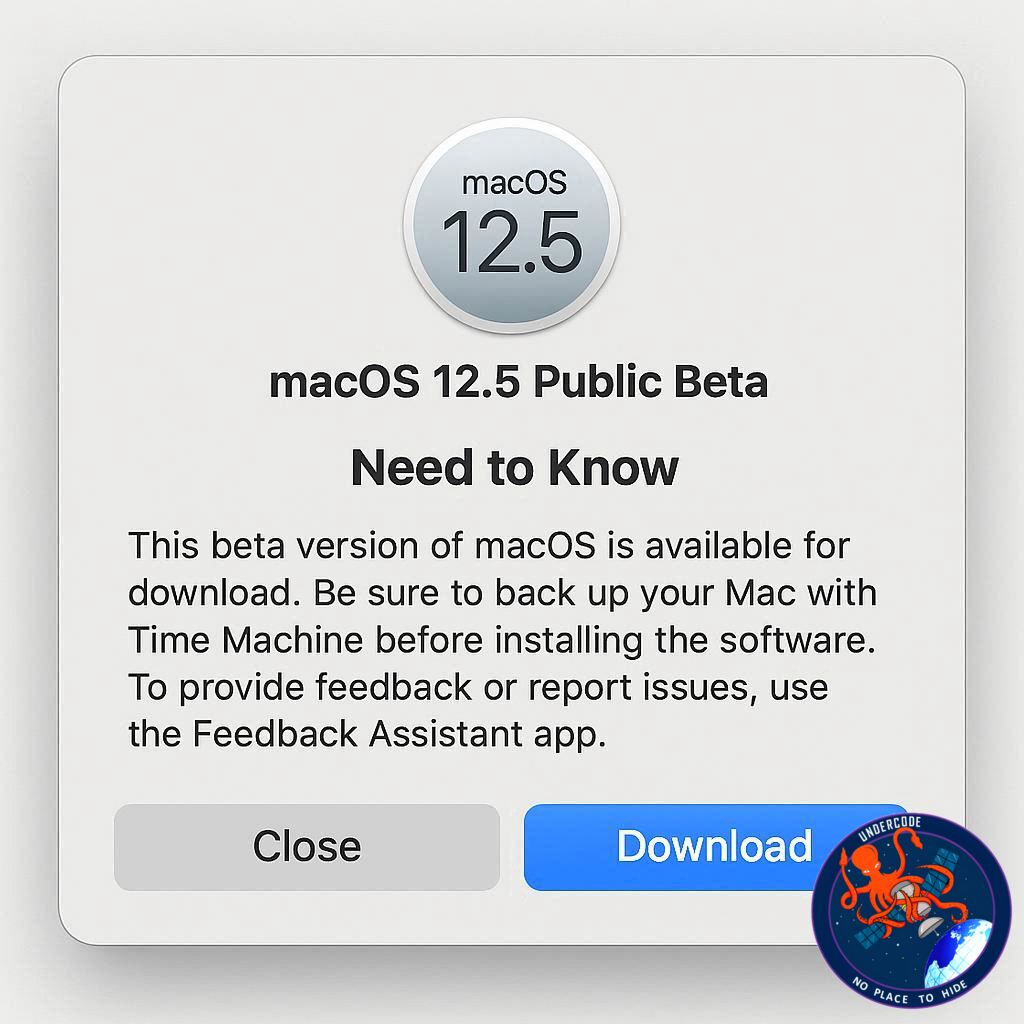
Apple has just released the first public beta of macOS 26.5, giving Mac users a chance to test the latest updates ahead of the official launch. While the developer beta dropped earlier this week, the public beta invites a broader audience to explore improvements and changes. Unlike some previous releases, this version leans more toward refinement than flashy new features, offering a smoother, more stable experience for everyday users. Here’s a detailed look at what macOS 26.5 brings and what it means for Mac enthusiasts.
A Quieter Update Compared to macOS 26.4
macOS 26.5 appears to be a modest upgrade when compared with macOS 26.4, which introduced several notable enhancements. The last update brought features like the Charge Limit function, the return of Safari’s compact tab view, and early alerts for the phasing out of Rosetta. In contrast, 26.5 seems focused primarily on bug fixes and performance improvements rather than introducing any major new capabilities.
While iOS 26.5 developer beta rolled out new features such as Live Activities for third-party accessories, Apple Maps suggested locations, and RCS end-to-end encryption, macOS 26.5 remains low-key. It is, however, possible that future beta iterations could add more features ahead of the official release, which is expected to be the final significant update before WWDC26 and the announcement of macOS 27.
The current release build of the macOS 26.5 public beta is 25F5042g, identical to the developer beta, ensuring that public testers receive the same experience.
Installing macOS 26.5 Public Beta 1
For users interested in testing the new beta, here’s how to get started:
Enroll in Apple’s public beta program at https://beta.apple.com/
Open System Settings on your Mac
Navigate to General → Software Update
Click the ‘i’ icon next to Beta Updates
From the dropdown menu in the top-right, select macOS Tahoe 26 Public Beta
Hit ‘Done’ and wait for the installation
Once installed, users are encouraged to explore and share any noticeable changes or improvements in the beta.
What Undercode Says: Deep Dive Analysis
Stability Over Innovation
macOS 26.5’s first public beta is a clear example of Apple prioritizing system stability over adding headline-grabbing features. By addressing bugs and optimizing performance, Apple ensures smoother day-to-day usage, which is critical for professionals who rely on Mac systems for productivity.
Strategic Timing Ahead of WWDC26
The timing of this release suggests Apple is preparing the platform for WWDC26. By limiting major features, Apple can reserve more significant announcements and innovations for macOS 27. This approach keeps the developer and user communities focused on incremental improvements while building anticipation for the next major update.
Focus on Core Mac Ecosystem
Though less flashy, macOS 26.5 reinforces Apple’s commitment to maintaining a seamless ecosystem. Updates like Safari tweaks and stability improvements may not make headlines, but they enhance compatibility across Apple devices, especially as iOS and macOS features converge.
Incremental User Experience Enhancements
While no new features were introduced, performance improvements can significantly impact user experience. Faster app launches, smoother window management, and fewer crashes help users feel more confident in their workflow, particularly for those running intensive applications like Final Cut Pro or Xcode.
Beta Testing as a Feedback Loop
Public betas allow Apple to receive real-world feedback, identifying issues that internal teams may miss. The involvement of a larger audience helps the company pinpoint bugs in varied hardware configurations, ensuring a more robust final release.
Comparison With Previous Updates
macOS 26.4 brought visible, user-facing changes that drew immediate attention. By contrast, 26.5’s quieter release emphasizes refinement. Apple seems to be alternating between feature-heavy and performance-heavy updates, striking a balance between innovation and reliability.
Preparing for Future Features
The lack of new features now doesn’t rule out surprises in later beta releases. Apple has historically added tweaks and enhancements as public beta cycles progress, which could include minor but useful utilities or UI adjustments.
Developer Perspective
For developers, the public beta offers insight into system-level improvements that can affect app performance. Testing applications on the latest OS ensures compatibility and allows developers to adapt ahead of the full rollout.
Security Considerations
Although the beta doesn’t boast new features, it may include under-the-hood security enhancements. Keeping macOS up-to-date is essential for protecting against vulnerabilities and ensuring encrypted communications remain secure.
Device Compatibility and Performance
Older Macs may benefit most from this update due to optimizations targeting stability and efficiency. By focusing on refinement, Apple ensures even legacy devices continue to deliver reliable performance without sacrificing new capabilities.
Fact Checker Results ✅❌🔍
✅ macOS 26.5 public beta is primarily a bug-fix and stability-focused release.
❌ It does not currently include major new features like iOS 26.5, such as Live Activities or RCS encryption.
✅ Installation requires enrollment in Apple’s public beta program and accessing the Software Update menu.
Prediction 📊
macOS 26.5 is likely a preparatory step for macOS 27. Expect the final release to focus on polishing the user experience and addressing any lingering bugs from 26.4. As the WWDC26 event approaches, Apple may hold back more exciting features for the next major iteration. Early adoption of the public beta could give users a smoother transition to future updates and a head start in adapting to minor system optimizations.
If you want, I can also create a catchy, SEO-friendly meta description and social media preview text for this article to maximize engagement. Do you want me to do that next?
🕵️📝✔️Let’s dive deep and fact‑check.
References:
Reported By: 9to5mac.com
Extra Source Hub (Possible Sources for article):
https://www.github.com
Wikipedia
OpenAi & Undercode AI
Image Source:
Unsplash
Undercode AI DI v2
Bing
🔐JOIN OUR CYBER WORLD [ CVE News • HackMonitor • UndercodeNews ]
📢 Follow UndercodeNews & Stay Tuned:
𝕏 formerly Twitter 🐦 | @ Threads | 🔗 Linkedin | 🦋BlueSky | 🐘Mastodon


