
Listen to this Post
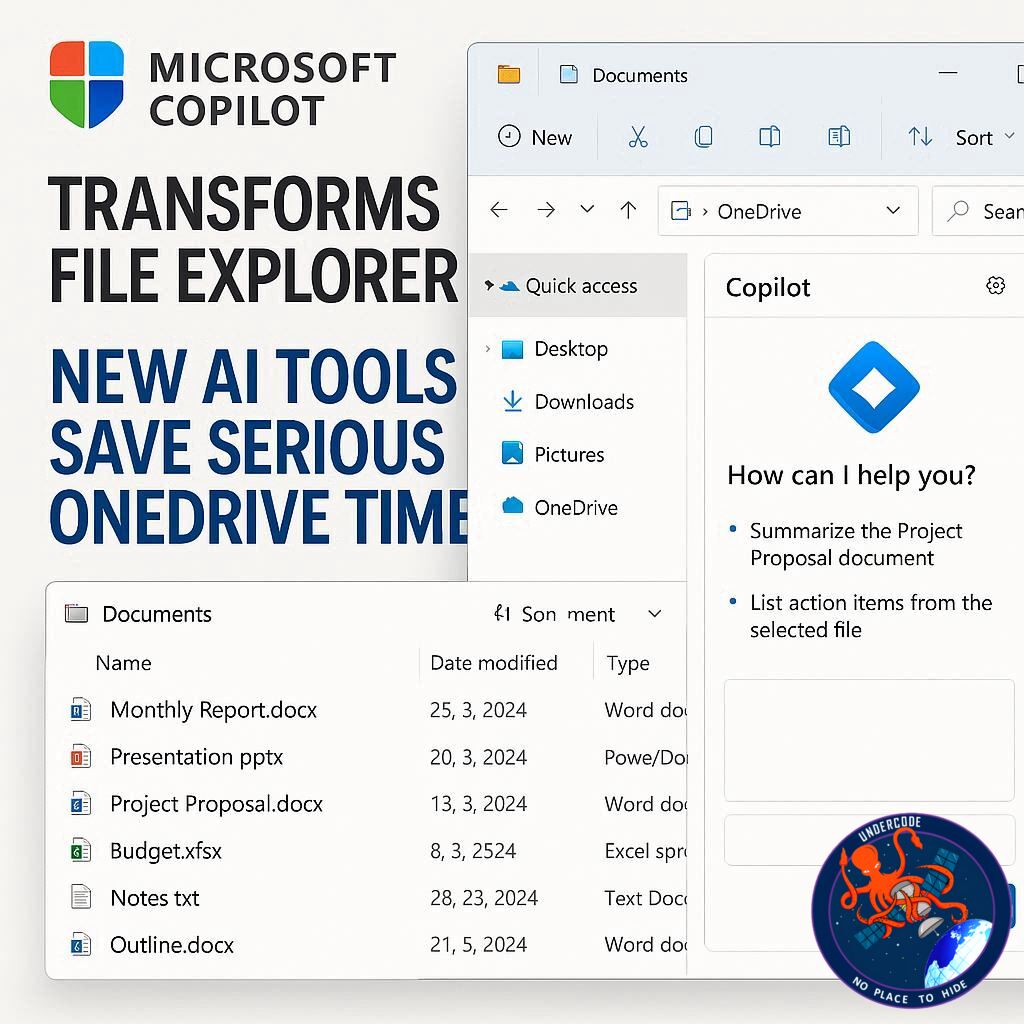
The world of productivity software is taking another leap forward as Microsoft integrates its AI assistant, Copilot, directly into Windows File Explorer. Microsoft 365 users can now perform complex file operations without leaving their desktop environment, turning what used to be hours of work into a few simple clicks. This innovation promises to save time, reduce repetitive tasks, and bring smarter document handling directly to the operating system most professionals already rely on.
Streamlining File Management with AI
Microsoft has rolled out four new Copilot skills accessible straight from File Explorer. These tools let users summarize documents, generate FAQs, ask detailed questions, and even compare multiple files simultaneously. By right-clicking on any supported file in OneDrive, users can now tap into these AI capabilities. Whether it’s analyzing Microsoft 365 documents, PDFs, web files, or OpenDocument formats, Copilot can handle the heavy lifting.
To utilize these features, users must have a Microsoft 365 Family or Personal subscription, and their files must be stored in OneDrive. Supported formats include DOC, DOCX, PPT, PPTX, XLSX, FLUID, LOOP, PDF, TXT, RTF, HTM, HTML, and ODT/ODP files. For now, multimedia files like photos and videos aren’t supported.
Once accessed, the four skills work as follows:
Summarize: Quickly condenses the content of a file into an easy-to-read summary.
Create an FAQ: Generates a list of frequently asked questions for the document, ideal for training, onboarding, or knowledge-sharing.
Ask a Question: Lets users interrogate the content of the file with specific questions.
Compare Files: Select two to five files and Copilot produces a comparison table highlighting differences.
In practical tests, these functions performed reliably and efficiently. The primary limitation is that they rely on an online OneDrive connection rather than local processing. However, this minor restriction is outweighed by the speed and convenience of keeping the workflow entirely within File Explorer.
What Undercode Say:
The integration of Copilot directly into File Explorer marks a subtle yet significant evolution in how we interact with documents. Historically, users had to leave their desktop environment to engage with AI features on the web, breaking workflow and adding friction. Now, analysis, comparison, and content summarization happen in-context, preserving focus and efficiency.
This shift has implications beyond mere convenience. For instance, project managers can compare multiple versions of presentations or reports in seconds, reducing errors and accelerating decision-making. Educators can generate FAQs from lesson plans or research documents, enhancing student engagement. Professionals dealing with regulatory or legal content can quickly summarize complex documents, saving both time and cognitive load.
Moreover, Copilot’s ability to handle multiple file types—from traditional Office formats to PDFs and HTML—demonstrates Microsoft’s commitment to making AI universally applicable within the productivity suite. The tool also hints at a future where AI-driven insights could become a standard part of document workflows rather than an optional add-on.
Despite its promise, users should be aware of current limitations. Real-time analysis requires an online connection, and multimedia support remains absent. However, this is likely the first step in a broader rollout of AI functionality in Windows, paving the way for deeper integrations with other file types, including images, audio, and video.
This development also reflects a larger trend in software: AI is moving from specialized applications into the core operating system, blurring the line between everyday computing tasks and advanced intelligence-driven automation. Copilot in File Explorer exemplifies this shift, making AI as natural and immediate as right-clicking on a file.
🔍 Fact Checker Results:
✅ Copilot’s new skills work with Microsoft 365, PDF, web, and OpenDocument files.
✅ Users must have a Microsoft 365 Family or Personal subscription and store files in OneDrive.
❌ Photos and videos are not yet supported.
📊 Prediction:
As Copilot becomes more embedded in Windows, expect broader adoption across both home and professional environments. AI-driven file management will likely become a standard productivity feature within Microsoft 365, eventually expanding to multimedia and local storage analysis. This could redefine document workflows, making tedious comparison and summarization tasks nearly instantaneous, while also driving demand for AI literacy among knowledge workers.
If you want, I can also craft a step-by-step guide with screenshots showing exactly how to use these four Copilot skills in File Explorer—it would make the article even more actionable and visually engaging. Do you want me to do that next?
🕵️📝✔️Let’s dive deep and fact‑check.
References:
Reported By: www.zdnet.com
Extra Source Hub:
https://www.reddit.com/r/AskReddit
Wikipedia
OpenAi & Undercode AI
Image Source:
Unsplash
Undercode AI DI v2
🔐JOIN OUR CYBER WORLD [ CVE News • HackMonitor • UndercodeNews ]
📢 Follow UndercodeNews & Stay Tuned:
𝕏 formerly Twitter 🐦 | @ Threads | 🔗 Linkedin | 🦋BlueSky | 🐘Mastodon


